

Capture Notes: Pin Screenshot APK
4.02.15
Capture Notes: Pin Screenshot
Capture Notes: Pin Screenshot APK
Download for Android
Capture Notes
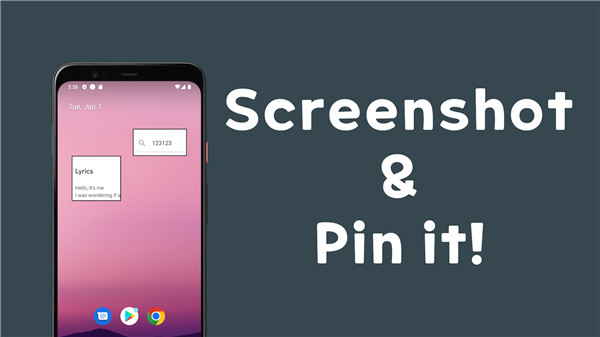
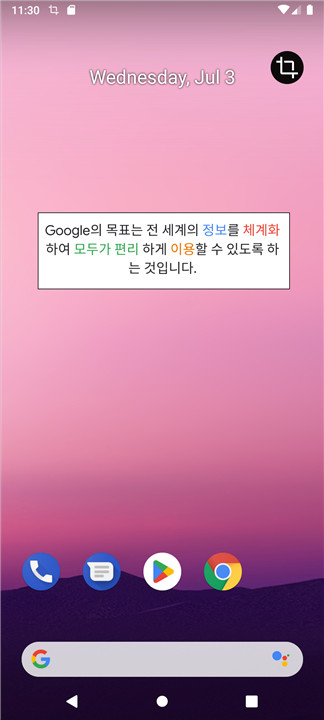
The Capture Notes feature allows you to effortlessly take screenshots and showcase them on your device, or you can pin specific images or text directly to your smartphone screen. This tool is especially handy for having crucial information readily available without the hassle of toggling between various apps or sifting through files.
Float on Screen
+ Capture and Pin to the Screen:
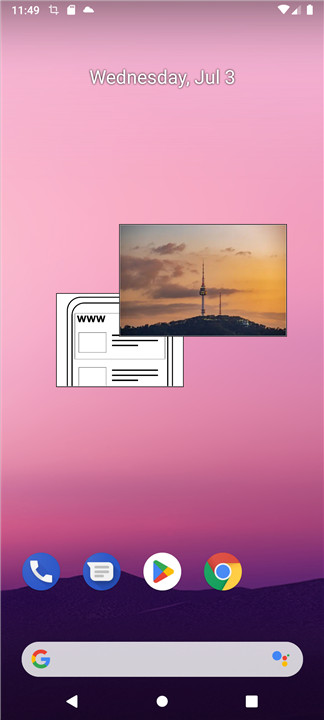
Easily take a screenshot of any content on your device and pin it to your screen. This is particularly useful for referencing information while multitasking.
+ Take a Photo with the Camera and Pin It on the Screen:
Utilize your device's camera to snap a photo and pin it to your screen. This is perfect for keeping a visual reminder of important items, like a meeting agenda or a product you’re considering.
+ Pin an Image from a Gallery:
Choose an image from your device's gallery and pin it to your screen. This feature is great for showcasing personal photos, essential documents, or any images you need quick access to.
+ Pin a Text:
You can also pin text directly to your screen, whether it’s a note, a quote, or any other text you want to keep in view.
+ Pin a Text After Recognizing It in the Image:
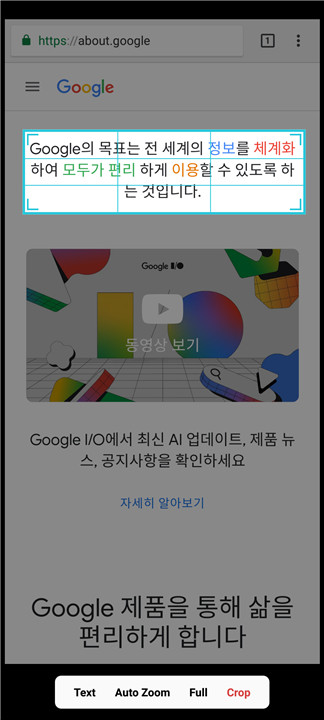
Leverage OCR (Optical Character Recognition) technology to extract text from an image and pin it to your screen. This is an excellent way to quickly copy text from documents or signs.
Notes
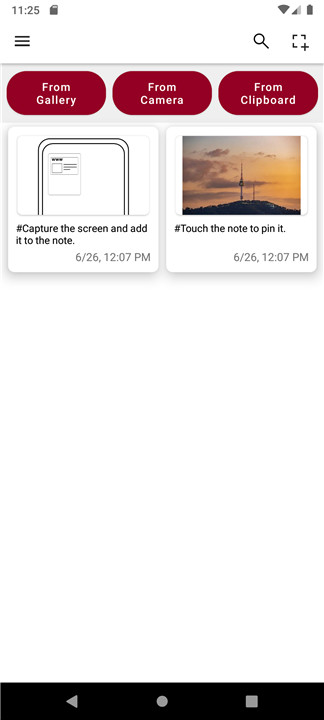
Captured images and text can be stored for later use, enabling you to access them whenever necessary. This feature helps you maintain a collection of vital visuals and information right at your fingertips.
When to Use It?
- When You Don’t Want to Memorize a Note:
Instead of relying on your memory, pin a note to your screen to ensure it’s always available when you need it.
- When You Just Want to Keep a Picture of Someone You Like on the Screen:
Use this feature to showcase a cherished photo or image, keeping it in view throughout your day.
Necessary Permissions
+ Display Over Other Apps:
This permission enables the app to show content on top of other applications, keeping your pinned notes and images in view.
+ Notification:
The app may require access to notifications to deliver updates and alerts concerning your saved content.
+ Storage (Android 9 and Below):
For devices operating on Android 9 or earlier, the app needs storage permission to save and retrieve captured images and text. This permission is not necessary for devices with Android 10 and later due to modifications in the Android permission framework.
FAQ
Q: What is the Capture Notes feature?
A: The Capture Notes feature allows you to effortlessly take screenshots and showcase them on your device. You can also pin specific images or text directly to your smartphone screen. This tool is especially handy for having crucial information readily available without the hassle of toggling between various apps or sifting through files.
Q: Can I store captured images and text for later use?
A: Yes, captured images and text can be stored for later use. This feature helps you maintain a collection of vital visuals and information right at your fingertips.
Q: Can I edit or delete pinned content?
A: Yes, you can usually edit or delete pinned content. Once you have pinned an image or text, look for an edit or delete option within the app. This might be a small icon or a menu that appears when you tap on the pinned content.
-----------------
What's New in the Latest Version 4.02.15
Last updated on Feb 17, 2025
Screenshot and Pin it. Download the latest version of Capture Notes: Pin Screenshot 4.02.15 to enjoy new features and updates immediately!
- Fixed Dark theme issue.
- Added feature to change the order of popup menus
- Added feature to shortcut popup menus









Ratings and reviews
There are no reviews yet. Be the first one to write one.