

ScanBridge: Intuitive Scanning APK
1.6.2
ScanBridge: Intuitive Scanning
ScanBridge: Intuitive Scanning APK
Download for Android
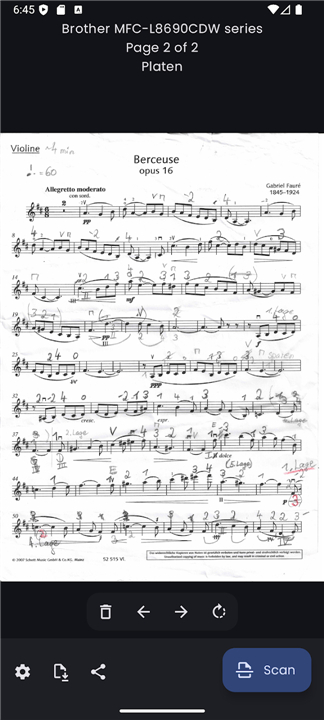
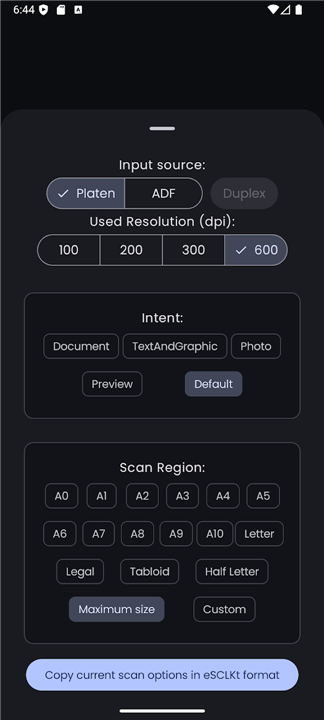
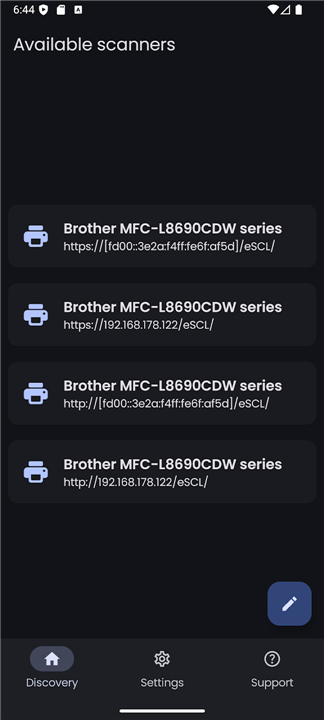
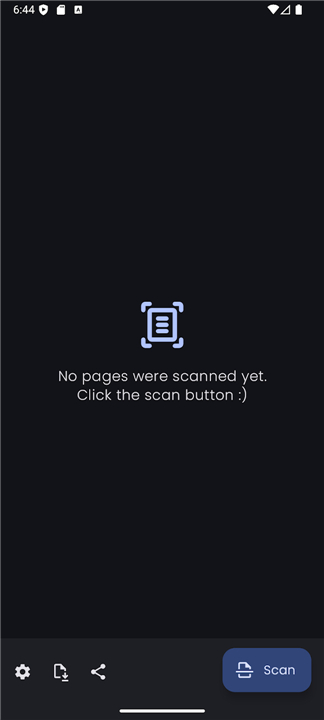
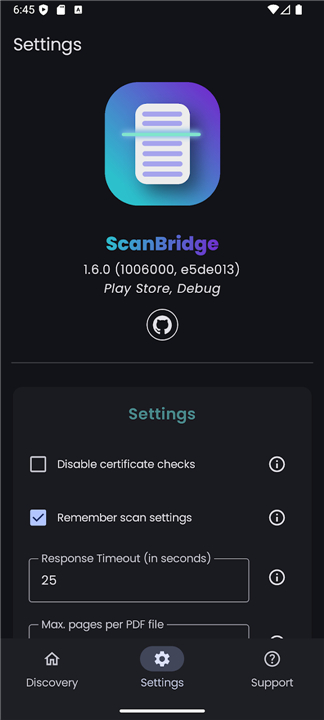
ScanBridge: Intuitive Scanning Made Simple
Overview
• If you’ve ever struggled with slow, unstable, or overly complicated scanner apps bundled by printer manufacturers, you know how frustrating scanning can be.
• ScanBridge was created to solve that problem.
• It’s a fast, dependable Android app that works with almost any network scanner that supports the AirScan / eSCL standard — no drivers, no extra software, and no complicated setup required.
• One app, one unified experience, across all your devices.
• With ScanBridge, scanning feels modern again.
• Clunky interfaces and limited features are replaced with a clean, intuitive design that makes scanning as easy as it should be.
Key Features
1. Automatic Scanner Discovery
• ScanBridge instantly detects eSCL-compatible scanners on your local network.
• No manual IP entry or technical knowledge is needed.
2. Flexible Multi-Page Scanning
• Scan multiple pages in one session, reorder them, and remove unwanted pages before saving.
3. Full Control of Scanner Settings
• Adjust key parameters such as input source (flatbed or document feeder), resolution, duplex scanning, scanning area dimensions, and more to get exactly the results you need.
4. Versatile Output Options
• Save scans as PDFs or image files (JPEG, PNG) and share them directly with other apps or cloud services.
5. Modern, User-Friendly Design
• Built with Google’s Material You design language for a visually appealing, streamlined interface.
Privacy and Open-Source Commitment
• Open-source software with a transparent codebase.
• No ads, no tracking, and no data collection.
• Requires only Internet permission to connect to scanners and provide support functions.
Support and Availability
• Free version available on F-Droid.
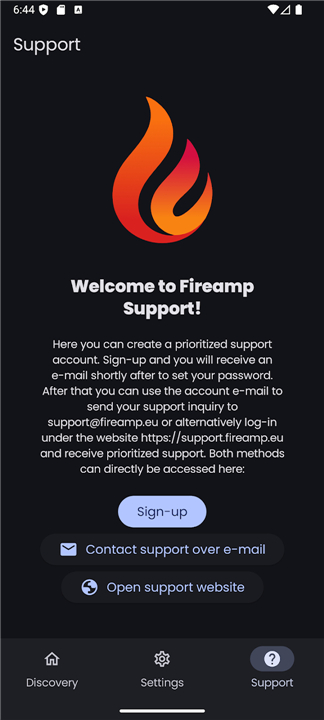
• Play Store purchase includes prioritized support and the ability to request new features.
• 30-day refund guarantee if it does not work with your scanner — simply contact support@fireamp.eu.
• Your purchase helps fund ongoing development, ensuring ScanBridge continues to grow and improve.
FAQ
Q: Which scanners are compatible with ScanBridge?
A: ScanBridge works with virtually any network-connected scanner or multifunction printer that implements the eSCL (AirScan) protocol. Most modern business-class network scanners and MFPs from major vendors support AirScan out of the box. If your device advertises eSCL or AirScan compatibility, it should pair seamlessly with ScanBridge without additional drivers.
Q: Do I need to install drivers or additional software on my Android device?
A: No. One of ScanBridge’s key advantages is that it communicates directly with eSCL‐compatible scanners over your local network. There’s no need to install manufacturer-specific drivers, helper tools, or background services. After granting the minimal Internet permission, you’re ready to discover and use your scanner right away.
Q: How does ScanBridge find my scanner on the network?
A: ScanBridge uses standard network discovery protocols to automatically detect AirScan/eSCL‐capable scanners on the same Wi-Fi or LAN. As soon as you open the app, it begins searching for compatible devices and lists them in a user-friendly directory. There is no requirement for manual IP entry or network configuration, making the initial setup quick and painless.
Version History
v1.6.2——20 Jan 2026
ScanBridge makes scanning fast & easy with any AirScan/eSCL network scanner. No setup, no ads—just scan smarter. Download the latest version of ScanBridge: Intuitive Scanning to enjoy new features and updates immediately!
*1.6.2
This is a new minor version of ScanBridge. It fixes issues that occured with the Brother DS 940dw scanner.
*1.6.1
With this new version of ScanBridge, scans can now be exported directly to a file without having to use a workaround (such as the Save Locally app).
The user interface has also been adapted for larger screens like tablets, and ADF-only scanners (i.e. scanners without a flatbed) should now work as well.
Furthermore, an incomplete translation in German has been corrected and an issue with temporary files not being deleted automatically has been resolved.
ScanBridge also celebrates its first release to Google Play! The app is available there for a small price to support the development. You also receive prioritized support with the purchase. Of course, the app still can be obtained for free on F-Droid or from GitHub.
*1.5.0
This new release of ScanBridge brings a lot of handy features and improvements:
• Italian language support — thanks a lot to @LucaMaroglio for creating the localization!
• Per-app language setting — choose your preferred language for ScanBridge without changing the global setting.
• US paper formats — Letter, Legal and more are now provided for easy selection.
• Save scan settings — your settings are now remembered for new sessions so you don't have to change them every time.
• Cancel button — stop a scan in progress, for example, if it takes too long.
• Design improvements — cleaner and more polished interface.
• Bug fixes — better compatibility with scanners.









Ratings and reviews
There are no reviews yet. Be the first one to write one.