

Tattoo My Photo 2.0 – Try Before You Ink
Explore Tattoos Without Commitment
• Tattoo My Photo 2.0 lets you explore tattoo designs safely—no needles, no pain, and no regrets. • Upload or take a photo, pick a design that matches your style, and instantly see how it looks on your skin.
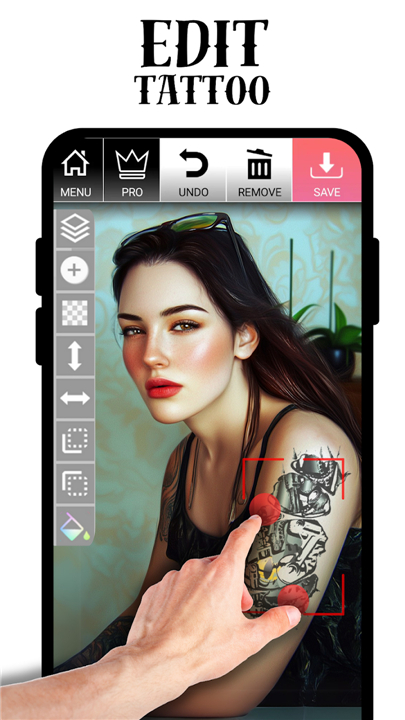
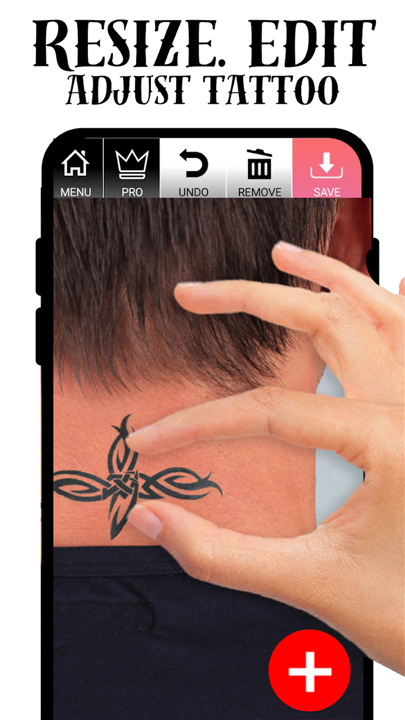
• Rotate, resize, and adjust until it feels right.
• You can even save and share your creations to impress your friends or get feedback before making a real-life decision.
Designs for Every Style
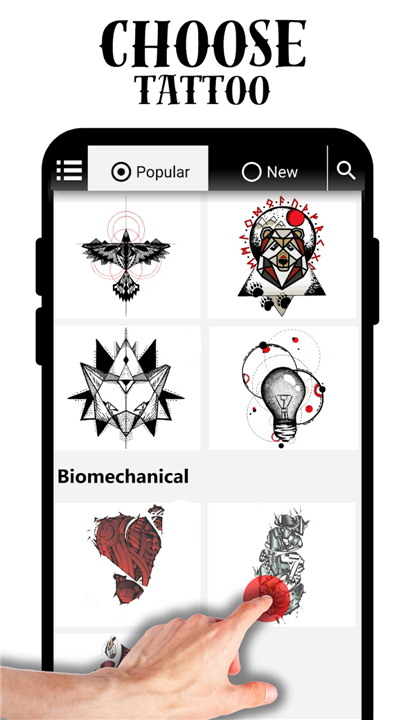
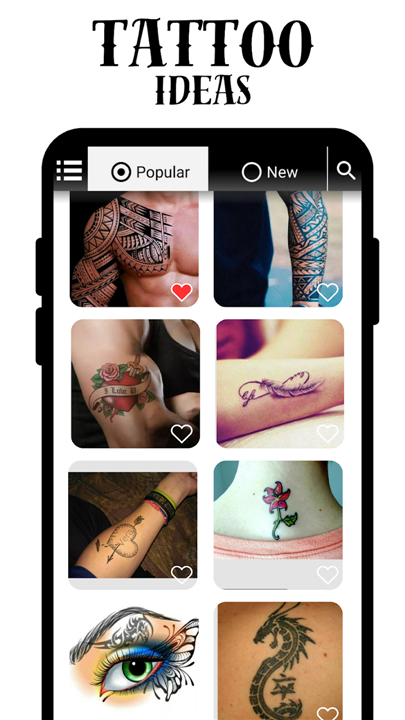
• Our creative library includes hundreds of tattoo ideas for everyone—men, women, and kids.
• Choose from classic styles like roses and dragons or explore modern tribal, Polynesian, or geometric designs.
• If you’re not sure what you want, browse our tattoo flash collection for inspiration.
Powerful Editing Tools
• Select a photo from your gallery or camera
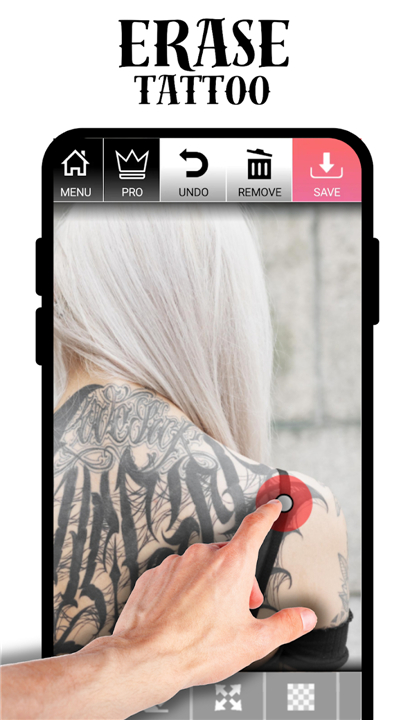
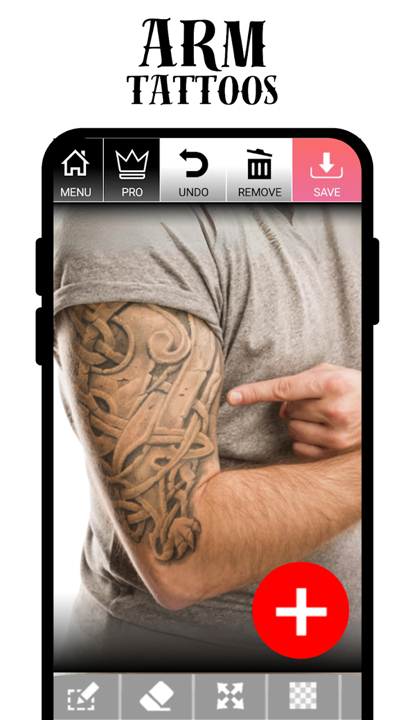
• Add and customize tattoos: move, resize, rotate, or erase parts
• Adjust transparency, color, and filters for a realistic look
• Layer multiple designs for a complete body art concept
• Save and share your final image instantly
Add Text and Personal Touches
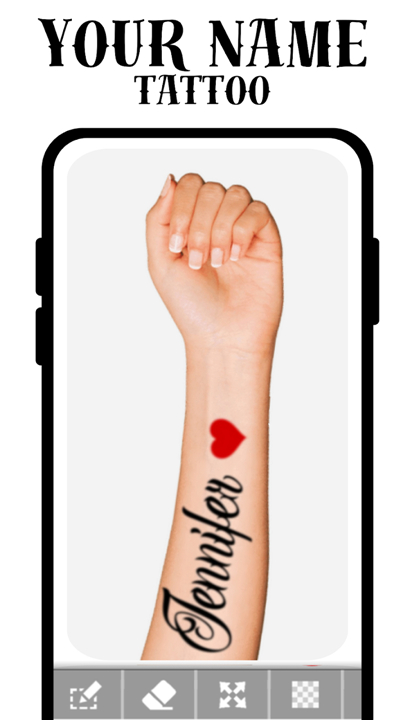
• Create custom text tattoos with different fonts and styles.
• Type meaningful quotes, names, or symbols to make your design unique.
• You can also upload your own artwork or download new tattoo ideas directly from the internet.
Join the Tattoo Community
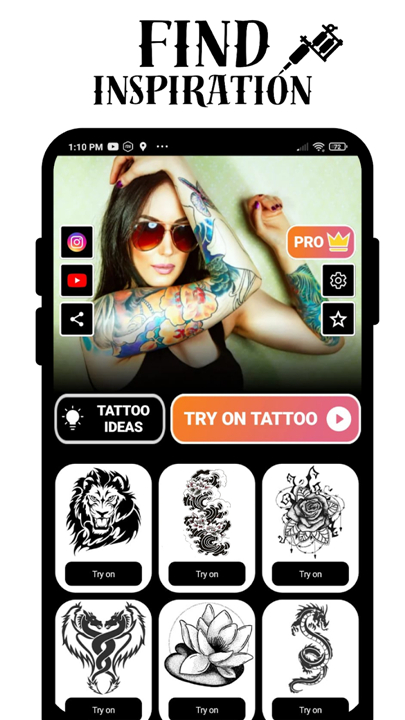
• Check out our ideas gallery filled with real user photos and share your own designs.
• Find inspiration, showcase your creativity, and see how others express themselves through digital ink.
Why Try It?
• Before you commit to a permanent tattoo, experiment in our virtual studio.
• Study how each design fits your personality and body.
• Discover how digital tattoos can boost your confidence and help you express yourself—without making permanent changes.
Ready to Begin?
• Download Tattoo My Photo 2.0 today and explore your creativity.
• Transform your photos, design your dream tattoos, and find your perfect look—all from the comfort of your phone.
FAQ
Q: How do I get started with my first design?
A: Once you open the app, just grant access to your camera or photo gallery, pick a clear snapshot of the area where you’d like your tattoo, and choose a design from our library. From there, the app automatically overlays the art onto your photo so you can begin resizing, rotating, and adjusting placement immediately.
Q: Can I really make the tattoos look like they’re on my skin?
A: Absolutely. We built advanced transparency and shading filters that mimic real ink interacting with your skin tone. You can tweak opacity levels to achieve a subtle, “just-etched” look or ramp up the contrast for a freshly-inked appearance.
Q: What customization options are available beyond basic size and rotation?
A: You can layer as many designs as you like, each on its own adjustable canvas. Change individual colors, apply grayscale or vintage filters, erase sections for a peeled-back effect, and even blur edges for a healed look. Every element is editable so you can fine-tune your digital art until it’s exactly what you envisioned.
Version History
v2.1.0——5 Jan 2026
Try on fake tattoos design without regrets! Tattoo maker app w/ ideas & fonts. Download the latest version of Tattoo my Photo 2.0 3.1.67 to enjoy new features and updates immediately!
*3.1.67
• 16KB fixed
• New tattoos.
• Bugs fixed.
*3.1.66
• 16KB fixed
• New tattoos.
• Bugs fixed.
*3.1.65
• 16KB fixed
• New tattoos.
• Bugs fixed.









Ratings and reviews
There are no reviews yet. Be the first one to write one.