

QR Code Scanner
Overview
• The QR Code Scanner application is designed to offer a fast, reliable, and user-friendly way to scan and create QR codes.
• Whether you need to quickly access information embedded in a QR code or generate your own for sharing, this app provides all the tools you need in one place.
Scan QR Codes
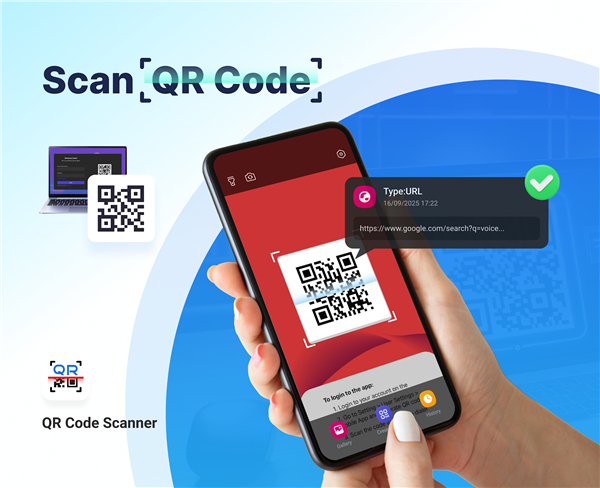
• Simply launch the app and point your device’s camera toward the QR code you wish to scan.
• The scanner instantly detects and decodes the information, displaying it clearly on your screen.
• Supported content includes URLs, text, contact details, Wi-Fi credentials, and more.
• The built-in flashlight feature allows you to scan in low-light or dark environments without difficulty.
• No complicated setup is required—just open and scan.
Create QR Codes
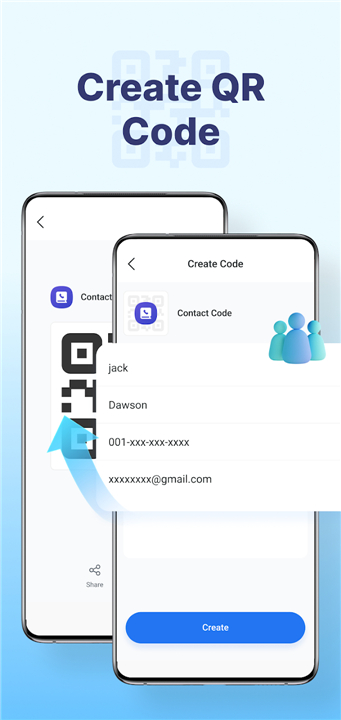
• Generate your own QR codes directly within the app.
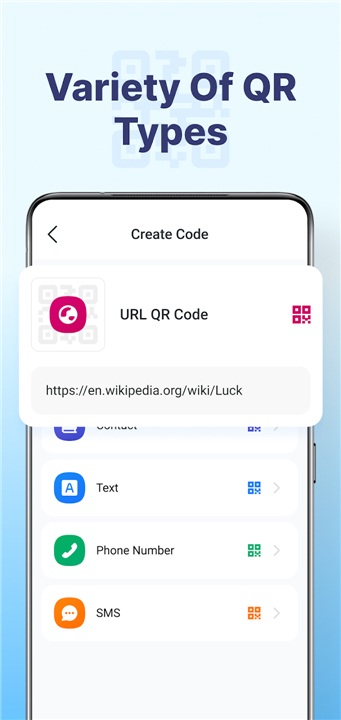
• Input any data type, such as:
+ Website links (URLs)
+ Contact information (name, phone, email)
+ Wi-Fi network details
+ Plain text messages
+ Phone numbers
+ Pre-filled SMS messages
• Tap the “Create” button and your custom QR code appears instantly, ready to use.
Share QR Codes
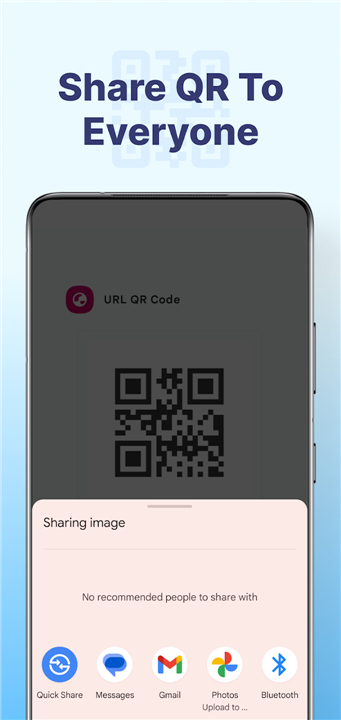
• Quickly share generated QR codes with friends, colleagues, or family.
• Sharing options include messaging apps, email, or other installed services.
• One tap sends the QR code without needing to export or save it manually.
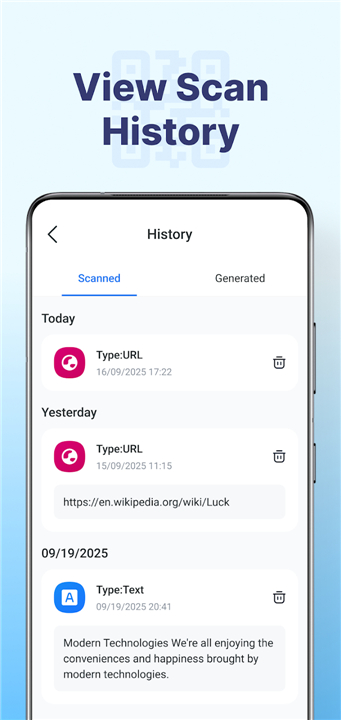
View Scan History
• The app automatically stores all previously scanned codes.
• Access past scans anytime for reference or reuse.
• Ideal for revisiting information without rescanning.
Explanation of Permissions
• Camera Permission: Required for detecting and scanning QR codes using your device’s camera.
• The app only accesses the camera when scanning is initiated, ensuring privacy and security.
FAQ
Q: What types of content can the scanner detect?
A: The QR Code Scanner handles a wide range of embedded data, including website URLs, plain text, contact details, Wi-Fi credentials, phone numbers, and even pre-filled SMS messages. As soon as you point the camera at a code, the app identifies its format and displays the appropriate action, such as opening a browser or adding a contact record.
Q: Can I scan QR codes in low-light conditions?
A: Absolutely. The built-in flashlight feature illuminates the code if you tap the torch icon. This ensures the camera captures a clear image even in dim environments, so you don’t have to worry about poor lighting interfering with your scans.
Q: Do I need to configure anything before scanning a code?
A: No setup is required. As soon as you grant camera permission, the app is ready to detect and decode QR codes. There are no complex settings to adjust—just open the app, allow access to the camera, and start scanning.
Version History
v3.0.3——19 Jan 2026
scan/create any QR code with ease Download the latest version of QR Code Scanner to enjoy new features and updates immediately!
*3.0.3
Minor bug fixes and improvements. Install or update to the newest version to check it out!
*3.0.2
Minor bug fixes and improvements. Install or update to the newest version to check it out!
*3.0.1
Minor bug fixes and improvements. Install or update to the newest version to check it out!









Ratings and reviews
There are no reviews yet. Be the first one to write one.