

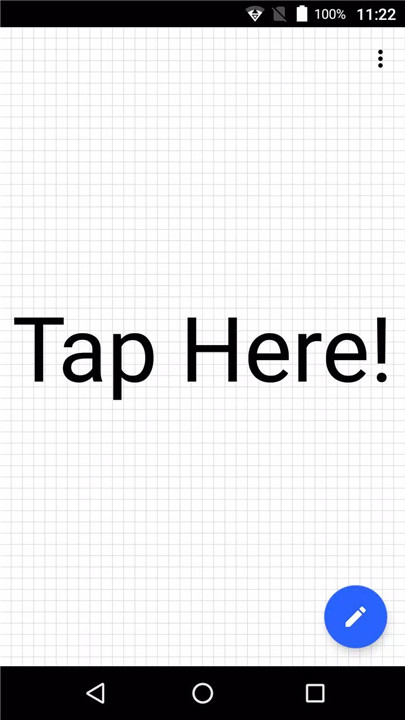
Voice Message Board is a free Android app designed to help facilitate communication with people who are hard of hearing. It’s a simple yet effective alternative to traditional whiteboards, providing a more convenient and user-friendly way to send messages. With the app’s voice recognition feature, you can input text by simply speaking, making it easier for both parties to communicate seamlessly.
Voice Input for Easy Communication
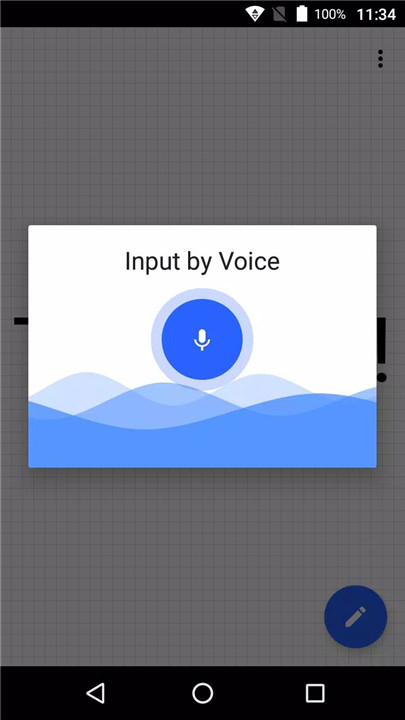
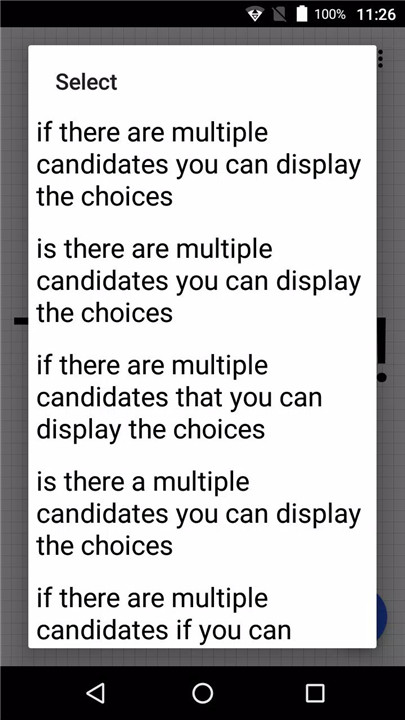
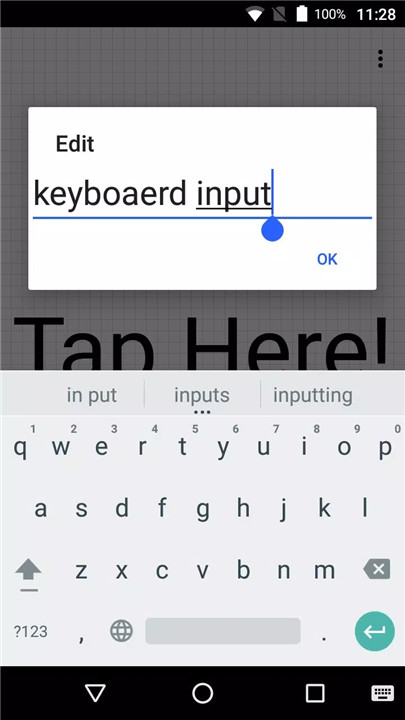
The primary feature of Voice Message Board is its voice input functionality. By simply tapping the screen, users can launch the voice input dialog and start speaking. The app automatically converts the spoken words into text, making it easier for people with hearing impairments to communicate with those around them without needing to write on a whiteboard or paper.
Adjustable Font Size
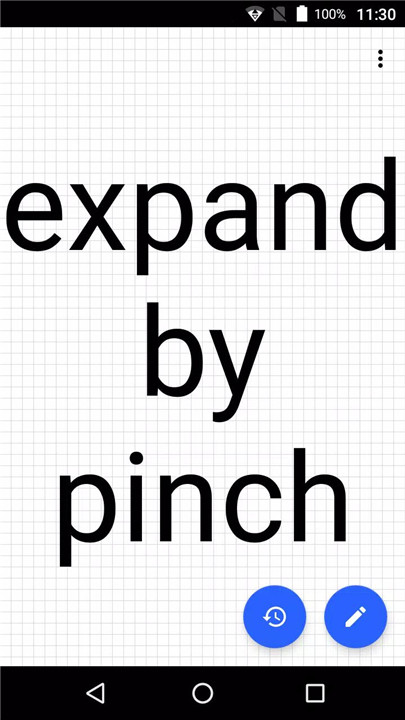
With the ability to pinch the screen, users can change the font size according to their preferences. This feature is especially useful in different lighting conditions or for users who require larger text to read easily. Whether you need the text to be large or small, Voice Message Board makes it simple to adjust.
Customizable Color Themes
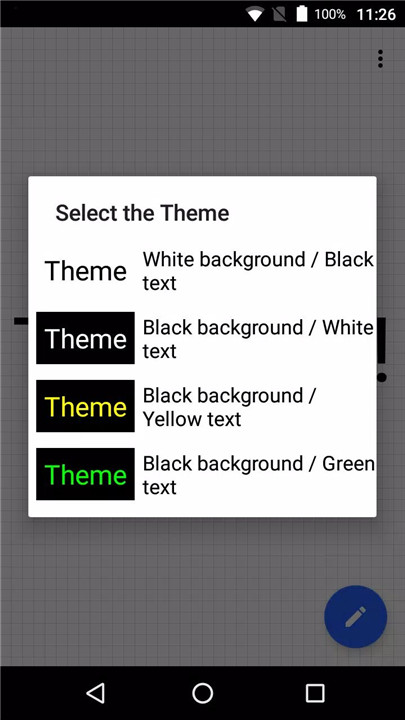
The app provides selectable color themes to cater to different preferences and needs. You can choose between a high-contrast theme for better visibility or a softer color scheme for a more comfortable reading experience.
Firebase for Crash Information
Voice Message Board uses Firebase services like Analytics and Crashlytics to collect crash information and improve the app’s performance. Privacy is always a priority, and the data is used only to enhance app functionality.
Open Source Code on GitHub
The source code for Voice Message Board is publicly available under the MIT license on GitHub. This allows developers to contribute, modify, or even use the app's code for other purposes. You can access the source code and explore how the app works at GitHub link.
FAQs
1. What is Voice Message Board?
Voice Message Board is an Android app that uses voice recognition to convert speech into text, making it easier to communicate with people who are hard of hearing.
2. How do I input messages using Voice Message Board?
Simply tap the screen to launch the voice input dialog. Speak clearly, and the app will automatically convert your words into text.
3. Can I change the font size in Voice Message Board?
Yes! You can pinch the screen to adjust the font size to your preferred size, making it easier to read messages.
4. Are there customizable color themes available?
Yes, the app allows you to choose from a selection of color themes to personalize the interface and make reading more comfortable.
5. Is the app open source?
Yes, the source code for Voice Message Board is available on GitHub under the MIT license. Feel free to explore and contribute to the project!
Version History
v1.11.5—13 Jan, 2024
minor fix
v1.11.4—21 Jun, 2023
minor fix
v1.11.3—4 Jun, 2023
minor fix









Ratings and reviews
There are no reviews yet. Be the first one to write one.