



Acadly is a versatile tool that enhances student engagement and streamlines attendance tracking across various class formats, whether in-person, online, or hybrid.
Its functionality includes seamless integration with Zoom and a suite of learning tools to enrich the classroom experience.
1. Attendance Automation for In-Person Classes:
• Instructors can easily record attendance during in-person sessions with Acadly’s innovative mesh-network technology, requiring just the tap of a button.
2. Attendance Automation for Online Classes:
• With Acadly's Zoom integration in online classes, instructors can initiate attendance checks by sending prompts to students’ screens.
• Students simply respond to confirm their presence.
3. In-Class Activities:
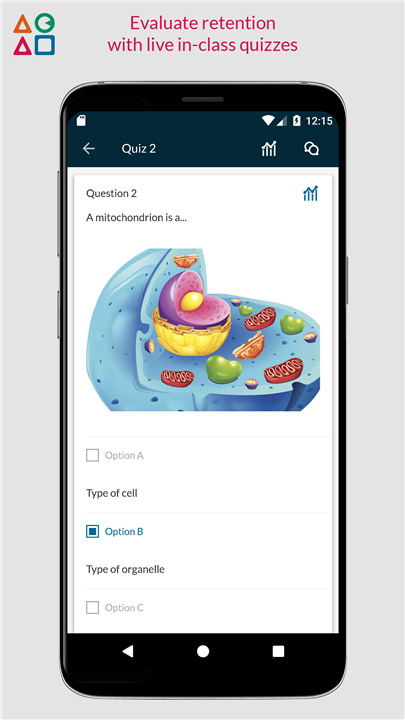
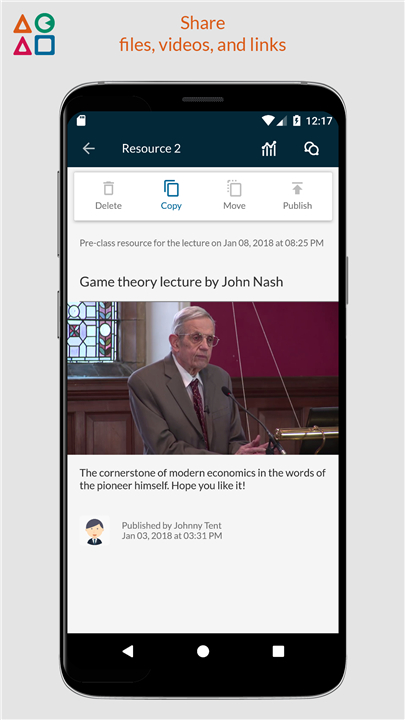
• Acadly allows instructors to engage students through interactive activities such as polls, quizzes, discussions, word clouds, videos, and file sharing.
• Students can participate using any device and view the results in real-time.
4. Multi-Device Compatibility:
• Acadly is accessible on Android, iOS, and web platforms, enabling users to interact with the tool from any device they prefer.
5. Zoom Integration for Online and Hybrid Classes:
• For hybrid and online courses, instructors can leverage Acadly’s Zoom integration, turning it into a virtual classroom equipped with on-screen activities, attendance automation, and interactive lecture playback features.
6. Interactive Lecture Playback:
• After a lecture concludes, Acadly stores all activities and chat discussions for later viewing.
• For synchronous online classes, the lecture video is included in the archive, allowing students to engage with activities while watching the recorded session.
7. Backchannels and Discussions:
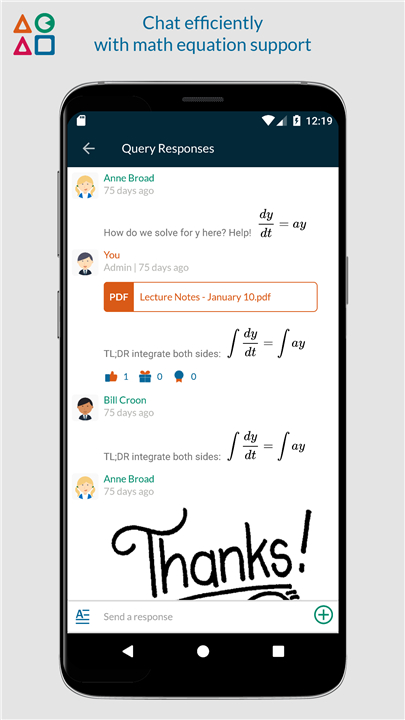
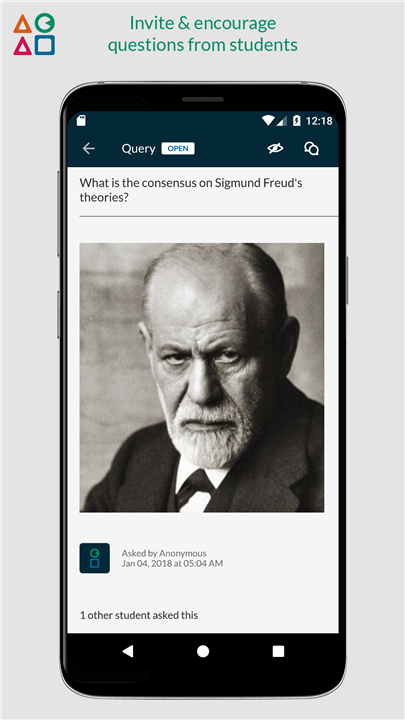
• Acadly facilitates real-time communication by enabling students to ask and answer questions both inside and outside the classroom, effectively serving as an instant messaging platform for the entire class.
8. LMS Integration:
• For enterprise clients, Acadly offers integration with popular higher education learning management systems (LMS).
• This feature provides roster syncing, automatic course setup, and gradebook integration.
For more information about Acadly, visit acadly.com.
FAQ
Q: How does Acadly automate attendance tracking for in-person classes?
A: Acadly uses innovative mesh-network technology that allows instructors to record attendance during in-person sessions with just a tap of a button, making attendance management quick and efficient.
Q: How does attendance automation work for online classes?
A: Acadly’s integration with Zoom enables instructors to initiate attendance checks by sending prompts to students’ screens. Students can confirm their presence by simply responding to these prompts.
Q: What types of interactive activities can be conducted in-class using Acadly?
A: Acadly allows instructors to engage students through various interactive activities, including polls, quizzes, discussions, word clouds, videos, and file sharing. Students can participate using any device and see results in real-time.
Version History
v2.9.12——11 Jun 2025
Engage students, automate attendance in any class - in-person, online or hybrid Download the latest version of Acadly to enjoy new features and updates immediately!
*2.9.12
This release is focused on better course management for Fall 2025, with the following changes:
1. Courses on the app Home screen as now split into "Ongoing" and "Past Courses" tab
2. Course roles can be reassigned by the Course Admin anytime
3. Old lectures with no record can now be removed from the timeline
*2.9.10
Bug fixes and optimizations
*2.9.9
Bug fixes and optimizations









Ratings and reviews
There are no reviews yet. Be the first one to write one.