

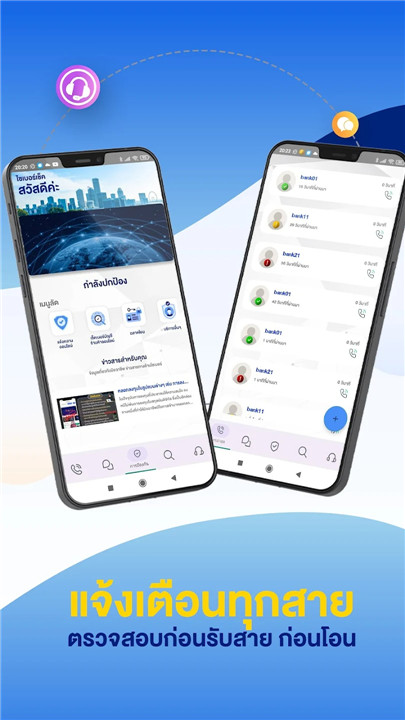
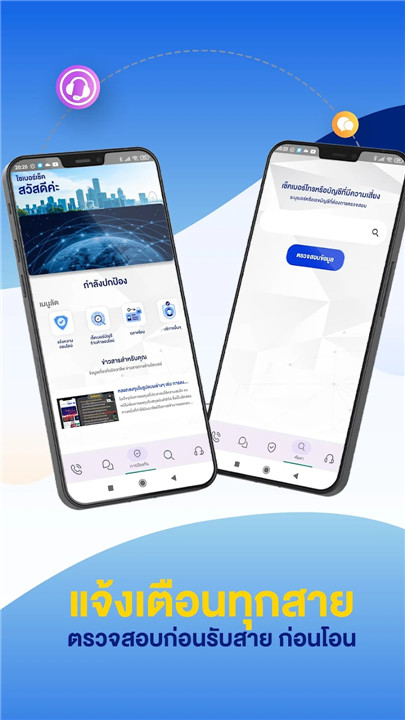
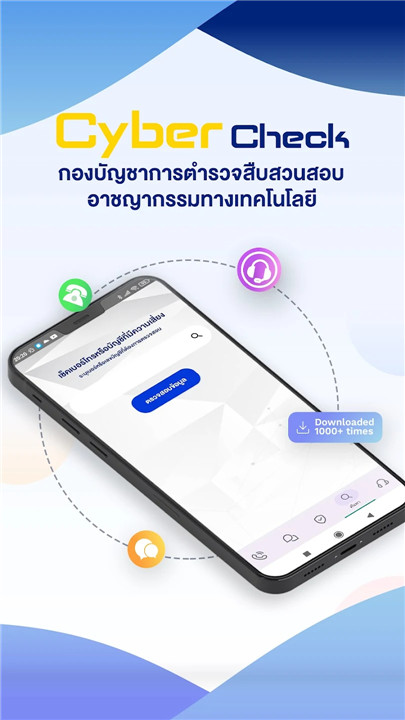
The Cyber Check app is designed to scan and provide alerts. It helps protect you from fraudsters who may attempt to steal money through deceptive SMS or phone calls. Utilizing data from the Cyber Police Database in Thailand, this app aims to safeguard Android users from malicious individuals or groups operating within the country.
[announce]
In accordance with Google's recent policy, we must display the service status in the notification channel while the service operates in the background. You can adjust your settings to hide notifications while keeping the service active. If your device runs on Android 8.1, disabling notifications will allow the foreground function to continue, although you will still receive Android system notifications.
**The Cyber Check app is available for free download and use.
Key Features:
1. This app identifies spam phone numbers and messages, scanning both incoming and outgoing calls and texts, as well as links that may lead to risky websites.
2. It allows users to send and view SMS, providing access to all SMS information.
3. The app displays call history, enabling users to review recent incoming and outgoing calls.
4. It serves as a call management tool, helping users identify incoming calls and manage their call activities.
5. The app can identify contacts for making calls or sending SMS.
6. It facilitates making calls or sending SMS directly.
- Receive notifications for incoming calls.
- Get alerts when SMS messages are sent.
- General notifications are also provided.
7. The app integrates with other applications, offering a dialog view that warns users about potentially risky phone numbers and messages.
Data Processing Information:
We handle your personal data, including your phone number, SMS content, and details about your calling and messaging activities, to provide our services effectively, including your contact information and device details.
How is your information utilized?
The scenarios in which your information may be used are outlined in our Privacy Policy. We utilize your information for several key purposes:
1. Mobile contact names:
1.1. We display the name of your contact when you receive a call.
1.2. We show the contact's name when you initiate a call.
2. Call history details:
2.1. We present this information on the recent calls screen for your convenience, making it easier to check your call history or place calls.
2.2. We display the sequence of web calls related to that phone number in the call details screen when you select it.
3. Incoming and outgoing telephone numbers:
3.1. We scan incoming numbers to alert you if a call is potentially unsafe.
3.2. We also scan outgoing numbers for safety notifications.
4. SMS information:
4.1. For all received SMS:
- We help you check your incoming messages.
- We scan for unsecured messages and notify you.
- We identify SMS with unsafe links and alert you.
4.2. For all sent SMS:
- We maintain your SMS history for easy review.
- We scan forwarded messages for safety and notify you if they are not secure.
5. We analyze crash reports, diagnostics, and application performance data.
6. Your information helps us enhance user experience, develop technology, and improve anti-spam services.
7. We aim to boost the efficiency of our services.
Cyber Check prioritizes the security of all user data. We are committed to safeguarding your information and will never sell, illegally disclose, or share it with third parties outside of the Cyber Check service. To enhance product features, we request the permissions mentioned above. You can revoke or decline these permissions at any time, but please note that this may limit your access to the full range of product features.
FAQ
Q: What is Cyber Check?
A: Cyber Check is a free Android app designed to scan and alert users about potentially fraudulent SMS messages and phone calls. It uses data from the Cyber Police Database in Thailand to identify malicious individuals or groups and protect users from scams.
Q: How does Cyber Check protect me from fraudsters?
A: Cyber Check scans both incoming and outgoing calls and messages, as well as links that may lead to risky websites. It alerts you if a number or message is identified as spam or potentially harmful. This helps you avoid interactions that could result in financial loss or other forms of fraud.
Q: Can Cyber Check access my SMS messages?
A: Yes, Cyber Check has access to all your SMS messages. This feature allows the app to check your incoming messages for spam and unsafe links, and to scan forwarded messages for security before you send them.
-----------------
What's New in the Latest Version 1.5.1
Last updated on Jan 12, 2025
Be notified of unsafe phone numbers, bank accounts, and messages from scammers. Download the latest version of Cyber Check 1.5.1 to enjoy new features and updates immediately!
Minor bug fixes and improvements. Install or update to the newest version to check it out!









Ratings and reviews
There are no reviews yet. Be the first one to write one.