

PDF Viewer Lite & Editor APK
3.0
PDF Viewer Lite & Editor
PDF Viewer Lite & Editor APK
Download for Android
Falcon PDF Viewer Lite & Editor: A Comprehensive Document Solution
Unified Multi-Platform Document Management
• Falcon PDF Viewer Lite offers a sophisticated ecosystem designed to streamline how you interact with digital documents.
• Engineered with a primary focus on high speed and architectural simplicity, this application ensures a fluid experience across a diverse range of hardware.
• Whether you are accessing files on an Android smartphone, a web browser, or a modern smart TV, the interface remains consistent and responsive.
• By bridging the gap between mobile and desktop environments, Falcon allows for a seamless transition in your professional or academic workflow.
The Falcon Philosophy: Productivity Without Distraction
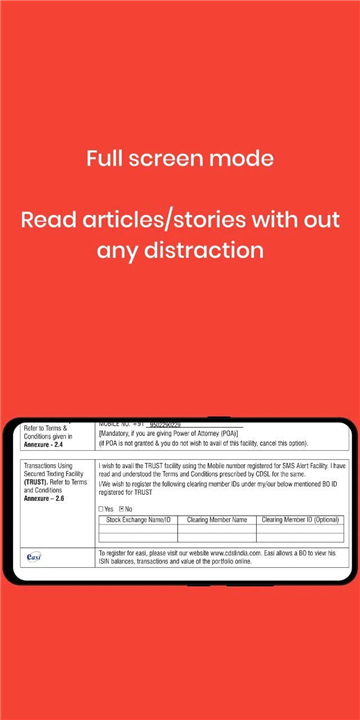
• A cornerstone of this application is the commitment to an uninterrupted user experience.
• While many free tools compromise usability with intrusive marketing, Falcon PDF Viewer Lite is guaranteed to be completely ad-free forever.
• This lack of distraction is paired with powerful synchronization features:
+ Favorites Sync: Bookmark your most critical documents on one device and find them waiting for you on another.
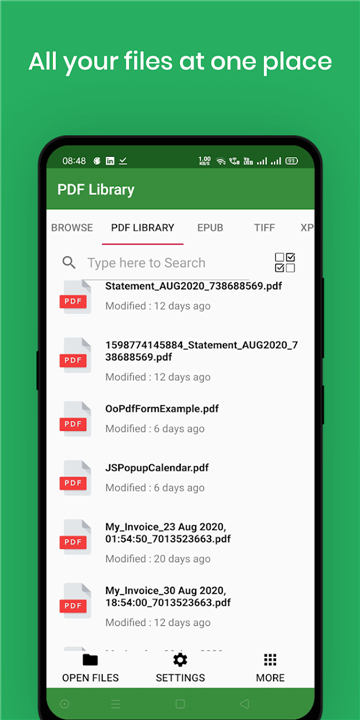
+ Multi-Format Versatility: Transform your app into a unified library that supports PDF, EPUB, TIFF, and XPS files.
+ Cloud Integration: Leverage Google Drive to sync your favorite documents and ensure data redundancy.
Advanced Viewing and Accessibility Features
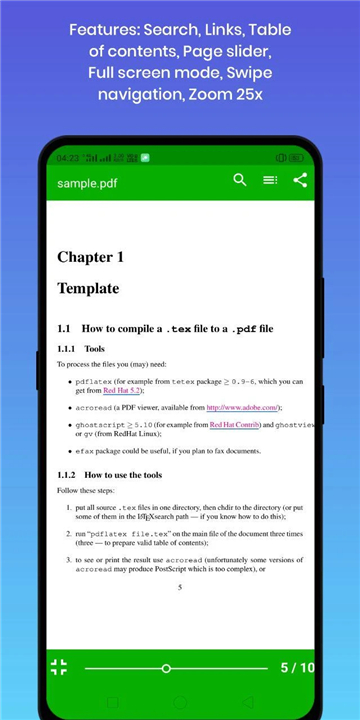
The application includes a suite of smart tools designed to enhance the reading process and reduce digital eye strain:
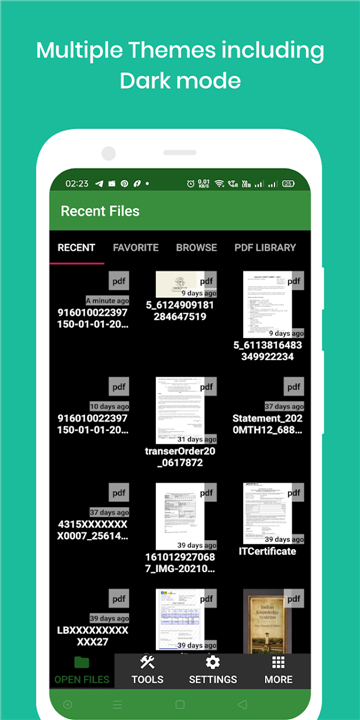
• Smart Library: The app automatically scans your entire device to organize and index documents for instant retrieval.
• Audio Reading: Utilize the text-to-speech engine to have documents read aloud, which is ideal for multitasking or accessibility needs.
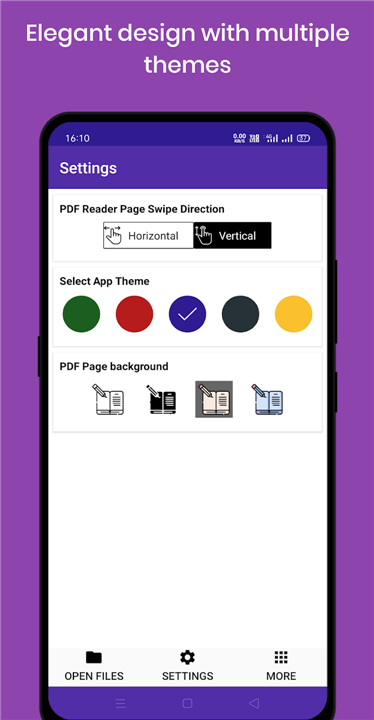
• Custom UI Controls: Navigate pages using hardware volume buttons and choose from six distinct themes.
• Eye-Comfort Modes: Select from four specialized page backgrounds designed to protect your vision during long reading sessions.
Professional Document Toolkit
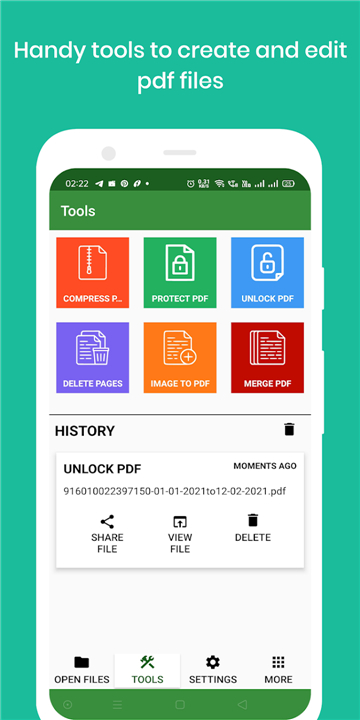
Beyond simple viewing, Falcon provides over 30 integrated utilities to modify and secure your files:
• Creation and Conversion: Use the integrated Document Scanner (Beta) or convert images to PDF and vice versa.
• Structural Editing: Effortlessly merge multiple files, split large documents into sections, rotate alignments, or delete specific pages.
• Security and Optimization: Compress files for easier email sharing, manage password protections, and add or remove watermarks to maintain document integrity.
Sustainable Development and Support
• Falcon PDF Viewer Lite operates on a community-focused growth model.
• While the core reading and management tools are entirely free, premium features like the Night Theme and advanced Watermarking can be unlocked through a small donation or by simply sharing the app with others.
• This ensures the developers can maintain a bug-free environment and continue rolling out updates.
• For suggestions or technical support, users can reach the team directly at avrapps.store@gmail.com.
FAQ
Q: Which devices and platforms are compatible with this application?
A: One of the biggest advantages of Falcon is its unified multi-platform ecosystem. You can access your documents on an Android smartphone, through a web browser on your computer, or even on a modern smart TV. This ensures that you have a consistent and responsive interface regardless of the hardware you happen to be using at any given moment.
Q: Does the application contain advertisements or other interruptions?
A: The Falcon philosophy is built entirely around productivity without distraction, which is why the application is guaranteed to be completely ad-free forever. Unlike many other free tools that clutter your screen with intrusive marketing, Falcon provides a clean environment so you can focus entirely on your professional or academic tasks.
Q: What file formats are supported besides standard PDFs?
A: While the name emphasizes PDF files, the app is actually a multi-format library. It provides native support for EPUB ebooks, TIFF images, and XPS documents. This versatility makes it an excellent choice for users who manage a diverse collection of digital literature, technical manuals, and high-quality image files.
Version History
v3.0——23 Feb 2026
Falcon PDF viewer & editor with 30+ tools and multi-device cloud sync. Download the latest version of PDF Viewer Lite & Editor to enjoy new features and updates immediately!
*3.0
* Fixed Critical billing Issue
* Fixed Few Critical Bugs
*2.1
* Fixed permission to open documents on Android R.
* Fixed crashes while opening huge file.
* Fixed crashes in Samsung A22 devices
* Changed maximum zoom levels from 4x to 10x
* Changed option to pick pdf from anywhere using default android file picker. This resolve the issue loading files from external sdcard.
* Added option to show recent files for quick access.
*2.1.0
* Brand new feature - Smooth scrolling
* PDF App settings - In display









Ratings and reviews
There are no reviews yet. Be the first one to write one.