

Stutter
Overview
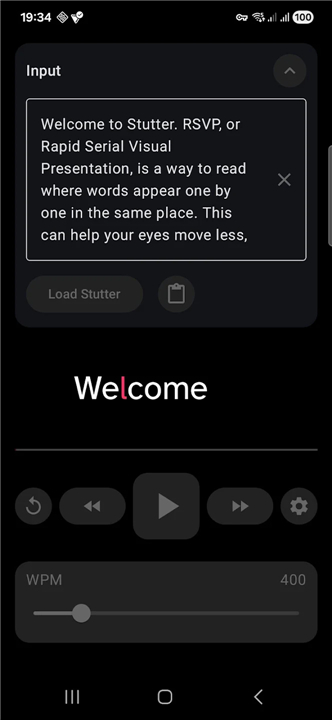
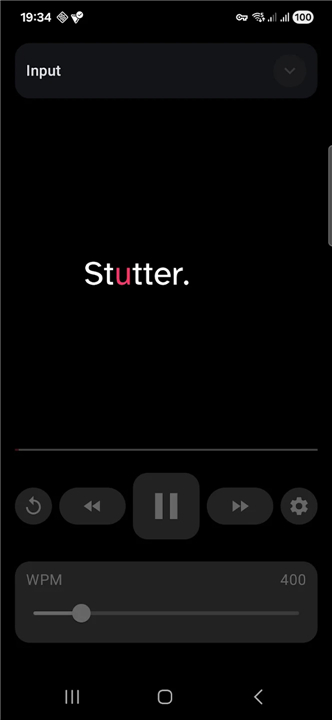
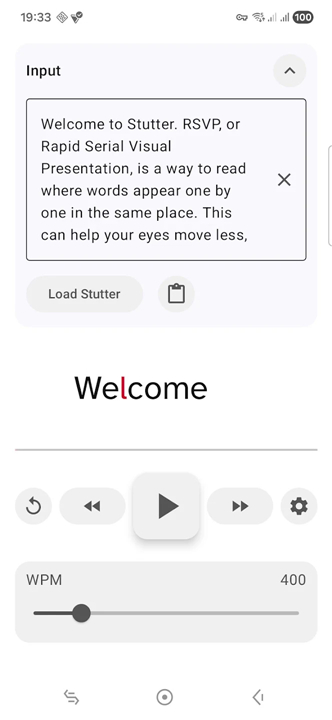
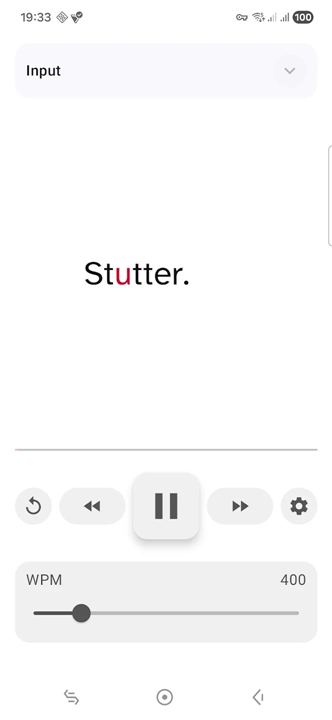
• Stutter is an advanced speed-reading application designed to enhance comprehension and reading velocity through Rapid Serial Visual Presentation (RSVP).
• By displaying text one word at a time in a fixed focal point, the app eliminates the need for horizontal eye movements, known as saccades, allowing the reader to process information with greater efficiency and less visual fatigue.
Core Content Integration
• Users can import text by directly pasting content into the application.
• The app supports system-wide sharing, allowing text to be sent from other mobile applications.
• A built-in URL extractor can process public article links to strip away advertisements and formatting, leaving only the readable content.
Intelligent Pacing and Rhythm
• Total control over words-per-minute settings allows for a personalized reading pace.
• The software employs sophisticated timing logic to mimic natural speech patterns.
• Specific delays are applied to punctuation, numerical values, and long words to prevent mental overcrowding.
• Shorter words are processed faster, ensuring a predictable and comfortable cadence.
Linguistic Support and Visual Customization
• The engine features language-aware tokenization and hyphenation for 18 different languages, ensuring long words are broken down logically.
• High-level appearance controls allow for modifications to typography, font size, letter spacing, and background color palettes.
• Optional visual flankers provide a preview of the next word fragment, helping the brain prepare for upcoming transitions.
Privacy and Security Standards
• The application operates with a strict no-tracking policy.
• No third-party analytics or data collection tools are integrated into the software.
• The app does not save or monitor reading history, ensuring that all user activity remains entirely private and local to the device.
FAQ
Q: What does the built-in URL extractor actually do to a web page?
A: The built-in URL extractor is designed to make reading online articles a breeze. When you paste or share a public article link, the extractor runs in the background to strip away annoying advertisements, messy formatting, and distracting pop-ups. It leaves behind only the clean, readable core content so you can focus entirely on the text itself without any digital clutter.
Q: Can I adjust the reading speed to match my comfort level?
A: You have complete control over your reading experience. Stutter allows you to fully customize your words-per-minute settings so you can find the perfect pace. Whether you want to slow things down to absorb a complex scientific paper or speed things up to breeze through a light novel, you can easily adjust the speed to match your current comfort level.
Q: Won't reading word-by-word feel robotic or unnatural?
A: You might think RSVP would feel rigid, but Stutter uses a sophisticated timing engine to mimic natural speech patterns. Instead of showing every single word for the exact same amount of time, the software applies intelligent delays to punctuation marks, numerical values, and longer words to prevent mental overcrowding. It also speeds through shorter words, creating a highly comfortable and predictable reading rhythm.
Version History
v1.4.4——23 Jul 2026
Speed-reading app that shows one word at a time with adjustable timing Download the latest version of Stutter to enjoy new features and updates immediately!
*1.4.4
Minor bug fixes and improvements. Install or update to the newest version to check it out!
*1.4.3
- Fixed pasted text reload so playback resets cleanly to the first token.
- Improved adaptive and themed launcher icons.
- Added an option to dim surrounding UI during playback without affecting RSVP text.
*1.4.2
Minor bug fixes and improvements. Install or update to the newest version to check it out!











Ratings and reviews
There are no reviews yet. Be the first one to write one.