

Souro Canvas Art is the ultimate artistic app for creators of all skill levels! Whether you are a budding artist eager to explore your creativity or a seasoned professional looking for powerful tools to bring your visions to life, 'Souro Canvas Art' has everything you need.
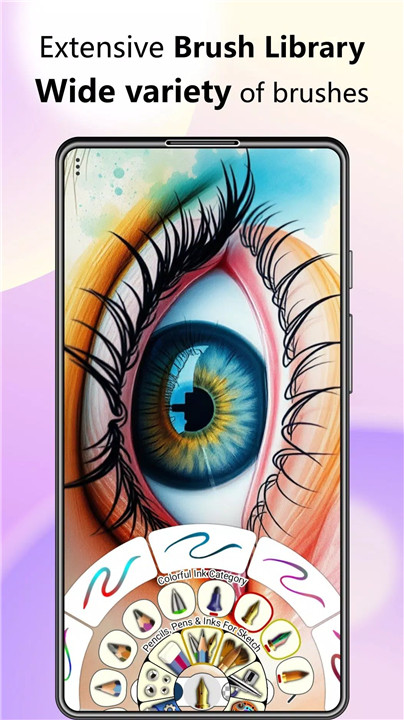
Extensive Brush Library
'Souro Canvas Art' comes with an impressive range of brushes tailored to all your artistic needs:
- Multiple types of blur brushes and smudge brushes for realistic effects
- Color filter brushes and threshold brushes for creative color manipulations
- Tile-based and pencil/pen brushes to cater to different artistic styles
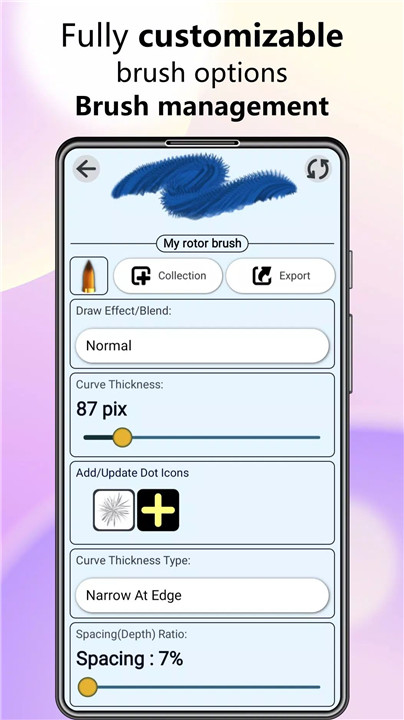
- Pressure sensitivity and customizable brush options for total control
Additionally, you can create, export, and import custom brushes to add your own personal touch to your artwork. With our brush management system, you can easily organize your favorite brushes, delete unwanted ones, and explore new ones.
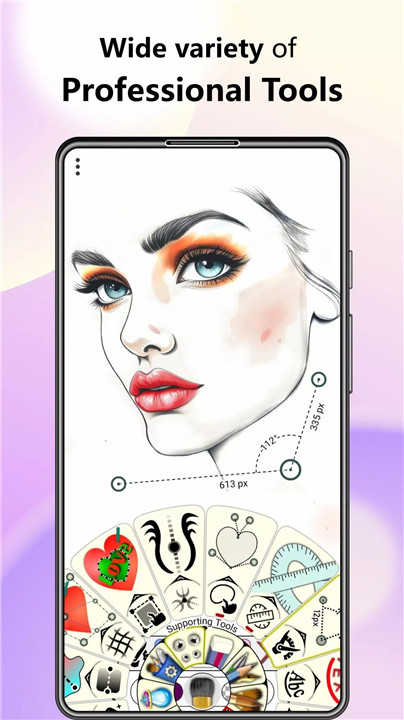
Professional Tools Suite
Take your art to the next level with our comprehensive set of professional tools:
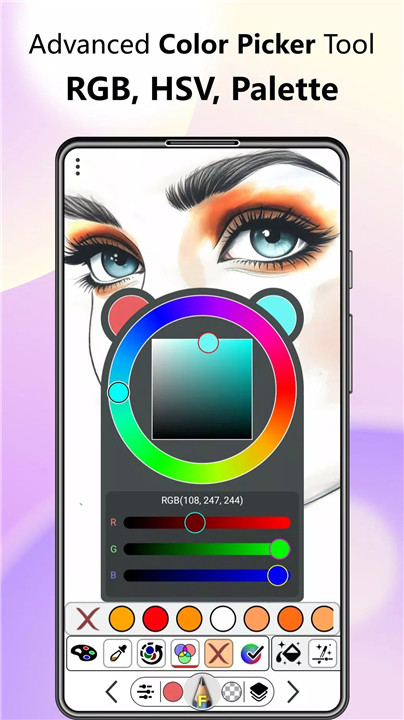
Advanced Color Picker Tool: Choose from RGB and HSV models, and create custom palettes with ease
Multi-Coordinate Axis Tool: Create symmetrical artwork with up to 14 axes for complex designs
Region Selection Tools: Effortlessly select, transform, and apply effects to specific regions
Layer Transformation Tool: Resize, rotate, and distort layers with precision
Intelligent Color Fill Tool: Automatically fill regions using the Magic Wand or path-based fill
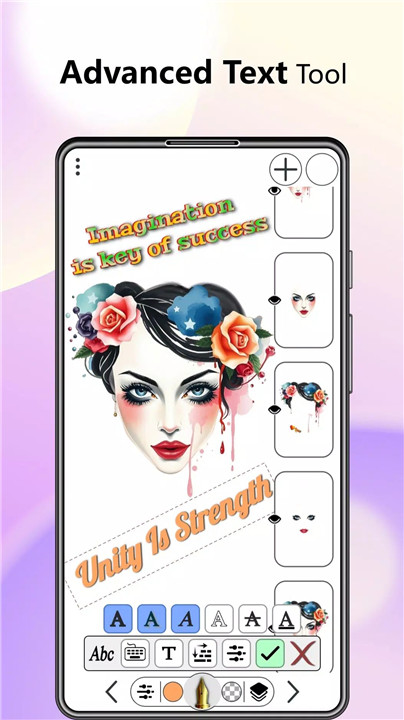
Text Tool: Add customizable text with drop shadow, bold, italic, and more effects
Gradient Tool: Create smooth color transitions with linear and radial gradient.
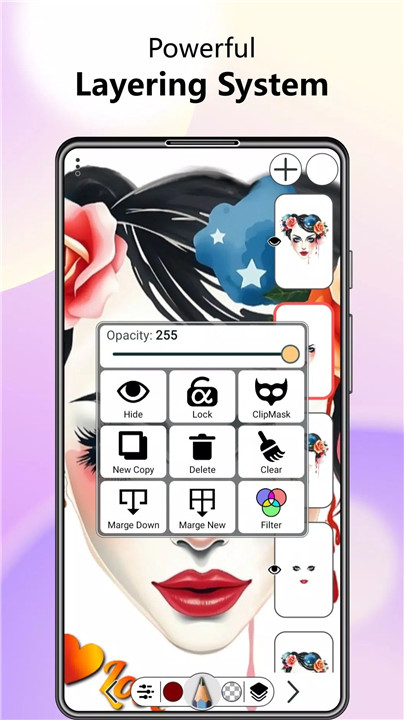
Powerful Layering System
Manage and manipulate layers like a pro:
- Adjust layer opacity and apply filters to individual layers
- Use alpha-lock and clip-mask functionality for advanced layer effects
- Copy, erase, or merge layers, and apply blend modes for stunning results
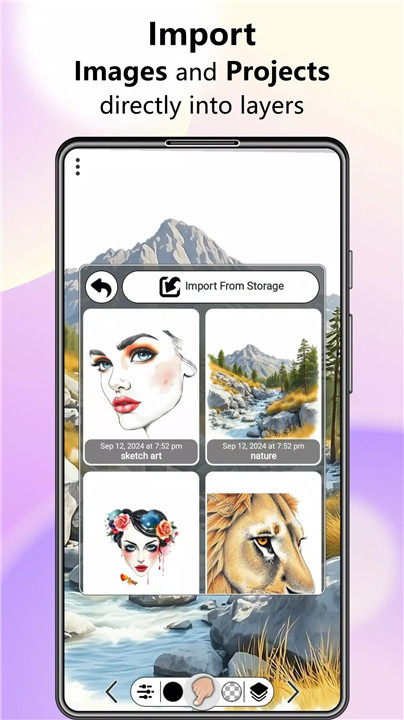
- Import images directly into layers for easy composition
Flexible Import and Export Options
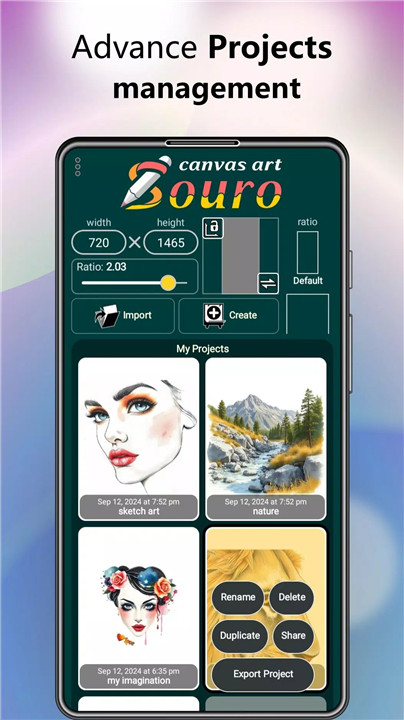
Souro Canvas Art ensures you can share and save your artwork in various formats like PNG, JPEG, or WEBP. You can also import external projects seamlessly, making it easy to work across devices and collaborate with others.
Customizable Settings
Tailor the app to suit your unique preferences. Fine-tune everything from touch sensitivity to brush velocity, and adjust long-tap durations for enhanced control.
FAQs
1. What kind of brushes can I use in 'Souro Canvas Art'?
'Souro Canvas Art' offers a wide variety of brushes, including blur brushes, smudge brushes, color filter brushes, and pencil/pen tools. You can also customize your brushes, create new ones, and manage them for easy access.
2. Can I create symmetrical artwork in 'Souro Canvas Art'?
Yes! The app includes a Multi-Coordinate Axis Tool that lets you create artwork with up to 14 axes, making it easy to generate complex, symmetrical designs.
3. What file formats can I export my artwork in?
You can export your artwork in several formats, including PNG, JPEG, and WEBP. The app also supports importing external projects and saving artwork to your device for easy sharing and backup.
----------------------------
What's New in the Latest Version 1.2.7
Last updated on Feb 2, 2025
What's New in This Update:
Faster & More Powerful
• Overall performance improvements across the app
Bug Fixes
• Fixed crash problems affecting certain devices









Ratings and reviews
There are no reviews yet. Be the first one to write one.