

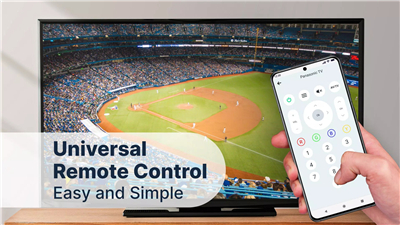

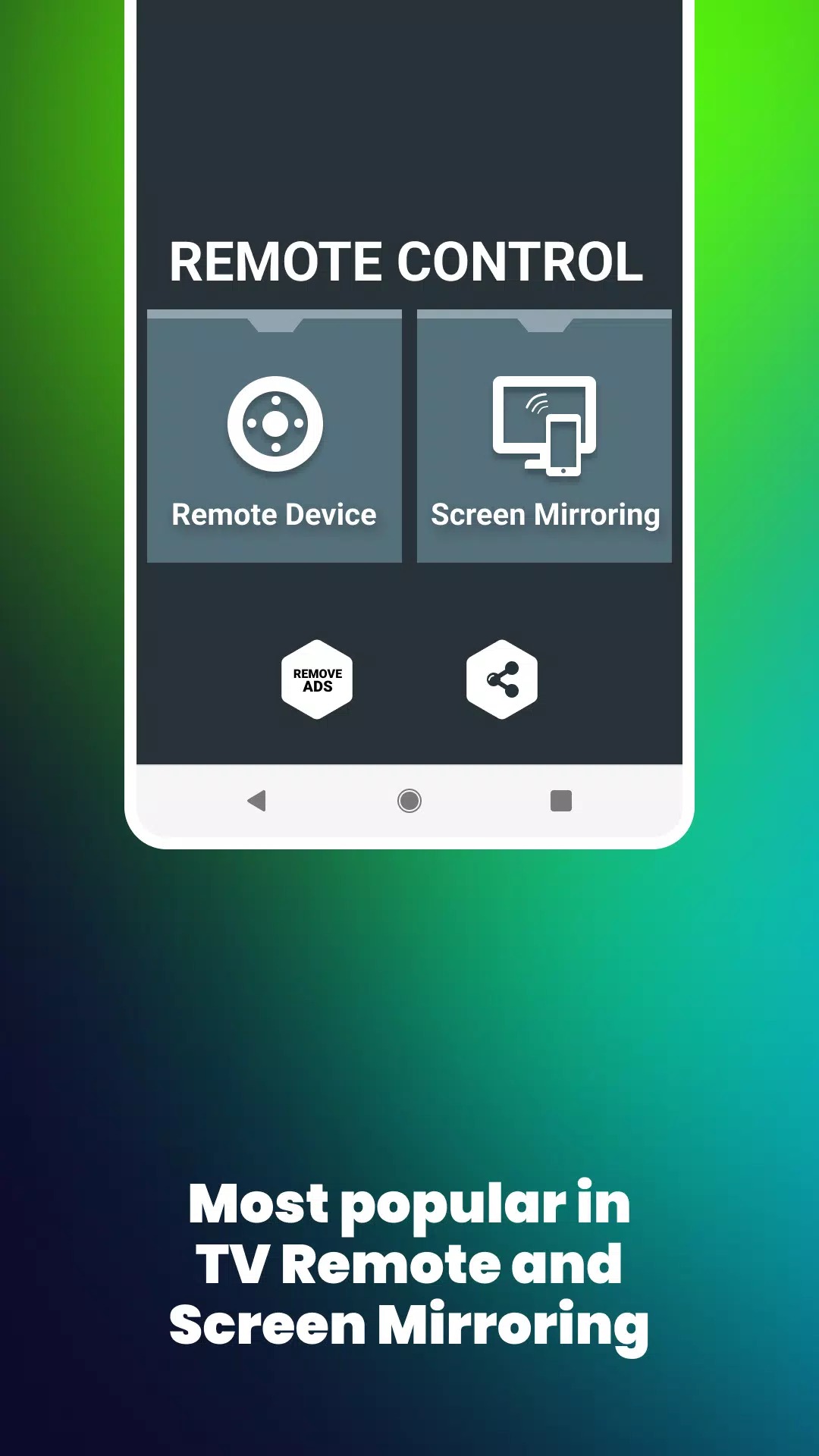
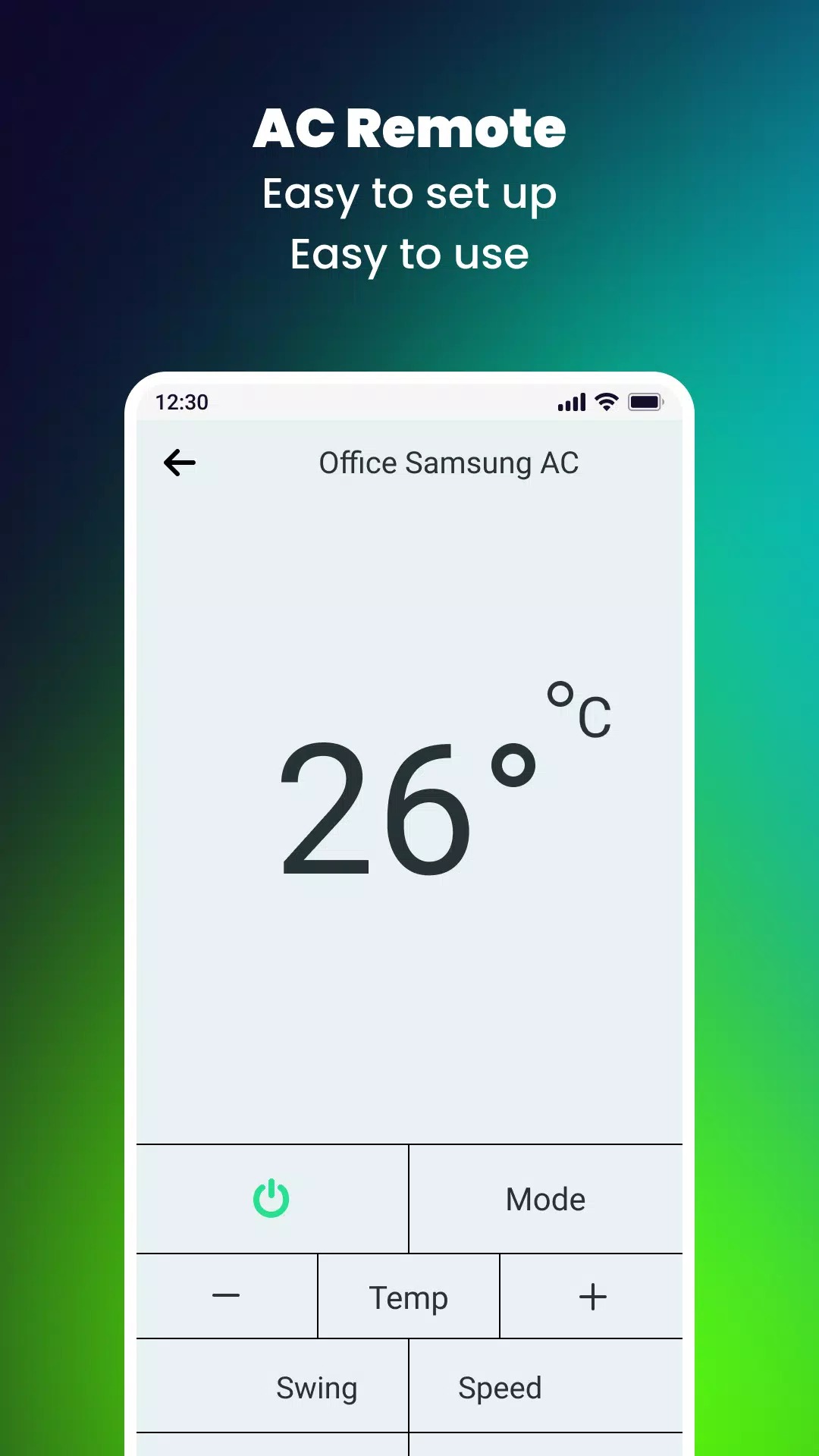


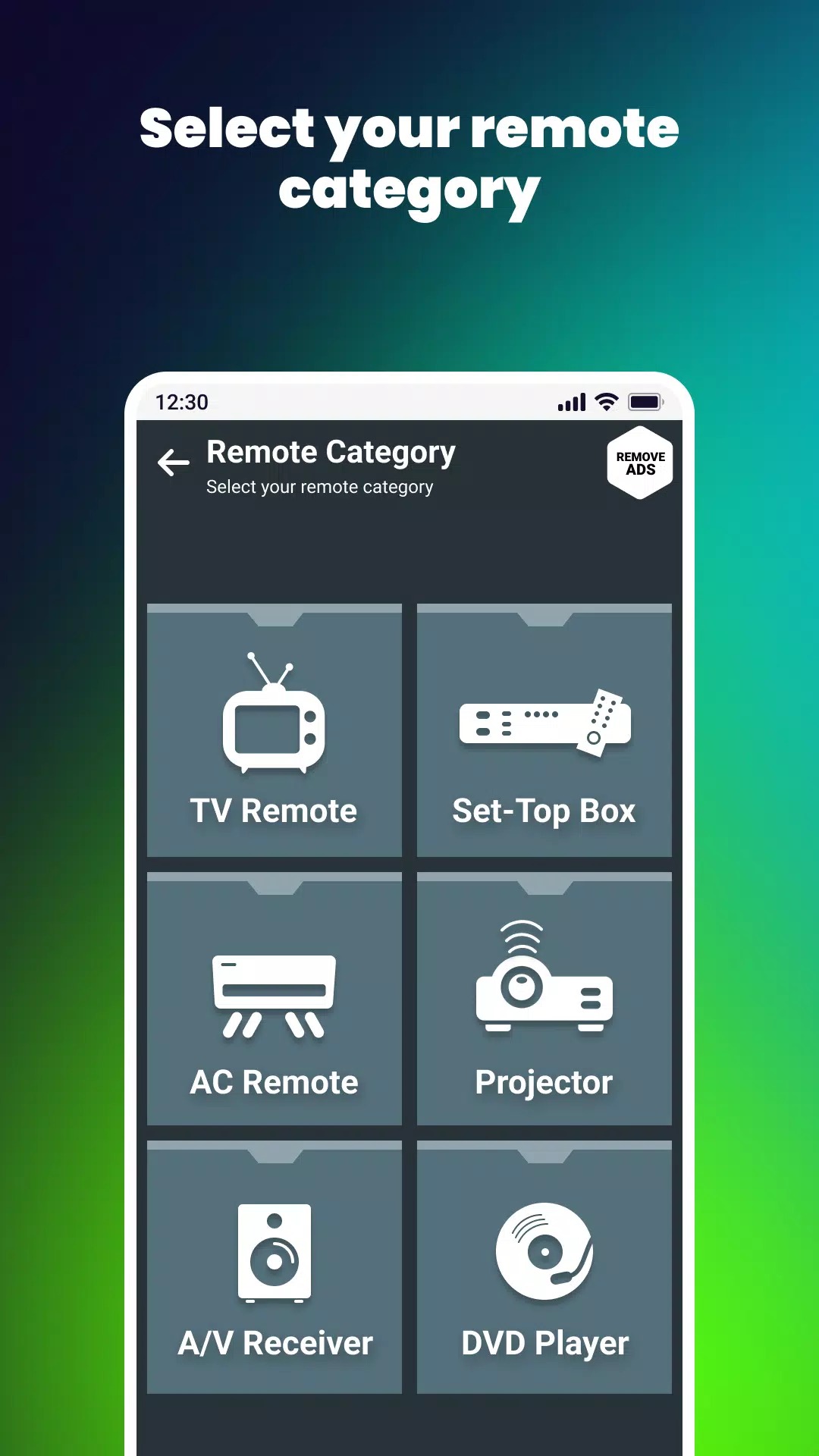

Take your phone and install this TV remote control app in it. Then, select your TV provider from the list and operate this mobile remote into your TV. Then you will see a number on the free remote app available for TV. Set up the most affordable remote control. So, on the next screen, you will see the digital remote control. Options are given here for the power on/off button, volume up and down arrow keys, and channel up and down keys. From the number below, you can jump directly to the channel. We have tried our best to provide you with the right universal remote sensing service.
App features:
1. Buttons for turning on, off, mute and unmute in Mobile Remote
2. Channel number key
3. Volume up and down functions and power up and down channels
4. Up, down, left and right check menu buttons
5. Universal TV offline and no internet connection required
6. Smart TV remote control for all offline TVs
7. Get remote TV in Android mobile app
8. All TV brand remote controls
9. Supports both IR and smart TVs
10. Dark theme, beautiful visual graphics for mobile remote control
Reasons to download:
Can be linked to your smart TV via wireless internet, fast remote settings and TV controller devices. This is one of the best TV remote devices in the Play Store. It is also the best remote and mobile TV application for all TV sets and digital remote controls, as well as remote controls for all TV sets and set-top boxes for all ac devices. Today's world's leading TV companies include this application for all TVs and acs and all set-top boxes. To this end, we will continue to work hard to maximize the use of TVs and upgrade remote control applications accordingly. Since it is an all-in-one remote control, there is no need to use other remote controls for electronic devices.
What's New in the Latest Version 5.4.4
Last updated on Apr 2, 2024
!! NETWORK BUGS FIXED !!









Ratings and reviews
There are no reviews yet. Be the first one to write one.