

KeePassVault
Overview
• Take command of your digital security with KeePassVault, a refined client designed to put you in complete control of your KeePass databases.
• Whether you are managing passwords on the go or securing sensitive data, KeePassVault bridges the gap between powerful encryption and seamless daily usability.
Effortless Synchronization
Keep your credentials accessible wherever you are without compromising your privacy.
• Maintain consistency across devices by syncing with WebDAV servers.
• Leverage version control by syncing directly with Git repositories via HTTPS or SSH.
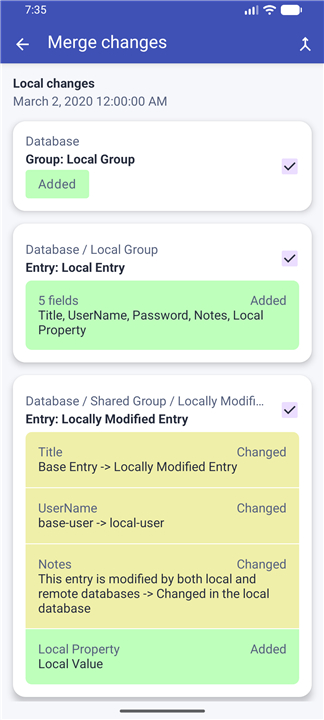
• Navigate data discrepancies confidently with a built-in conflict resolution tool that lets you audit local and remote changes side-by-side.
Comprehensive Database Control
Manage your vault with precision through a feature-rich interface.
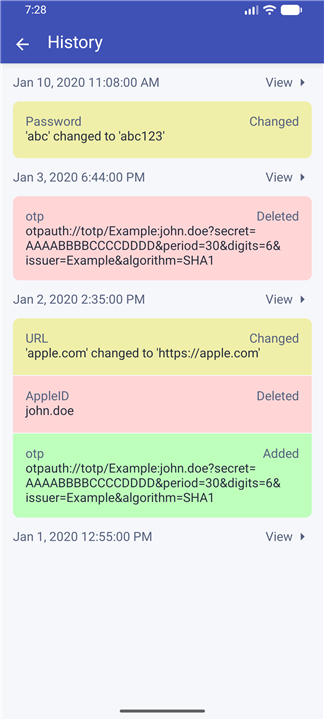
• Create and edit databases with ease, while maintaining full oversight of entry history and file attachments.
• Utilize dynamic templates that offer full interoperability with other popular Android clients, such as KeePassDX and keepass2android.
Professional-Grade Tools
Go beyond simple storage with sophisticated diagnostic and security utilities.
• Perform surgical audits of your database modifications using the integrated diff viewer.
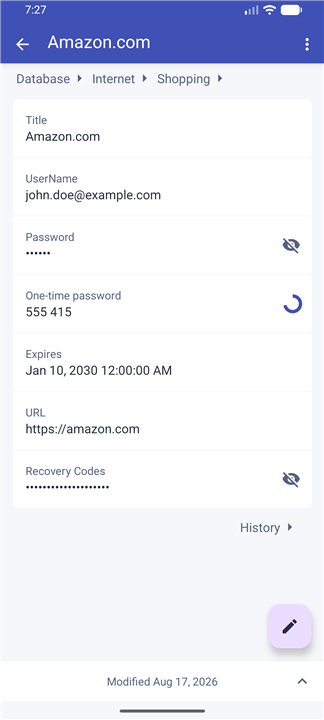
• Enhance your authentication workflow with native support for TOTP and HOTP protocols, bringing robust two-factor security directly into your vault.
Security and Accessibility
Your data is protected by industry-standard encryption, but your access remains swift and intuitive.
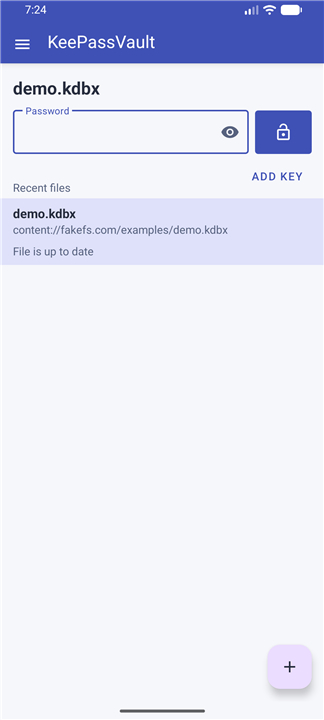
• Secure your vault with robust password protection or key files.
• Enable one-tap access using your device’s biometric fingerprint scanner.
• Enjoy full compatibility with .kdbx files up to version 4.1.
Designed for the Modern User
Experience a secure workflow that integrates naturally into your mobile environment.
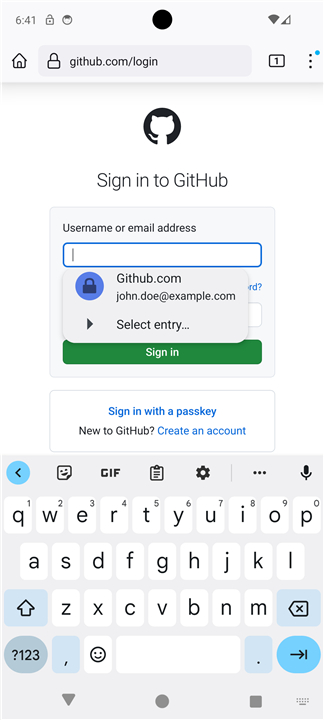
• Save time with native Android autofill support for versions 8.0 and above.
• Navigate comfortably in any lighting with a system-aware dark theme.
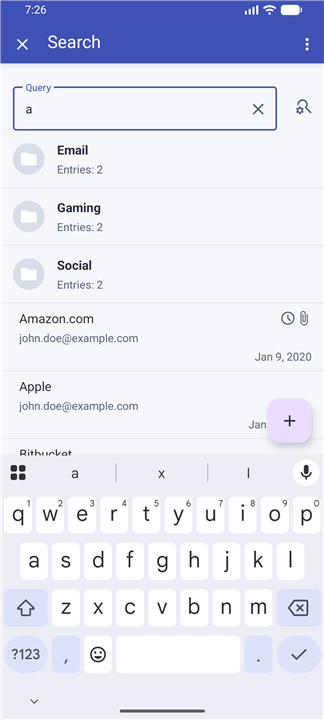
• Locate any credential instantly using the intelligent, fuzzy search engine.
Note:
• While native integrations for services like Dropbox, Google Drive, and Box are currently unavailable, you may continue to use these platforms seamlessly via the standard Android System File Picker.
FAQ
Q: What synchronization options are available with KeePassVault?
A: KeePassVault seamlessly synchronizes your vaults across devices via various methods. You can maintain consistency by syncing with WebDAV servers or leverage version control by syncing directly with Git repositories using HTTPS or SSH. A built-in conflict resolution tool helps you audit and merge local and remote changes.
Q: Can I use KeePassVault with other popular password managers?
A: Yes, KeePassVault provides full interoperability with other leading Android clients, such as KeePassDX and keepass2android, through its dynamic templates feature. This allows you to work with your existing data and workflows while enjoying the advanced features of KeePassVault.
Q: How does KeePassVault handle database modifications?
A: The app includes an integrated diff viewer that enables you to perform precise audits of your database changes. This tool provides a side-by-side comparison of local and remote modifications, ensuring you stay in control of your data's evolution over time.
Version History
v2.1.0——16 Sep 2026
KeePass password manager, the app allows to access and manage Keepass files Download the latest version of KeePassVault to enjoy new features and updates immediately!
*2.1.0
Added a merge screen for synchronization conflicts. Review local and remote changes, select what to keep.
*2.0.2
- Update keepass-rs library version
- Fix API compatibility on old devices
*1.18.1
Add crash reporting











Ratings and reviews
There are no reviews yet. Be the first one to write one.