

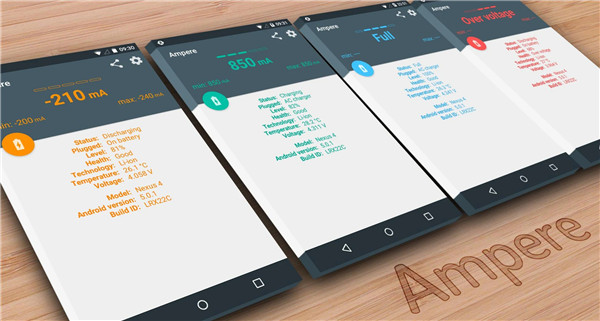
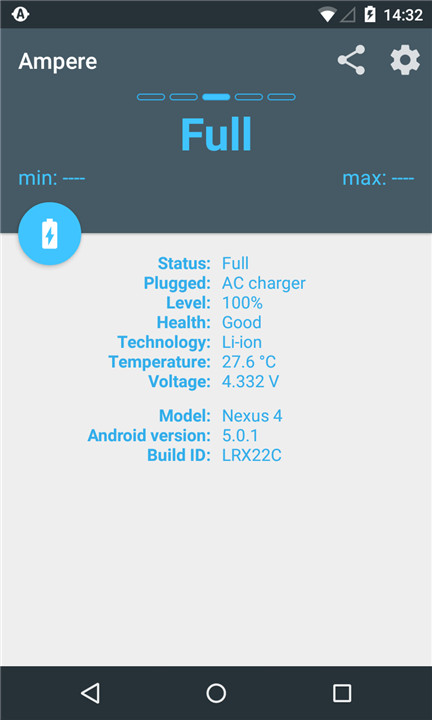
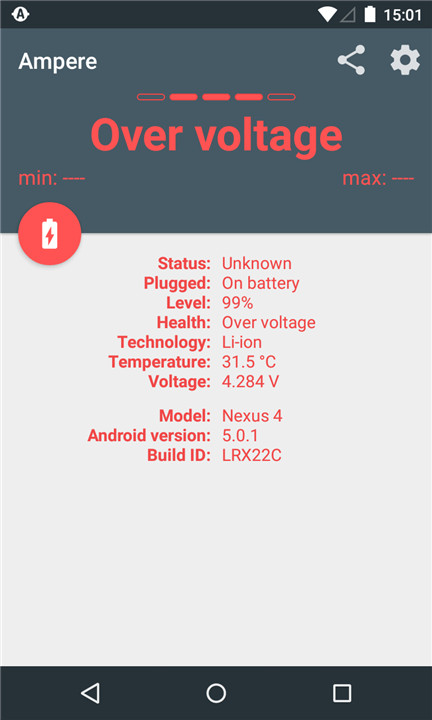
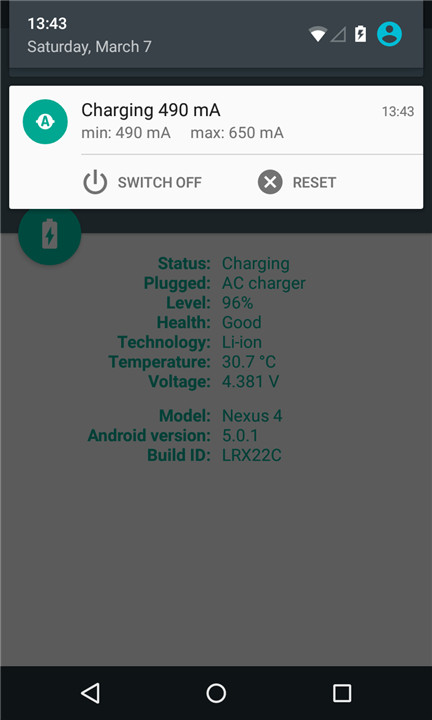
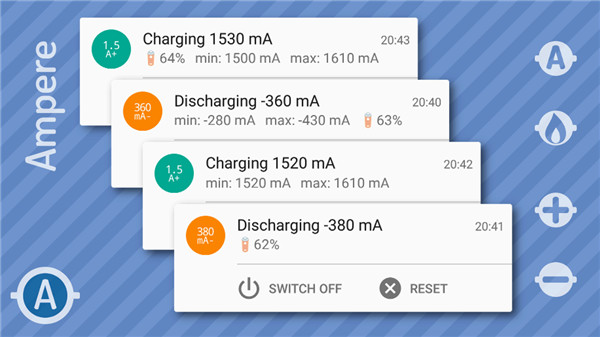
Have you ever noticed that some chargers or USB cables seem to charge your device much faster than others? Now, you can put that theory to the test with Ampere.
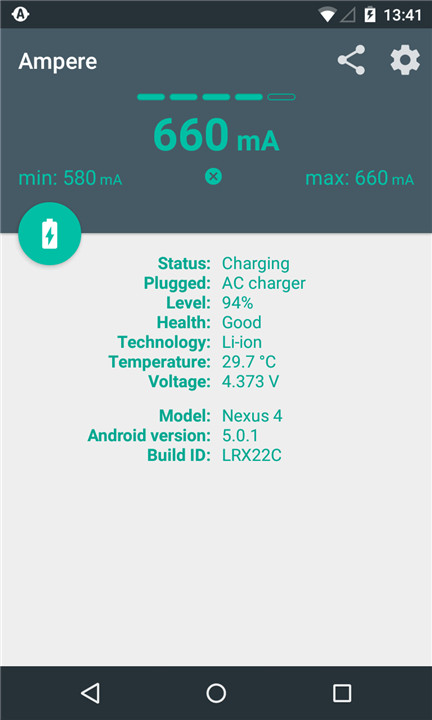
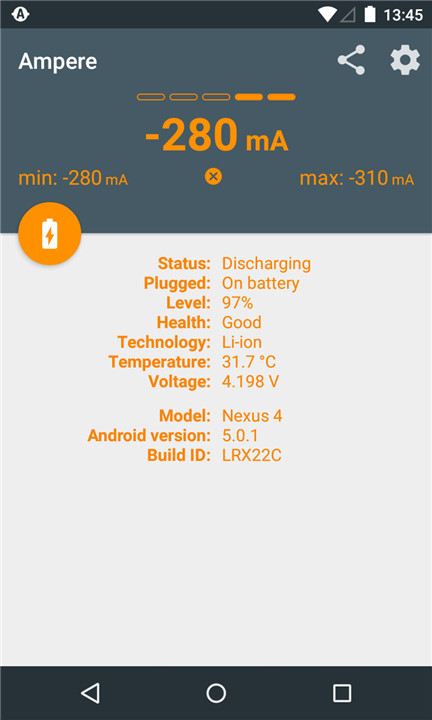
This app allows you to measure the charging and discharging current of your battery.
Key features include:
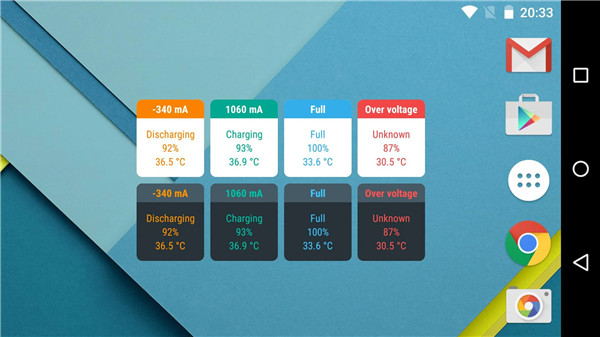
- Widgets
- Notifications
- Device alerts
- Android Wear alerts
Please note that not all devices are compatible, as some lack the necessary measurement chip or interface. Be sure to check the list of unsupported phones at the end of the description.
Keep in mind that this app is not designed for precise mA accuracy. Instead, it helps you determine which charger and USB cable combination works best for your device.
----
For more information, check the FAQ: http://goo.gl/R8XgXX
----
To get started, launch the app and wait about 10 seconds while it displays "measuring." After this period, you'll see the charging or discharging current.
The current can vary based on several factors:
- Type of charger (USB/AC/Wireless)
- USB cable quality
- Phone model
- Active tasks
- Screen brightness
- WiFi status
- GPS status
Please remember that the readings from this app should not be considered scientifically accurate. However, they are sufficient for comparing the performance of different chargers and USB cables on the same device.
If the app consistently shows 0mA, try using the "Old measurement method" in the settings. This option can force the app to utilize the older measurement interface if your Lollipop device supports it.
Unfortunately, some Samsung devices, like the S5, may not provide accurate measurements due to firmware issues, only displaying the maximum possible charging current based on the current USB cable and charger setup.
----
Background information:
The app measures the battery's charging and discharging current. When your phone is not connected to a charger, it shows the discharging current as a negative value. Once you connect a charger, the current supplied by the charger will power your phone, while any excess will charge the battery.
If your phone shows a consumption of 300 mA when not connected to a charger (-300mA on the display), a 500 mA charger will only be able to charge your battery at a maximum of 200 mA (200mA on display).
---
Technical details:
The current displayed is an average derived from 50 measurements, excluding the 10 highest and 10 lowest values. This reading may fluctuate or even drop to zero, indicating that the Android system is providing inconsistent data. Different manufacturers use various battery types and hardware, making it challenging to obtain precise information about your charger.
---
LiPo batteries do not draw their maximum current throughout the entire charging process. When your battery is nearly full, the charging current will significantly decrease compared to when the battery is at lower levels.
- For a visual representation of LiPo charging stages, check out this graph: http://batteryuniversity.com/_img/content/ion1.jpg
- Watch Dave's (EEVBlog) tutorial on LiPo charging here: http://youtu.be/A6mKd5_-abk
---
Devices/ROMs that are compatible only with the "Old measurement method" and have the correct "Measurement interface" selected include:
- HTC One M7 / M8
- LG G3
Devices/ROMs that have been reported as incompatible with this app:
- Galaxy Grand Prime - fortuna3gdtv
- Galaxy Note2 - t03g, t03gchn, t03gchnduos, t03gcmcc, t03gctc, t03gcuduos
- Galaxy S3 - d2att, d2spr, d2vmu
- Galaxy Tab4 7.0 - degas3g
- HTC Desire 510 - htc_a11ul8x26
- HTC One S (ville), X (endeavoru), XL (evita)
- HTC Sensation 4G - pyramid
Please refrain from giving a negative rating if your phone is listed above. The issue lies not with the app but with your device's lack of support for this measurement method.
If the app is not functioning on your device running a pre-Lollipop Android version, please refer to the first and second posts in this XDA developer forum thread: http://goo.gl/pZqJg8. You can also share your issue with screenshots in the XDA thread.
Additionally, please review the FAQ: http://goo.gl/R8XgXX.
FAQ
Q: Is Ampere compatible with all devices?
A: No, not all devices are compatible with Ampere. Some devices lack the necessary measurement chip or interface. Check the list of unsupported phones at the end of the app description for more details.
Q: How accurate are the measurements provided by Ampere?
A: Ampere is not designed for precise milliampere (mA) accuracy. However, it is sufficient for comparing the performance of different chargers and USB cables on the same device.
Q: Why does the app sometimes show 0mA?
A: If the app consistently shows 0mA, try using the "Old measurement method" in the settings. This option can force the app to utilize the older measurement interface if your Lollipop device supports it.
Version History
v4.35.3——5 Mar 2025
Measure the charging and discharging current of your battery. Download the latest version of Ampere v4.35.3 to enjoy new features and updates immediately!
Minor bug fixes and improvements. Install or update to the newest version to check it out!









Ratings and reviews
There are no reviews yet. Be the first one to write one.