

VidsDash - Video Maker AI APK
8.0.0
VidsDash - Video Maker AI
VidsDash - Video Maker AI APK
Download for Android

VidsDash – Video Maker AI
Overview
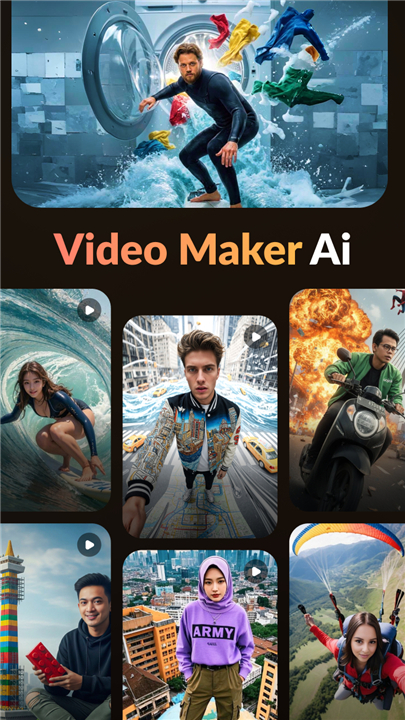
• VidsDash represents a cutting-edge mobile application that transforms ordinary photos into engaging, dynamic videos through the power of artificial intelligence.
• The platform bridges the gap between static photography and cinematic storytelling, enabling users to unlock creative potential without requiring technical expertise or video editing knowledge.
• By leveraging sophisticated AI algorithms and professionally designed templates, VidsDash democratizes video creation for users of all skill levels.
Core Features
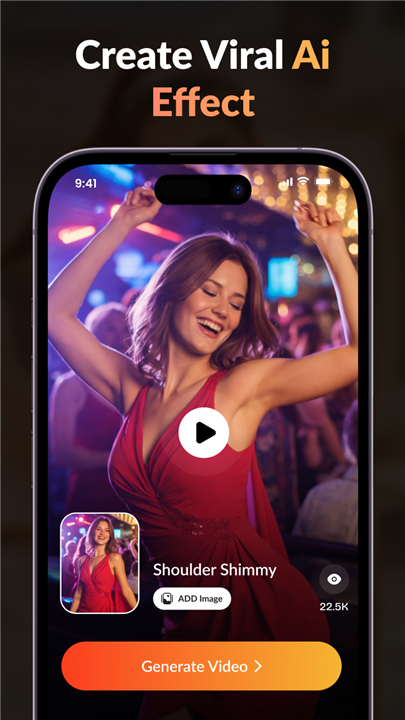
• The application's primary function centers on converting user-uploaded photos into polished video content using AI-powered templates.
• Users can select from an extensive library of template styles, each designed to accommodate different themes, moods, and purposes.
• The template system handles transitions, timing, effects, and visual enhancements automatically, ensuring professional-quality output with minimal effort.
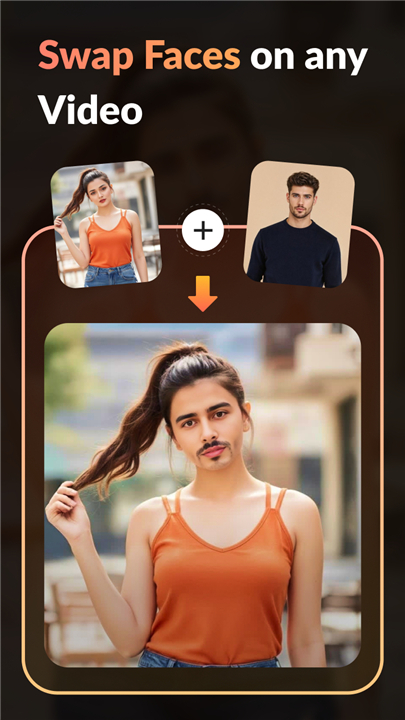
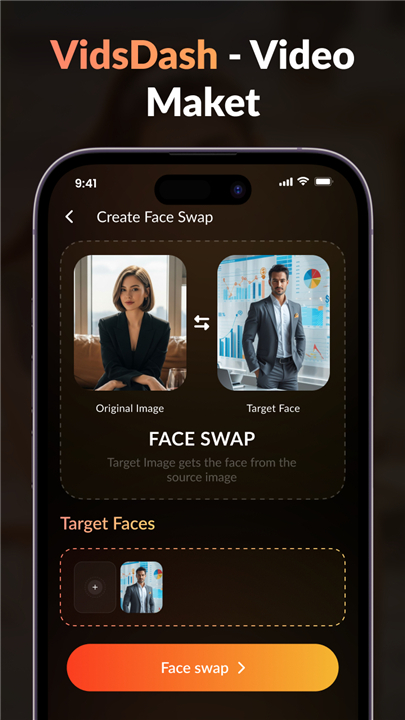
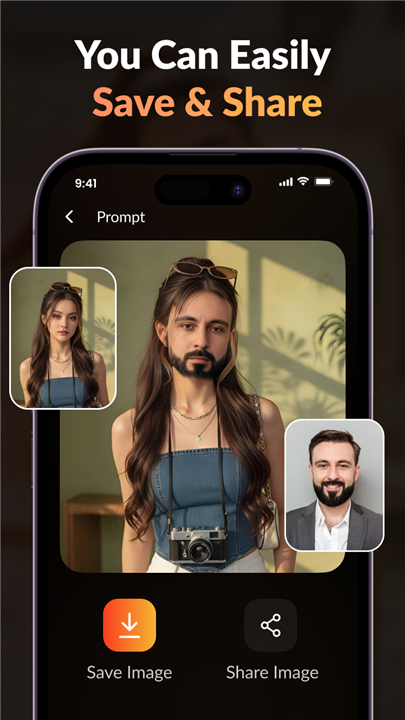
• The face swap functionality stands as a distinctive feature within the application.
• This tool allows users to superimpose faces onto selected template characters or subjects, creating humorous, entertaining, or artistic video results.
• The AI technology ensures seamless integration of facial features, maintaining realistic appearances while producing shareable content.
User Experience
• VidsDash prioritizes accessibility through its streamlined three-step process.
• First, users choose a template that matches their creative vision.
• Second, they upload personal photos to incorporate into the design.
• Third, the AI generates the final video content within moments.
• This efficiency eliminates the complexity traditionally associated with video production software.
• The interface design emphasizes simplicity and intuitiveness.
• Navigation elements remain straightforward, ensuring users can locate desired features without confusion or frustration.
• Visual guidance accompanies each step, reducing the learning curve for new users while maintaining depth for those seeking advanced creative options.
Creative Applications
• The platform serves multiple purposes across personal and social contexts.
• Users create memorable content for social media sharing, family entertainment, creative projects, and digital communication.
• The combination of template diversity and customization options ensures versatility across different creative needs.
FAQ
Q: Do I need any prior video‑editing experience to use VidsDash?
A: Not at all. The app is built around a three‑step workflow—pick a template, upload photos, and let the AI do the rest. All the complex rendering and compositing happen behind the scenes, so even users who have never touched a timeline can achieve professional‑looking results.
Q: How does the AI decide which transitions and effects to apply?
A: When you select a template, the underlying AI model reads the style guidelines encoded in that template—whether it’s a lively party vibe, a sleek corporate flow, or a nostalgic slideshow. It then matches the rhythm, pacing and visual motifs to the number and content of your photos, automatically stitching everything together in a way that feels intentional and cohesive.
Q: Can I customize the output after the AI finishes generating the video?
A: Absolutely. Once the AI has produced a draft, you can fine‑tune the duration of individual clips, swap out background music, adjust color grading, or replace any photo with a different one. These edits are optional; the default video is already ready for immediate sharing.
Version History
v8.0.0——12 May 2026
Create AI videos and face swaps from photos using templates Download the latest version of VidsDash - Video Maker AI to enjoy new features and updates immediately!
*8.0.0
Minor bug fixes and improvements. Install or update to the newest version to check it out!
*7.0.0
Minor bug fixes and improvements. Install or update to the newest version to check it out!
*6.0.0
Minor bug fixes and improvements. Install or update to the newest version to check it out!











Ratings and reviews
There are no reviews yet. Be the first one to write one.