

CPU-Z
Overview
• CPU-Z for Android is the official mobile adaptation of the industry-standard PC utility.
• This free, lightweight application provides an in-depth diagnostic analysis of your smartphone or tablet, offering transparency into its internal hardware and functional status.
Core Reporting Features
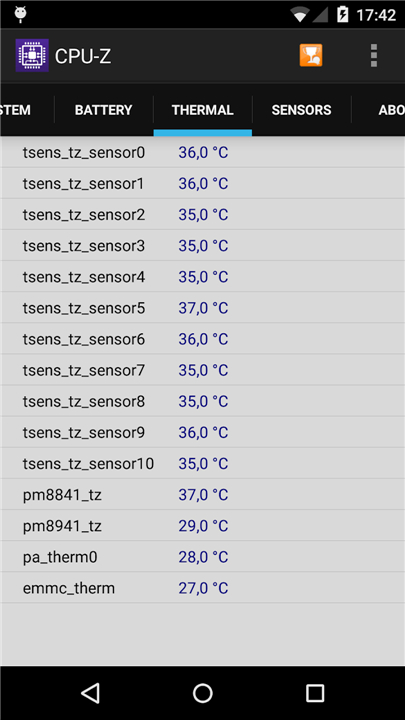
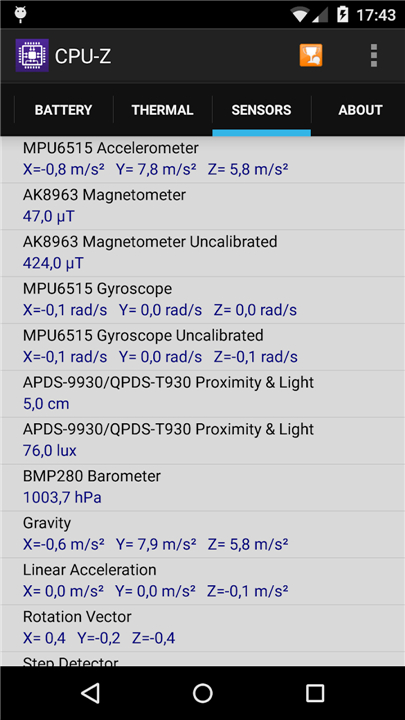
The application delivers comprehensive data across several critical categories:
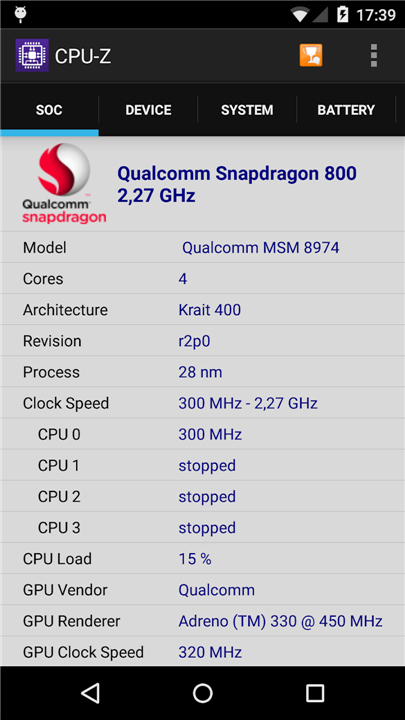
• System on Chip (SoC): Identifies your chipset name, architecture, and real-time clock speeds for every individual processing core.
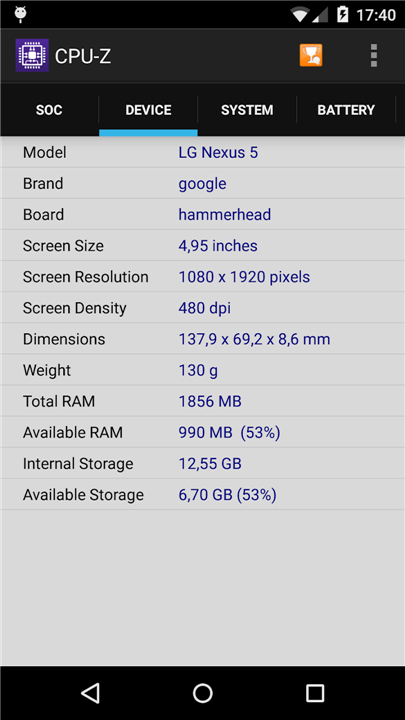
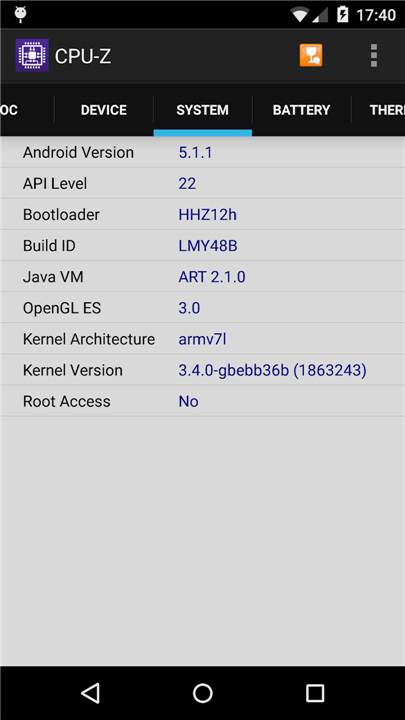
• System Specifications: Details your device brand and model, display resolution, total RAM capacity, and internal storage metrics.
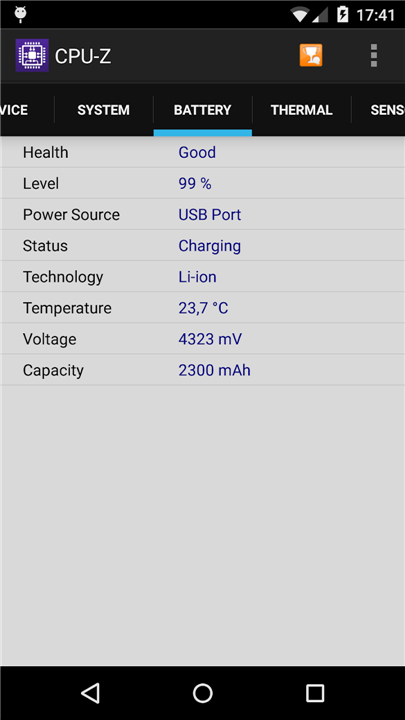
• Battery Monitoring: Tracks battery health, including current charge levels, power status, operating temperature, and total capacity.
• Sensor Data: Provides live readouts from the various sensors integrated into your device.
Technical Requirements and Permissions
• Compatibility: Requires Android 2.2 or higher (version 1.03 and later).
• Permissions: Access to INTERNET is required for online validation, while ACCESS_NETWORK_STATE is utilized for anonymous statistics.
Advanced Functionality
1. Online Validation:
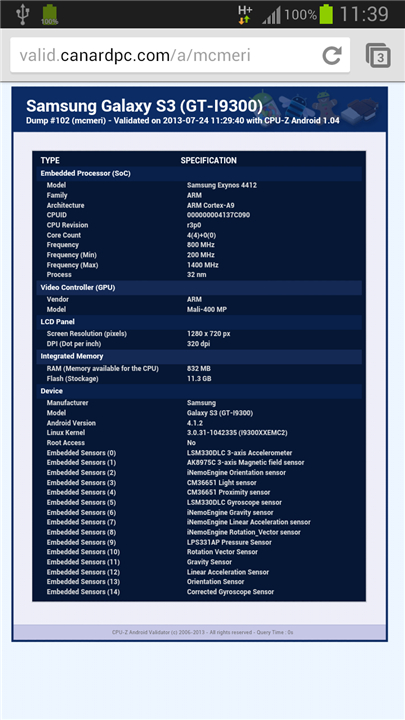
• Starting with version 1.04, users can store their hardware specifications in a global database.
• Upon completion, a unique URL is generated.
• Providing an email address allows users to receive a permanent copy of their validation link.
2. Debug Protocol:
• If the application experiences an abnormal shutdown, a settings menu appears upon the next launch.
• Users can selectively disable detection features to resolve compatibility conflicts.
Support and Troubleshooting
• Bug Reporting: If you encounter errors, please navigate to the application menu and select "Send Debug Infos" to forward a technical report via email.
• Documentation: For additional guidance and frequently asked questions, visit the official support page at: http://www.cpuid.com/softwares/cpu-z-android.html#faq
FAQ
Q: Is there a cost associated with downloading or using CPU-Z?
A: You will be happy to hear that CPU-Z is a completely free and lightweight application, allowing you to monitor your hardware without any financial barrier.
Q: What specific information can I learn about my device's processor using the SoC tab?
A: The SoC tab offers a detailed breakdown of your chipset, including its official name, the internal architecture, and real-time clock speeds for each of your processing cores as they operate.
Q: Can CPU-Z help me identify my specific device model and display resolution?
A: Absolutely, the System tab provides all the essential details about your device, including the manufacturer’s branding, the specific model name, total RAM capacity, internal storage metrics, and your exact screen resolution.
Version History
v1.59——29 Jun 2026
CPU-Z is a system profiling app that identifies Android hardware in real time. Download the latest version of CPU-Z to enjoy new features and updates immediately!
*1.59
Fix tab UI crashes.
*1.58
- Fix crash on Xiaomi PCO X8 Pro Max.
*1.57
- MediaTek Dimensity 6360 SUPER.
- Fix white pages issue.
- Fix intrusive ads issue.











Ratings and reviews
There are no reviews yet. Be the first one to write one.