

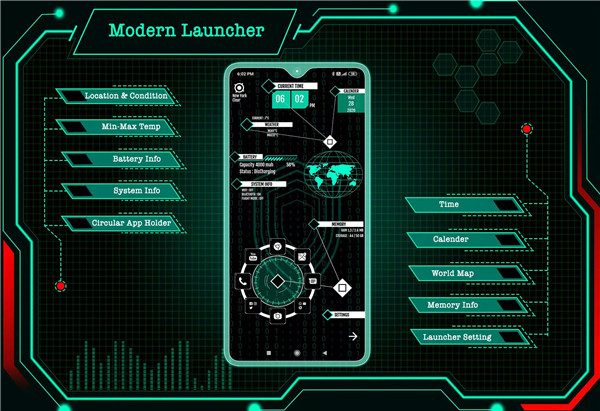
Modern Launcher 2023 enhances your Android experience with its sleek design and powerful features. This launcher combines style with functionality, offering a range of tools from AppLock to customizable themes.
User Interface and Design
The interface of Modern Launcher 2023 is clean and intuitive, ensuring an interactive user experience. Its modern design enhances usability, allowing seamless navigation through various features and settings.
App Lock
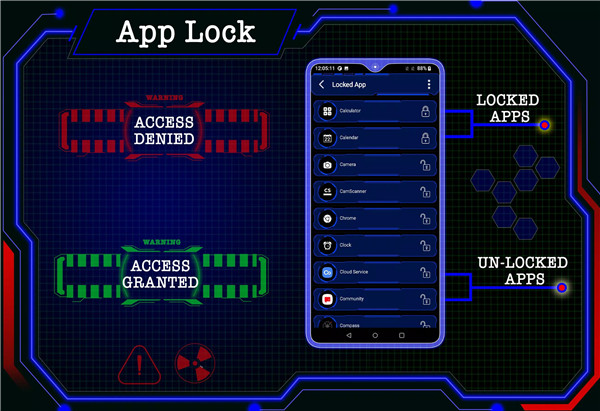
Secure your privacy effortlessly by locking apps directly from the launcher with password protection. No need for separate app lockers, enhancing both convenience and security.
Hide App
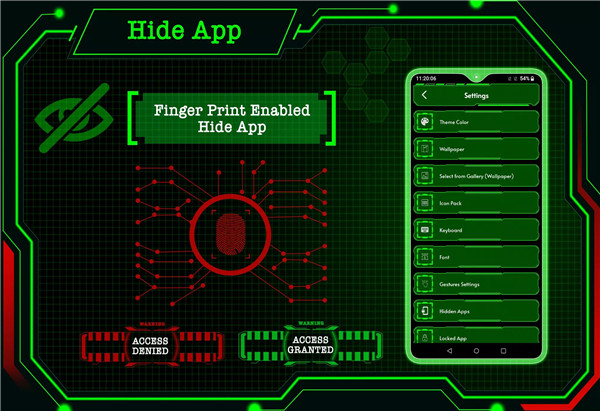
The app utilizes fingerprint authentication to discreetly hide specific apps from the main app list, ensuring your private apps remain confidential.
Futuristic Wallpaper and Themes
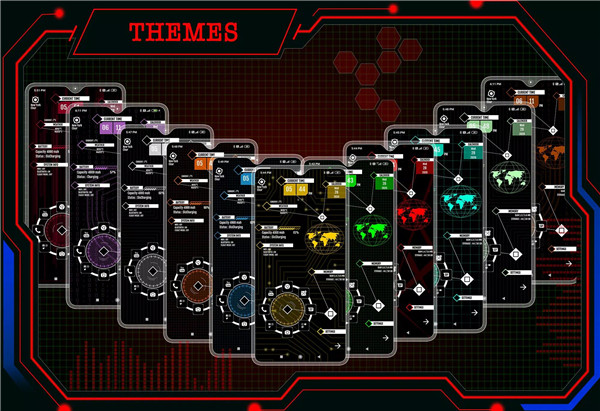
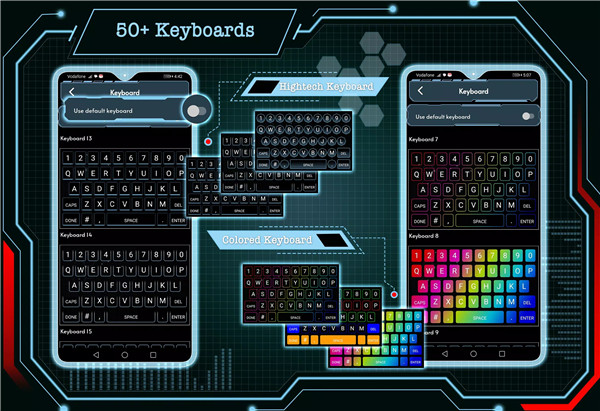
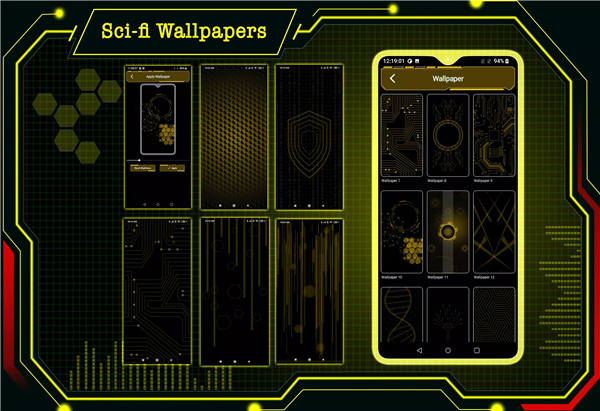
Transform your phone with vibrant, futuristic wallpapers that adapt to your chosen theme. Choose from a variety of colorful themes crafted with passion to give your device a fresh and virtual aesthetic.
Folder Management
Organize your apps efficiently using the folder feature. Convert icons into folders and vice versa with a simple long-press, optimizing your app layout and accessibility.
Customization and Personalization
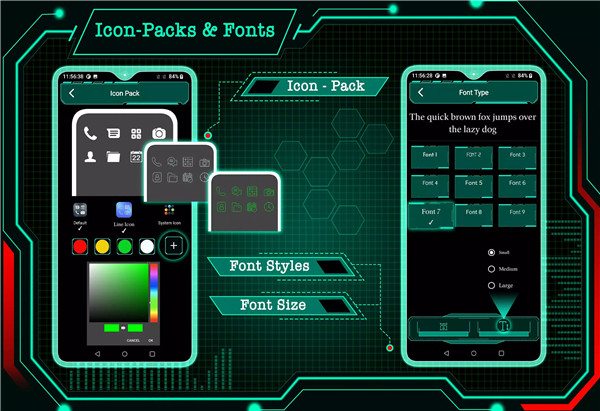
Personalize your phone extensively with customizable widgets, icon packs, and gestures. Modify app icons, apply different icon packs, and configure gestures like swipe up and swipe down to perform specific actions.
Performance
Experience exceptional speed and smoothness with Modern Launcher 2023. It ensures faster and smarter handling of your device, making everyday tasks effortless and enjoyable.
Quick Search and Widgets
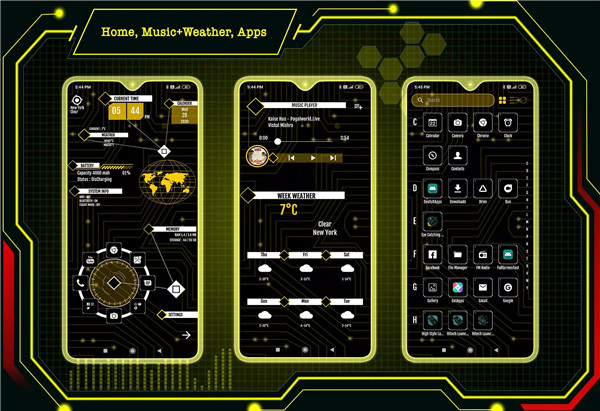
Access installed apps instantly through the quick search feature by swiping down on the main screen. Add useful widgets like clock, weather, calendar, map, and battery for quick access to essential information.
Icon Packs
Choose between a simple icon pack and line icon pack, adjusting their colors to match your preferences. Feel free to customize your home screen with icons that complement your chosen theme.
What's New in the Latest Version 80.0
Last updated on Aug 3, 2024
Bug fixed.
Android 34 support added.









Ratings and reviews
There are no reviews yet. Be the first one to write one.