

Photo Editor: Retouch, Enhance APK
1.280.81
Photo Editor: Retouch, Enhance
Photo Editor: Retouch, Enhance APK
Download for Android
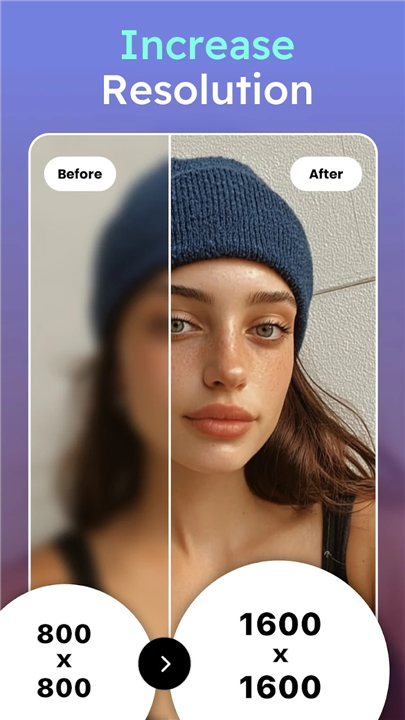
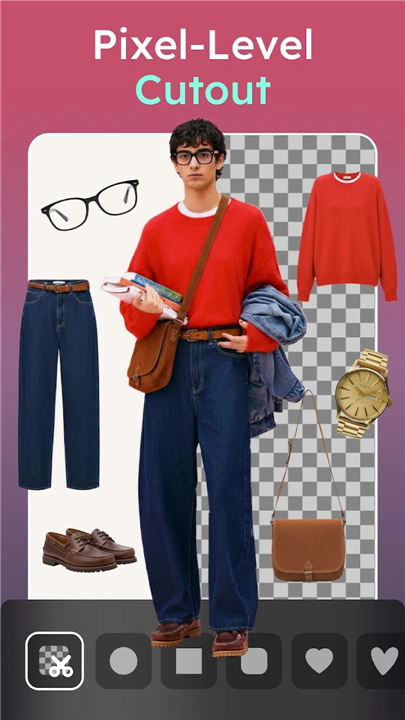
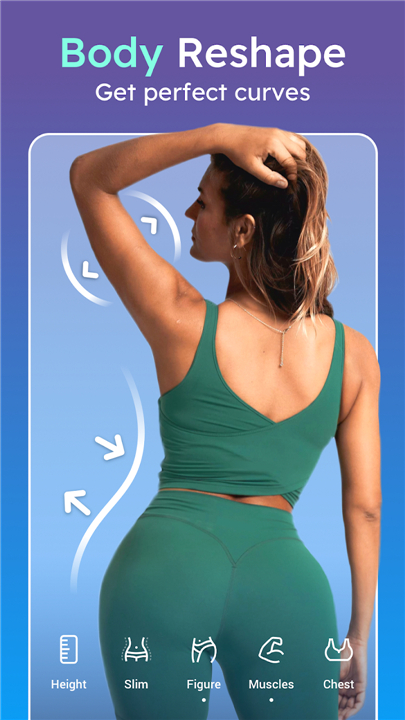
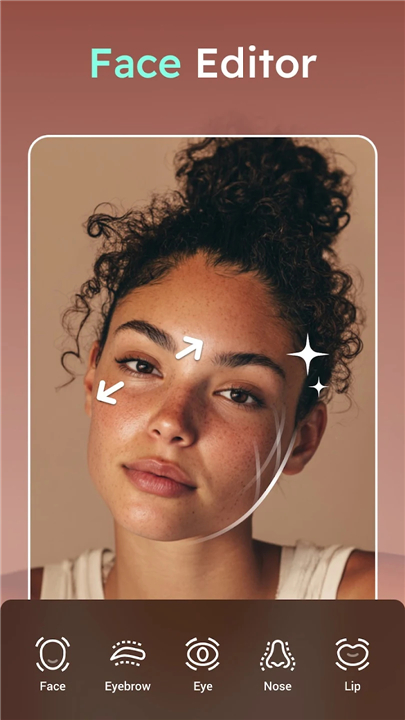
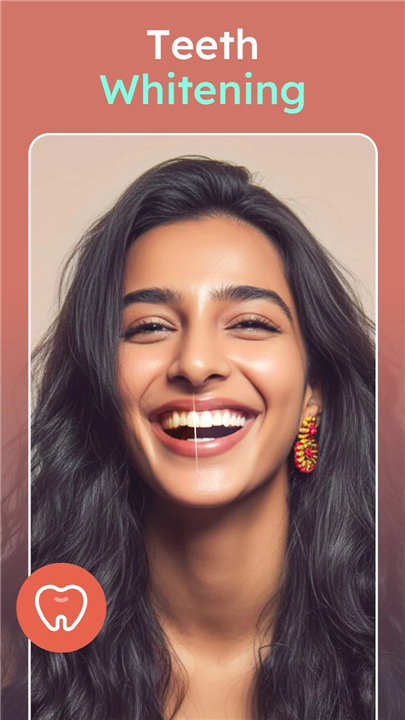
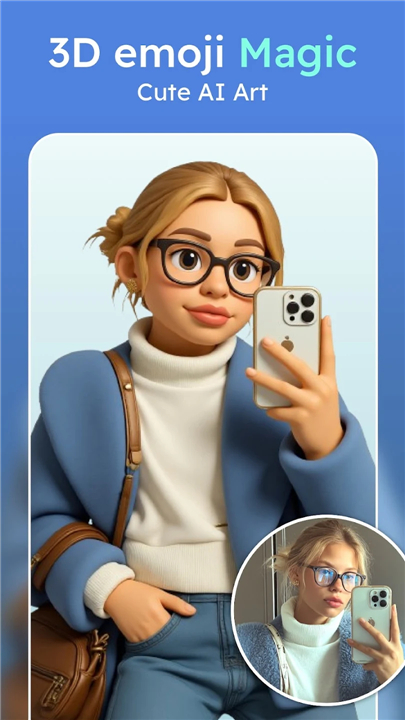
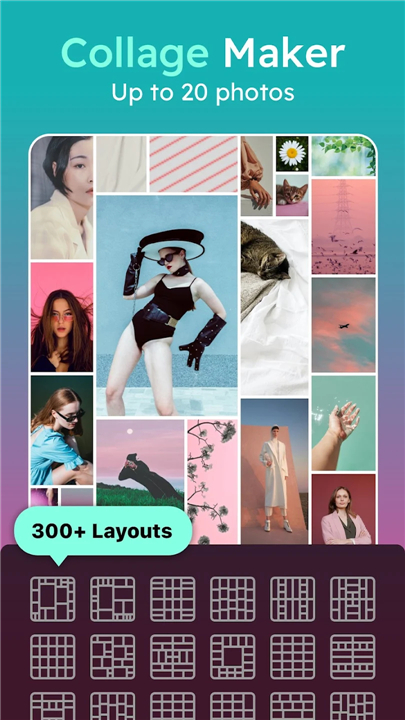
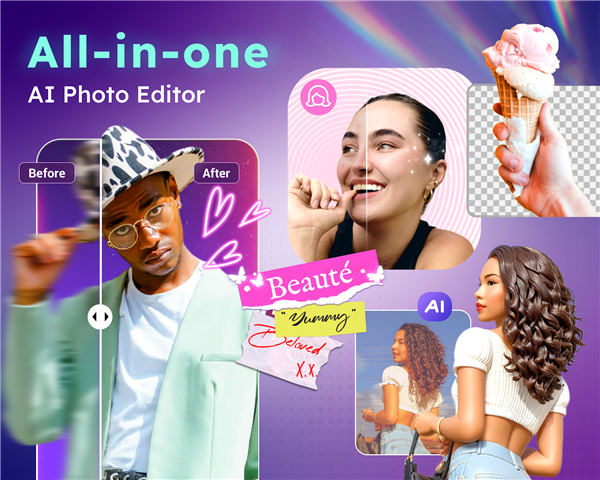
Photo Editor: Retouch, Enhance
Your All-in-One AI Photo Editing Solution
• Transform ordinary photos into extraordinary works of art with DoFoto – the free, full-featured photo editor designed for both beginners and pros.
• Whether you want flawless selfies, creative effects, or professional adjustments, DoFoto puts powerful tools right at your fingertips.
Photo Enhancement & AI Tools
• AI Photo Enhancer – Restore clarity, sharpen details, and turn images into high-definition masterpieces.
• AI Art Generator – Create unique avatars and artistic renditions in styles ranging from 3D cartoons to cinematic illustrations.
• Object Removal – Clean up your shots instantly by removing distractions with smart AI precision.
• Background Remover & Blur – Replace or soften backgrounds for striking visual impact.
Face & Body Retouching
• Face Editing – Adjust facial features, refine symmetry, and perfect group photos with multi-face editing.
• Instant Retouch – Smooth skin, brighten smiles, reduce blemishes, and erase signs of fatigue in seconds.
• Body Shaping – Enhance proportions, adjust height, slim waistlines, and highlight your best features effortlessly.
Creative Camera & Filters
• Live Effects Camera – Capture photos and videos with real-time artistic effects like glitch, VHS, stardust, and more.
• Custom Filters – Apply exclusive styles from retro to modern, with precise control over filter intensity.
• AI Photo Effects – Add depth and drama with background blur, cloning, and advanced glitch effects.
Advanced Editing Controls
• Color & Tone Adjustment – Fine-tune brightness, contrast, warmth, and shadows for professional-grade results.
• HSL & Curves – Master color control with advanced hue, saturation, and luminance adjustments.
• Selective Edits – Apply changes to either the subject or background for maximum creative freedom.
Design & Presentation
• Image Overlay – Blend multiple photos for a double exposure or layered effect.
• Photo Frames – Give your images an artistic finish with elegant frame designs.
• Text & Stickers – Personalize your creations with stylish fonts and exclusive sticker sets.
• Collage Maker – Combine up to 20 photos into beautiful layouts or freestyle designs with AI background removal.
Privacy You Can Trust
• All edits are processed directly on your device. Your images remain private unless you choose to share them.
DoFoto makes professional photo editing simple, fast, and fun.
Whether you’re polishing a portrait, crafting social media content, or experimenting with creative effects, DoFoto empowers you to bring your vision to life—without limits.
FAQ
Q: How does the AI Art Generator work, and what creative possibilities does it offer?
A: The AI Art Generator in DoFoto allows you to transform your photos or portraits into artistic renditions ranging from 3D cartoons and cinematic illustrations to watercolor paintings. You simply choose a style, upload or capture an image, and the AI recreates it in the chosen aesthetic. This tool is perfect for avatar creation, social media posts, or adding a whimsical twist to your personal photos.
Q: Can I remove unwanted objects or people seamlessly, and what’s the level of precision?
A: Yes—DoFoto’s Object Removal feature uses smart AI algorithms to identify and intelligently erase distractions such as power lines, photobombers, or cars. The tool automatically fills the resulting void with context-aware textures, ensuring a seamless background that matches the surrounding scene. Intermediate-level users will appreciate the ability to fine-tune brush size and mask edges for pixel-perfect results.
Q: What options do I have for changing or blurring backgrounds?
A: DoFoto offers both a Background Remover and a Blur tool. The Background Remover automatically isolates your subject and lets you swap in any scene—be it a scenic landscape or a solid color. If you prefer to keep your original shot but achieve a DSLR-style depth effect, the Background Blur tool lets you adjust the amount and shape of the blur interactively, creating natural bokeh and drawing attention to your subject.
Version History
v1.280.81——5 Jan 2026
Perfect Body Editor, Face Retouch App, AI Photo Enhancer & Pic Collage Maker Download the latest version of Photo Editor: Retouch, Enhance to enjoy new features and updates immediately!
*1.280.81
• [Face]: More precise controls for facial features
• [Hair]: Change your hair color with one tap
• [Retouch]: Remove double chin and straighten teeth easily
• Update]: New backgrounds, frames, fonts, text labels, stickers and AI cartoon styles!
• Bug fixes and other improvements
Enjoy using DoFoto and let us know your thoughts. Our email: support@dofoto.app.
*1.270.80
• [Flash]: Brighten portraits and enhance low light photos
• [Tattoo Edit]: Body Fit & Blend for more realistic ink!
• [Update]: New backgrounds for cutouts, Diwali frames, and Thai fonts
• Bug fixes and other improvements
Enjoy using DoFoto and let us know your thoughts. Our email: support@dofoto.app.
*1.264.79
• [AI Expand]: Expand images beyond borders with AI
• [Backgrounds]: New backgrounds for collages and edits
• [Ratio]: 2:3 and 3:2 layout options now added
• [Update]: Enjoy salt sun filters, new stickers and fun AI cartoon styles
• Bug fixes and other improvements
Enjoy using DoFoto and let us know your thoughts. Our email: support@dofoto.app.









Ratings and reviews
There are no reviews yet. Be the first one to write one.