

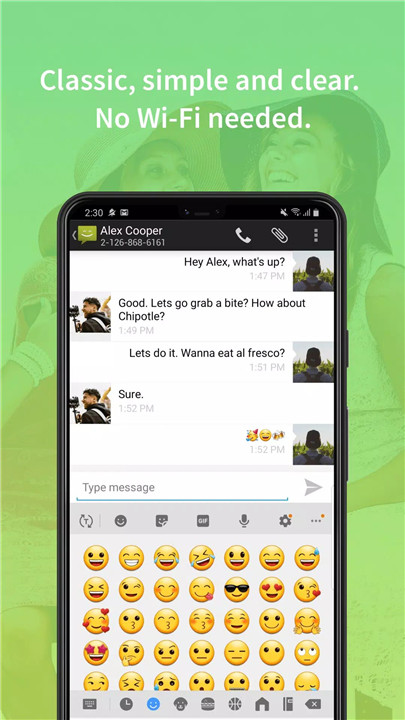
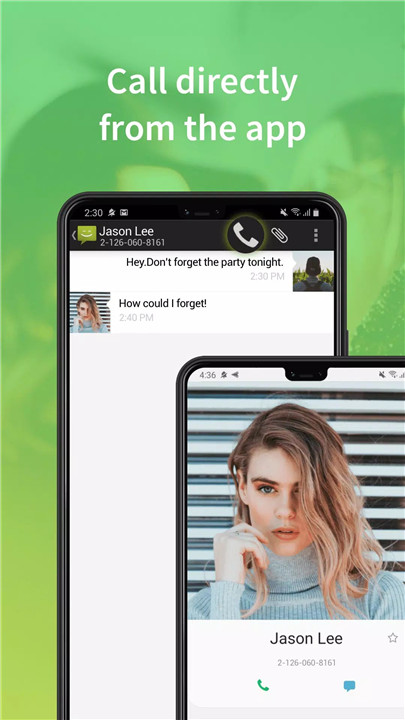
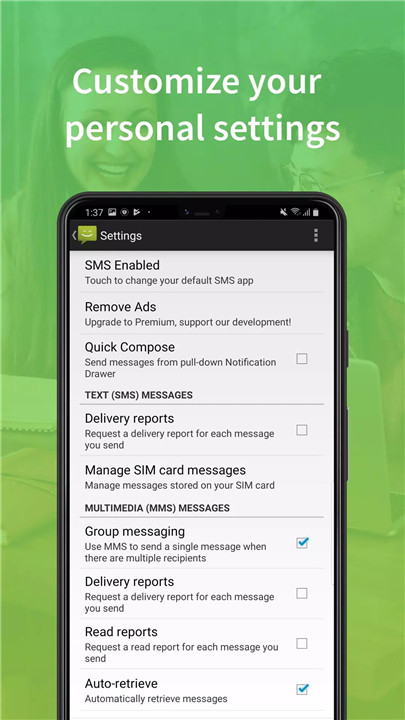
Message Classic (also known as Messaging Classic) brings back the original Android messaging experience with a sleek and intuitive interface. Ported directly from the native Android system, this app recreates the messaging experience you love while offering full compatibility with SMS and MMS. Many phone manufacturers, such as Samsung, LG, and HTC, create their own custom messaging apps with unique user interfaces, which can vary from one device to another. Message Classic, however, ensures you get the nostalgic feel of Google’s native design, providing a consistent, reliable, and easy-to-use SMS experience.
Completely Free
One of the best things about Message Classic is that it’s totally free to download and use. You don’t need to worry about any hidden charges or paid features—just download the app and start messaging.
Fully Supports Android 4.4
Message Classic is fully compatible with Android 4.4, offering a smooth experience even on older devices. If you're using an older Android phone or haven't updated in a while, you can still enjoy all the app’s features without worrying about compatibility issues.
MMS Support for All Android Versions
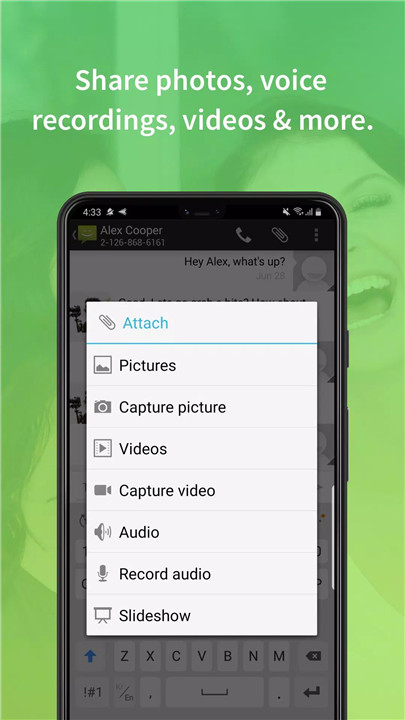
Message Classic ensures full support for Multimedia Messaging Service (MMS), meaning you can send and receive picture messages, videos, and audio messages no matter which version of Android you're using.
Quick Reply Pop-ups
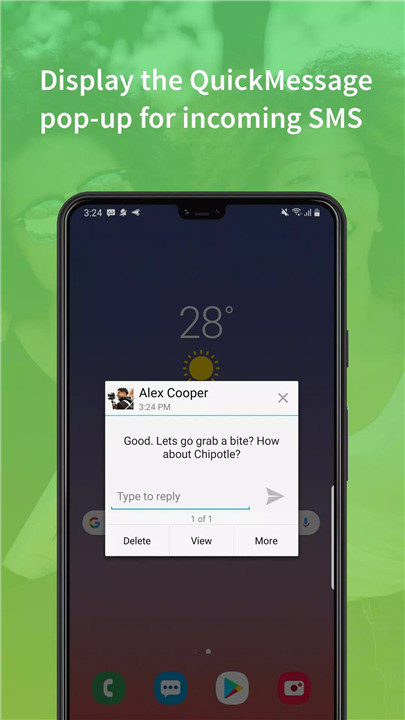
The app includes a quick reply pop-up feature, allowing you to reply to messages instantly without leaving the screen you’re on. This saves you time and lets you stay productive without having to switch back and forth between apps.
Quick Action Button Support in Message Notifications
With quick action buttons in your message notifications, you can reply to messages or perform other actions directly from the notification tray.
User-Friendly Interface with Classic Google Design
Message Classic brings you the simple, easy-to-use design that was once featured on Google’s Nexus devices.
Support for Third-Party Notifications
If you're using third-party SMS apps, remember to disable their notifications to avoid receiving duplicate alerts. This ensures that only Message Classic provides you with notifications, streamlining your messaging experience.
Set as Default SMS App for Full Functionality
To make sure the app works smoothly, be sure to set Message Classic as your default messaging app. If it's not your default, you may encounter issues with receiving or sending messages, especially in Android 4.4.
FAQs
1. Why use Message Classic over other messaging apps?
Message Classic offers the classic Google design with a clean, simple interface that’s easy to use. It supports MMS, quick reply pop-ups, and quick action buttons, making it the perfect choice for users who prefer the original Android messaging experience.
2. How do I enable MMS support in Message Classic?
Message Classic supports MMS across all Android versions. To use MMS properly, just ensure you have a stable network connection and set Message Classic as your default messaging app in Android settings.
3. Why should I set Message Classic as my default SMS app?
In Android 4.4, an SMS app must be the default to update SMS/MMS data. If Message Classic is not your default app, you may encounter issues with message delivery or notifications. To avoid this, set Message Classic as your default SMS app for optimal performance.
-----------------------------
What's New in the Latest Version 3.2.16
Last updated on Oct 30, 2024
Fixed some bugs.









Ratings and reviews
There are no reviews yet. Be the first one to write one.