

enVision EDMS
Overview
• enVision EDMS stands as an all-encompassing Electronic Document Management System designed to facilitate the digital transformation of modern organizations.
• By offering a unified platform for Document, Workflow, and Form Management, it streamlines complex business processes and enhances operational efficiency.
• The software is built with a sophisticated multi-language user interface, making it an ideal solution for global enterprises seeking a centralized repository for their corporate intelligence.
Core System Capabilities
• Comprehensive document tracking and secure archive management to ensure the integrity and longevity of corporate records.
• Advanced workflow and electronic form management tools that automate manual business logic and reduce processing times.
• High-performance Optical Character Recognition (OCR) technology for converting physical documents into searchable digital assets.
• Strategic task assignment and real-time tracking modules to maintain transparency throughout the lifecycle of a project.
• Full e-Signature integration to enable legally binding digital approvals and reduce reliance on paper-based cycles.
• Seamless synchronization with external enterprise systems, including Enterprise Resource Planning (ERP) and Human Resources (HR) platforms, to ensure data consistency across the organization.
Mobile Functionality and User Experience
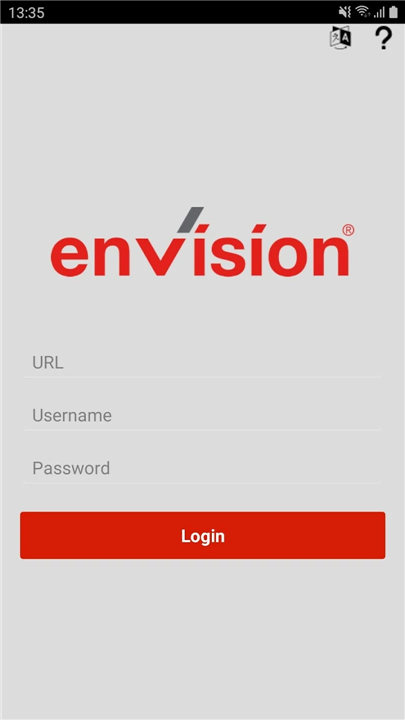
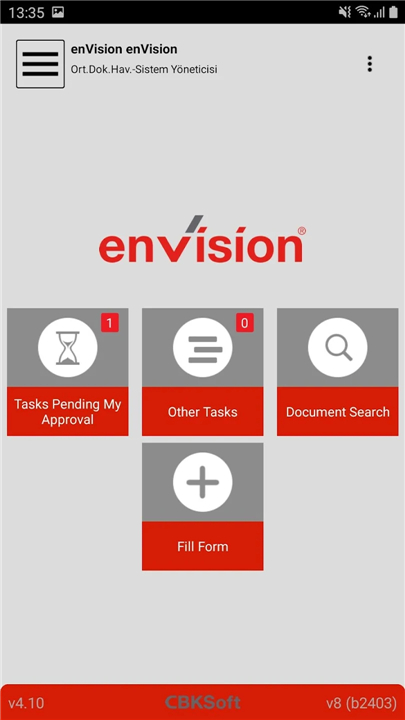
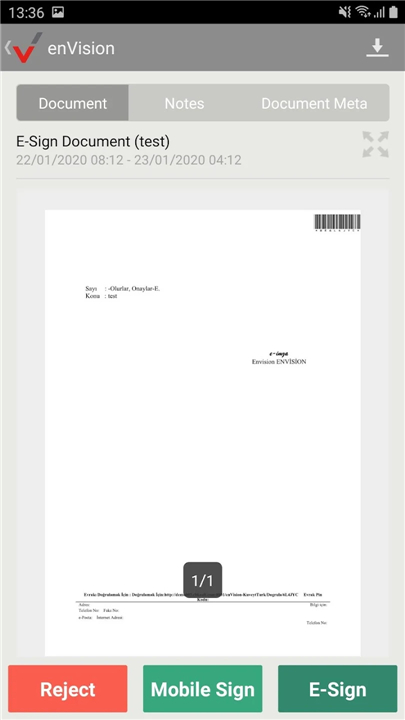
• The enVision Mobile application extends the power of the EDMS to handheld devices, allowing users to remain productive regardless of their physical location.
• Key mobile features include:
+ The ability to execute and complete assigned tasks directly from the interface, ensuring business continuity outside the office.
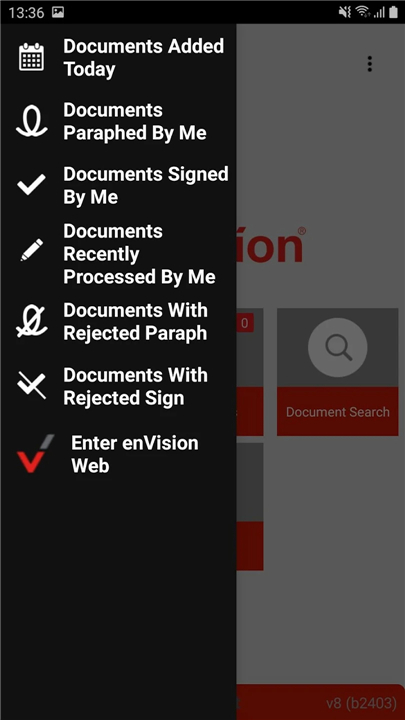
+ Mobile document paraphing and electronic signing capabilities for rapid approval cycles.
+ Access to detailed metadata and internal notes to provide context for every document and task.
+ Dynamic document grouping, allowing users to filter files by categories such as Recent Documents, Signed, Rejected, or Pending Approval.
+ Robust search functionality that locates files via document name, specific metadata, or deep-content analysis.
+ In-app document downloading for secure viewing and the ability to adjust task list refresh frequencies to optimize performance.
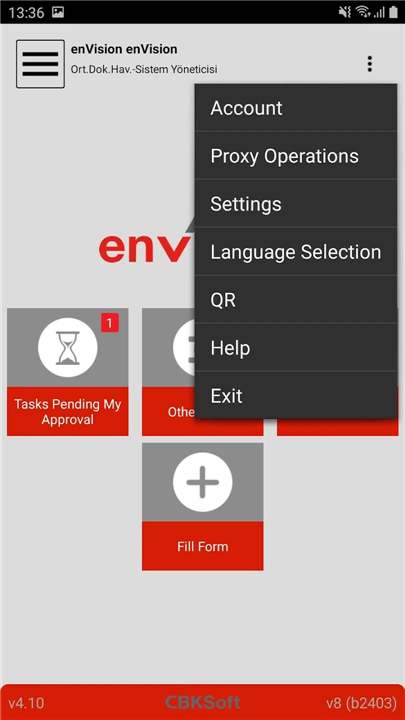
+ Support for multiple enVision identities, enabling users to switch between different organizational roles within a single app.
Licensing and Technical Requirements
• To maintain security and compliance, use of the mobile extension requires the purchase of an enVision Mobile Corporate license.
• If certain complex tasks cannot be completed natively within the mobile environment, the system provides an automated hand-off to the device's default browser.
• For detailed configuration and access permissions, users are advised to consult their internal EDMS administrator.
FAQ
Q: What kind of organizations can benefit most from enVision EDMS?
A: Thanks to its sophisticated multi-language user interface, enVision EDMS is an excellent choice for global enterprises. It helps them create a centralized hub for all their corporate information, making it easier to manage documents and processes across different regions and languages.
Q: How does enVision EDMS help improve operational efficiency?
A: By offering a unified platform for managing documents, workflows, and forms, enVision EDMS helps organizations streamline even their most complex business processes. It automates tasks that might traditionally be manual, which significantly reduces processing times and enhances overall operational efficiency.
Q: What are the primary ways enVision EDMS ensures document integrity and security?
A: enVision EDMS prioritizes the integrity and security of your corporate records through its comprehensive document tracking and secure archive management features. This provides a robust and reliable system for safeguarding your valuable information for the long term.
Version History
v4.54——11 Mar 2026
Document, Workflow and Form Management System Download the latest version of enVision EDMS to enjoy new features and updates immediately!
*4.54
KamuSM license has been updated.
App support has been added for Android 15 devices.
The ability to add notes has been enabled for form update tasks.
Minor bugs observed in offline usage scenarios have been fixed.
*4.53
en-US Mobile notification issue resolved
*4.52
The e-signing problem with OTG on devices with Android 14 has been resolved.









Ratings and reviews
There are no reviews yet. Be the first one to write one.