

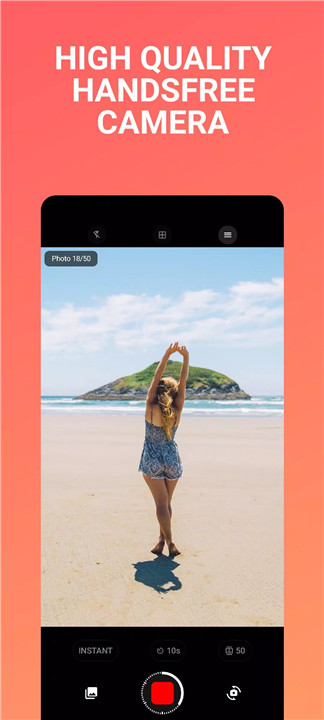
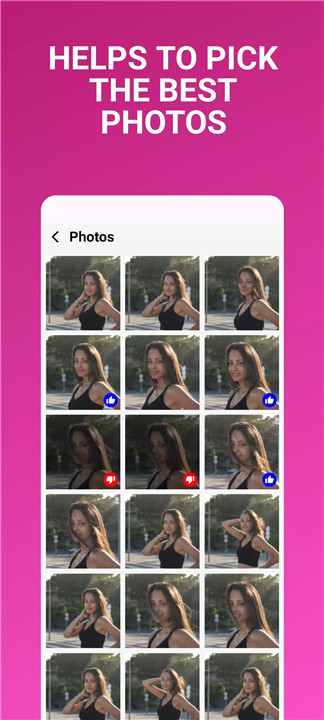
Lens Buddy is the ultimate camera app for anyone who loves to take photos without needing to press a button. Simply set your timer, place your phone in a safe spot, and let the camera do the rest! This hands-free app is your perfect companion for effortlessly capturing amazing photos.
Hands-Free Photography
With Lens Buddy, you no longer have to rely on a remote clicker or ask someone else to take your picture. This easy-to-use app lets you set a timer for taking photos, allowing you to position your camera just right and then walk into the frame to strike a pose. It's perfect for group shots or solo selfies when no one else is around to help.
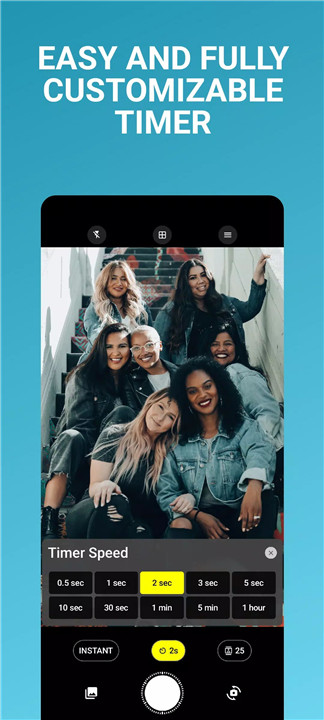
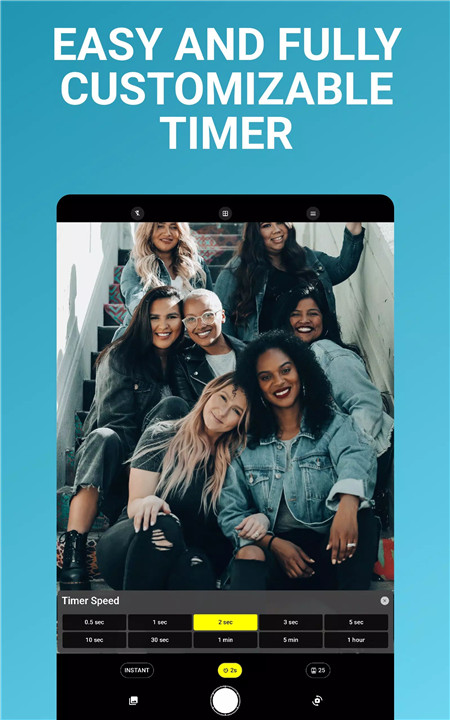
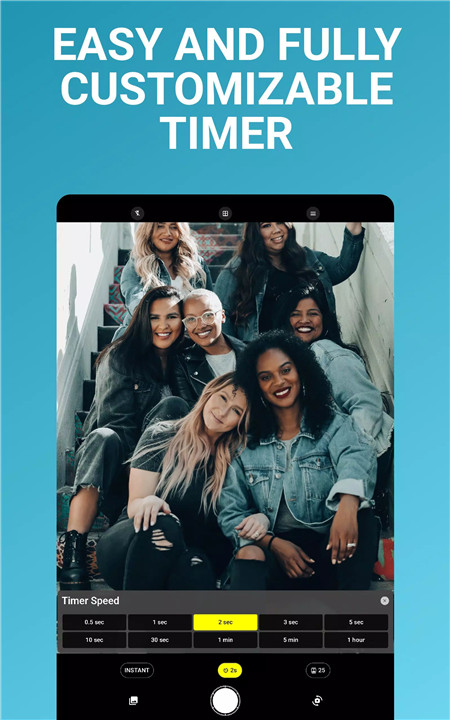
Customizable Timer
The app offers full control over the timer, so you can choose the exact time interval between shots. Need a few more seconds to get into position? Or a longer wait to capture multiple angles? Lens Buddy allows you to customize the settings to suit your needs.
High-Quality Photos
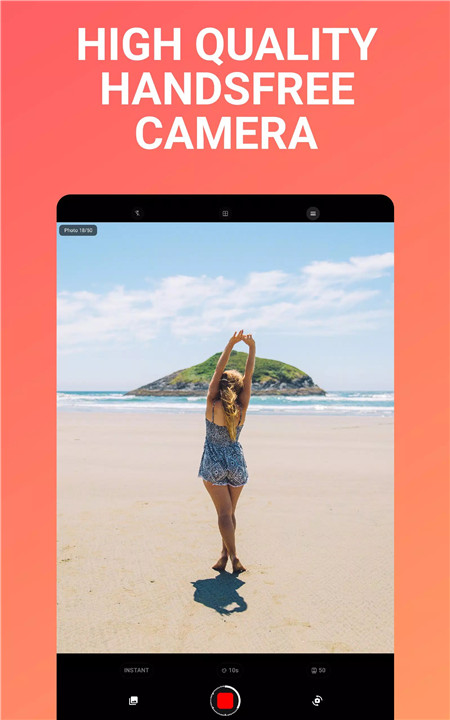
Unlike taking screenshots from videos, Lens Buddy captures high-resolution images with excellent clarity. Whether you're using the front or rear camera, you can trust that your photos will look professional and sharp.
Easy-to-Use Interface
Lens Buddy boasts a simple, intuitive interface that makes it easy for anyone to use. The clean design ensures you can quickly set up your camera, choose your timer, and start snapping photos without any complicated settings.
Zoom & Flash Control
For extra creative freedom, Lens Buddy allows you to control zoom and flash settings, giving you full control over how your photos turn out. Adjust the focus or add extra light to ensure your images are perfectly captured every time.
FAQs
1. How do I use Lens Buddy to take photos?
To use Lens Buddy, simply set the timer for your desired interval, place your phone in a safe spot, and wait for the camera to automatically take the photos. The app will handle everything from there!
2. Can I adjust the timer and settings?
Yes! Lens Buddy allows you to fully customize the timer settings to suit your needs. You can choose the time between shots and make adjustments to the zoom and flash settings for a more personalized photography experience.
3. Is Lens Buddy free to use?
Lens Buddy is completely free to use, with occasional ads!
--------------------------
What's New in the Latest Version 1
Last updated on Dec 7, 2024
Gave some love to the droids.









Ratings and reviews
There are no reviews yet. Be the first one to write one.