

VidHD: Video Download
Smart Video Downloader and Player
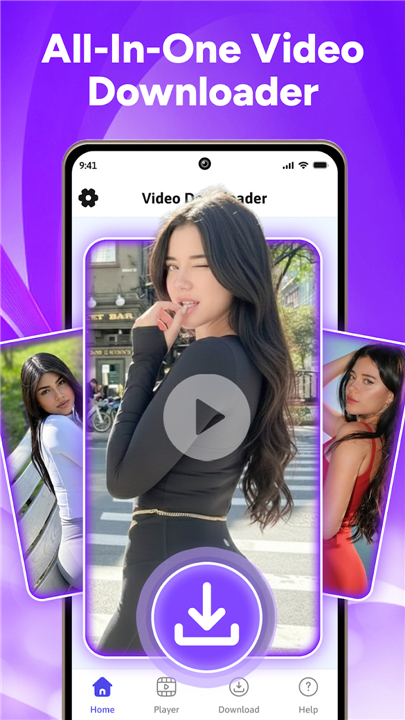
• VidHD is designed to make saving and enjoying your favorite video content simple, fast, and efficient.
• Whether you have discovered an inspiring lecture, a step-by-step tutorial, or a memorable clip, VidHD offers you the tools to keep those videos accessible for offline viewing without compromising on quality.
Core Functionality
• Video Download and Save:
+ Download videos directly from supported websites by pasting a valid link into the application.
+ VidHD takes care of the downloading process, ensuring you receive the full video file with minimal effort.
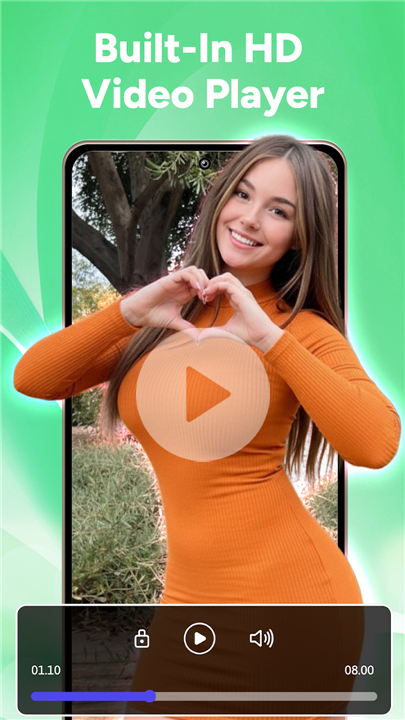
• High-Quality Playback:
+ Equipped with a robust video player, VidHD supports a wide range of popular video formats.
+ This ensures smooth playback with crisp visuals and clear audio, delivering an enjoyable viewing experience.
• Download Management:
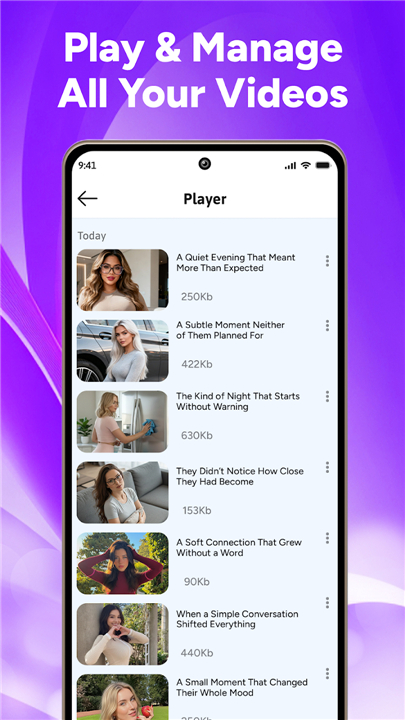
+ Keep all downloaded videos organized in a dedicated library.
+ Sort by date, name, or size, and access them anytime without searching through folders manually.
Ease of Use
• The interface is designed to be intuitive for users of all experience levels.
• From initiating a download to playing back content, every step is streamlined.
• Clear buttons, logical navigation, and responsive controls make the process fast and straightforward.
Responsible Usage
• VidHD is intended strictly for personal use.
• Users must provide the download links themselves and ensure they have the legal right or explicit permission from the content owner before downloading.
• Any copyright infringement caused by misuse of the app is the sole responsibility of the user.
Platform Limitations
• To respect copyright laws and the terms of service of major platforms, VidHD does not support downloading from services such as YouTube, Facebook, Instagram, TikTok, and other sites that prohibit downloading their content.
Get Started
• Download VidHD today to take control of your video collection.
• Enjoy an organized library, high-quality playback, and a streamlined downloading experience—all in one powerful application.
FAQ
Q: Which websites can I download videos from using VidHD?
A: VidHD supports downloading from a selection of websites that permit content saving, such as certain educational platforms, tutorials, and public domain video hosts. It deliberately excludes sites that disallow downloading, including YouTube, Facebook, Instagram, and TikTok, in order to comply with copyright laws and the respective platforms’ terms of service.
Q: How do I initiate a download in VidHD?
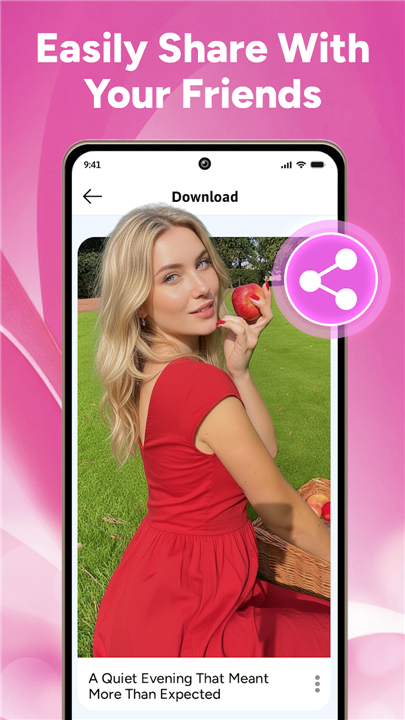
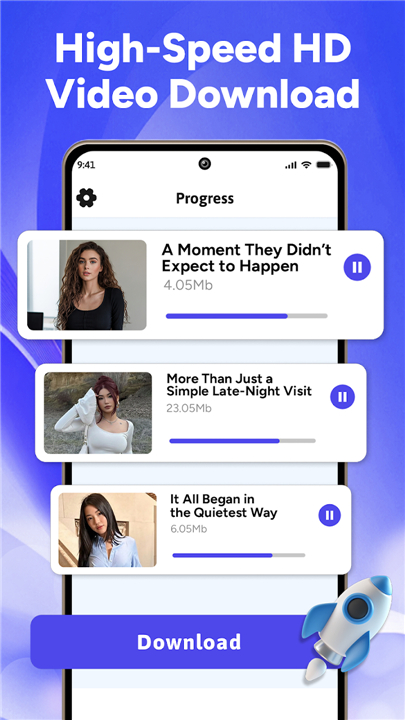
A: To start a download, simply copy a valid video link from a supported website and paste it into VidHD’s download field. Once you confirm, the application handles the rest—fetching the file and adding it to your dedicated library. There are no complicated settings to configure, and the progress is displayed so you can track your downloads in real time.
Q: Can I choose the video quality or format?
A: VidHD automatically detects and offers the best available quality provided by the source. While it focuses on delivering high-definition files whenever possible, the app also supports a broad range of formats—MP4, MKV, AVI, and more—so you can play back videos smoothly without conversion.
Version History
v2.8——12 Jan 2026
Download videos from web links. Enjoy video saver & HD player for your media. Download the latest version of VidHD: Video Download to enjoy new features and updates immediately!
*2.8
Minor bug fixes and improvements. Install or update to the newest version to check it out!
*2.7
Minor bug fixes and improvements. Install or update to the newest version to check it out!
*2.6
Minor bug fixes and improvements. Install or update to the newest version to check it out!









Ratings and reviews
There are no reviews yet. Be the first one to write one.