

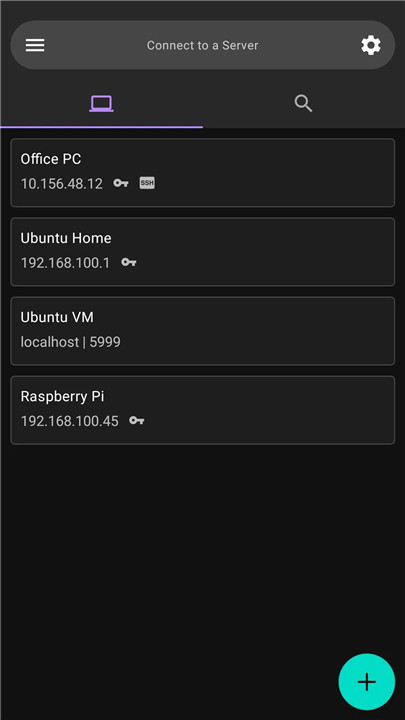
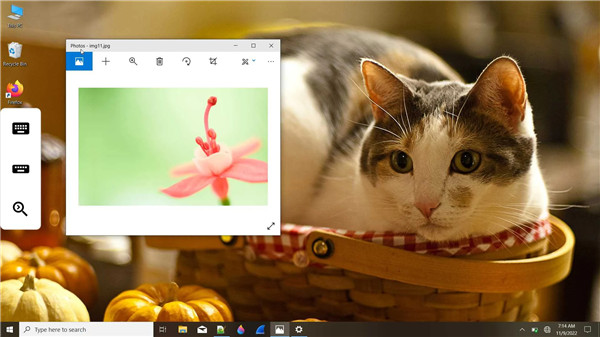
AVNC is a cutting-edge open-source VNC (Virtual Network Computing) client tailored for Android devices. It empowers users to easily and remotely control any device equipped with a VNC server, making it an adaptable solution for both personal and professional applications. This app is especially beneficial for those who require access to their desktops or servers via mobile devices, ensuring a smooth experience for remote work and support.
Key Features:
+ Material Design (with Dark Theme):
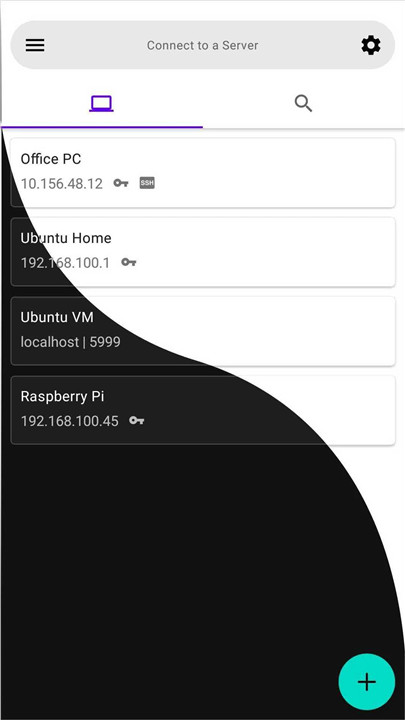
AVNC boasts a visually appealing interface that follows Google's Material Design principles. Users can opt for a dark theme, enhancing visibility in dimly lit settings and improving the overall user experience.
+ Customizable Gestures:
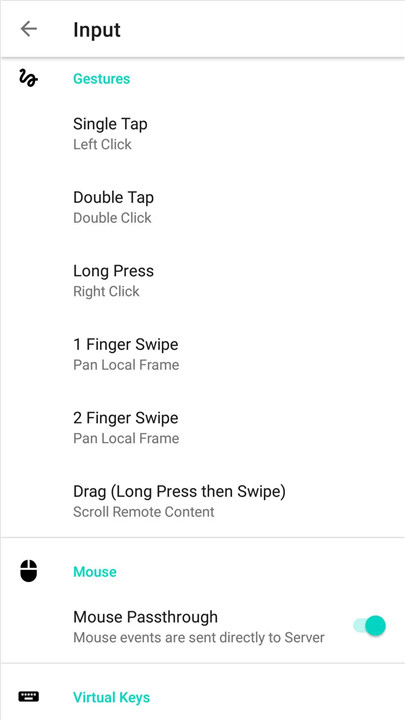
The app enables users to personalize gestures, offering flexibility in navigating and managing remote sessions. This feature caters to individual preferences, enhancing user-friendliness.
+ Tight Encoding:
AVNC utilizes tight encoding to optimize VNC sessions for better performance. This method ensures smoother graphics and quicker response times, particularly beneficial over slower network connections.
+ Virtual Keyboard:
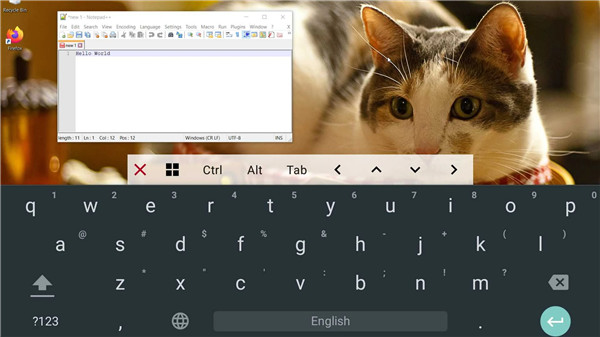
The application features a virtual keyboard, allowing users to enter text and control applications without the need for physical hardware. This capability is crucial for effective interaction with remote systems.
+ Picture-in-Picture Mode:
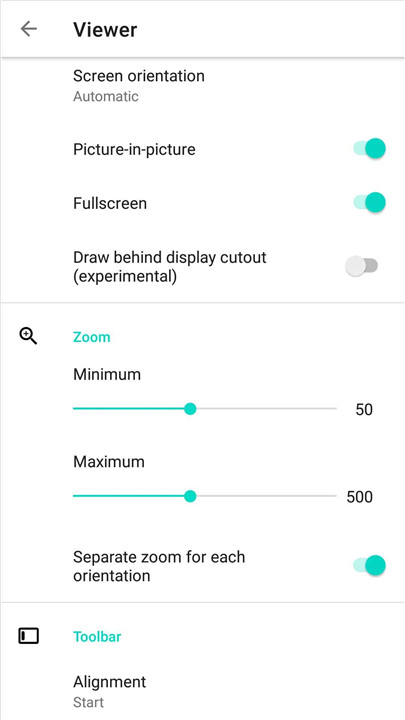
AVNC includes a picture-in-picture mode, allowing users to multitask while still keeping an eye on the remote desktop. This feature ensures that you can view the remote session while using other apps on your device.
+ View-Only Mode:
For instances where you only need to observe the remote device without making alterations, AVNC provides a view-only mode. This is particularly advantageous for demonstrations or monitoring purposes.
+ Zeroconf Server Discovery:
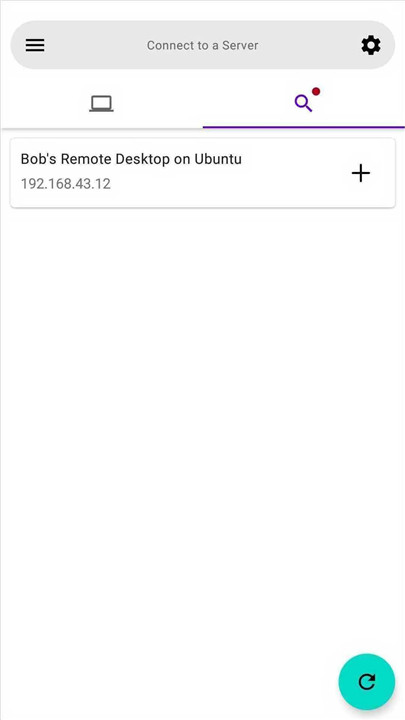
The application streamlines the connection process to VNC servers by leveraging Zeroconf for automatic detection of servers on the local network, ensuring a smooth and straightforward setup.
+ TLS Support (AnonTLS, VeNCrypt):
AVNC prioritizes secure connections to VNC servers by incorporating TLS protocols. This enhances data protection during remote sessions, safeguarding sensitive information from potential risks.
+ SSH Tunnel (VNC over SSH):
To provide an extra layer of security, AVNC enables VNC connections to be tunneled through SSH. This feature allows users to securely access their remote devices, even when they are behind firewalls or within restricted network settings.
+ Import/Export Servers:
Users can effortlessly manage their connections by importing and exporting server configurations. This functionality is especially beneficial for those who wish to transfer settings between devices or create backups.
+ VNC Repeater Support:
AVNC supports VNC repeaters, enabling users to connect to remote devices via a VNC repeater when direct connections are not feasible.
+ Clipboard Sync with Server:
AVNC facilitates smooth clipboard synchronization between local and remote devices. This feature allows users to easily copy and paste text and files, enhancing overall workflow efficiency.
Source:
For those keen on exploring or contributing to the development of AVNC, the source code is accessible on GitHub at https://github.com/gujjwal00/avnc. This open-source approach fosters community involvement and ongoing enhancement of the application, empowering users to influence its future direction.
FAQ
Q: What are the system requirements for AVNC?
A: AVNC is designed to run on Android devices running Android 5.0 (Lollipop) or later. It is optimized for modern Android devices, but it should work on most devices that meet the minimum requirements.
Q: Can I use AVNC to connect to multiple VNC servers?
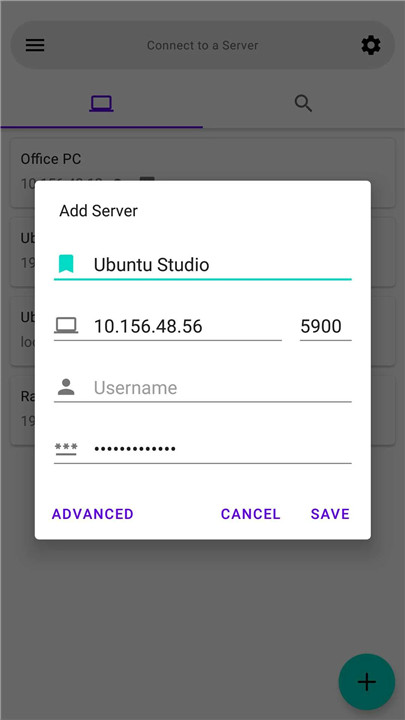
A: Yes, AVNC allows you to connect to multiple VNC servers. You can add and manage multiple server configurations within the app, making it easy to switch between different remote devices.
Q: What is Zeroconf Server Discovery, and how does it work in AVNC?
A: Zeroconf Server Discovery is a feature that allows AVNC to automatically detect VNC servers on the local network. When you enable this feature, AVNC will scan the network and list any available VNC servers, making it easier to connect without manually entering IP addresses and port numbers.
Version History
v2.8.0——17 Mar 2025
Fast & Secure VNC client for Android Download the latest version of AVNC 2.8.0 to enjoy new features and updates immediately!
* Added 'Long-press' action for long press gesture
* Added a 'Try' button to test the connection before saving a server
* Many improvements to advanced server options UI
* New language: Czech (by zenobit)









Ratings and reviews
There are no reviews yet. Be the first one to write one.