

ConnectBot
Overview
• ConnectBot is a comprehensive and robust open-source Secure Shell (SSH) client designed specifically for the Android platform.
• It serves as a vital tool for system administrators, developers, and power users who require reliable, secure remote access to servers and networked hardware.
• By leveraging the SSH protocol, the application ensures that all data transmitted between the mobile device and the remote host is fully encrypted and protected from unauthorized interception.
Core Connection Management
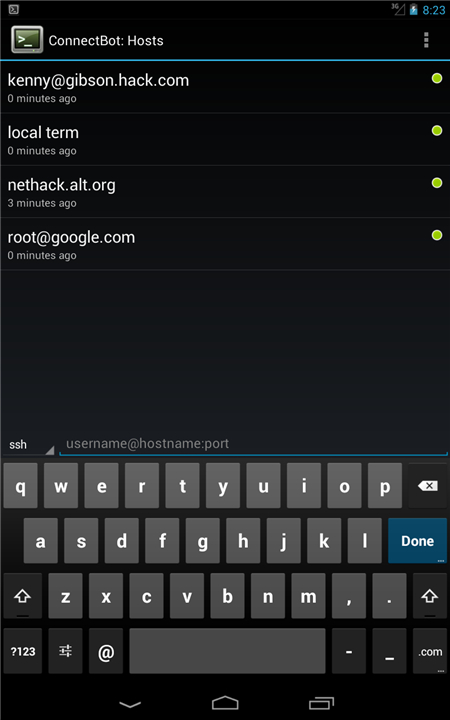
• The application allows users to manage multiple, simultaneous SSH sessions, enabling quick transitions between different server environments without needing to disconnect.
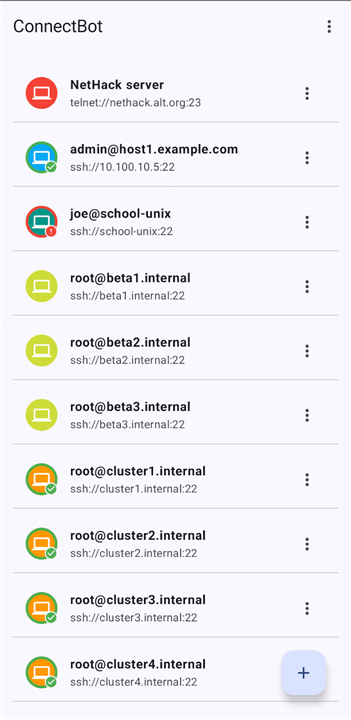
• It provides a simplified interface for saving frequently accessed hosts, including specific usernames, ports, and nicknames for easy identification.
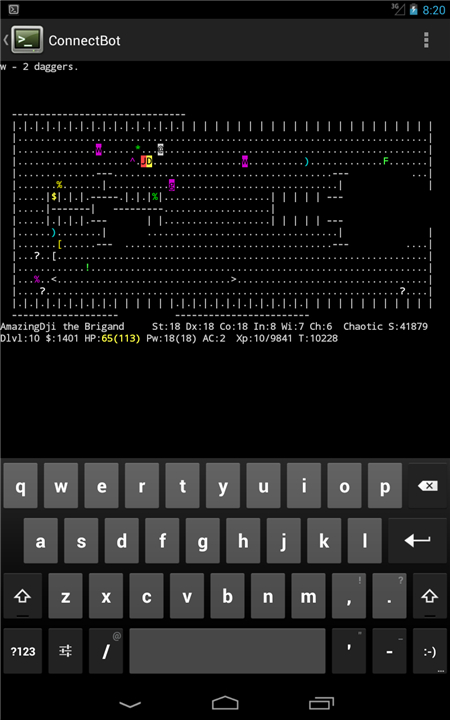
• Beyond standard SSH, the client supports local console access and Telnet connections, providing a versatile toolkit for interacting with a wide range of hardware.
Advanced Security and Key Management
• ConnectBot features a built-in public key agent and manager, allowing users to generate, import, and store RSA, DSA, and ECDSA keys for secure, passwordless authentication.
• It provides advanced tunneling and port forwarding capabilities, which allow users to wrap non-secure traffic from other applications into a secure SSH tunnel.
• The software implements strict host key verification to ensure that users are connecting to the intended server, mitigating the risk of man-in-the-middle attacks.
Productivity and Terminal Customization
• Users can benefit from seamless clipboard integration, allowing for the copying and pasting of commands and configuration strings between the terminal and other Android applications.
• The terminal emulator is highly customizable, offering options to adjust font sizes, color schemes, and the behavior of the backspace and delete keys.
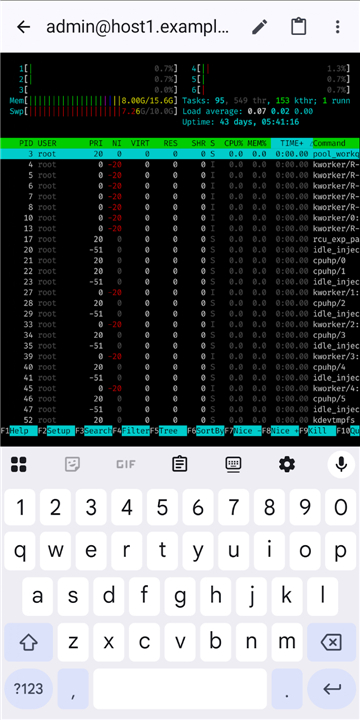
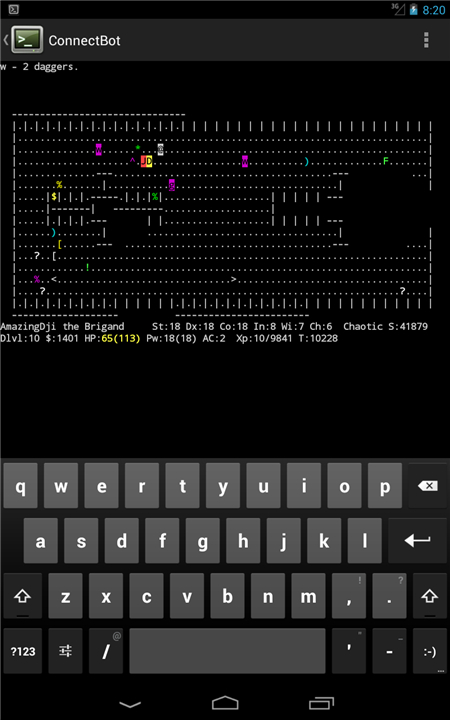
• Specialized on-screen buttons provide easy access to essential terminal modifiers such as Control, Escape, and Tab, which are often missing from standard mobile keyboards.
Remote System Administration
• The client is primarily utilized for managing UNIX and Linux-based servers, offering a full-featured command-line environment for remote troubleshooting and maintenance.
• It supports terminal emulation standards that ensure text-based interfaces and editors like Vim, Nano, or Emacs function correctly on a mobile display.
• Persistent connection settings help maintain sessions during brief network interruptions, ensuring that background tasks continue to run as expected.
FAQ
Q: Can I maintain connections to multiple servers at the same time?
A: Yes, ConnectBot is designed to handle multiple simultaneous SSH sessions. This feature allows you to switch between different server environments effortlessly without the need to disconnect from one to access the other.
Q: Is it possible to save my connection details for later use?
A: Absolutely. The application provides a convenient interface where you can save frequently accessed hosts. You can store details such as specific usernames, custom ports, and unique nicknames, making it very easy to reconnect to your favorite machines with just a few taps.
Q: How does ConnectBot keep my authentication secure?
A: ConnectBot features a built-in public key agent and manager. This tool allows you to generate, import, and store RSA, DSA, and ECDSA keys, which enables you to authenticate securely without needing to type a password every single time you connect.
Version History
v1.10.7——11 May 2026
ConnectBot is a powerful open-source Secure Shell (SSH) client. Download the latest version of ConnectBot to enjoy new features and updates immediately!
*1.10.7
Features:
• Downloadable language packs for a smaller app size
• Import private keys from clipboard
• Source address field for port forwards
• Context menu paste in console
Fixes:
• Huge terminal rendering performance boost
• Fixed Telnet connection crashes
• Fixed console history scroll drifting
• Fixed double-press and IME Enter key bugs
• Added background connection loss warnings
*1.10.6
Changed
• Fixed scrolling behavior in new update.
• Major Material Design overhaul of UI.
• Improved cut-and-paste interface.
Added
• Tabs are now used on large screens.
• Keyboard shortcuts and EULA in help menu.
• Terminal mouse support including mouse wheel.
• Full IPv6 host support.
Removed
• No more intro wizard on first start.
• No more outdated physical or virtual keyboard instructions.
*1.10.5
* Various bug fixes.
* Post-Quantum Safe
* New terminal emulator
* Refreshed UI











Ratings and reviews
There are no reviews yet. Be the first one to write one.