

✦ Introduction ✦
Colorific is your ultimate tool for creating stunning, harmonious color palettes with ease. Whether you're a designer, artist, or just a color enthusiast, Colorific simplifies the process of generating vibrant color schemes that elevate your projects.
✦ App Features ✦
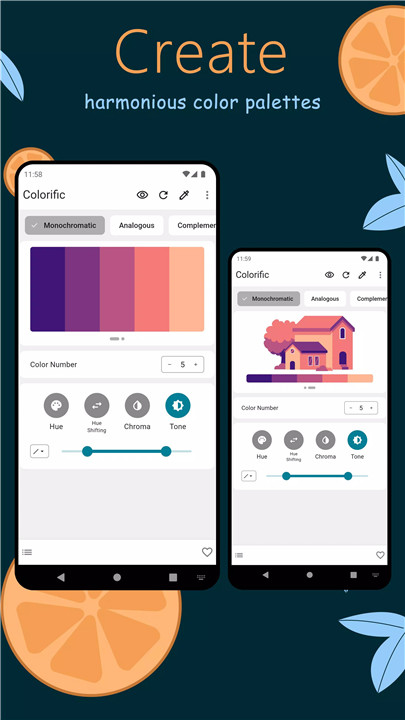
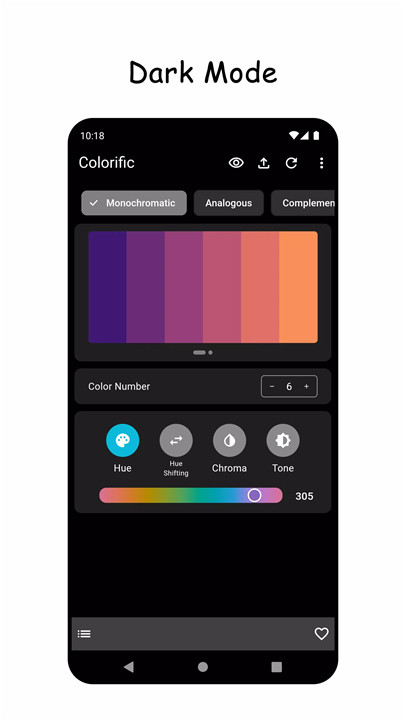
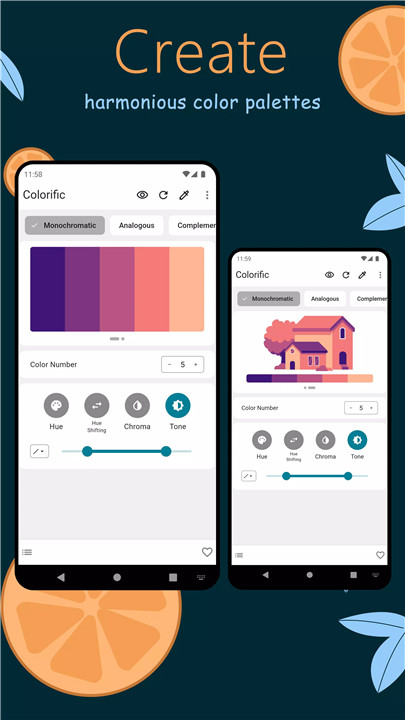
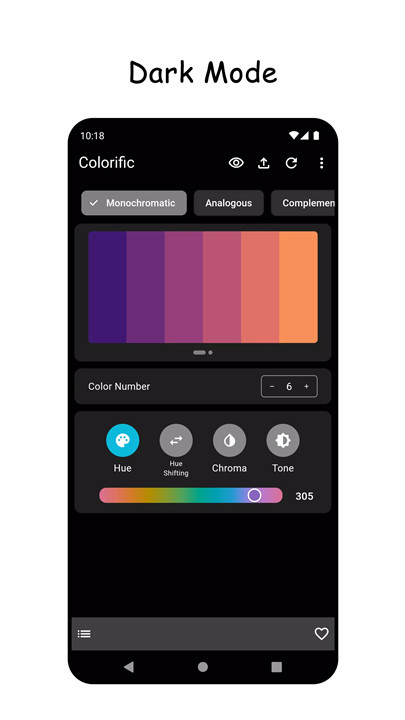
Create
Generate breathtaking color palettes with a single click. Colorific offers a variety of color schemes, including monochromatic, analogous, complementary, split-complementary, double complementary (tetradic), and triadic colors.
Inspiration
Discover new color ideas effortlessly with the random generation button. Perfect for when you need a burst of creativity or want to explore unique color combinations that you might not have considered.
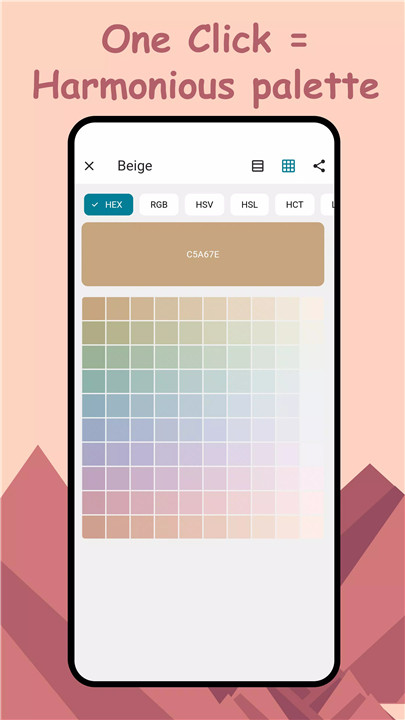
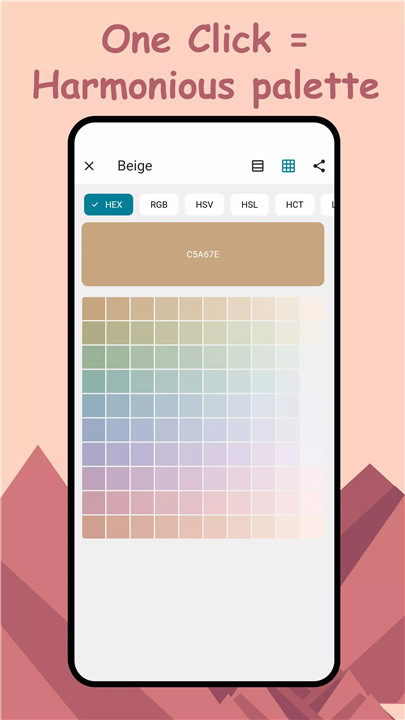
Import
Easily import your favorite colors and find complementary shades to enhance your palette. This feature allows you to build upon existing colors and create more cohesive designs.
Modify
Fine-tune and adjust your saved palettes with continuous modifications. Colorific provides flexibility in refining your color choices to match your vision perfectly.
Organize
Manage your color palettes efficiently by using folders to group and categorize them. This helps you keep track of your designs and access them quickly when needed.
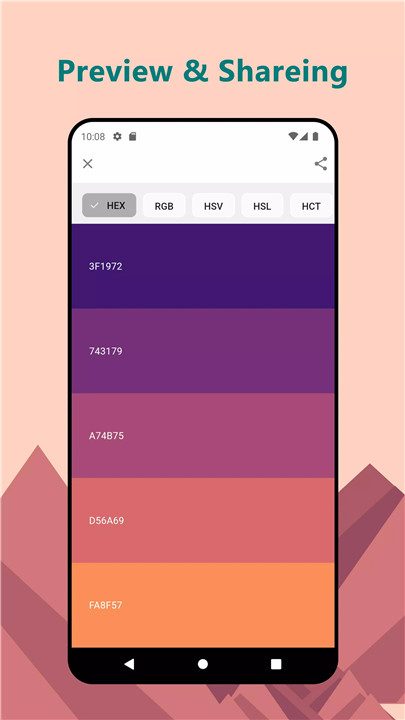
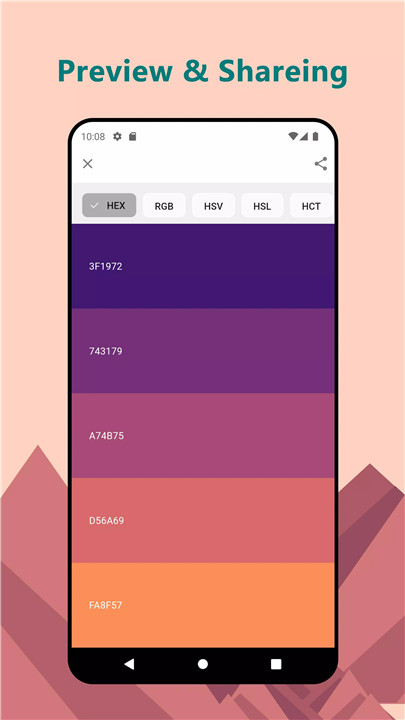
Share
Share your palettes effortlessly by copying color codes or exporting them as images. Colorific supports various color code formats including Hex, RGB, HSV/HSB, HSL, LAB, and HCT, making it easy to integrate your palettes into any project.
Perceptually Accurate
Benefit from a new color system designed to reflect colors as you see them. This ensures that your palettes are not only beautiful but also perceptually accurate.
--------------------------
What's New in the Latest Version 2.0.6
Last updated on Aug 20, 2024
New features
Easier to use palette generator: you can lock specific parameters when generating a palette
More powerful palette editor: you can manually adjust the curve to generate a more stylish palette, and add some easy-to-use presets
More convenient color picker: in addition to direct input, you can also use the wheel to pick colors
Don't be afraid of mistakes: add undo and redo functions









Ratings and reviews
There are no reviews yet. Be the first one to write one.