

Bluetooth QR & Barcode to PC APK
2.3.1
Bluetooth QR & Barcode to PC
Bluetooth QR & Barcode to PC APK
Download for Android
Bluetooth QR & Barcode to PC
Overview
• This application transforms your Android smartphone into a high-performance, mobile QR and barcode scanner.
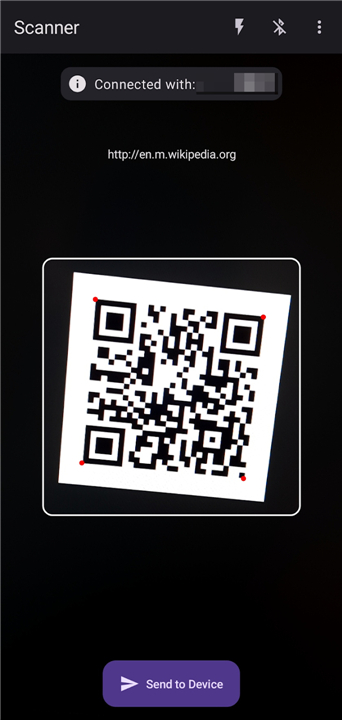
• By leveraging advanced Bluetooth technology, it allows you to transmit scanned data directly to a computer or other connected devices as real-time text input.
Technical Implementation
• High Compatibility: The app utilizes the Bluetooth Human Interface Device (HID) protocol, which is available on devices running Android 9 or later.
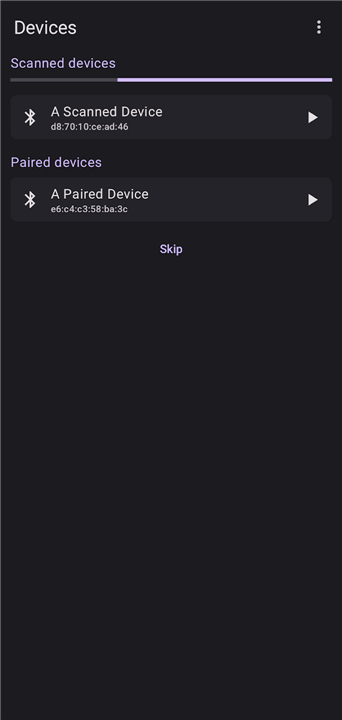
• Plug-and-Play Setup: By using the HID profile, your Android device is recognized as a standard wireless keyboard.
• Zero Software Requirements: There is no need to install server-side applications or drivers on the receiving PC, laptop, or tablet.
• Universal Connectivity: It works seamlessly with any operating system that supports Bluetooth peripherals, including Windows, macOS, Linux, iOS, and Android.
Core Features
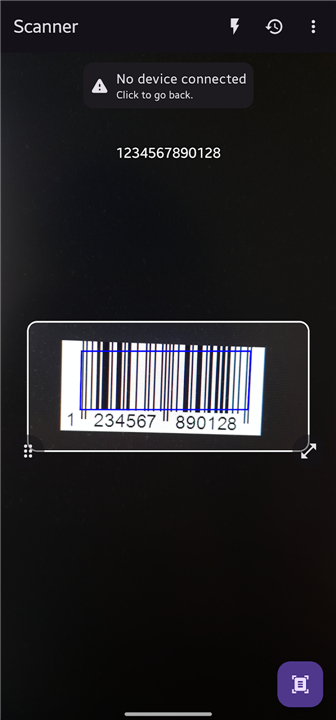
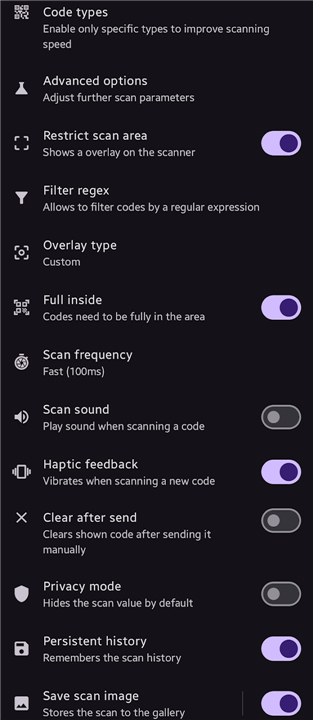
• Comprehensive Format Support: The scanner recognizes a wide variety of QR code and barcode standards for diverse professional needs.
• Offline Functionality: The app operates entirely without an internet connection, ensuring data privacy and reliability in remote environments.
• Premium Experience: The application contains no advertisements and no in-app purchases, providing an uninterrupted workflow.
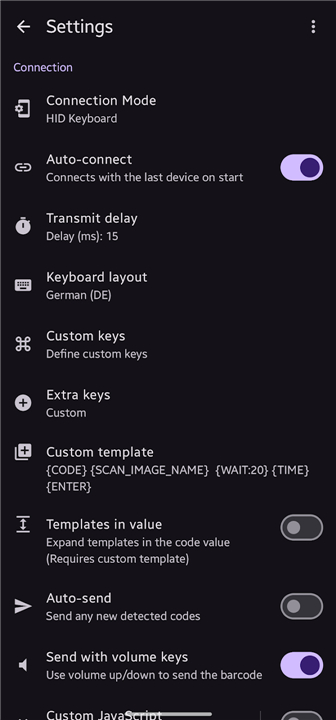
• Localization Options: Users can choose from different keyboard layouts to ensure the scanned text matches the host system's regional settings.
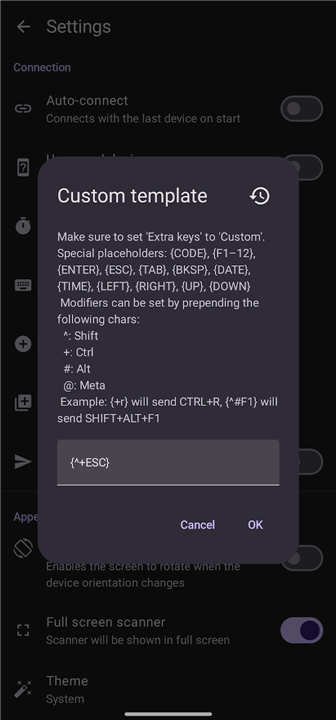
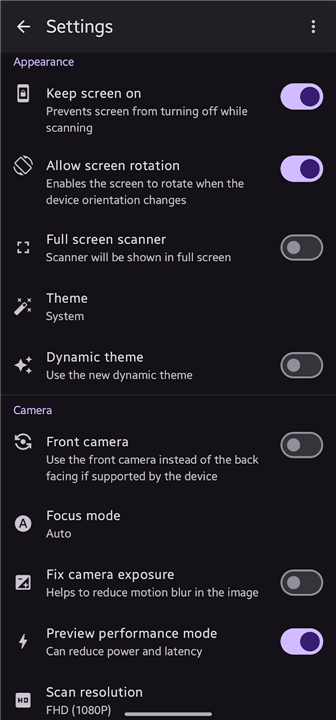
• Advanced Customization: The tool is highly configurable, allowing users to adapt scanning behavior for specific use-cases and automated data entry.
Open Source Development
• The project is built with transparency and community collaboration in mind.
• The complete source code is publicly available for review, auditing, or contribution on GitHub at the following repository: https://github.com/Fabi019/hid-barcode-scanner
FAQ
Q: Do I need to install any special software or drivers on my computer to use this app?
A: Not at all, and that is one of the best parts of this application. Because it uses the standard Bluetooth Human Interface Device (HID) protocol, your computer recognizes your Android phone as a regular wireless keyboard, allowing you to use it instantly without installing any server-side software or drivers.
Q: Which operating systems are compatible with this scanning tool?
A: You can use this scanner with almost any operating system that supports Bluetooth peripherals. It works seamlessly and without any compatibility issues across Windows, macOS, Linux, iOS, and even other Android devices.
Q: What are the system requirements for my Android phone to run this application?
A: To use this app, your Android smartphone needs to be running Android 9 or a newer version. This specific requirement exists because the application relies on the Bluetooth HID profile, which became native to the Android operating system starting with Android 9.
Version History
v2.3.1——10 Aug 2026
Enables sending QR/Barcodes to a Bluetooth Device (e.g PC) without any Software Download the latest version of Bluetooth QR & Barcode to PC to enjoy new features and updates immediately!
*2.3.1
Minor bug fixes and improvements. Install or update to the newest version to check it out!
*2.3.0
Minor bug fixes and improvements. Install or update to the newest version to check it out!
*2.2.1
Minor bug fixes and improvements. Install or update to the newest version to check it out!











Ratings and reviews
There are no reviews yet. Be the first one to write one.