

Clone App - Parallel Space APK
1.5.6
Clone App - Parallel Space
Clone App - Parallel Space APK
Download for Android
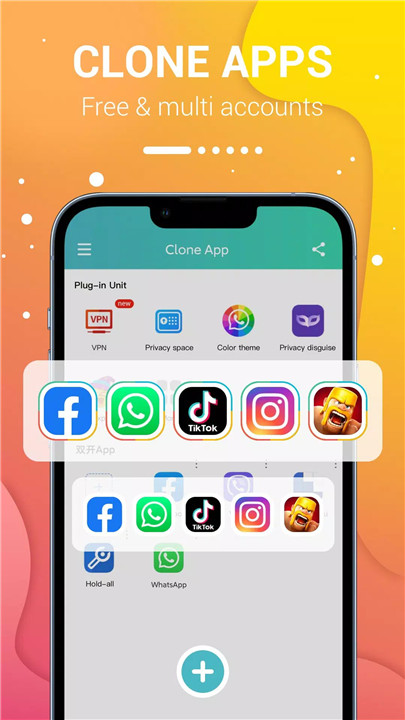
Do you need to manage multiple accounts for your social media or games? With Clone App - Parallel Space, you can easily duplicate popular applications and run them simultaneously. Along with cloning features, you get a secure VPN, privacy options, fun emoticons, and customizable themes to enhance your experience.
Clone Apps and Dual Accounts
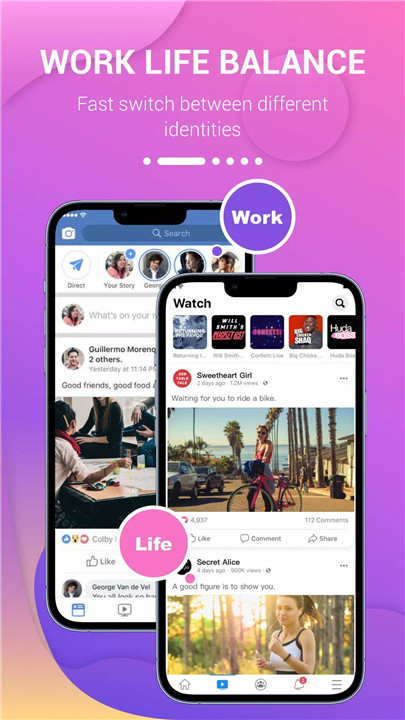
Clone App - Parallel Space allows you to clone popular social media and messaging apps like WhatsApp, Instagram, Facebook Messenger, and LINE. You can log into multiple accounts simultaneously, which is perfect for users who need to balance work and personal life.
Separate Space for Cloned Accounts
Each cloned account operates in its own isolated space, so the data for each account remains separate. This means there’s no risk of conflicts between your original and cloned accounts. You can easily manage and switch between different accounts without them affecting each other.
Privacy Protection and Customization
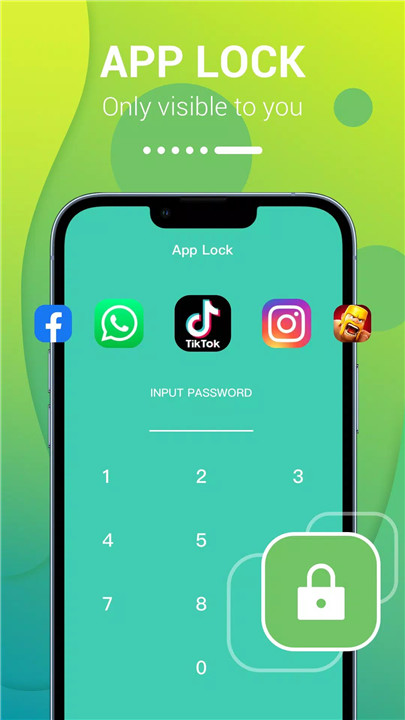
Clone App lets you add an extra layer of privacy by customizing your app icons and names. You can create a private space that only you can access, ensuring your personal apps are safe from prying eyes. Whether you want to keep your cloned accounts secure or just enjoy added privacy, this app has you covered.
Secure VPN
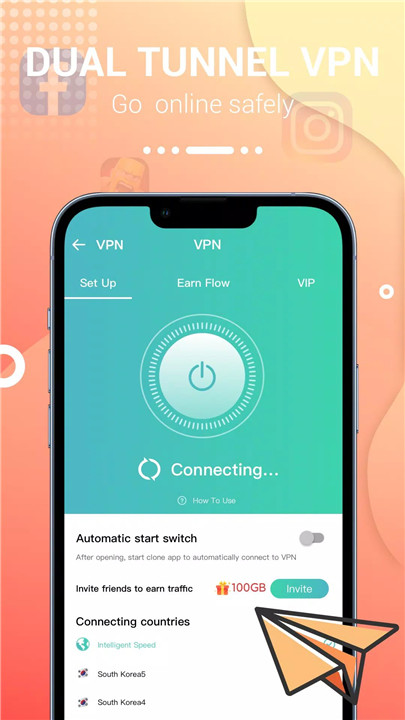
One of the standout features of this app is its dedicated and secure VPN service. It not only helps protect your privacy but also enables you to access foreign websites and apps like WhatsApp, Facebook, and more. Plus, by inviting friends or linking your account, you can earn VPN traffic and enhance your browsing security.
Fun Emoticons and Dynamic Stickers
To make chatting more enjoyable, Clone App - Parallel Space includes three fun and dynamic emoticons like "Kiss of Love," "Flying Tomato," and "There is nothing to do."
Customizable Themes and Color Modes
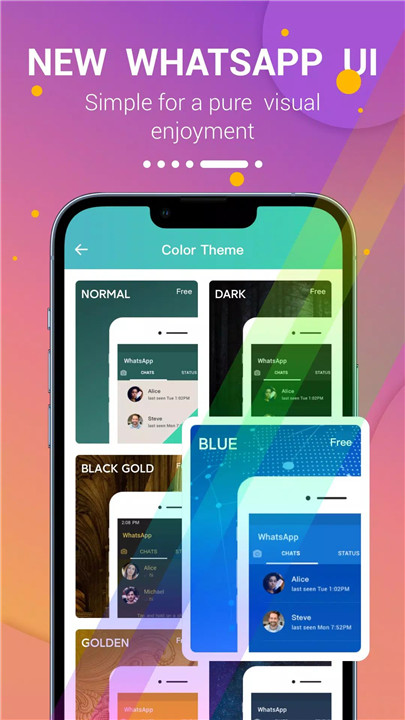
For users who love personalizing their experience, the app offers various color modes and themes. You can switch between dark mode, gold mode, blue mode, night mode, and cyan mode. This feature enhances your app’s visual appeal while providing a different experience every time you use it.
Support for 32-Bit and 64-Bit Apps
"Clone App - Parallel Space" is compatible with both 32-bit and 64-bit apps, thanks to its dedicated core technology. This ensures that the app runs smoothly regardless of the architecture of the apps you clone.
FAQs
1. What is Parallel Space on Android?
Parallel Space is a virtualization feature that allows users to clone Android apps and create multiple accounts. It enables users to run multiple instances of the same app on a single device.
2. Why should I use Parallel Space?
Parallel Space helps you manage multiple accounts for social apps, messaging platforms, and games, all from a single device. It’s ideal for those who need to keep personal and work accounts separate or want to enjoy multiple game profiles.
3. How does Parallel Space keep my data secure?
Parallel Space provides a private space for each cloned app, isolating the data of your cloned accounts from the original. You can also customize app icons and names for added privacy.
4. Can I use Parallel Space for games?
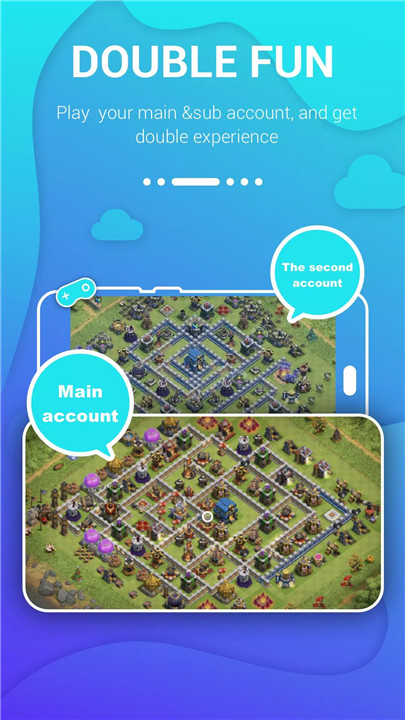
Yes! Parallel Space supports cloning popular games, allowing you to log into multiple game accounts on one device. You can switch between accounts easily without losing any progress.
5. Does Parallel Space require a lot of memory or battery?
No, Parallel Space is optimized to use minimal memory, battery, and data. It runs efficiently without consuming excessive resources on your device.
Version History
v1.5.6—29 Jul, 2022
1. Fully compatible with Android 11
2. Fix issues that some clones cannot start after upgrade
3. Optimized the overall performance of Clone App
4. Support connect with Google Account
5. Best support Facebook, WhatsApp, LINE and social apps
6. Fixed some known bugs.
v1.5.5—18 Jul, 2022
Jul 18, 2022
1. Fully compatible with Android 11
2. Fix issues that some clones cannot start after upgrade
3. Optimized the overall performance of Clone App
4. Support connect with Google Account
5. Best support Facebook, WhatsApp, LINE and social apps
6. Fixed some known bugs.
v1.5.4—18 Mar, 2022
Mar 18, 2022
1. Fully compatible with Android 11
2. Fix issues that some clones cannot start after upgrade
3. Optimized the overall performance of Clone App
4. Support connect with Google Account
5. Best support Facebook, WhatsApp, LINE and social apps
6. Fixed some known bugs.









Ratings and reviews
There are no reviews yet. Be the first one to write one.