

CleanSecurity - Safe, Protect APK
1.0.84
CleanSecurity - Safe, Protect
CleanSecurity - Safe, Protect APK
Download for Android
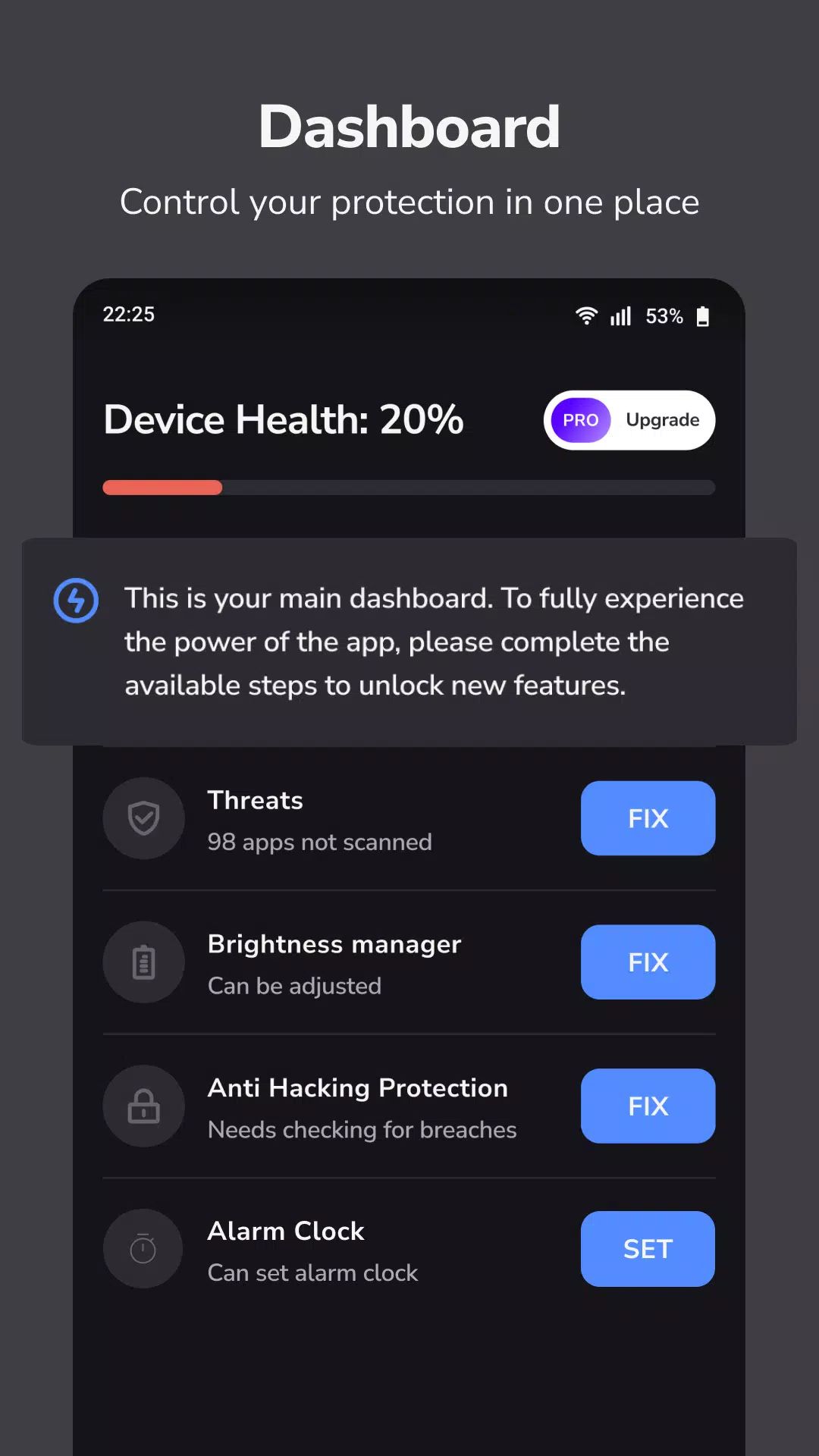
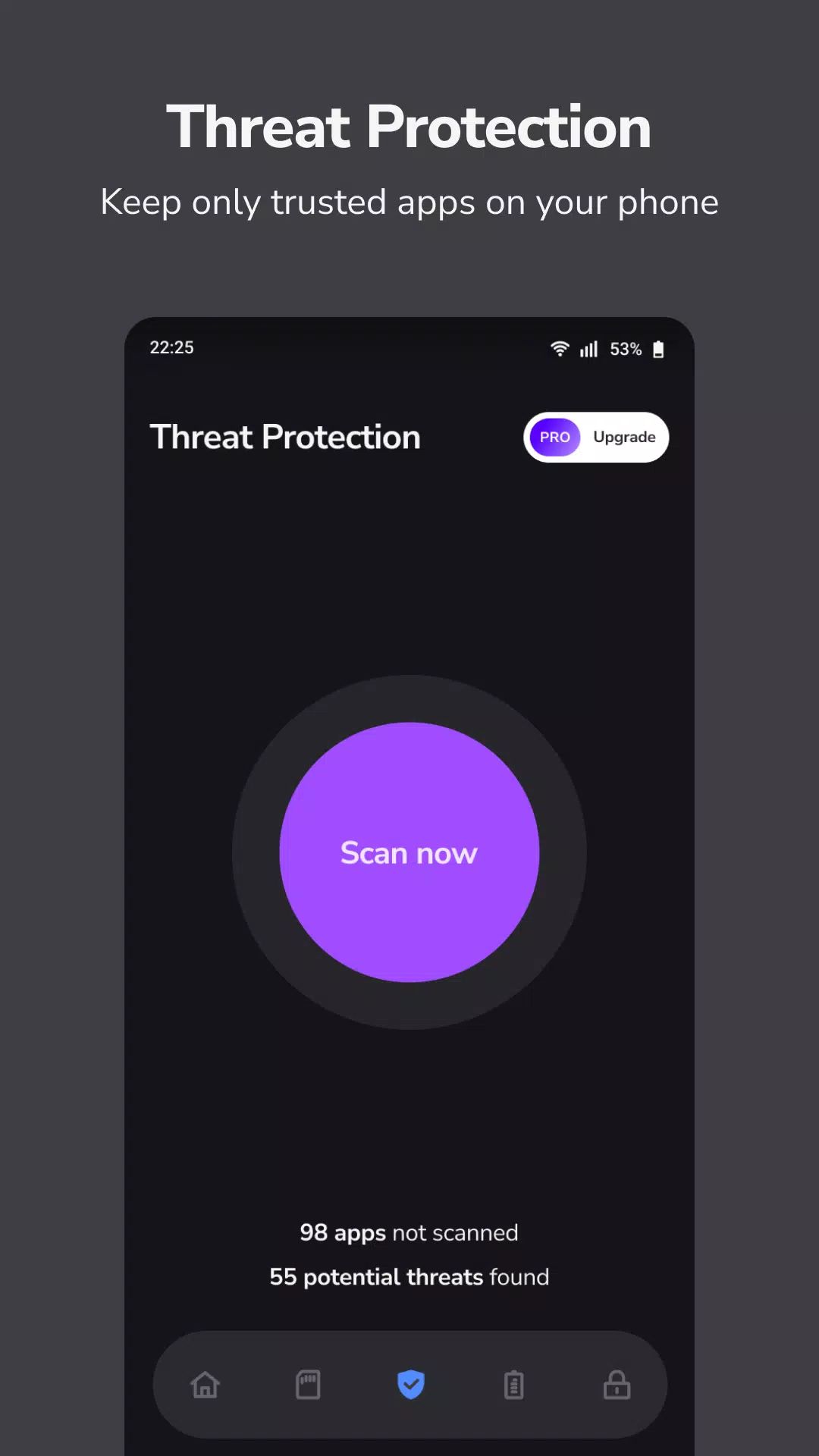
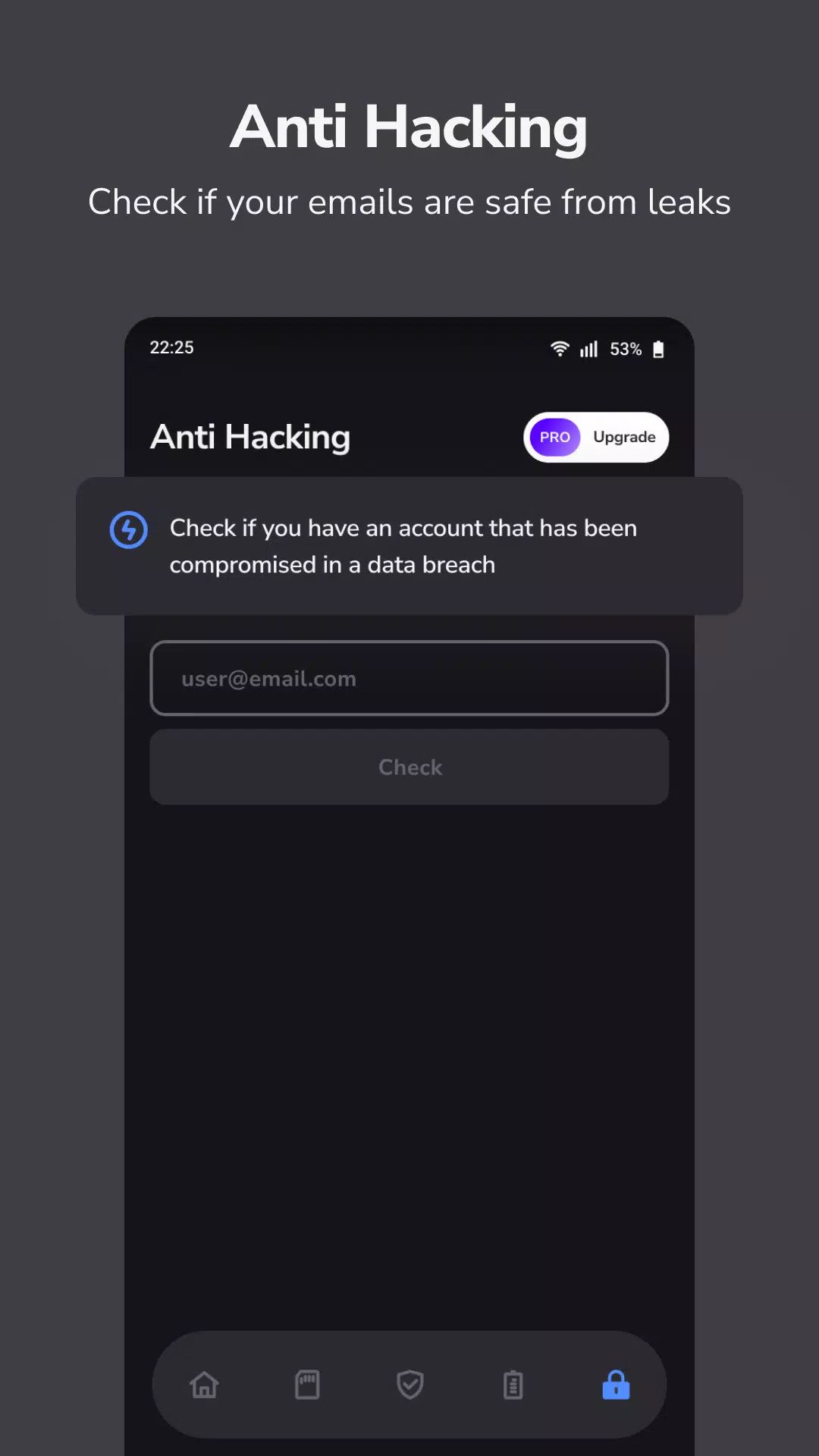
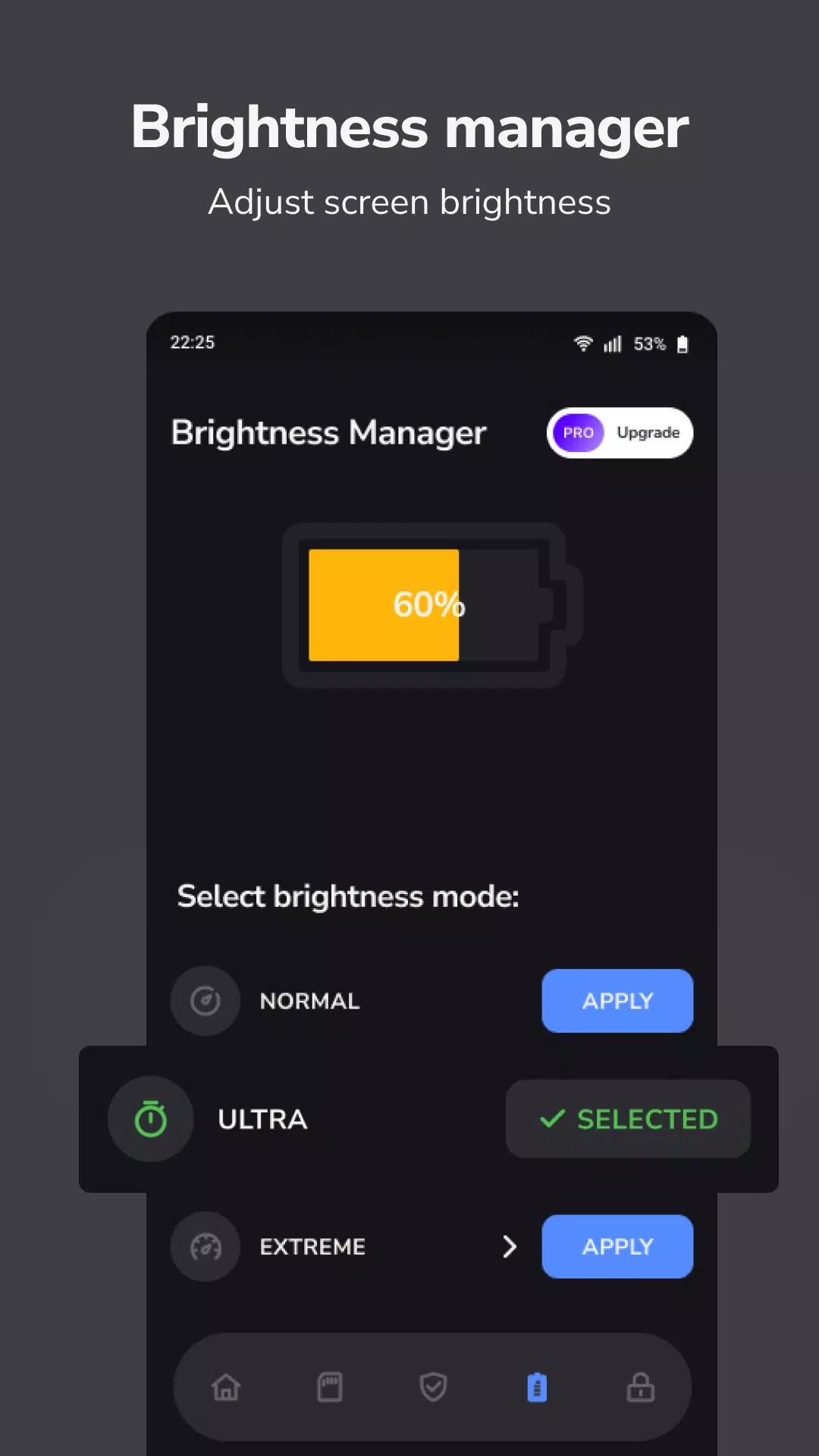
CleanSecurity is a comprehensive utility app designed to improve both the security and functionality of your device. With CleanSecurity, users can quickly access essential tools like managing app permissions, checking for email password leaks, controlling screen brightness, and ensuring timely wake-up with its reliable alarm clock.
Smart Dashboard
The Smart Dashboard is the heart of CleanSecurity, offering a user-friendly interface that ensures fast and easy access to the app's most important features. With just a glance, users can see the progress of ongoing tasks and what still needs to be done. The built-in progress bar helps keep track of completed actions, allowing users to manage their device's health and security more effectively.
Find Apps with Sensitive Permissions
Security is a priority, and CleanSecurity makes it easy to manage apps with sensitive permissions. The app uses the QUERY_ALL_PACKAGES permission to analyze all installed apps, checking for any that have unnecessary or overly permissive access to your data. You can then choose whether to remove these apps or trust them based on the app’s necessity.
Email Checker for Password Leaks
One of the standout features of CleanSecurity is the email checker. This tool scans your email addresses for any signs of past data breaches or password leaks. If your email has been compromised in any known breach, CleanSecurity will alert you, allowing you to take action, such as changing passwords or enabling two-factor authentication.
Brightness Manager for the Screen
Managing screen brightness is more than just adjusting for comfort—it also affects battery life and eye strain. CleanSecurity includes a built-in brightness manager that allows users to easily adjust their screen brightness according to their preferences.
Reliable Alarm Clock
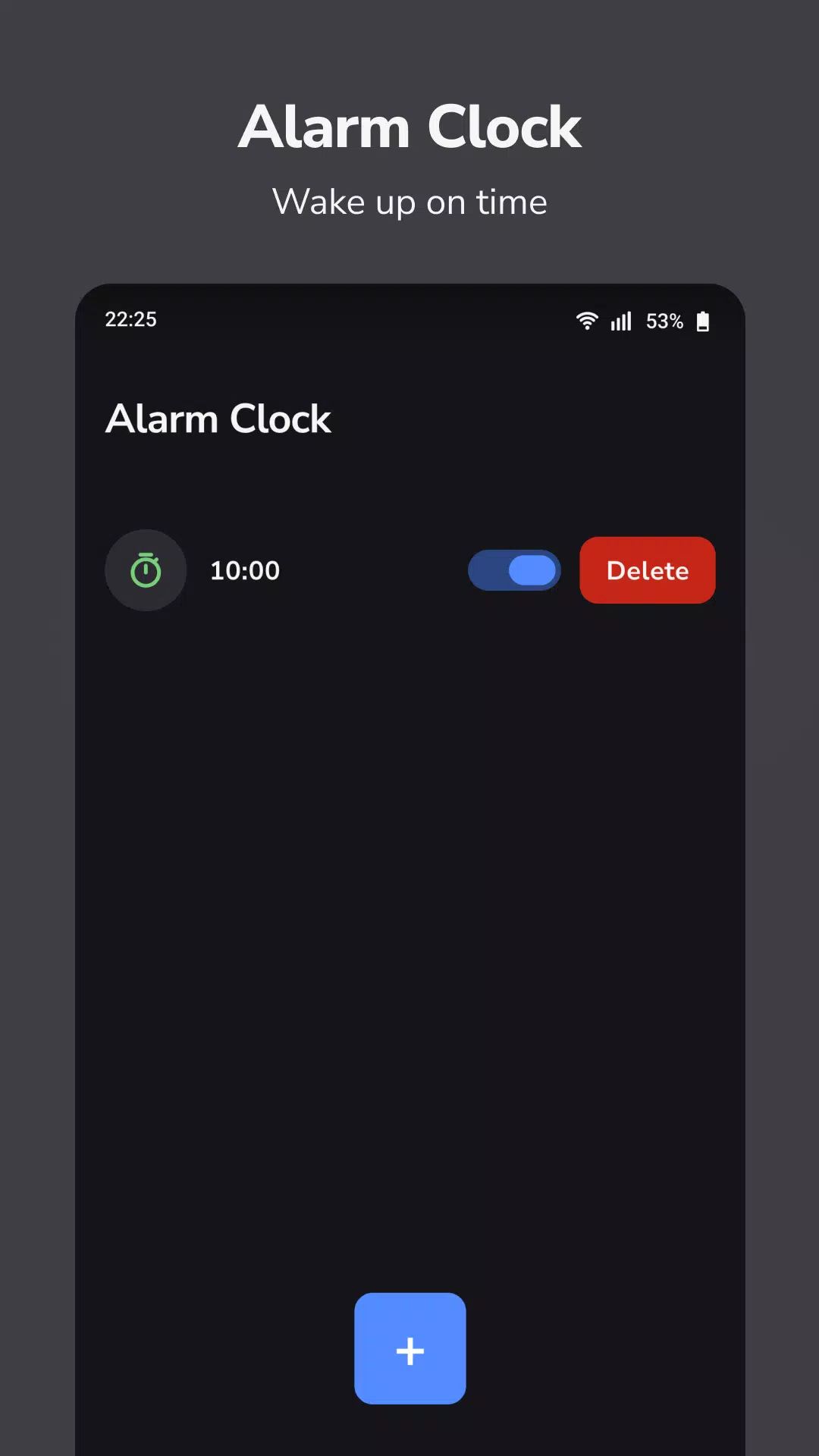
Waking up on time is made easier with CleanSecurity’s reliable alarm clock feature. This tool ensures that users receive timely notifications at the right moment, allowing them to start their day on schedule. The app offers customizable alarm sounds, snooze options, and more.
FAQs
1. How does the app find apps with sensitive permissions?
CleanSecurity uses the QUERY_ALL_PACKAGES permission to scan all installed apps on your device and identify those that have access to sensitive data. You can then choose to either remove or trust these apps.
2. What is the Email Checker feature?
The Email Checker feature scans your email addresses for any known data breaches or leaks. If your email has been compromised, CleanSecurity alerts you to take appropriate actions, such as changing passwords.
3. Can CleanSecurity help manage screen brightness?
Yes, CleanSecurity includes a brightness manager that adjusts the screen brightness based on your environment, optimizing battery life and reducing eye strain.
4. Is the Alarm Clock reliable?
The alarm clock feature in CleanSecurity is designed to provide reliable notifications to wake you up on time. It offers customizable sounds and snooze options, ensuring you get up when needed.
Version History
v1.0.84—16 Aug, 2025
- Crash fixes
- SDK updates
v1.0.82—20 Jul, 2025
- Crash fixes
- SDK updates
v1.0.81—10 Jun, 2025
- Crash fixes
- SDK updates









Ratings and reviews
There are no reviews yet. Be the first one to write one.