

Mobile Clone and Transfer Data APK
1.1.9
Mobile Clone and Transfer Data
Mobile Clone and Transfer Data APK
Download for Android
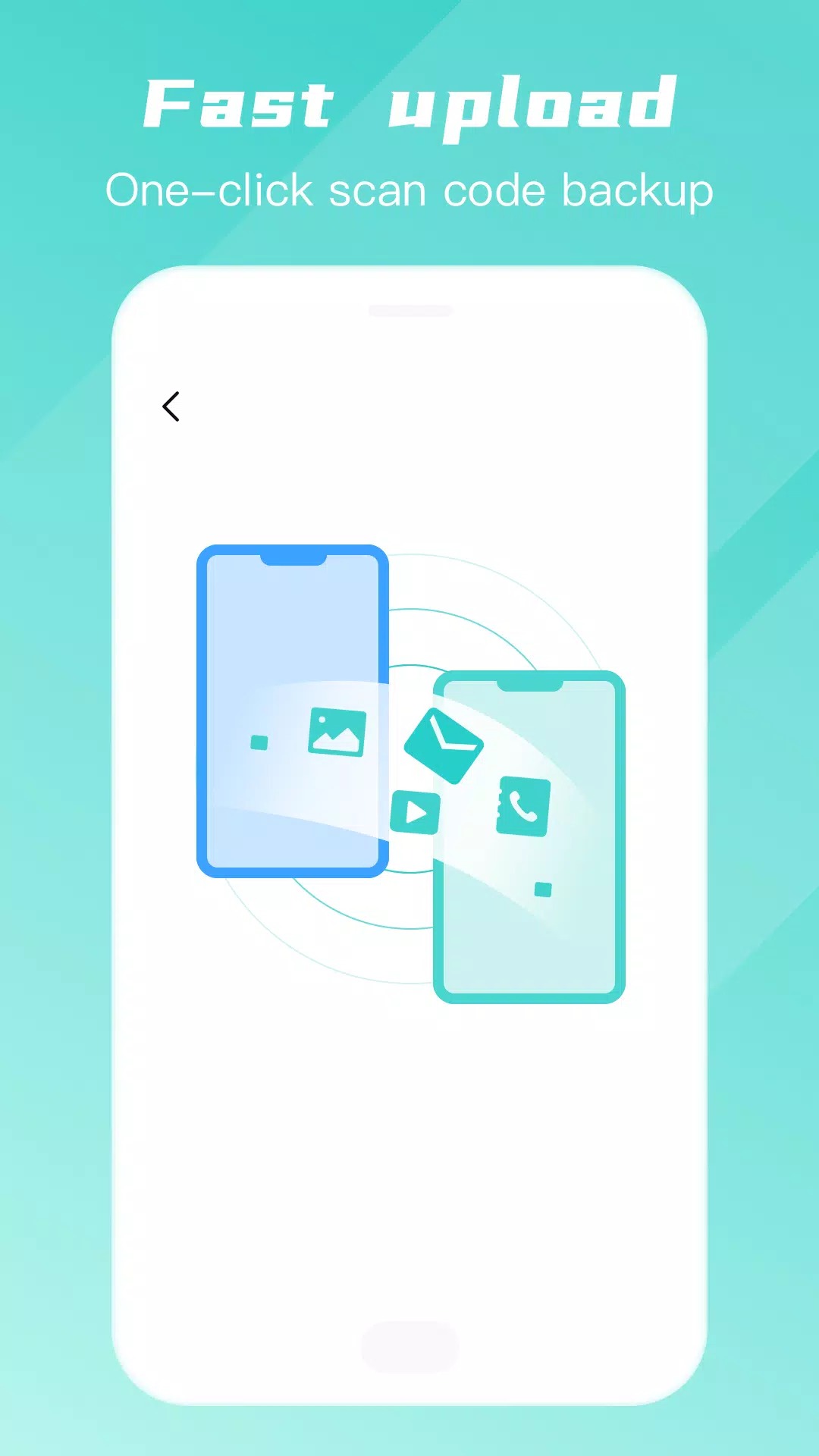
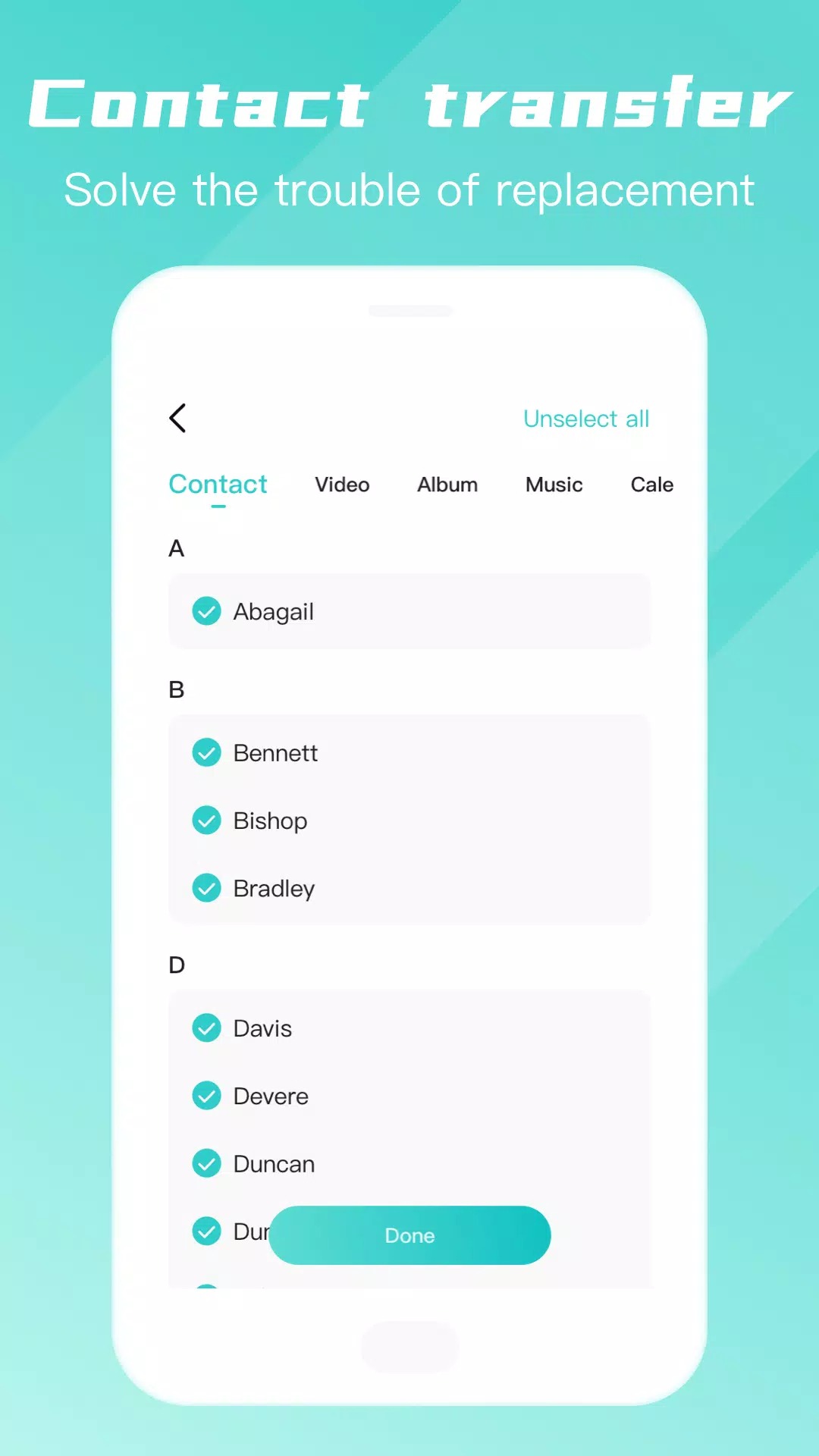
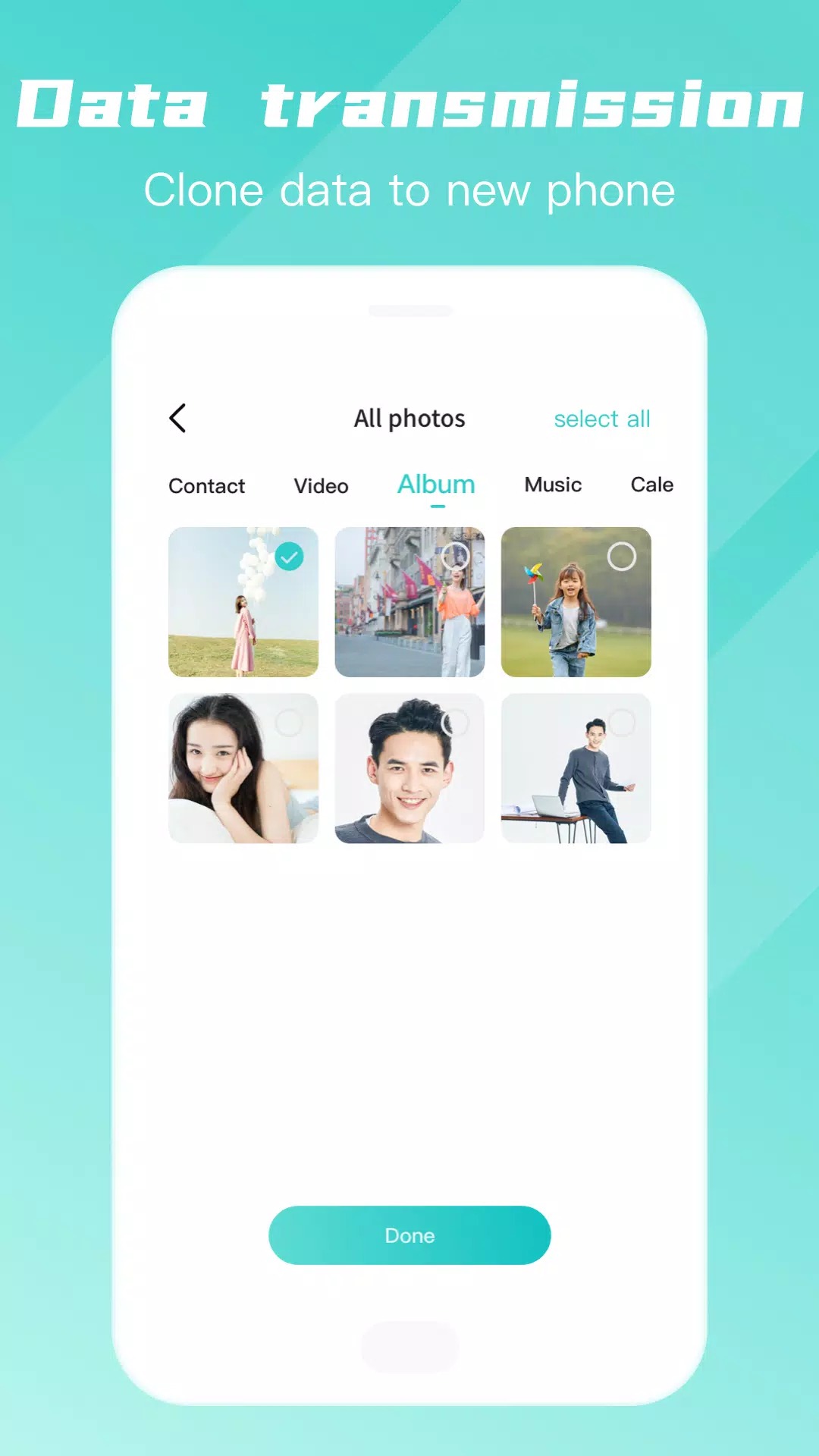
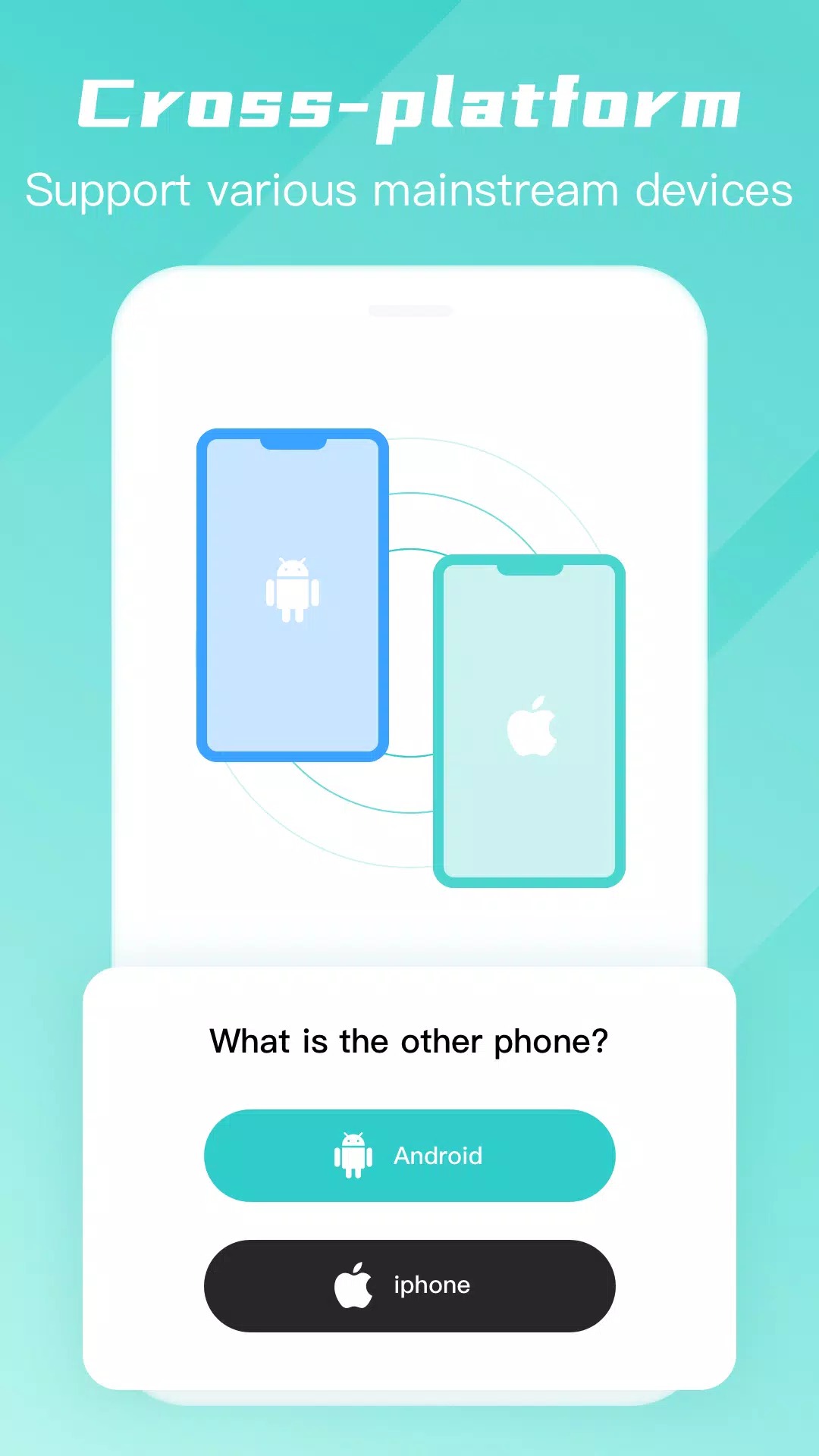
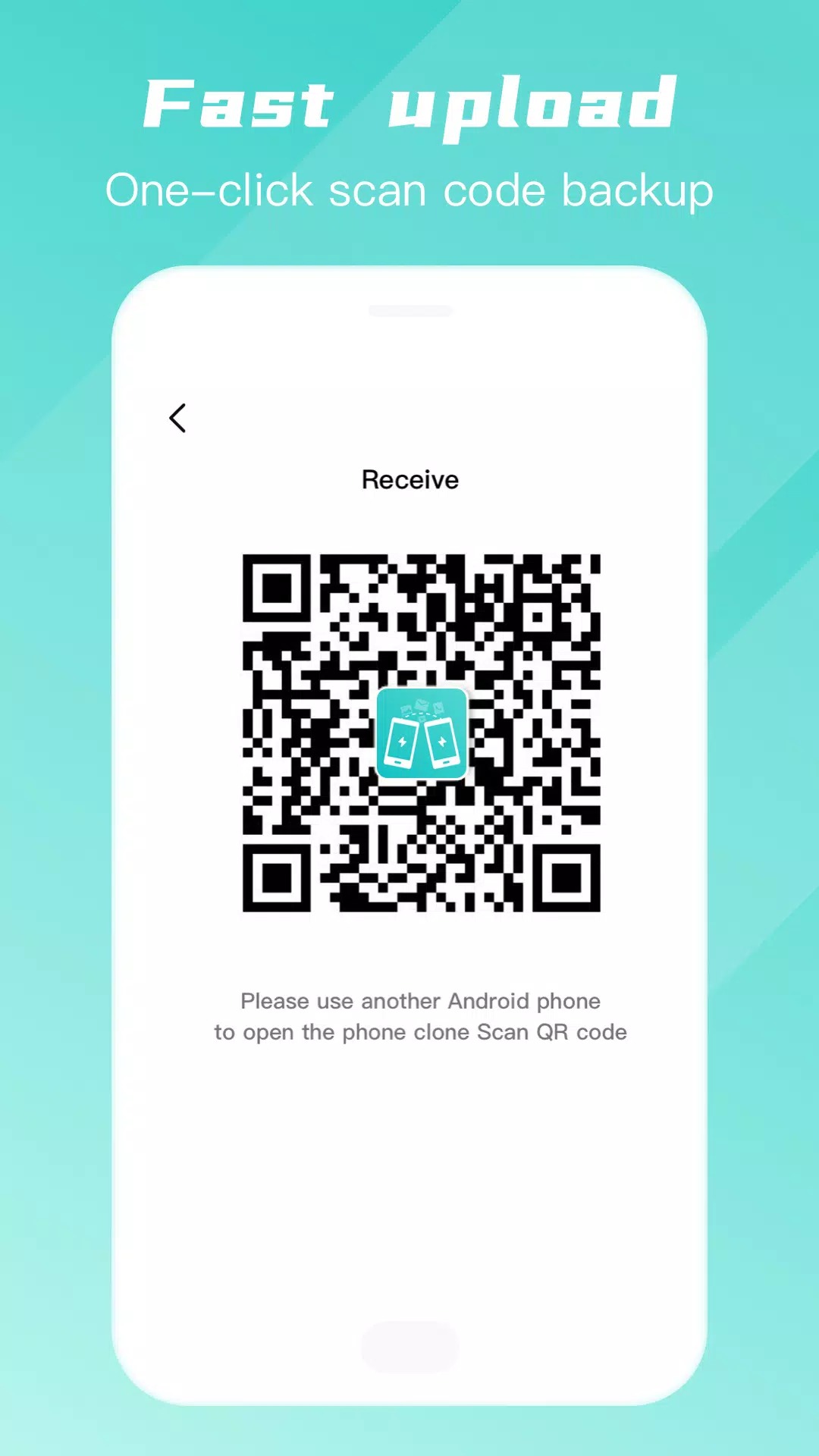
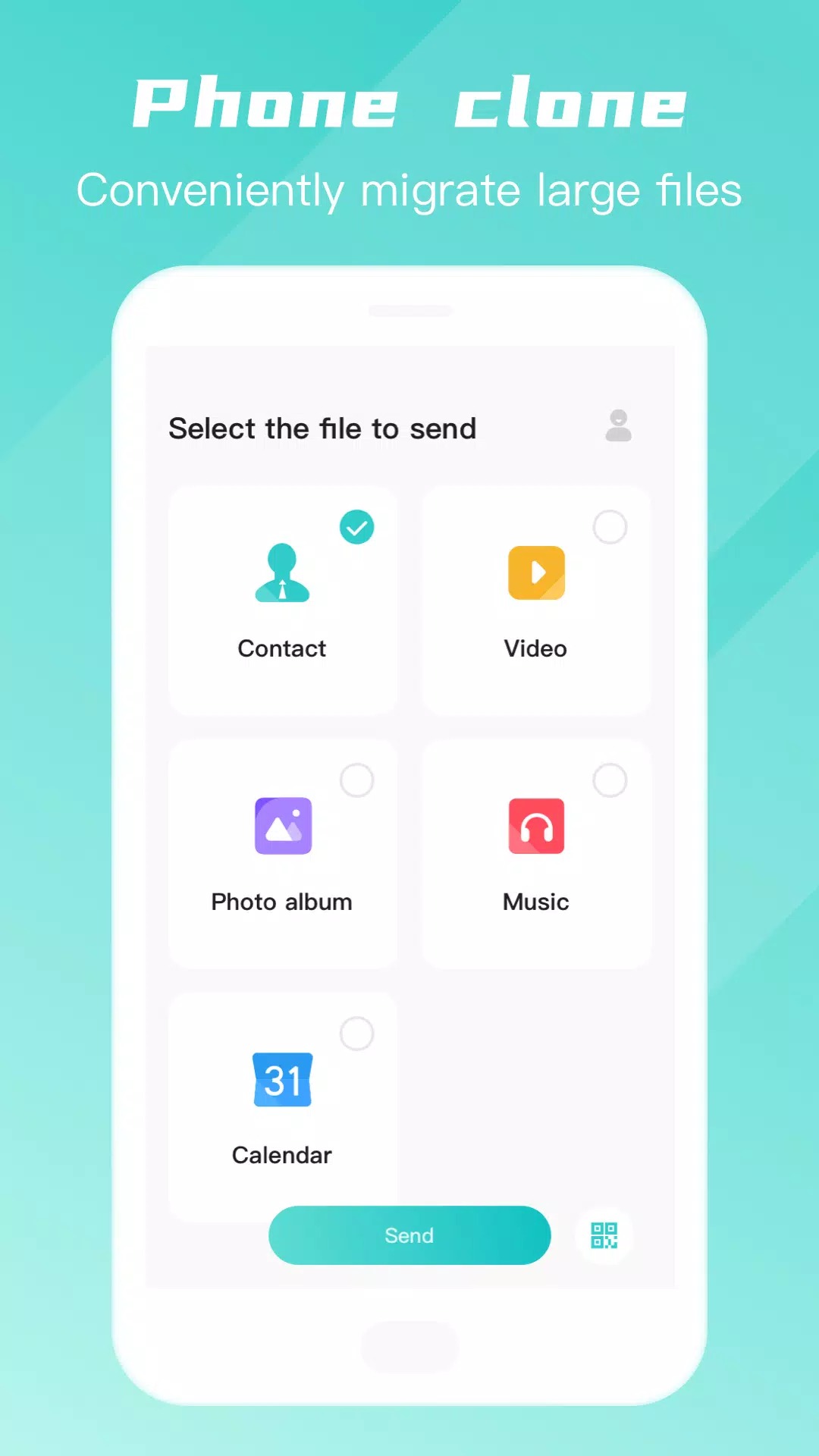
Mobile Clone and Transfer Data uses advanced wireless transmission technology to achieve fast data migration of mobile phones. Whether it is contacts, photos, videos or other important files, they can be transferred in a short time. At the same time, the software supports a variety of mobile phone brands and operating systems, without device restrictions, which is convenient for users to migrate data between different devices.
App offers:
1. Efficient transmission: The mobile phone cloning app uses advanced transmission technology to achieve fast data migration. Whether it is a large number of files or large applications, they can be transferred in a short time, which greatly saves users' time.
2. Safe and reliable: The software transmits data through self-built hotspots without going through third-party devices or networks, effectively ensuring the security of user data. At the same time, the software also uses a variety of encryption measures to ensure that data during transmission will not be leaked or tampered with.
3. Strong compatibility: The mobile phone cloning app supports a variety of mobile phone brands and operating systems, whether it is Android or iOS system, it can easily achieve data migration. This provides great convenience for users, no longer limited by device type or brand.
4. Convenient operation: The software interface is simple and clear, and the operation process is simple and easy to understand. Users only need to follow the prompts for a few steps to complete the data migration work without complicated settings or configurations.
App offers:
1. One-click phone switching: The mobile phone cloning app provides a one-click phone switching function. Users only need to install the software on the old and new phones and connect them to achieve fast data migration. This method eliminates the tedious data backup and recovery process, making the phone change easier and more convenient.
2. Unlimited models: The software is not limited by mobile phone brands and operating systems. No matter which brand of mobile phone, as long as the mobile phone cloning app is installed, data migration can be achieved. This provides users with more choices and flexibility.
3. Zero traffic transmission: The mobile phone cloning app does not need to consume any traffic during the transmission process, and no additional fees will be incurred whether it is 2G, 3G or 4G network. This saves users traffic costs and avoids transmission problems caused by network instability.
4. Super fast speed: The software uses efficient transmission protocols and algorithms, which makes the data transmission speed very fast. Even the migration of large amounts of data can be completed in a short time, greatly improving the user experience.
Reasons to download:
1. Support multiple data migration: The mobile phone cloning app not only supports the migration of regular data such as contacts, photos, videos, but also migrates more types of data such as application data, schedules, memos, etc. This provides users with a more comprehensive data migration solution.
2. Easy to use: The software interface is simple and clear, and the operation process is simple and easy to understand. Users can easily complete the data migration without professional technical knowledge. This ease of use makes the mobile cloning app the preferred tool for the majority of users.
3. Security guarantee: During the data transfer process, the mobile cloning app adopts a variety of security measures to ensure the security and privacy of user data. Users can use the software with confidence without worrying about data leakage or loss.
4. Free use: The mobile cloning app is a free software, and users can enjoy the data migration service it provides without paying any fees. This saves costs for users and allows more people to experience the convenience brought by the software.
What's New in the Latest Version 1.1.9
Last updated on Jun 4, 2022
Minor bug fixes and improvements. Install or update to the newest version to check it out!









Ratings and reviews
There are no reviews yet. Be the first one to write one.