

LT ID
What is LT ID?
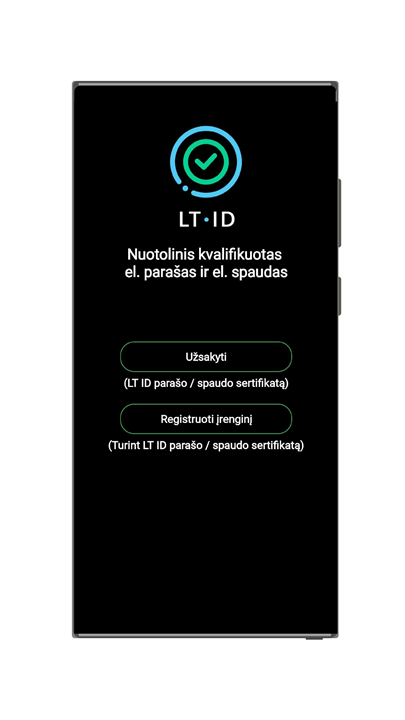
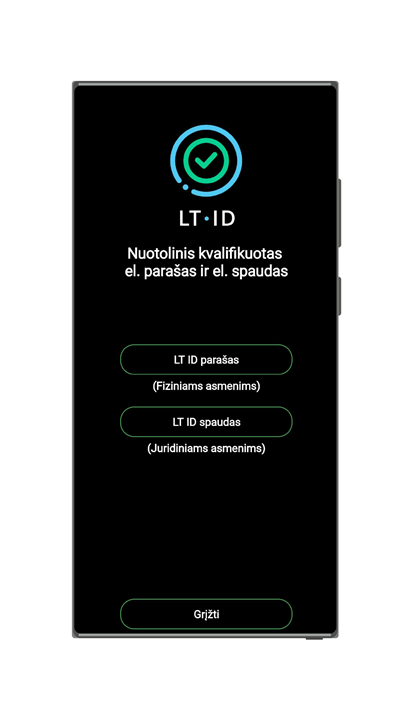
• LT ID is a secure digital application designed to verify a person’s identity in electronic environments and enable the remote signing of documents using a qualified electronic signature or a qualified electronic seal.
• It serves as a trusted tool for both individuals and organizations, ensuring that electronic transactions and communications are legally valid and protected against tampering.
• LT ID eliminates the need for physical presence or paper-based processes, streamlining digital interactions while maintaining high security standards.
Why Choose LT ID?
1. Easy Connection:
• LT ID allows users to access electronic systems quickly and securely.
• By entering a personal PIN code on a linked smart device, access can be granted without complicated login procedures or multiple passwords.
2. Fast Signing:
• Users can sign numerous documents with just a single click.
• This makes LT ID ideal for high-volume transactions, reducing time spent on repetitive signing tasks.
3. Simple Validation:
• The built-in qualified e-seal function ensures that company documents retain their legal validity and integrity.
• This is especially valuable for organizations that need to verify the authenticity of corporate communications or agreements.
How LT ID Works
1. Download the App:
• Install the LT ID application on a preferred smart device or computer from the official distribution source.
2. Link Your Device to Your Account:
• Once a remote qualified e-signature or e-seal has been issued, a notification will be sent to the user.
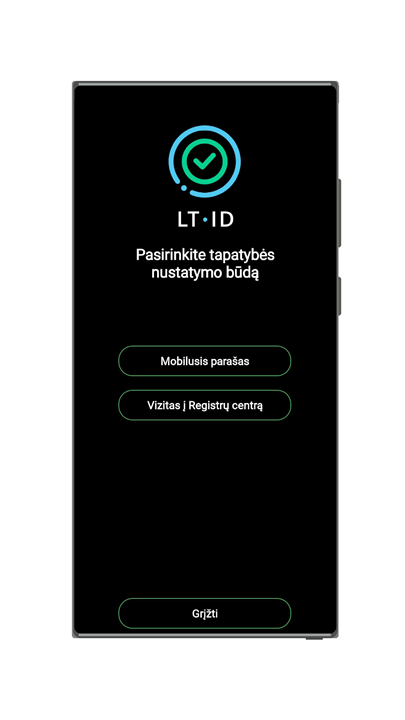
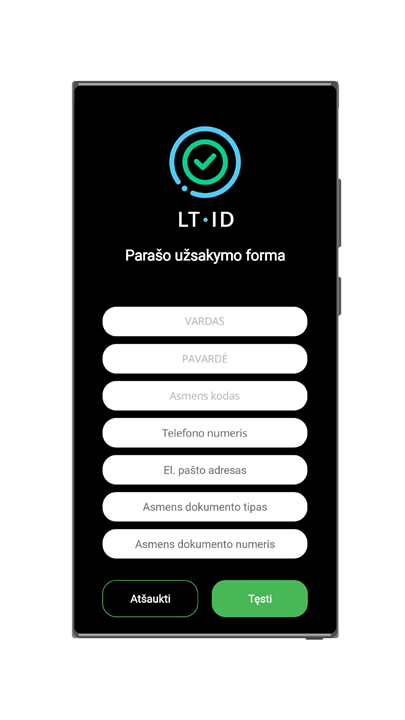
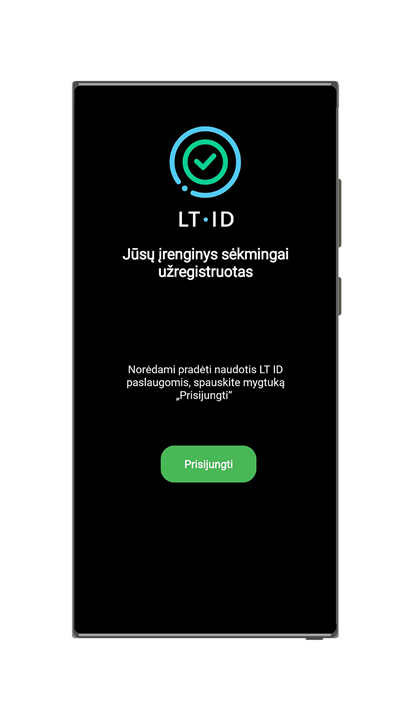
• Follow the instructions in the LT ID app to register and link the device to your account.
3. Getting Started:
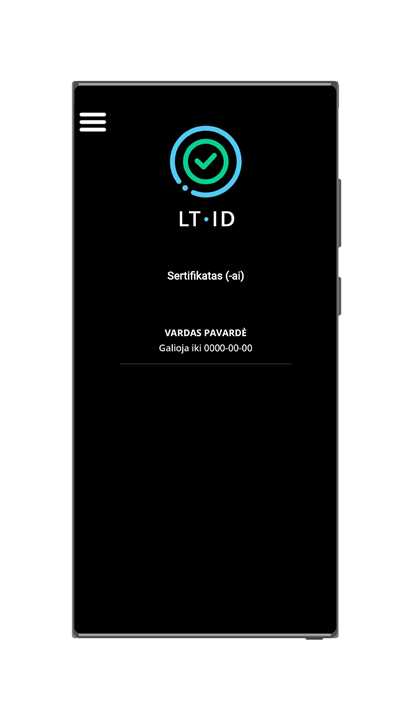
• To connect to electronic systems or sign documents, select the LT ID signature option, enter your personal identity code, and confirm using your chosen PIN code.
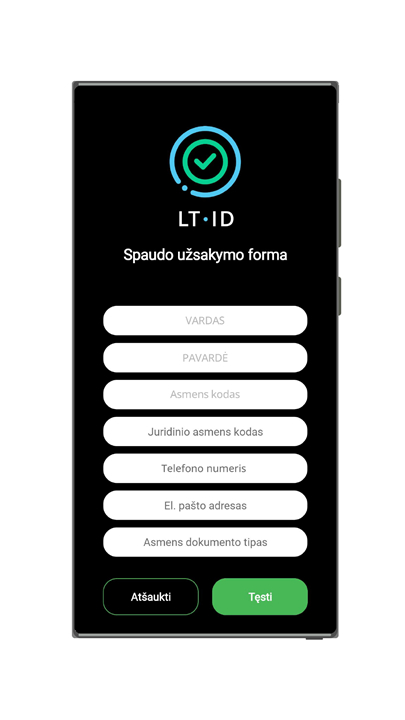
• To validate documents with a seal, provide both your personal identity code and the organization’s legal entity code, then confirm sealing via your PIN.
FAQ
Q: Who can use LT ID?
A: LT ID is designed for both individuals and organizations. If you’re an individual, it can make signing contracts or verifying your identity online much faster. If you represent an organization, it can help validate corporate documents while ensuring they remain authentic and tamper-proof.
Q: Why should I choose LT ID over other signing tools?
A: Unlike many tools, LT ID combines fast signing, easy connection, and built-in validation in one application. You'll be able to connect quickly to systems by entering a PIN on your linked smart device, and sign multiple documents in seconds — while being confident that your transactions are legally binding.
Q: Is LT ID secure?
A: Yes, security is at the heart of LT ID. It uses qualified electronic signatures and seals, which meet strict legal and technical standards. This ensures that your identity, documents, and transactions are protected from unauthorized access or alterations.
Version History
v1.0.6——5 Nov 2025
Remote qualified e-signature and e-seal Download the latest version of LT ID to enjoy new features and updates immediately!
*1.0.6
In this version:
- The application has been adapted for compatibility with the latest versions of Android OS.
*1.0.5
In this version:
- developed functionality to delete registered user devices;
- minor changes to the user interface.
*1.0.3
Fixed an error when signing a request for a qualified electronic certificate with a mobile signature that was visible on some user devices.









Ratings and reviews
There are no reviews yet. Be the first one to write one.