

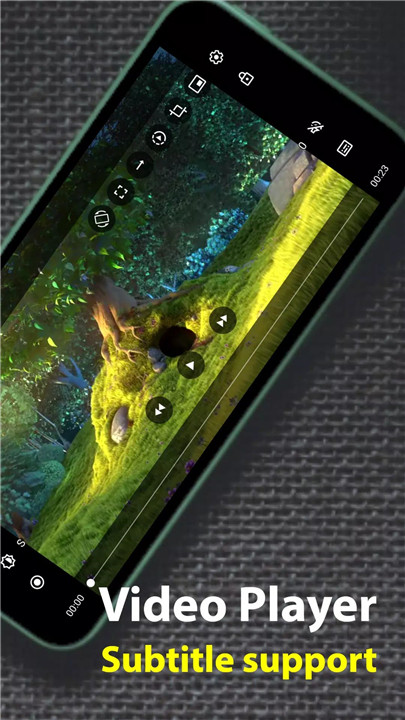
Soul Browser is a minimalist yet powerful web browser designed to enhance your browsing experience. With advanced features like an ad blocker, powerful video downloader, and full customization options, this browser provides all the tools you need while maintaining a clean and sleek design.
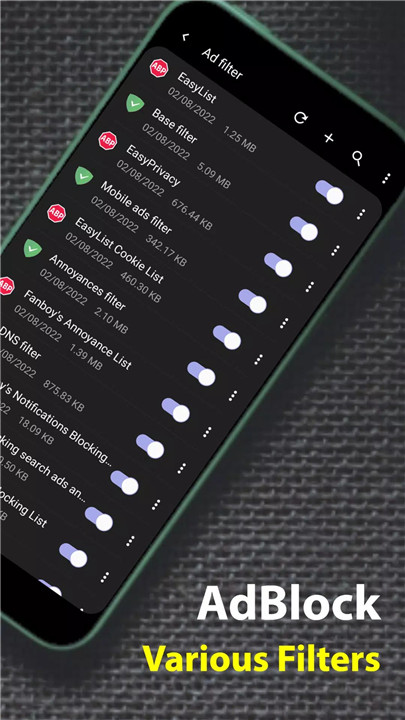
Powerful Ad Blocker
Soul Browser comes equipped with an effective ad blocker that prevents annoying pop-ups and intrusive ads, ensuring a smooth and uninterrupted browsing experience. This helps you browse websites without distractions and enhances page loading speeds.
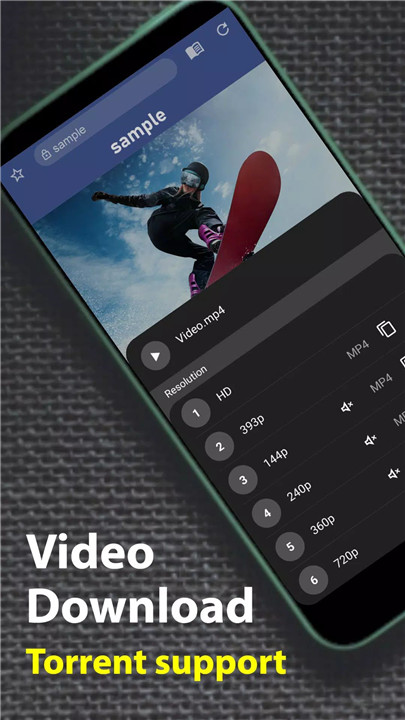
Video Downloading
One of the standout features of Soul Browser is its ability to download videos directly from websites. Whether you're saving educational content, music videos, or entertainment clips, this feature ensures you can enjoy your favorite videos offline, anytime.
Customization Options
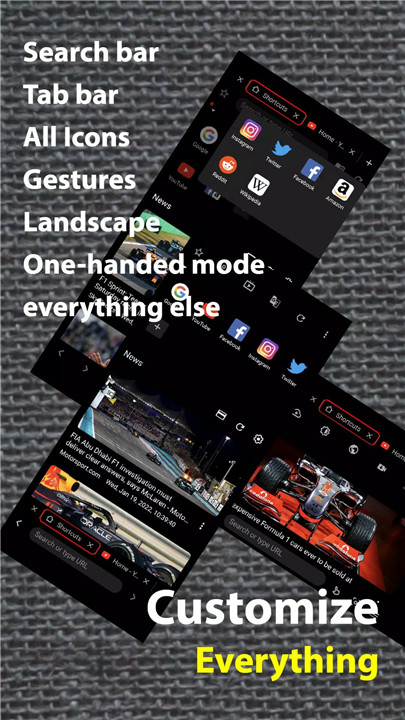
Soul Browser offers an impressive range of customization tools. Tailor the browser layout to your liking with options to edit the menu, search bar, and tab bar. Additionally, the browser includes gesture editing, one-handed mode, and a dark theme for a personalized and comfortable browsing experience.
Enhanced Privacy and Security
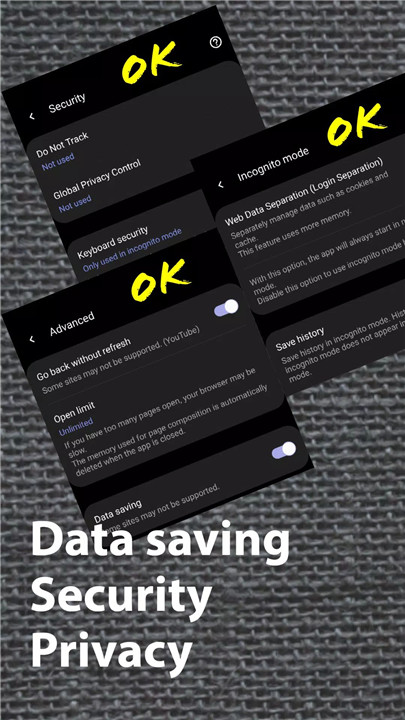
Soul Browser respects your privacy with features like Incognito mode, keyboard security, and lock screen settings to keep your data safe. You can also use the DNS change function through Android's "VpnService" for additional privacy protection while browsing.
Data-Saving Mode
For users looking to save data, Soul Browser offers a Data Saving mode that reduces bandwidth usage without compromising the browsing experience. This is perfect for those with limited data plans or slow internet connections.
Screen and Image Tools
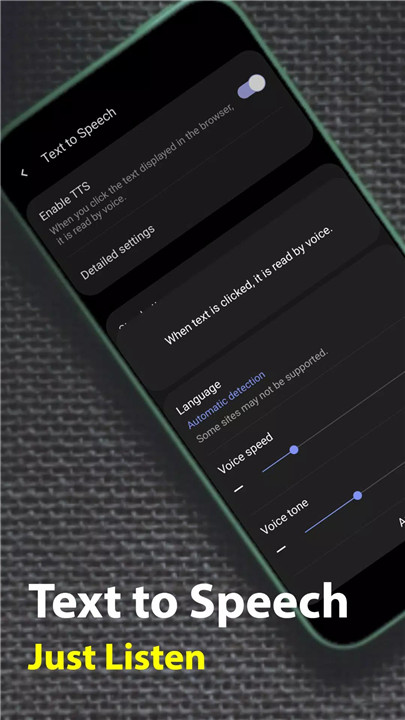
Soul Browser allows you to take scrolling screenshots, save all images from a page, or even use Text to Speech to read out content. There’s also a QR code scanner for easy content discovery, and the built-in photo editor lets you tweak your images before sharing.
Additional Features
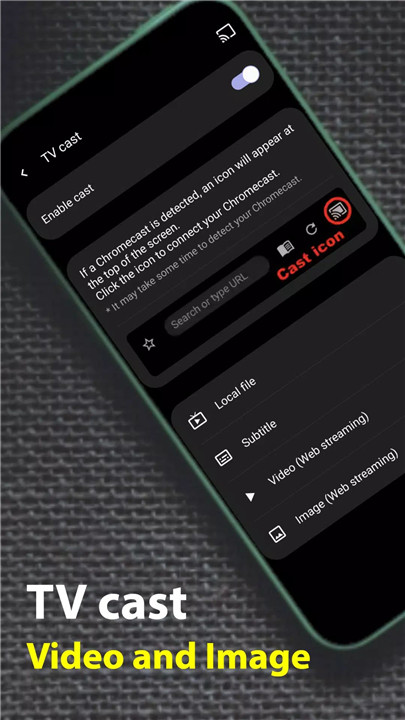
Soul Browser is packed with even more useful features, including automatic translation, reader mode, font and text adjustments, TV cast, PDF viewer, and more. These features make it a versatile tool for both casual browsing and power users.
FAQs
1. Is Soul Browser safe/private?
Yes, Soul Browser prioritizes privacy and does not share user data with other companies or organizations. Your browsing history remains private.
2. What customization options does Soul Browser offer?
Soul Browser allows you to customize the menu, search bar, tab bar, and layout. You can also change the background and enable a dark theme.
3. Can I download videos with Soul Browser?
Yes, Soul Browser includes a powerful video downloader feature, allowing you to download videos from websites and watch them offline.
4. Does Soul Browser have a built-in ad blocker?
Yes, Soul Browser has an effective ad blocker that eliminates intrusive ads while browsing, providing a cleaner and faster browsing experience.
5. How does the Data Saving mode work in Soul Browser?
Soul Browser’s Data Saving mode reduces bandwidth usage, allowing you to browse more efficiently without consuming excessive data.
Version History
v1.4.26—8 Jul, 2024









Ratings and reviews
There are no reviews yet. Be the first one to write one.