

OPPO Photos
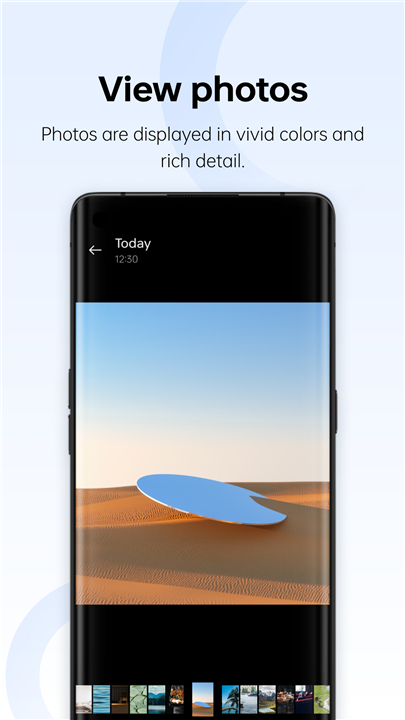
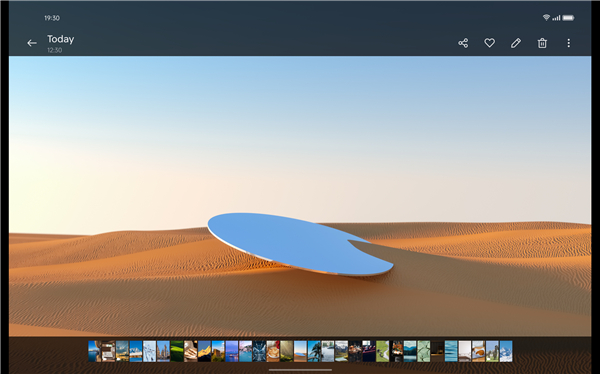
• Experience the world of photography like never before with OPPO Photos, where you can immerse yourself in stunning visuals and capture every nuance of your images.
• With the capability to view photos in exquisite detail, you can closely examine each shot, or if you prefer, effortlessly scroll through a myriad of images in a quick browsing mode.
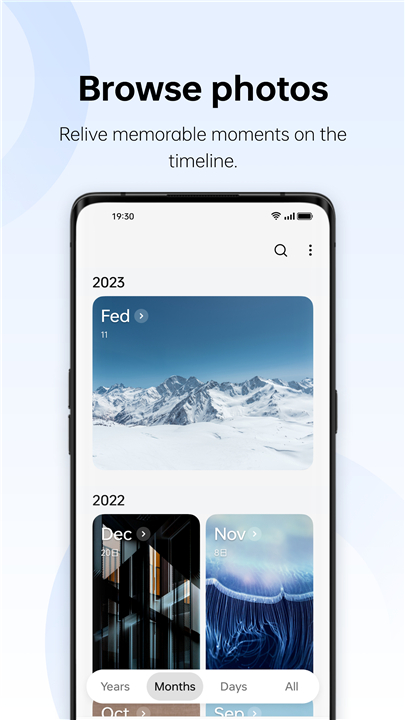
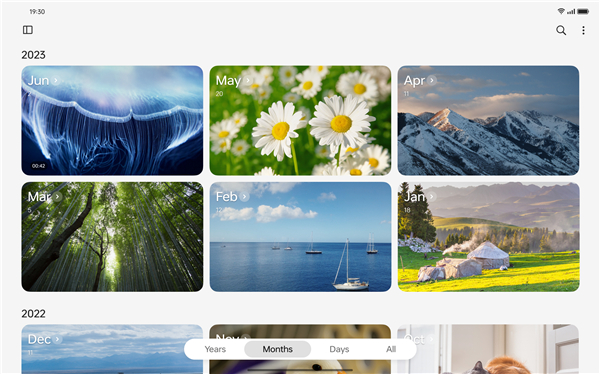
• The user-friendly interface allows you to seamlessly switch between various viewing options, giving you the flexibility to browse through your photos by date or location, making it easier than ever to find that perfect memory.
Relive Your Moments
• Relive your cherished moments with the automatically generated memories feature, which curates collections of your most significant experiences.
• Whether it's a spontaneous day out with friends or a vacation filled with adventure, OPPO Photos helps you revisit those meaningful times from your past, sparking joy and nostalgia.
Elevate Your Photography Skills
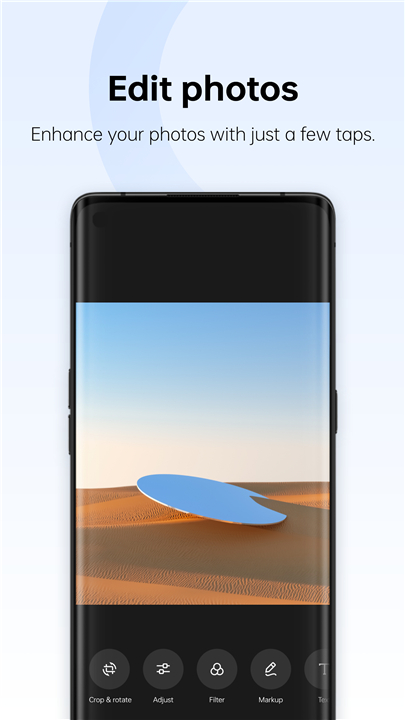
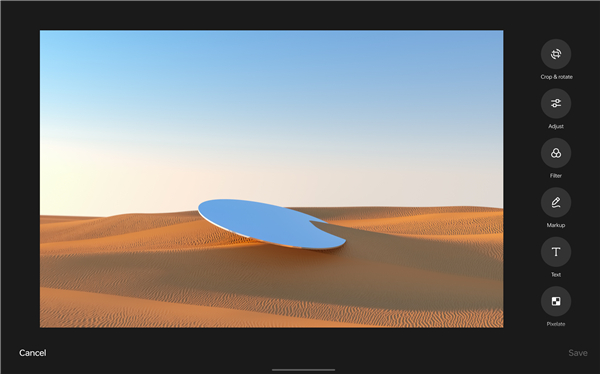
• Elevate your photography skills by utilizing a wide range of presets and templates designed for effortless enhancement of your photo compositions.
• You can modify your images to achieve different effects, allowing your creativity to shine through.
• Explore the fun side of photography by creating animated GIFs, vibrant collages, and intricate cutouts, all of which add a touch of personality and flair to your visual storytelling.
Declutter Your Digital Life
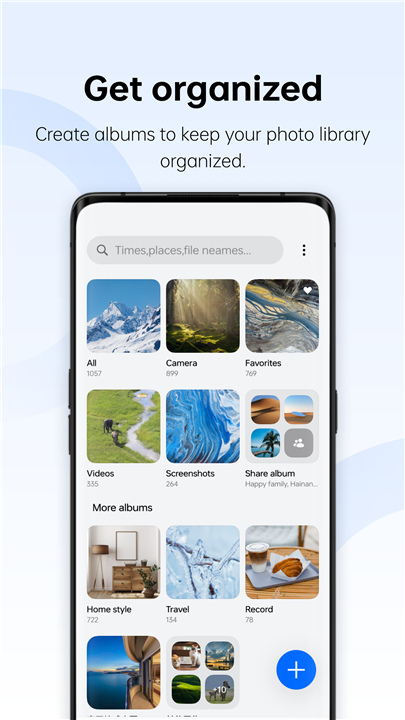
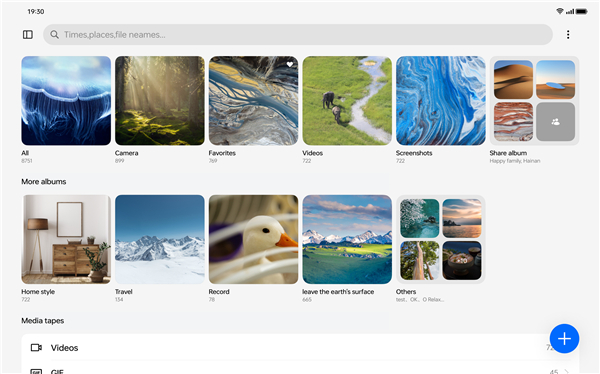
• To further declutter your digital life, OPPO Photos lets you create albums that provide an organized approach to managing your photo library.
• You can also keep your private images secure by setting a password, ensuring that your personal moments stay protected from prying eyes.
• The intelligent smart grouping feature works tirelessly in the background, automatically categorizing your photos to maintain a clean and tidy library without the extra effort.
Automatic Synchronization
• In addition to these incredible features, OPPO Photos offers the convenience of automatic synchronization with the cloud, making it possible for you to access and manage your photos from any device you own.
• This means you can enjoy your memories on the go, whether you’re using a smartphone, tablet, or computer, ensuring that your precious moments are always within reach.
• Embrace the world of photography with OPPO Photos, and transform the way you capture, share, and relive your life’s most unforgettable experiences.
FAQ
Q: How can I view my photos in detail?
A: OPPO Photos offers a stunning visual display that allows you to closely examine each shot in exquisite detail. You can also choose a quick browsing mode to scroll through multiple images efficiently.
Q: Can I organize my photos by date or location?
A: Yes! OPPO Photos provides a user-friendly interface that lets you seamlessly switch between different viewing options. You can browse your images by either date or location, making it easy to find specific memories.
Q: What is the "Automatically Generated Memories" feature?
A: This feature curates collections of your most significant experiences, allowing you to relive cherished moments, whether they are from a spontaneous outing or a memorable vacation, and sparking joy and nostalgia.
Version History
v15.55.5——19 May 2025
OPPO Photos provides photo browsing, editing, and management. Download the latest version of OPPO Photos to enjoy new features and updates immediately!
*15.55.5
Minor bug fixes and improvements. Install or update to the newest version to check it out!
*15.6.1
Minor bug fixes and improvements. Install or update to the newest version to check it out!
*14.41.16
Minor bug fixes and improvements. Install or update to the newest version to check it out!











Ratings and reviews
There are no reviews yet. Be the first one to write one.