

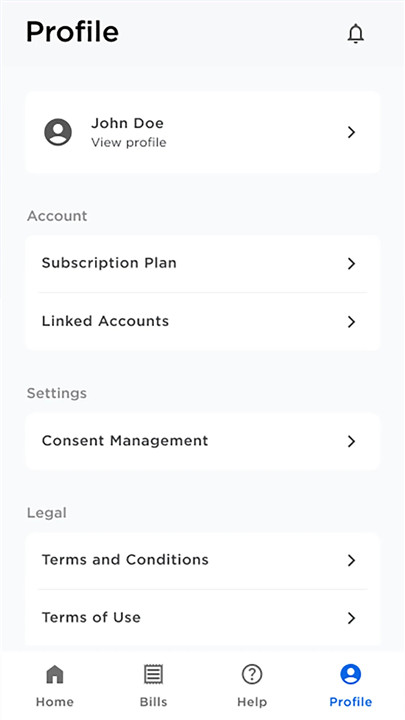
Discover the convenience of the BIDA Fiber app, your gateway to seamless access to BIDA Fiber services:
MOBILE DASHBOARD
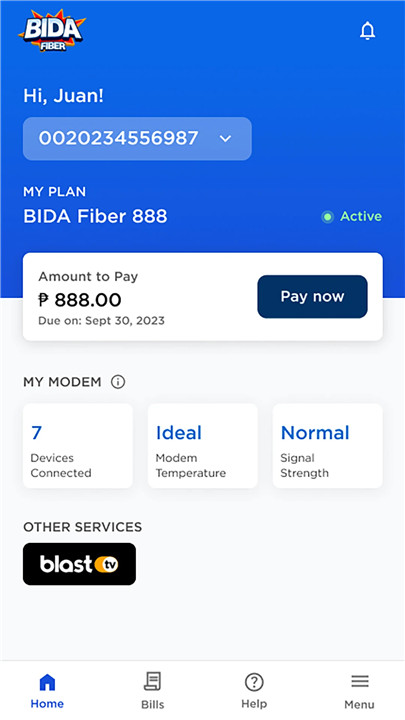
The mobile dashboard offers you a user-friendly interface to easily monitor:
+ Device Count
Keep track of how many devices are connected to your modem.
+ Modem Temperature
Ensure your modem is operating at the optimal temperature for peak performance.
+ Signal Strength
Check if your modem is receiving the appropriate signal level for a stable and reliable connection.
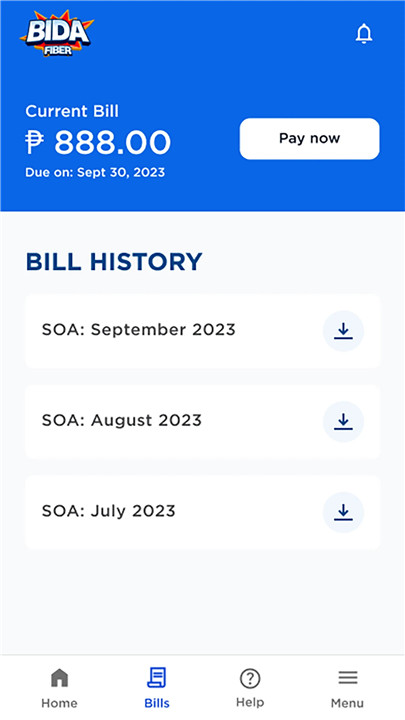
+ Billing History
Review a comprehensive summary of your payment obligations and past transactions for your records.
+ Outage Notifications
Stay informed with automatic alerts from the BIDA Fiber app if there’s an outage in your area, complete with details about the situation.
PAY ONLINE
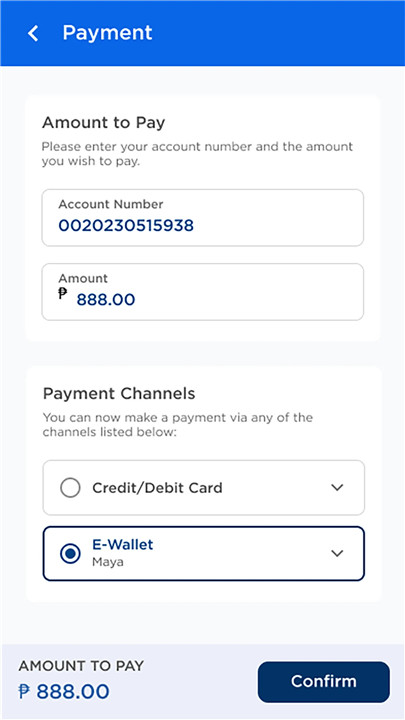
+ Easy Payments
Simply enter your BIDA Fiber account number to view your outstanding balance and proceed with a quick payment. You can pay using a credit card, debit card, or e-wallet.
+ Bill Overview
Access a summary of your payment due, along with a downloadable Statement of Accounts. You can also view your billing and payment history, including plan name, due date, previous balance, current charges, total amount due, and billing period—all on one page.
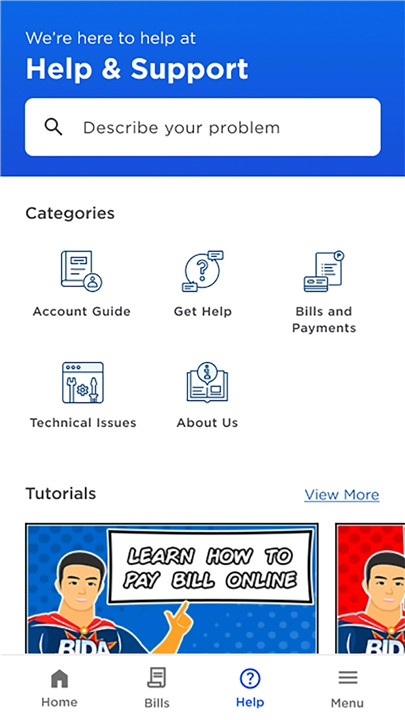
HELP & SUPPORT
+ Troubleshooting
Find a comprehensive guide to resolve issues related to modem indicators, network outages, and slow connectivity.
+ Getting Started
Learn how to apply for BIDA Fiber, including the application process, service areas, and required documents.
+ Billing Assistance
Get guidance on how to make your bill payments correctly.
+ About Us
This section will take you to the official BIDA Fiber website for more information.
+ Password Management
Discover how to manage your WIFI password effectively.
+ Infographics
Explore our infographic tutorials for a more engaging and easy-to-understand experience.
Enhance your internet experience with the unmatched power of pure end-to-end fiber internet from BIDA Fiber!
To learn more, visit bidafiber.ph. For any inquiries, email us at support@bidafiber.ph.
FAQ
Q: How can I pay my BIDA Fiber bill using the app?
A: To pay your bill through the app, simply enter your BIDA Fiber account number to view your outstanding balance. You can make payments using a credit card, debit card, or e-wallet.
Q: Can I view my billing history in the app?
A: Yes! The app provides a bill overview where you can access a summary of your payment due, including a downloadable Statement of Accounts, previous balance, current charges, total amount due, and billing period.
Q: What should I do if I experience issues with my modem or connection?
A: The BIDA Fiber app includes a comprehensive troubleshooting guide to help you resolve issues related to modem indicators, network outages, and slow connectivity.
Version History
v1.1.0——10 Mar 2025
Easily manage your subscription with the BIDA Fiber App. Download the latest version of BIDA Fiber 1.1.0 to enjoy new features and updates immediately!
Minor bug fixes and improvements. Install or update to the newest version to check it out!









Ratings and reviews
There are no reviews yet. Be the first one to write one.