

MidnightaVid AI:Ai Video Maker APK
2.4
MidnightaVid AI:Ai Video Maker
MidnightaVid AI:Ai Video Maker APK
Download for Android
MidnightaVid AI: AI Video Maker
Overview
• MidnightaVid AI is an advanced video creation application designed to transform ordinary static photographs into dynamic, professional-looking animated videos through the power of artificial intelligence.
• This innovative tool is built for users of all skill levels, from social media enthusiasts to content creators, who seek to produce engaging visual content without the need for complex software or extensive editing knowledge.
• The core premise is simplicity and power: by leveraging sophisticated AI algorithms, the app handles the heavy lifting, allowing you to generate stunning results in mere moments.
Core Functionality and User Workflow
• The process of creating a video with MidnightaVid AI is intentionally streamlined for maximum efficiency.
• It follows a simple three-step workflow that ensures a seamless user experience.
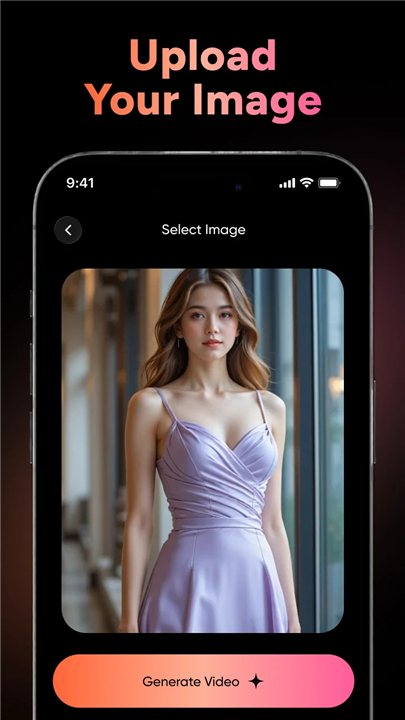
• First, you begin by selecting a source photo from your device's gallery.
• This image serves as the foundational element for your project.
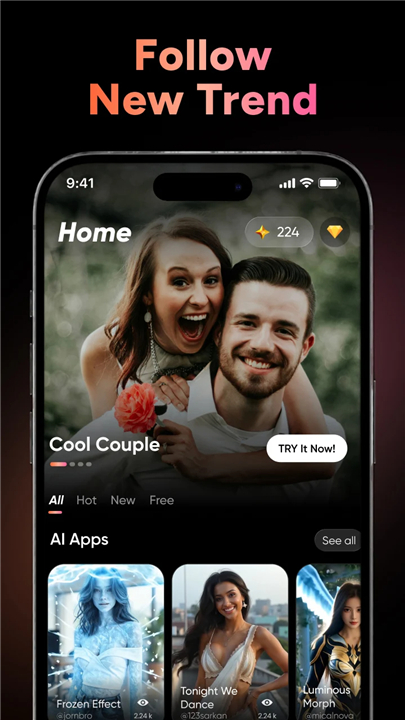
• Second, you browse the app's integrated library and choose from a diverse array of pre-designed AI video templates.
• These templates are engineered with specific effects and animation styles. Finally, you initiate the process by clicking the 'Generate' button.
• The application's AI then analyzes your photo, applies the selected template's intricate effects, and renders a complete, high-quality video.
• This entire process is executed swiftly, delivering a polished outcome without any manual editing required.
Key Features and Capabilities
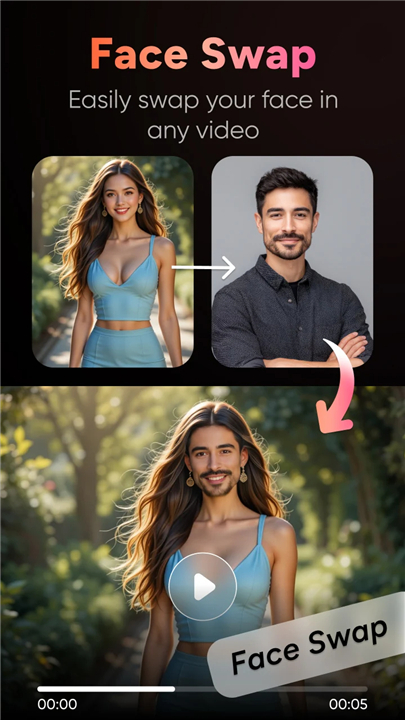
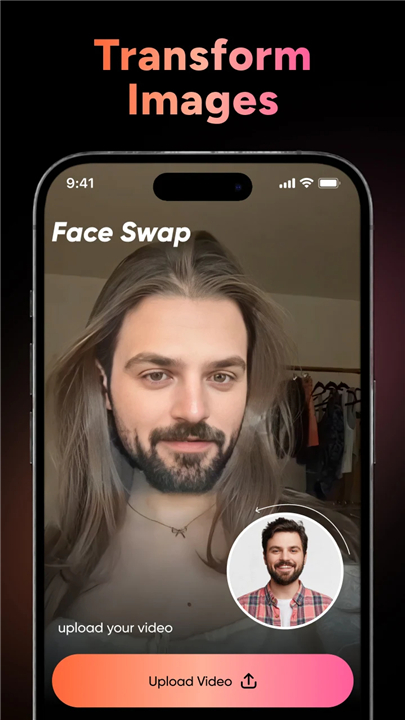
• AI Face Swap Technology:
+ This feature allows for the seamless and realistic replacement of faces within video templates.
+ Users can upload a clear portrait image, and the AI will meticulously map and integrate those facial features onto a character in a moving video.
+ The algorithm ensures a high degree of realism by perfectly matching lighting, skin tones, and facial movements, resulting in a convincing and impressive composite that maintains natural expressions and proportions.
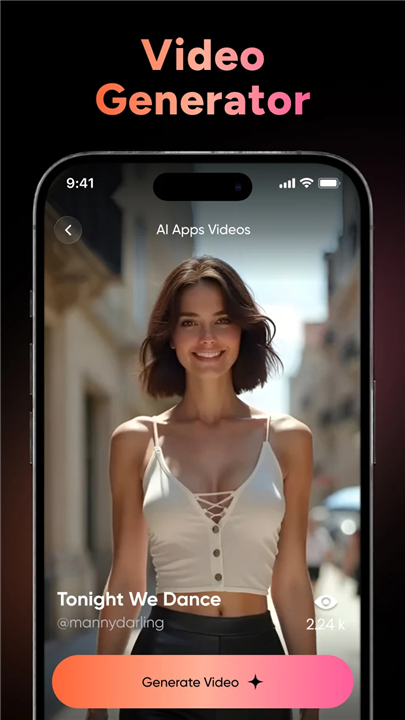
• AI Video Effects from Photos:
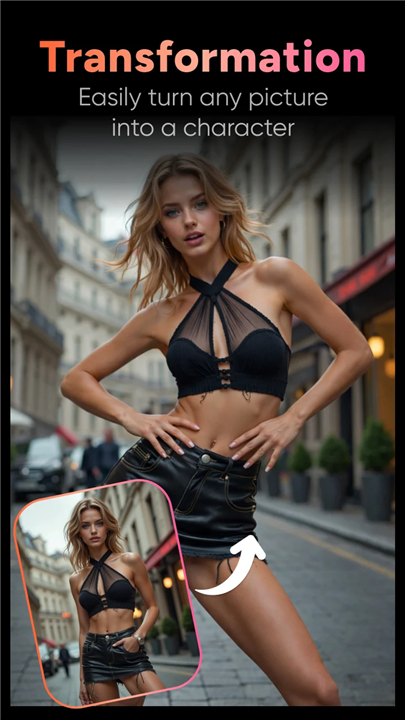
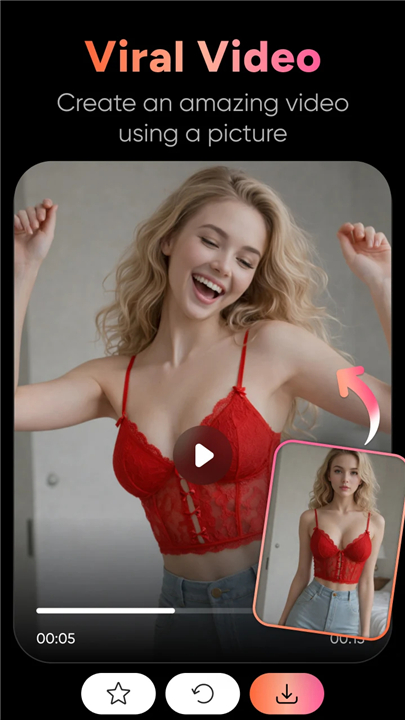
+ Beyond face swapping, the app specializes in animating entire photographs.
+ A single picture can be transformed into a moving scene through effects like subtle parallax motion, animated backgrounds, artistic style transfers, or dynamic transitions.
+ This capability turns a simple portrait or landscape into a captivating piece of video content perfect for stories, reels, or short promotional clips, bringing still images to life with a cinematic feel.
• Accessibility and Ease of Use:
+ A primary advantage of MidnightaVid AI is its user-centric design.
+ The interface is intuitive and requires no prior video editing expertise.
+ The entire creation cycle, from photo selection to final video output, is condensed into a matter of seconds.
+ This accessibility empowers anyone to create visually striking content quickly, eliminating the traditional barriers of time and technical skill associated with professional video production.
+ The app provides a powerful, on-the-go solution for instant content creation.
FAQ
Q: How does the process of creating a video work?
A: The process is beautifully simple and built for speed. You just pick a photo from your gallery, choose a creative template from our library that you love, and hit the 'Generate' button. Our AI does all the hard work, analyzing your image and applying complex animations to deliver a finished video in just moments.
Q: What kind of photos work best with the app?
A: For the best results, we recommend using a clear, high-quality photo with good lighting. Portraits with a well-defined subject against a distinct background tend to work exceptionally well, as the AI can more easily identify and animate the key elements. The clearer the photo, the more magical the result!
Q: Can you explain the AI Face Swap feature in more detail?
A: Absolutely! Our AI Face Swap lets you realistically place your face (or a friend's) onto a character in a video template. You just upload a clear portrait, and our advanced algorithm carefully maps the facial features, ensuring it matches the lighting, skin tones, and movements of the original video. The goal is to make the final composite look completely natural and convincing.
Version History
v2.4——15 Jan 2026
MidnightaVid AI to create video effect and faceswaps using any photo. Download the latest version of MidnightaVid AI:Ai Video Maker to enjoy new features and updates immediately!
*2.4
Minor bug fixes and improvements. Install or update to the newest version to check it out!









Ratings and reviews
There are no reviews yet. Be the first one to write one.