
Crosshair & Nickname Generator is the ultimate tool for gamers who want to take their gaming experience to the next level! This app lets you track important device performance stats while gaming and adds a fun twist with customizable nickname generation.
Custom Overlay Bubbles for Performance Tracking
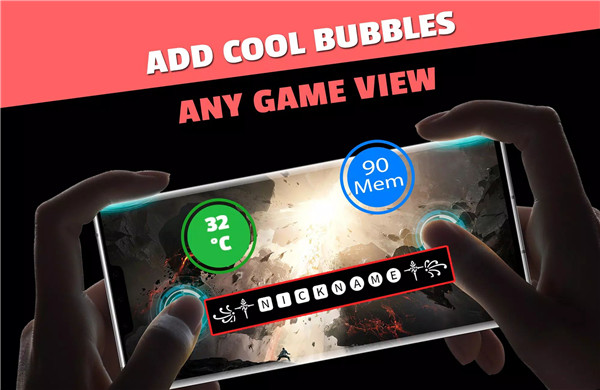
Crosshair & Nickname Generator lets you track important device performance metrics while gaming. You can display memory usage, device temperature, and more directly on your screen with custom overlay bubbles.
Crosshair Bubble for Enhanced Accuracy
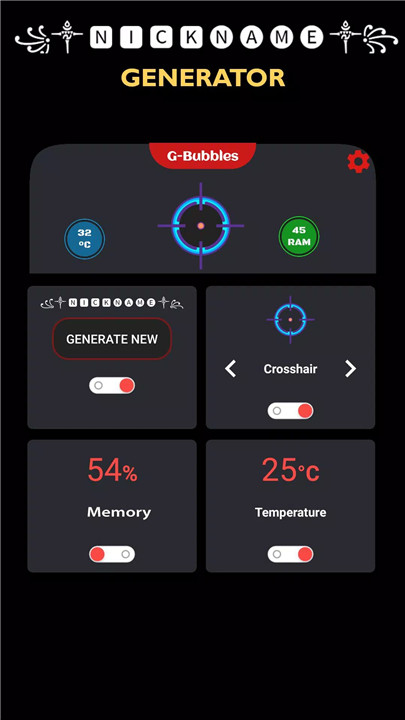
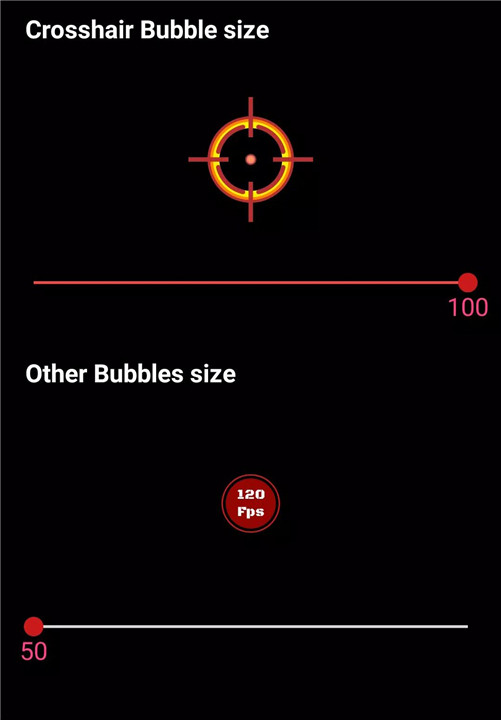
For gamers who need precision in shooting games, the crosshair bubble is an essential tool. This feature overlays a crosshair directly onto your game screen, allowing you to improve your accuracy during gameplay. The crosshair is customizable, so you can make sure it fits your playstyle.
Memory Usage and Temperature Bubbles
Keep track of your device's memory usage and temperature while gaming. The memory usage bubble shows you how much memory is being used in real-time, helping you manage performance. The temperature bubble keeps you informed about your device's temperature, ensuring that it doesn’t overheat during long gaming sessions.
Nickname Generator with Unique Styles
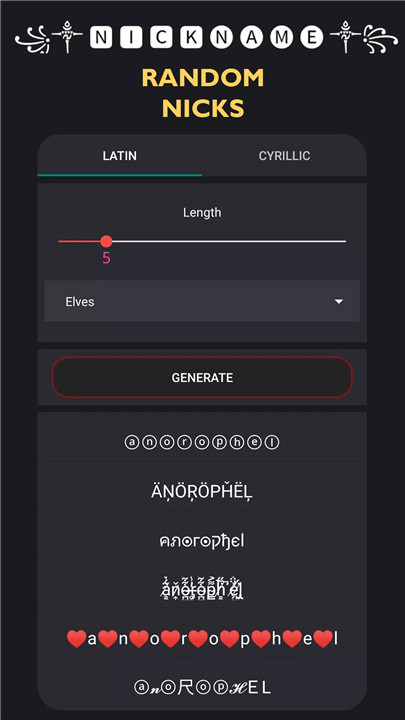
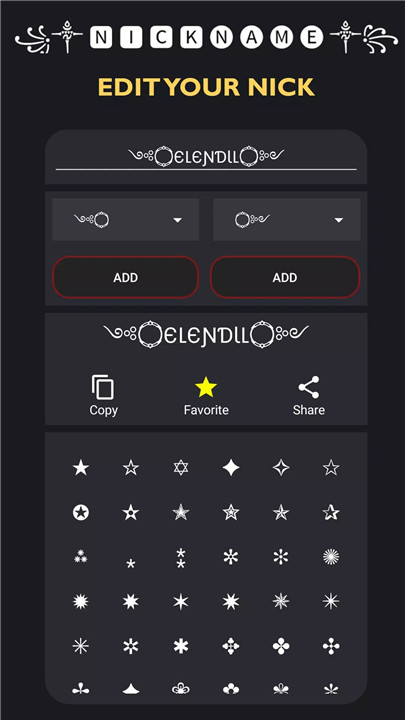
The built-in nickname generator creates cool and stylish names for all types of gamers. You can create nicknames with ASCII characters, giving them a unique flair. From fantasy-themed names like Elf, Orc, and Dwarf, to human-themed names (male or female), this generator covers all styles. Easily edit, copy, and share your new nickname anytime, anywhere!
How to Use:
1. Open the app and select the performance tracking bubbles you want to use (memory, temperature, or crosshair).
2. Resize and drag the bubbles to where you want them on your game screen.
3. To create a nickname, use the nickname generator to choose from various themes and styles.
4. Once you’ve created your perfect nickname, copy it and set it as your in-game name.
5. When you're done, simply drag the bubbles to the trash to remove them from your screen.
FAQs
1. What performance metrics can I track with Crosshair & Nickname Generator?
You can track memory usage, device temperature, and more with customizable overlay bubbles on your game screen.
2. Can I use the nickname generator for all games?
Yes, the nickname generator is compatible with all games, and you can use your generated nickname anywhere.
3. How do I resize the overlay bubbles?
You can easily resize the bubbles in the app’s settings to suit your preferences.
4. What types of nicknames can I create?
You can create themed nicknames, including Elf, Orc, Dwarf, and Human (male/female), as well as stylish ASCII characters.
5. How do I remove the overlay bubbles from my screen?
When you're done using the bubbles, simply drag them to the trash view at the bottom of your screen to remove them.
Version History
v66—24 May, 2024
HOT UPDATE
NICKNAME GENERATOR ADDED
v65—1 Feb, 2024
v64—14 Nov, 2023
v66—24 May, 2024









Ratings and reviews
There are no reviews yet. Be the first one to write one.