

Blibli Seller Center – Your Complete Selling Solution
Get More with Blibli!
• Blibli Seller Center is designed to make managing your online store easier and more efficient.
• Whether you are at home, in the office, or on the go, the Blibli Seller App enables you to stay connected with your business anytime, anywhere.
• From processing orders to updating products, the app provides all the tools you need to grow sales and satisfy customers.
Key Features and Functions
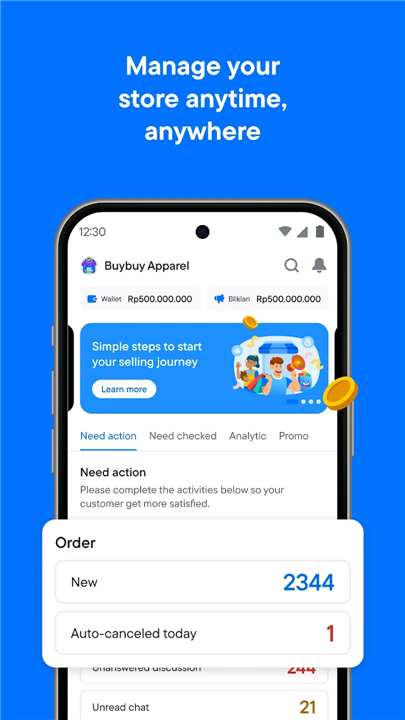
1. Dashboard Overview
• View a complete summary of your store’s performance.
• Track new orders immediately as they come in.
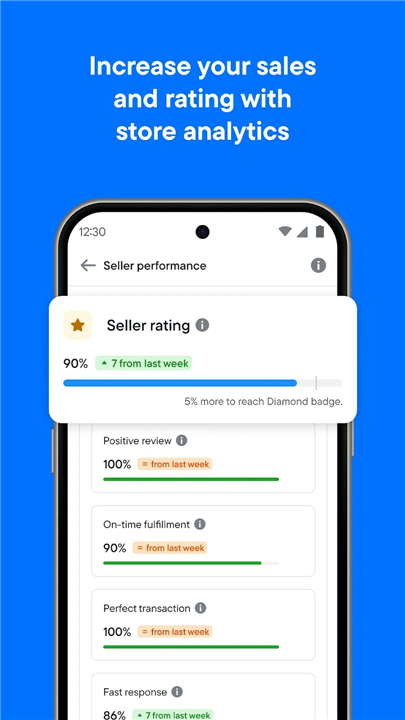
• Check product statistics, sales trends, and store ratings.
• Stay updated with important announcements from Blibli.
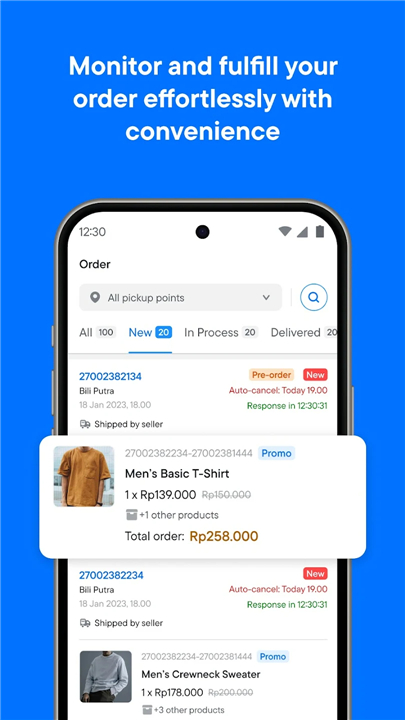
2. Order Management
• Access the Orders menu to see incoming purchases.
• Respond quickly to ensure fast processing and excellent customer service.
• Enhance customer satisfaction with prompt and accurate order handling.
3. Product Management
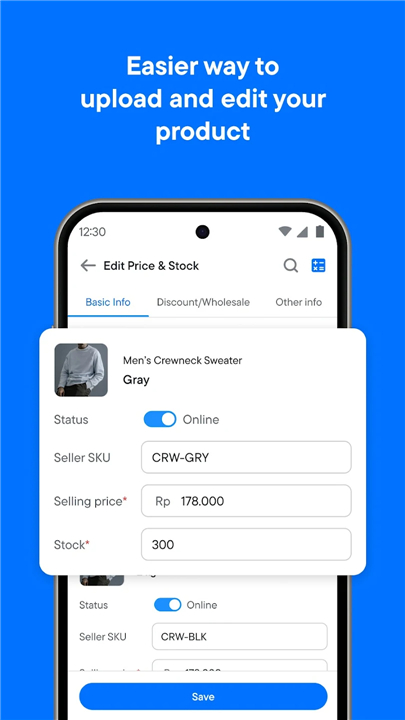
• Add new products with detailed information and clear descriptions.
• Restock items easily by searching for product names.
• Keep your product catalog updated to maximize sales opportunities.
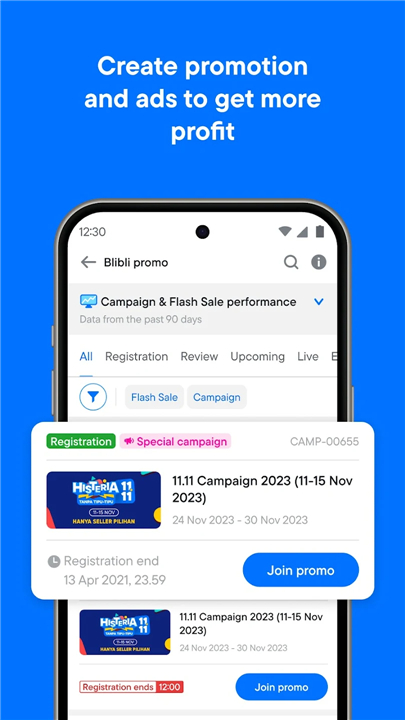
4. Promotions and Campaigns
• Participate in official Blibli promotions to reach more buyers.
• Create custom deals or discounts to boost visibility and attract customers.
5. Customer Interaction
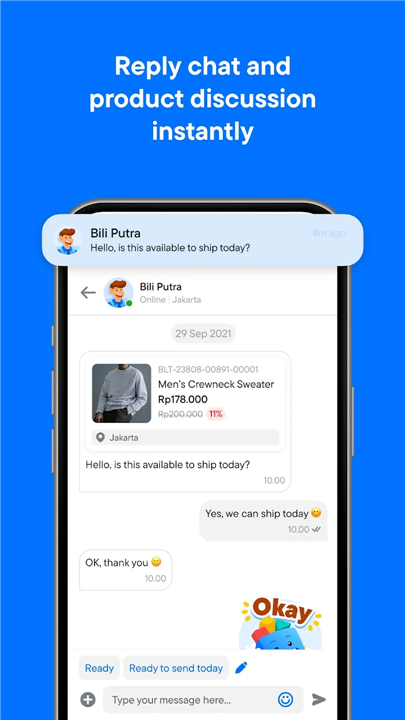
• Use the Product Discussion menu to answer customer inquiries.
• Provide clear, helpful, and timely responses to encourage purchases.
6. Notifications
• Receive instant alerts about orders, stock levels, customer questions, and special announcements.
7. Seller Support
• Contact Seller Care via phone, email, or live chat for assistance.
• Get expert help on sales, technical issues, and store management.
Why Join Blibli?
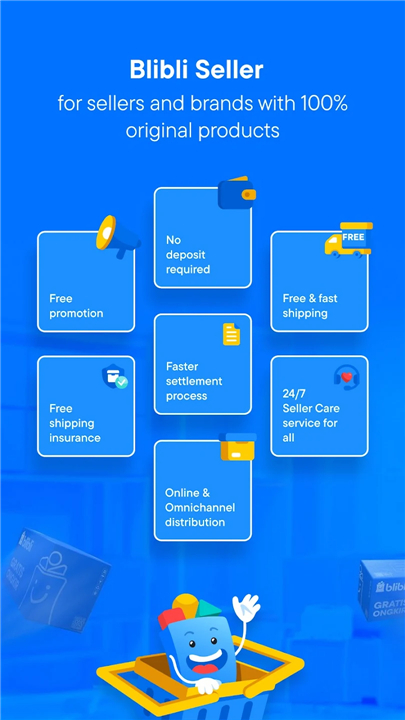
• Trusted by reputable sellers and brands.
• 100% product insurance for added security.
• Free shipping options to attract buyers.
• No deposit required to start selling.
• Complimentary promotion opportunities.
• Dedicated Seller Care support.
Start your journey today at https://seller.blibli.com/mulai-berjualan and enjoy the benefits of selling with Blibli.
Happy Selling at Blibli.com!
FAQ
Q: How do I register and start selling on Blibli?
A: To begin selling, simply visit https://seller.blibli.com/mulai-berjualan and complete the online application form by entering your business details, tax information, and bank account data. After submitting your documents for verification, you will receive a confirmation email. Once your account is approved, log in to Seller Center and set up your store profile by uploading your logo, writing your store description, and configuring your shipping and return policies. With no deposit requirement, you can immediately start adding products and promoting your brand.
Q: How can I add new products and maintain my catalog effectively?
A: In Seller Center, navigate to the Product Management menu and click “Add New Product.” Fill in the required fields, including product name, detailed description, SKU, price, and high-quality images. After listing, use the search bar to quickly locate items that need restocking or information updates. By consistently reviewing your inventory data and updating descriptions, pricing, and stock levels, you ensure customers receive accurate information. Regularly refreshing your catalog also helps maintain high visibility in Blibli’s search and recommendation algorithms.
Q: What tools are available for tracking my store’s performance?
A: Seller Center’s dashboard provides a consolidated overview of your store’s health, displaying sales figures, order volume, product conversion rates, and customer ratings. Interactive charts allow you to review trends over specific periods, while notifications keep you informed about sudden spikes in orders or drops in stock. This centralized view helps you identify best-selling items, spot underperforming products, and deploy timely marketing strategies to maximize revenue.
Version History
v9.42.0——19 Jan 2026
Let's Grow Big With Blibli.com! Download the latest version of Blibli Seller Center to enjoy new features and updates immediately!
*9.42.0
With updating the app, you will find:
- Faster registration process completed in three simple steps.
- Simplified margin information structure for easier clarity.
- Chat feature improvements for a better experience.
- Some improvements to help ease your selling process.
Let’s update the app now!
*9.41.0
Update the app, try the new features!
In this version, you can:
- Enhanced store performance insights for more accurate results.
- Some improvements to help ease your selling process.
Let’s update the app now
*9.40.1
With updating the app, you will find:
- You can now register as a seller with a faster onboarding process.
- Order details in Seller chatroom now show by package number, making tracking easier.
- Get info about order shipment deadlines to help manage your performance.
- Some improvements to help ease your selling process.
Curious much? Let’s update the app now!









Ratings and reviews
There are no reviews yet. Be the first one to write one.