

CapCut Pad
Unleash Your Vision
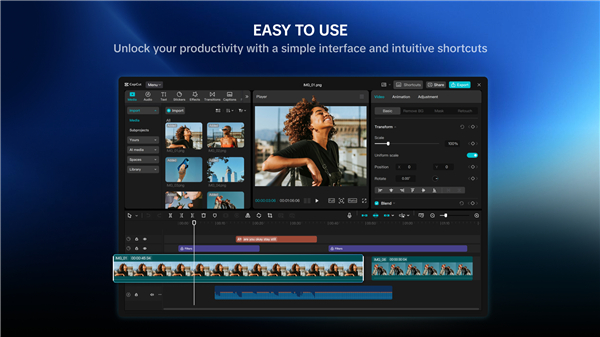
• Experience the power of a professional editing suite reimagined for your tablet.
• CapCut brings desktop-grade precision to your fingertips, offering an expansive workspace optimized for touch.
• Whether you are crafting cinematic masterpieces or viral social content, our intuitive interface ensures your creative flow remains uninterrupted.
Professional Editing Control
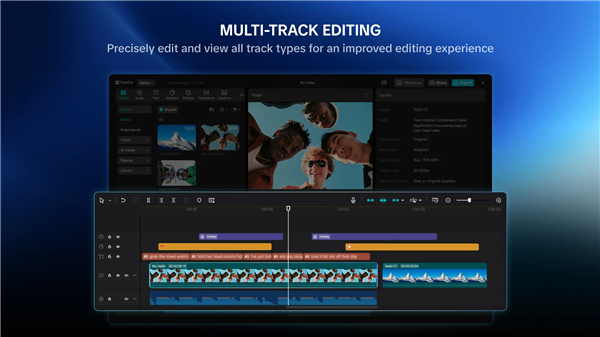
• Master your narrative with precise multi-track timeline editing.
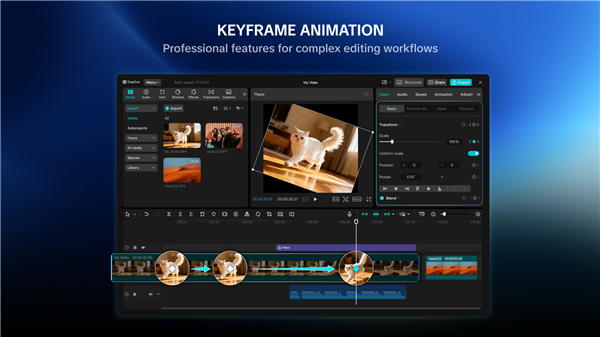
• Achieve fluid motion using keyframe animation and professional-grade speed curves.
• Refine your footage with optical flow slow motion, chroma key compositing, and advanced video stabilization.
Intelligent Creation Tools
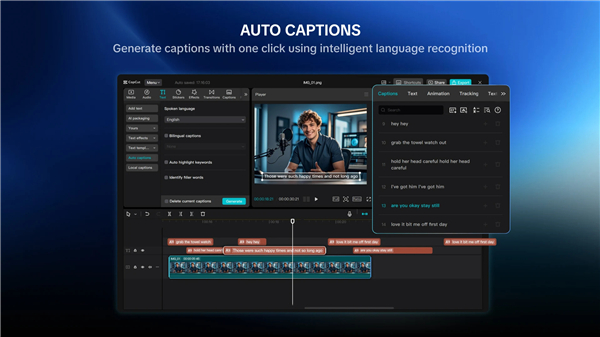
• Save time with one-tap background removal and automated caption generation.
• Bring text to life with natural-sounding text-to-speech in diverse languages.
• Elevate your storytelling using motion tracking and dynamic transition effects.
Visual Flair and Audio Depth
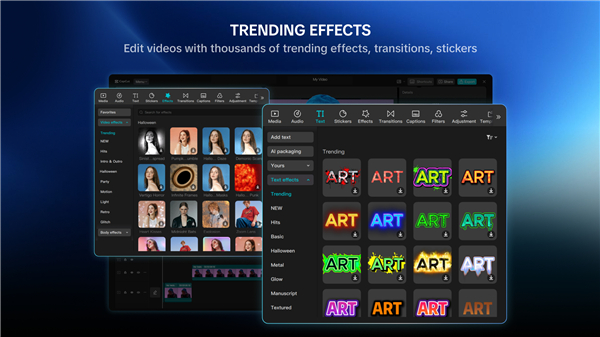
• Access an evolving library of filters, 3D effects, and trending styles updated weekly.
• Personalize your projects with a wide array of fonts, stickers, and text templates.
• Enhance your edits with licensed music tracks, custom sound effects, and seamless audio extraction.
Seamless Export and Social Sharing
• Output your work in stunning 4K at 60fps with smart HDR enhancements.
• Easily share your final cuts to TikTok, Instagram, YouTube, and beyond to engage your audience.
• CapCut is the all-in-one partner for creators of all levels.
• From your first quick trim to complex, polished edits, you have the tools to capture, refine, and broadcast your unique perspective to the world.
Support and Legal
• For inquiries, please reach out to capcut.support@bytedance.com.
• Terms of Service: https://www.capcut.net/clause/user-agreement?region=us
• Privacy Policy: https://www.capcut.net/clause/privacy?region=us
Stay connected with our community:
• Facebook: https://www.facebook.com/capcutapp/
• Instagram: https://www.instagram.com/capcutapp/
• YouTube: https://www.youtube.com/c/capcutofficial
• TikTok: https://www.tiktok.com/@capcut
FAQ
Q: Is the timeline advanced enough to handle professional-level video editing projects?
A: You will find that the app is quite robust as it features a precise multi-track timeline that allows you to layer video, audio, and effects with ease. This multi-track approach ensures you have full control over your narrative, enabling you to build complex cinematic masterpieces without feeling limited by a simplified interface.
Q: WhaHow can I achieve smooth and custom animations for the elements on my screen?
A: You can master your animations by using the keyframe animation feature paired with professional-grade speed curves. These tools allow you to dictate exactly how an object moves, rotates, or changes over time, giving your transitions and graphics a fluid, high-end look that stands out from standard presets.
Q: What specialized tools are available for creators who want to achieve high-quality slow motion?
A: CapCut Pad offers optical flow slow motion, which uses advanced processing to create extra frames so your slowed-down footage looks incredibly silky and natural. This is a significant step up from standard frame-blending and is perfect for adding that premium, high-production feel to your action shots or dramatic sequences.
Version History
v7.7.1——20 May 2026
Capture your precious moments, edit videos with stunning music and effects Download the latest version of CapCut Pad to enjoy new features and updates immediately!
*7.7.1
Minor bug fixes and improvements. Install or update to the newest version to check it out!
*7.7.0
Minor bug fixes and improvements. Install or update to the newest version to check it out!











Ratings and reviews
There are no reviews yet. Be the first one to write one.