

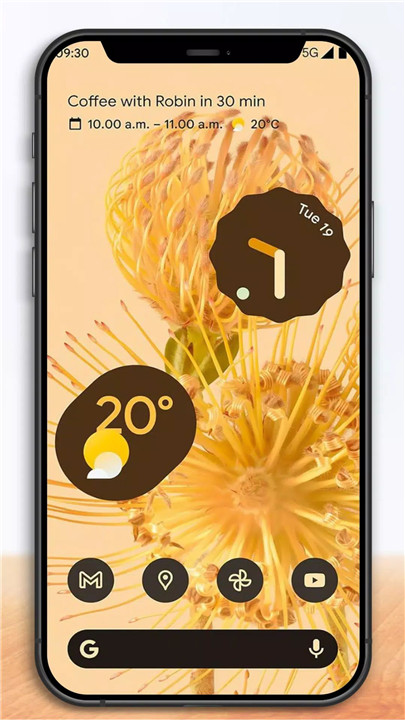
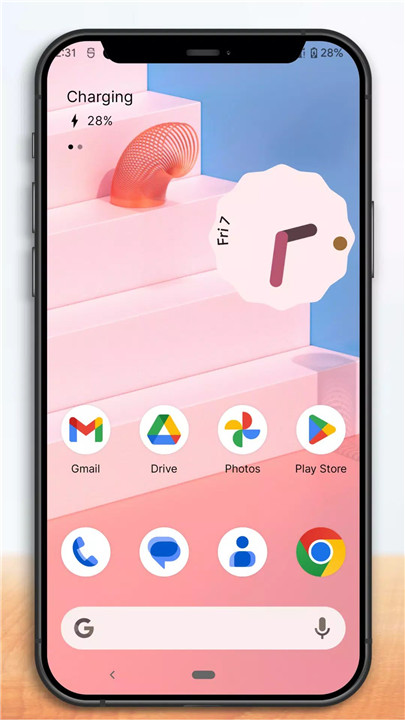
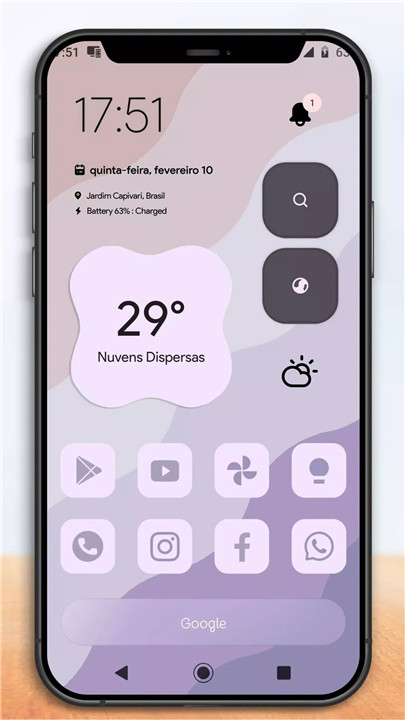
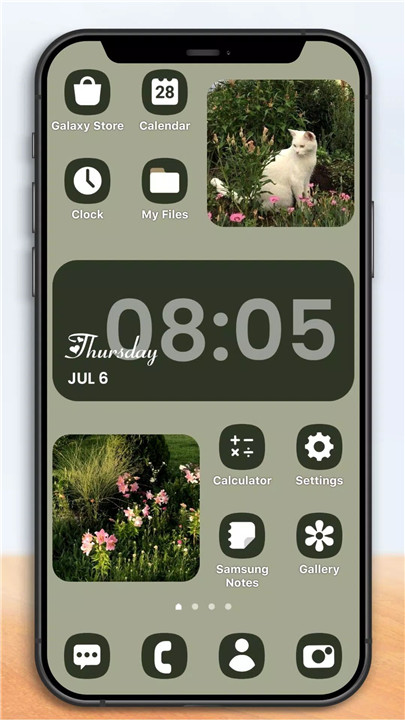
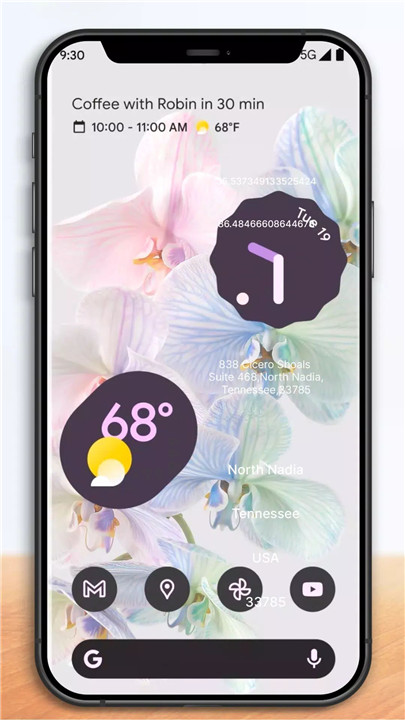
One Launcher: Robust, versatile, and highly customizable replacement for your Android home screen.
Experience the cutting-edge of home screen customization with One Launcher, bringing the newest Android launcher features to your device. Stay ahead with updates that enhance functionality and performance.
Custom Icons
Transform your device with thousands of icon themes from the Play Store. Modify icons to your preferred shape for a cohesive and stylish home screen appearance.
Extensive Color System
Utilize Material You colors, or pick your own hues for a uniquely personalized interface that reflects your style and mood.
Custom Light and Dark Themes
Sync seamlessly with system settings or set custom schedules for light and dark modes. Adapt effortlessly to different environments and times of day.
Powerful Search System
Efficiently search through apps, contacts, and integrated services. Access Micro Results for quick calculations, conversions, and tracking, enhancing productivity on the go.
Customizable Home Screen
Customize every aspect of your home screen, from icon size and label colors to scroll orientation and search bar placement. Innovatively designed customizable cards in the app drawer provide instant access to essential information.
Subgrid Positioning
Achieve precise layout control by snapping icons and widgets between grid cells, enabling detailed customization that’s usually unavailable in typical launchers.
Gesture Controls
Enhance usability with intuitive gestures like swipe, pinch, and double tap on the home screen to execute commands to streamline productivity. This extends to home screen icons, allowing you quick access to essential or frequently used functions without cluttering your home screen.
App Drawer Organization
Organize apps effortlessly with custom tabs and folders in the app drawer, ensuring a clutter-free experience that enhances efficiency.
Privacy Features
Hide apps discreetly without uninstalling them, maintaining a clean and secure app drawer layout.
Additional Features
Enjoy a range of scrolling effects, notification badges, and more, enhancing usability and personalization options.
What's New in the Latest Version 1.0.22
Last updated on Aug 4, 2024
Minor bug fixes and improvements. Install or update to the newest version to check it out!









Ratings and reviews
There are no reviews yet. Be the first one to write one.