

Scanner App: QR Barcode Reader APK
0.1.8
Scanner App: QR Barcode Reader
Scanner App: QR Barcode Reader APK
Download for Android
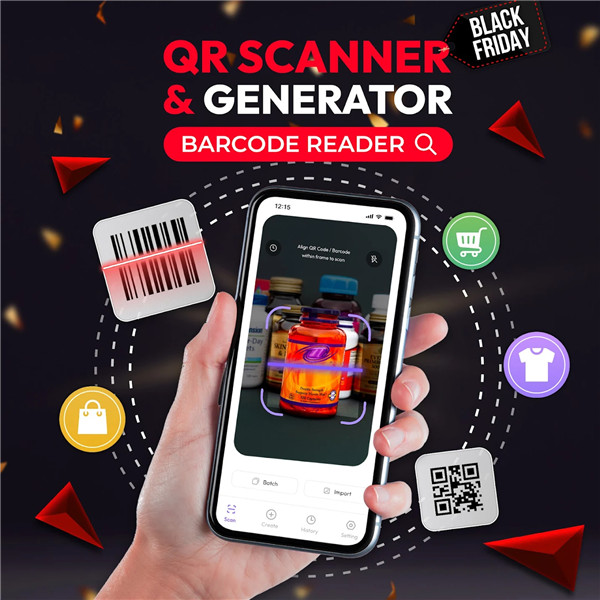
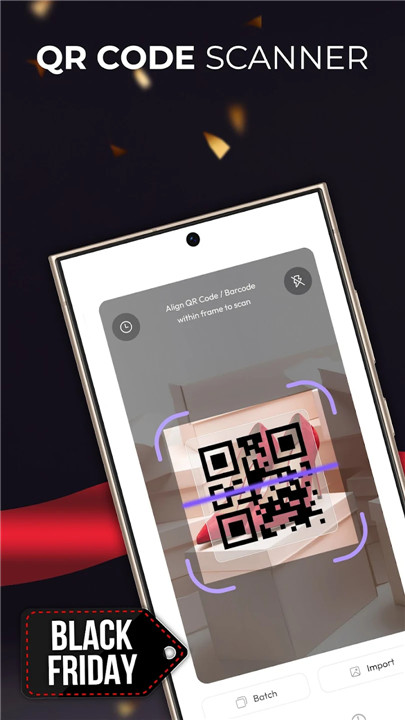
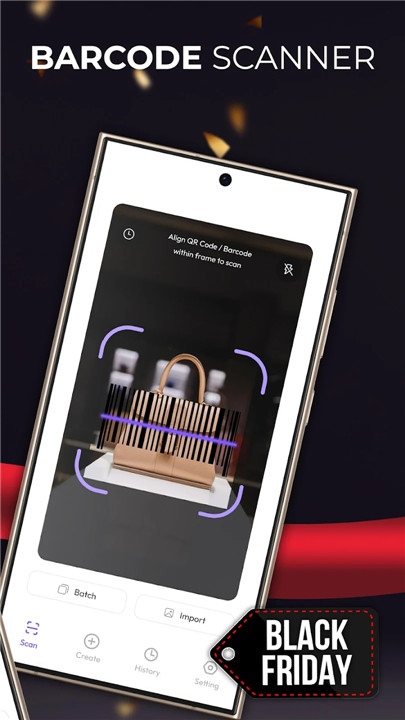
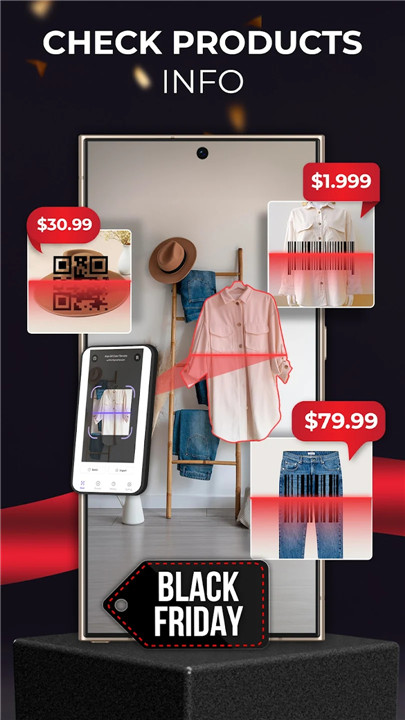
+ Experience the convenience of a QR scanner and barcode reader at your fingertips: Scan, Customize, Manage - simpler than ever!
- Say goodbye to purchasing products without clear details; use the scanning app for all your needs.
- No more lengthy messages for invitations or event announcements.
- Quickly share information without the hassle of a QR code generator.
- Launch the QR and barcode scanner to access information and create codes effortlessly.
With the QR code and barcode scanner app, users can enjoy:
Rapid information scanning features:
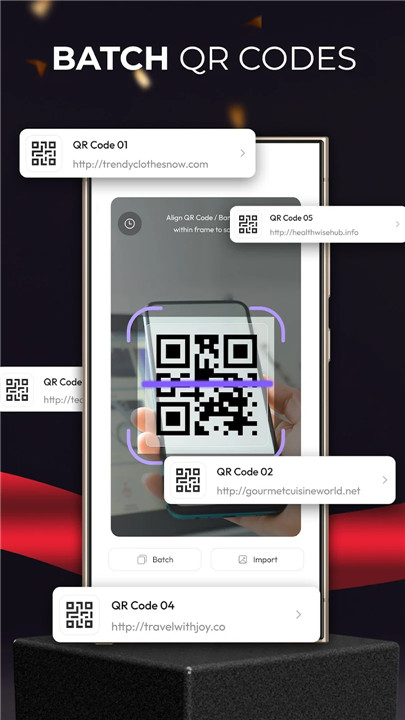
- Batch scanning for ultimate convenience.
- Save images of QR codes directly to your device for easy access.
- The barcode scanner allows for swift information retrieval with precision.
- Access websites, social media profiles, and online templates instantly with a single scan.
- Effortlessly add contacts to your address book by scanning their QR codes.
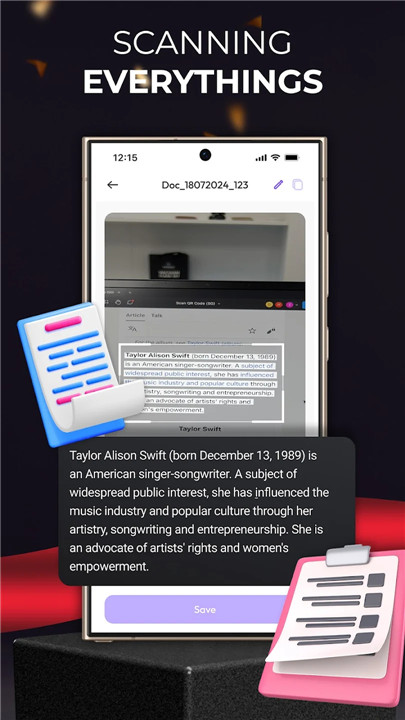
- Reveal hidden text messages and notes embedded in QR codes instantly.
User-friendly custom QR code and barcode generator:
- Create QR codes for names, phone numbers, emails, websites, and more.
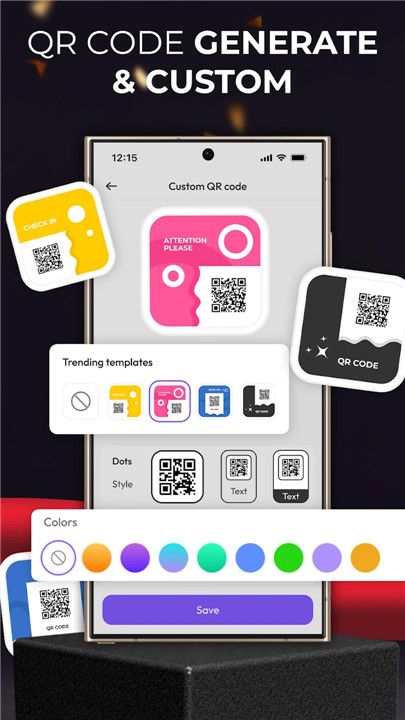
- Personalize your QR codes with various styles, colors, and modern frames. Add text and logos for a unique touch.
- Generate promotional event QR codes with all necessary details for easy distribution.
- Create location-based QR codes by entering precise coordinates.
- Flexible text options allow you to embed various lengths into your QR codes.
- Simplify Wi-Fi sharing by securely transmitting your settings through a Wi-Fi scanner.
Why should you give this QR Code reader and Barcode scanner app a try?
- Quickly create, download, and share QR codes or barcodes with ease.
- Enjoy a user-friendly and intelligently designed scanning experience.
- Generate QR codes or barcodes that support a wide range of content.
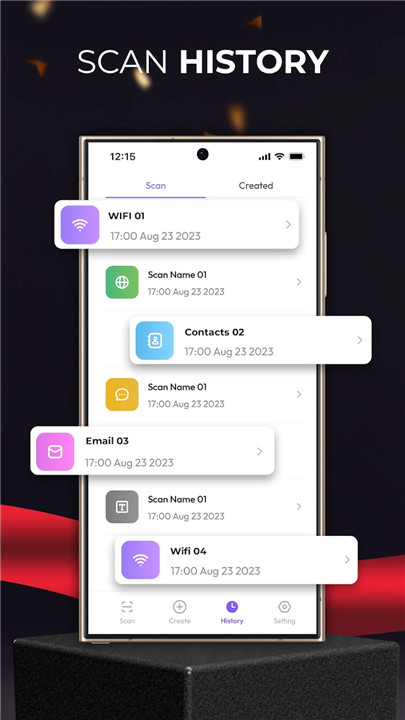
- Keep a record of all your scanning history and store created QR codes.
- Accurately verify information using your mobile scanner.
How to use the QR scanning application?
+ This QR code app is designed for simplicity and convenience. Follow these easy steps to access information from a QR code or barcode:
1. Launch the QR Scan application.
2. Scan the QR code or barcode.
3. Aim your device's camera at the QR code or barcode you wish to check.
4. Make sure the code is within the camera's view.
5. The app will automatically scan the code and present the relevant information.
- Depending on the type of code scanned, the app will provide information such as website links, maps, emails, SMS, and more.
In addition to reading QR codes and barcodes, you can create QR codes for personal use. Leverage the capabilities of this QR and barcode scanner to enhance your marketing efforts with event and location-specific QR code and barcode generation. Join the community of users enjoying the benefits of this QR code and barcode scanner app!
FAQ
Q: What is the primary function of the QR scanner and barcode reader app?
A: The main function of the app is to allow users to quickly scan QR codes and barcodes to retrieve information such as website links, social media profiles, and contact details. Users can also create and customize their own QR codes for various purposes.
Q: Can I generate my own QR codes with this app?
A: Yes! The app includes a user-friendly QR code generator that allows you to create codes for names, phone numbers, emails, websites, and more. You can personalize these codes with different styles, colors, and even add logos.
Q: What types of information can I access by scanning a QR code or barcode?
A: Depending on the type of code scanned, you can access a wide range of information, including website links, maps, contact details, SMS, hidden text messages, and more.
-----------------
What's New in the Latest Version 0.1.8
Last updated on Nov 29, 2024
Use QR reader and Barcode scanner to view information. Create QR code quickly. Download the latest version of Scanner App: QR Barcode Reader 0.1.8 to enjoy new features and updates immediately!
Minor bug fixes and improvements. Install or update to the newest version to check it out!









Ratings and reviews
There are no reviews yet. Be the first one to write one.