

ClearCheckbook Money Manager APK
6.2.0.2
ClearCheckbook Money Manager
ClearCheckbook Money Manager APK
Download for Android
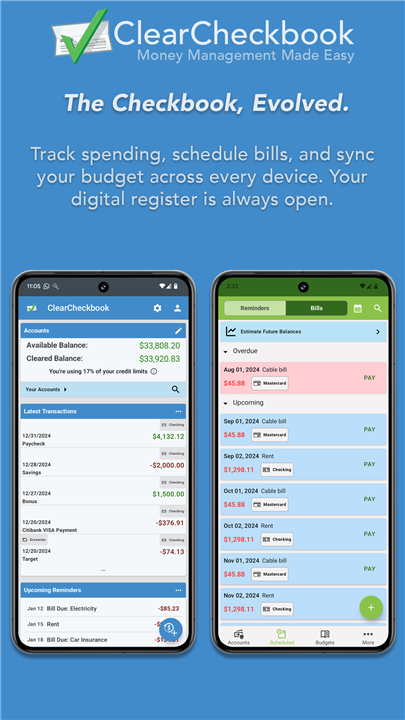
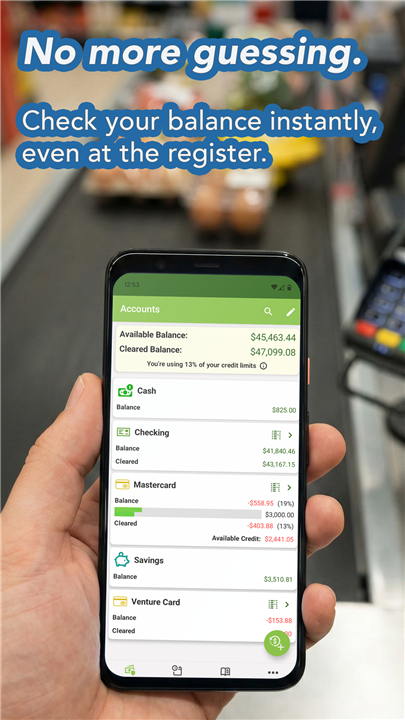
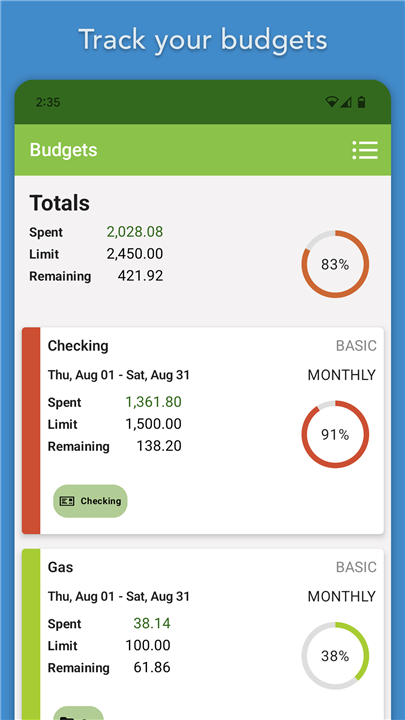
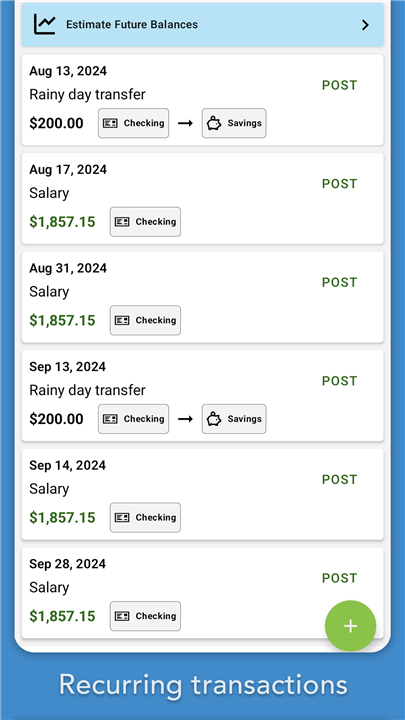
ClearCheckbook Money Manager
Overview
• ClearCheckbook Money Manager is a powerful financial management tool that works seamlessly with the online platform ClearCheckbook.com.
• It enables you to take control of your personal or shared finances from virtually anywhere with an internet connection.
• Whether you are at home, at work, or traveling, you can access your account information and make updates in real time.
Key Features
1. Modern Checkbook Register
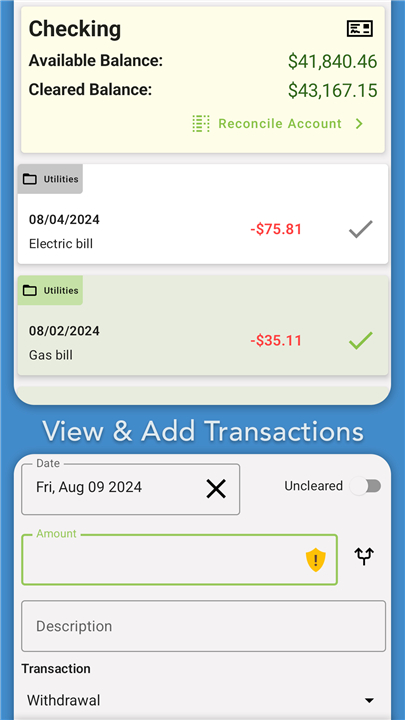
• ClearCheckbook takes the traditional checkbook register concept and enhances it with modern tools, allowing you to record transactions quickly and efficiently.
• You can track deposits, withdrawals, and transfers with ease.
2. Budget Tracking
• Set up multiple budgets and monitor your spending across categories.
• The system provides clear insights into how your money is allocated and alerts you if you are close to exceeding your budget.
3. Bill Management
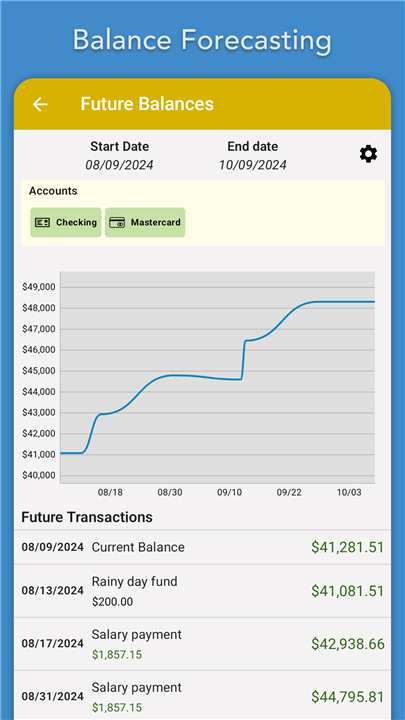
• Keep track of upcoming bills, due dates, and payment amounts.
• This helps you avoid late fees and ensures all financial obligations are met on time.
4. Account Reconciliation
• Match your recorded transactions against your bank statements to identify discrepancies and maintain accurate balances.
Cloud Sync and Multi-Device Access
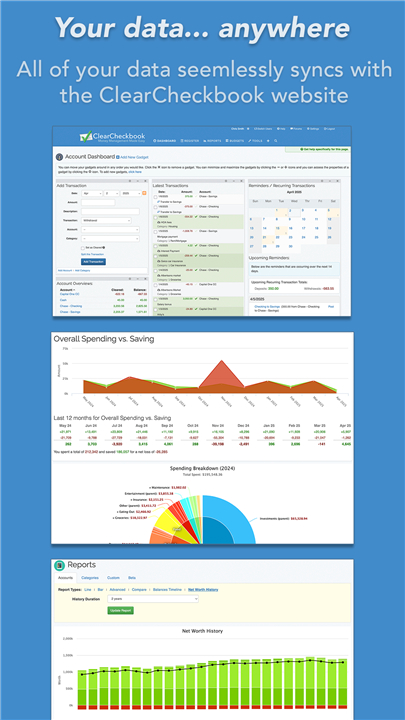
• By integrating directly with ClearCheckbook.com, all your financial data is automatically synced across multiple devices, including smartphones, tablets, and computers.
• This ensures that:
+ You have up-to-date account balances and budget information at all times.
+ Shared accounts, such as those used by families or spouses, stay accurate and transparent.
+ Reduces the risk of overdrawing your accounts by keeping everyone informed of current balances.
Accessibility and Pricing
• The ClearCheckbook app is free to sign up and use, making it accessible to anyone interested in better financial management.
• For users who want enhanced features, ClearCheckbook offers a Mobile Premium upgrade via in-app purchase, which expands functionality and provides additional tools for advanced budgeting and account management.
FAQ
Q: How do I create an account and begin tracking my current balances?
A: Getting started is as simple as signing up for a free ClearCheckbook account through the app or website. Once you confirm your email address, you add each of your checking, savings, credit card, or cash balances manually. If you have old records in a spreadsheet or another finance app, you can import them in CSV format so your starting balances and past transactions appear in ClearCheckbook immediately.
Q: What’s the process for setting up and monitoring a budget?
A: After you’ve defined your spending categories—such as groceries, utilities, and entertainment—you allocate an amount to each one for the month. As you log transactions in those categories, the app shows you how much you have left, and it sends you an alert if you’re approaching or exceeding your limit. Those visual cues and notifications help you stay on track without having to guess where your money went.
Q: How can I use bill management to avoid late payments?
A: Within the app you can create entries for recurring bills, specify due dates, and indicate payment amounts. ClearCheckbook then highlights upcoming bills in your account view and can remind you via email or push notification. That way you’re never caught off guard by a forgotten utility or subscription fee, and you avoid extra charges or negative marks on your credit.
Version History
v8.8.42——15 Dec 2025
Manage budgets, bills & accounts with ClearCheckbook Money Manager. Sync across devices. Free & premium tools. Download the latest version of ClearCheckbook Money Manager to enjoy new features and updates immediately!
*6.2.0.2
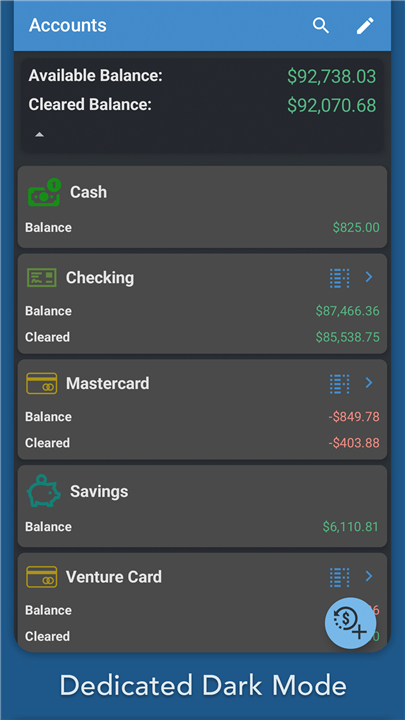
Enabling Dark Mode for UI. You can enable the setting in More -> General Settings.
*6.1.64
Bug fixes:
* Issue with Transfer Category option not saving correctly
*6.1.63
Bug fixes:
* Issue with Transfer Category option not saving correctly









Ratings and reviews
There are no reviews yet. Be the first one to write one.