

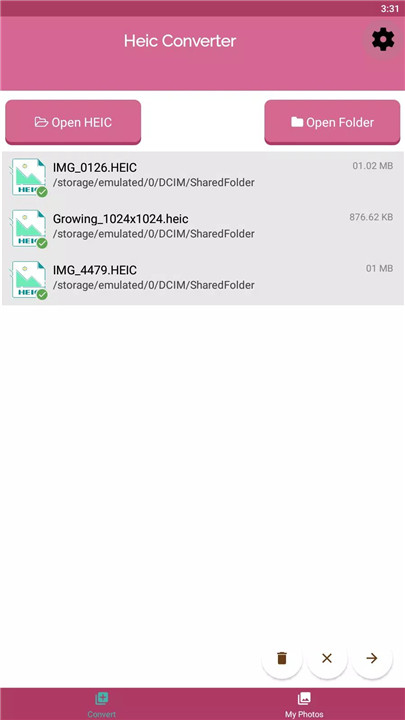
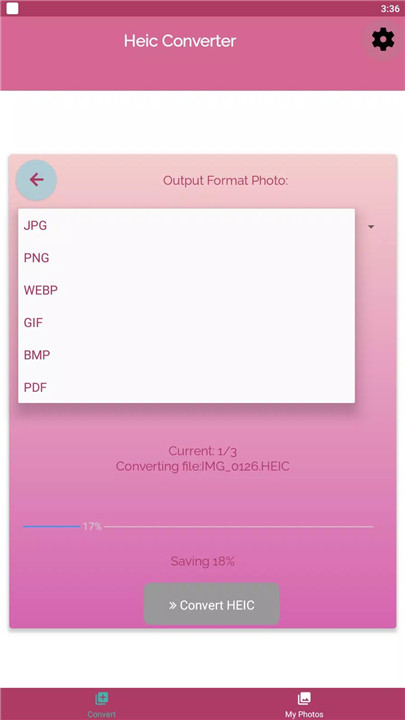
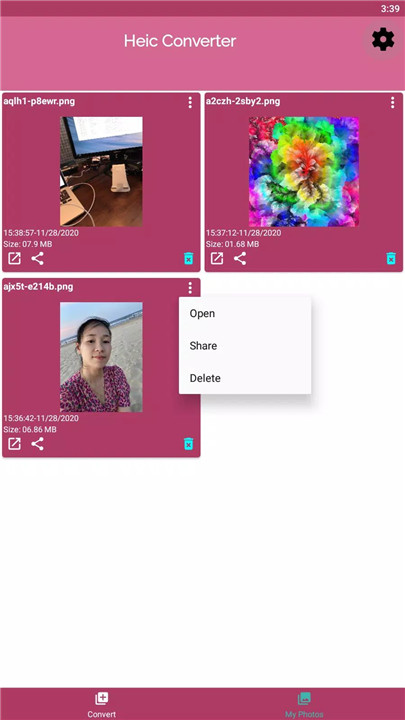
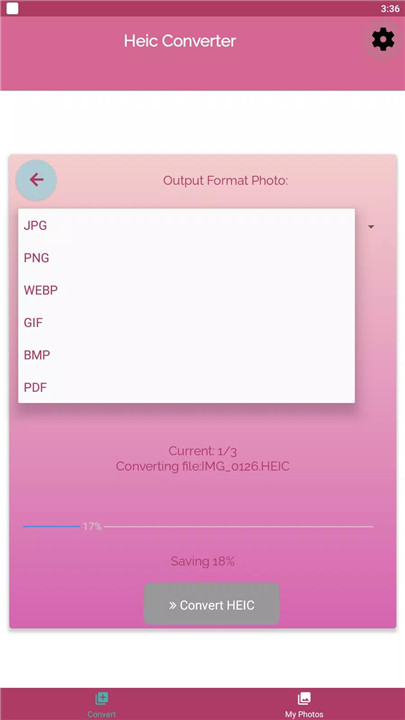
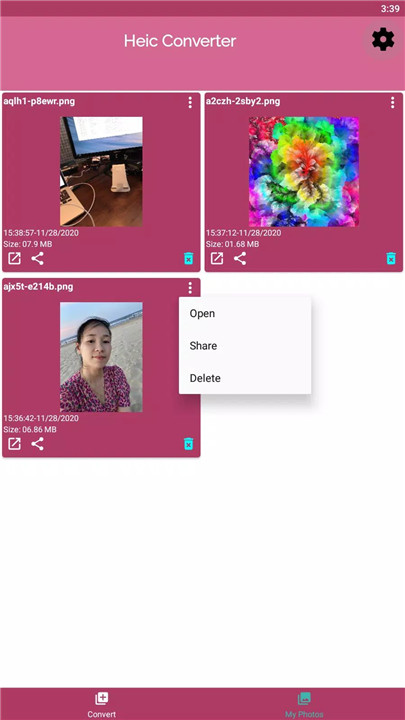
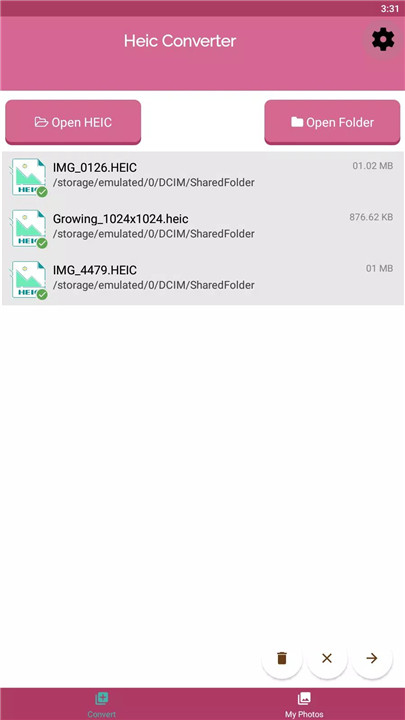
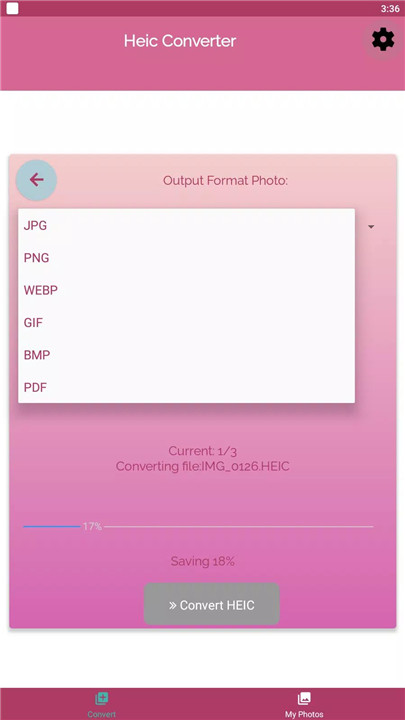
If you're an iPhone or iPad user, you may have encountered HEIC files, which offer better image quality and smaller file sizes than traditional JPGs. However, these files are not always compatible with other devices and software. This is where HEIC to JPG Converter comes in handy, it lets you convert HEIC files into various formats like JPG, PNG, PDF, and more, ensuring you can view and share your photos easily across all platforms. Get HEIC to JPG Converter to make your photo files more accessible!
Why Use HEIC to JPG Converter?
Easy Conversion of HEIC Files
With HEIC to JPG Converter, converting your HEIC files into universally supported formats is quick and straightforward. Simply upload your HEIC images, and the app will handle the rest.
Efficient File Compression
HEIC files are known for their superior compression capabilities, allowing photos to maintain high-quality resolution while taking up less storage space. By converting to formats like JPG or PNG, you preserve the image’s quality without losing any detail, all while optimizing storage space.
Support for Multiple File Formats
Not only can you convert your HEIC images to JPG, but HEIC to JPG Converter also supports conversions to other formats like PNG, PDF, BMP, and GIF.
Save Space and Share Anywhere
With HEIC to JPG Converter, you can store twice as many photos without sacrificing quality. Convert and share your images seamlessly across devices, ensuring compatibility with Windows, Android, and more.
FAQs
Q: What image formats can I convert HEIC files to?
A: You can convert HEIC files to several image formats including JPG, PNG, PDF, BMP, and GIF.
Q: Why should I convert my HEIC files?
A: HEIC files offer superior quality and reduced file size, but they may not be compatible with all devices. Converting them to more common formats like JPG or PNG ensures you can view, share, and store them without issues.
Q: How fast is the conversion process?
A: HEIC to JPG Converter is designed for quick and efficient conversions, allowing you to convert your files faster than you can say "Cheese!"
----------------------------
What's New in the Latest Version 18
Last updated on Nov 5, 2024
Fix bugs!









Ratings and reviews
There are no reviews yet. Be the first one to write one.