

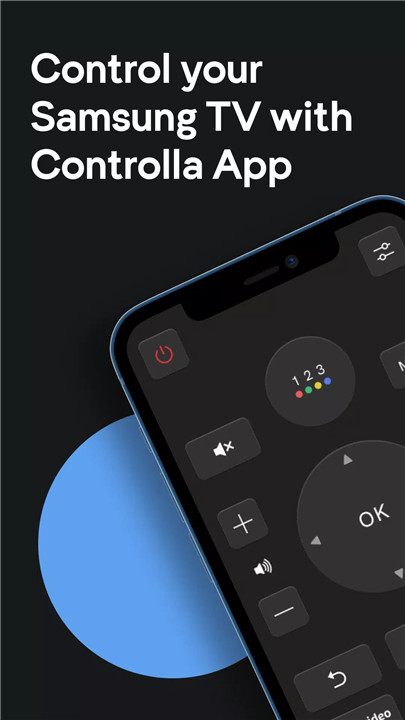
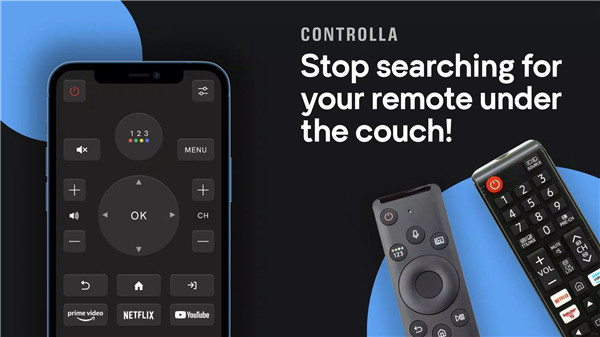
Tired of dealing with a bulky, outdated remote control for your Samsung Smart TV? The Remote For Samsung Smart TV app by Controlla is here to make your life easier! Now, you can control all the functions of your Samsung TV directly from your phone! No more fumbling around for your physical remote – simply use the app for a seamless, convenient experience.
Control Your Samsung TV with Ease
The Remote For Samsung Smart TV app gives you full control of your Samsung TV without the need for infrared equipment. All you need is a Wi-Fi connection. The app connects automatically to your TV every time you open it, ensuring you can quickly access all the functions you need without any delays!
Streaming Shortcuts
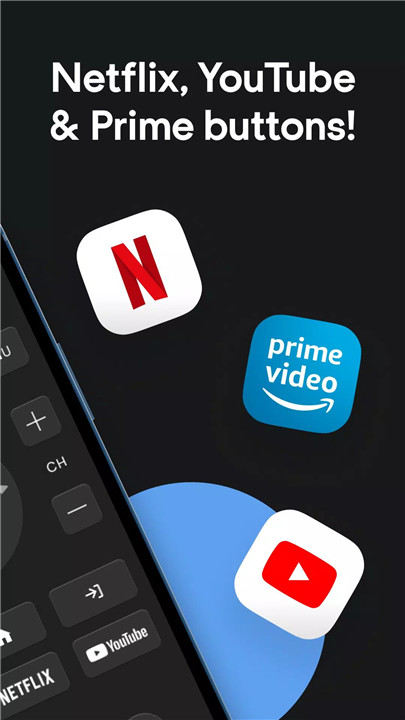
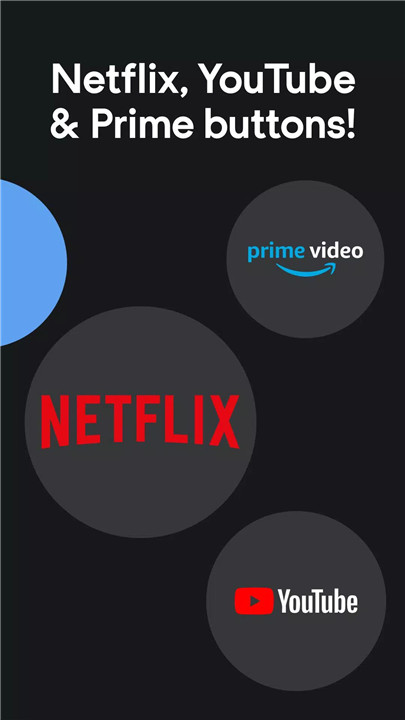
Easily access your favorite streaming platforms directly from the app. With one-click buttons for Netflix, Amazon Prime, and YouTube, you can start watching your favorite shows or movies instantly. No need to scroll through menus or hunt for the app on your TV – everything is just a tap away.
User-Friendly Interface
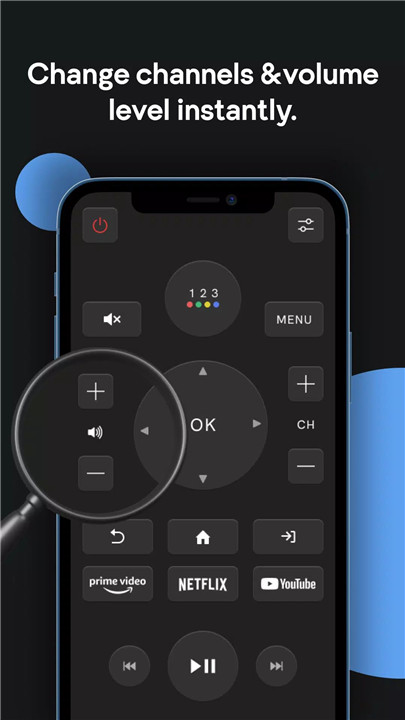
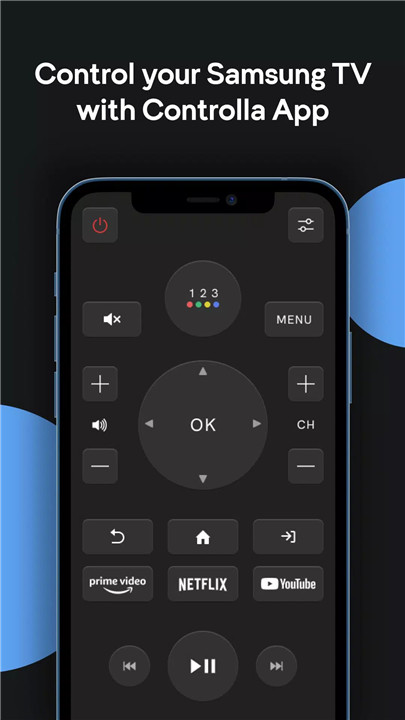
The Remote For Samsung Smart TV app boasts a clean, realistic design that mimics the feel of a traditional remote control. It’s simple to use, and each button is clearly labeled for quick access. The app also includes light vibration feedback when you press buttons, giving you a tactile feel - just like an actual remote!
Control Multiple TVs
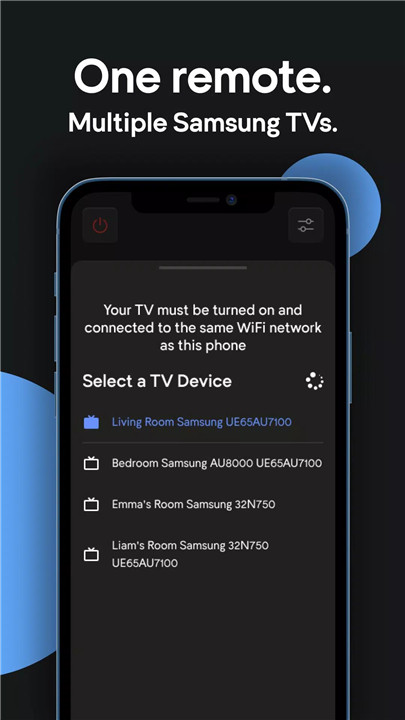
If you have more than one Samsung TV, you can control multiple devices with the same app. Simply switch between TVs with ease and enjoy seamless control from your phone, whether you're in the living room or bedroom.
Convenient and Fast Access
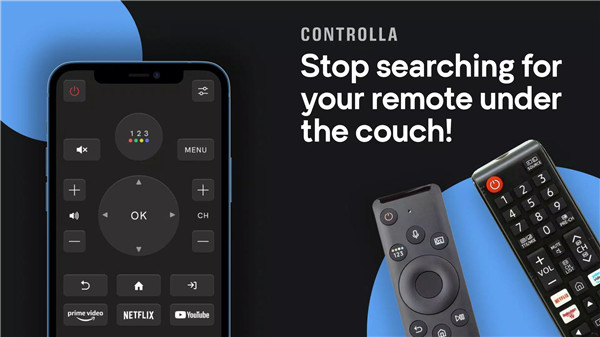
With the Remote For Samsung Smart TV app, there’s no need to search for your physical remote or replace batteries. Once your phone and TV are connected to the same Wi-Fi network, you’ll have full control at your fingertips.
FAQs
1. How do I connect my phone to my Samsung TV with the app?
Ensure that both your phone and Samsung TV are connected to the same Wi-Fi network. The app will automatically detect your TV once it’s opened, providing seamless control.
2. Does the app work with all Samsung TV models?
Yes, the app is compatible with a wide range of Samsung Smart TV models. It’s designed to work across various versions for maximum usability.
3. Can I control multiple Samsung TVs with the app?
Absolutely! The app allows you to control multiple Samsung TVs using your phone. You can easily switch between different TVs whenever you like.
4. Do I need infrared equipment to use the app?
No, the Remote For Samsung Smart TV app works entirely over Wi-Fi. There’s no need for infrared equipment, making it more efficient and easy to use.
5. Is this app free to download and use?
Yes, the Remote For Samsung Smart TV app is free to download and use. It offers all the core features of a remote control without any hidden fees or subscription charges.
Version History
v1.21—4 Jul, 2024
Bug fixes and improvements
v1.20—3 Jun, 2024
- Bug fixes and improvements
v 1.19—22 May, 2024
- Bug fixes and improvements









Ratings and reviews
There are no reviews yet. Be the first one to write one.