

Viggle AI: Meme Generator APK
1.2.1
Viggle AI: Meme Generator
Viggle AI: Meme Generator APK
Download for Android
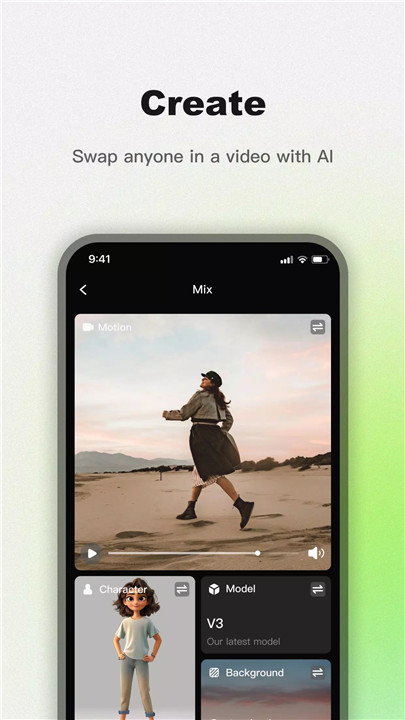
Viggle AI is revolutionizing video creation, giving you the power to bring your wildest, most creative ideas to life. You've seen it everywhere—on social media trends, TikTok dances, and viral memes. Now, it’s your turn to join the fun and create unforgettable videos using the power of artificial intelligence!
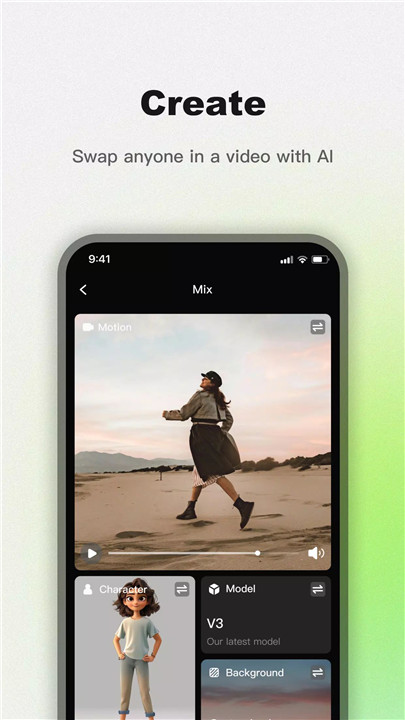
Mix: Replace Anyone in a Video
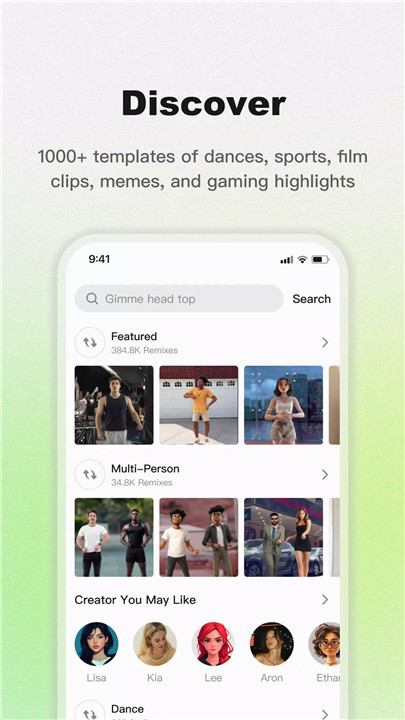
With Viggle AI, you can easily replace anyone in a video. Simply upload a character image and a video, or choose from one of 1000+ fun templates in the library. Your image will be perfectly blended into the video, making it look like you're part of the action!
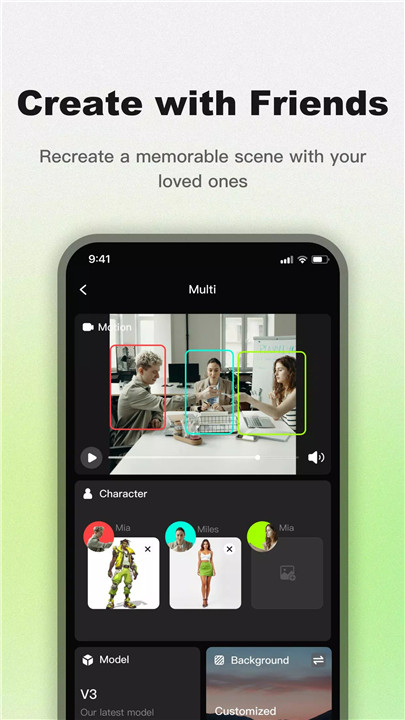
Multi: Replace Multiple Characters
Want to get even more creative? With the Multi feature, you can upload multiple character images to replace various characters in the video. Imagine dancing with your friends, recreating an action-packed fight scene, or acting alongside your favorite movie star—Viggle lets you do all of this and more!
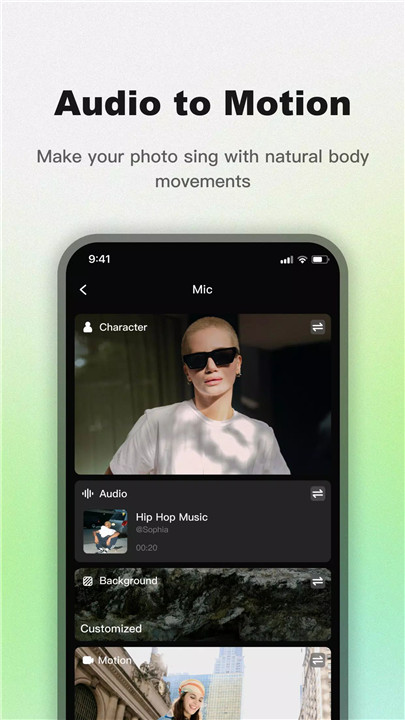
Mic: Advanced Lip Sync
Take your video creation to the next level with Viggle’s Mic feature. Record yourself singing, talking, or dancing, and sync it with your character’s movements. You can make your character talk, sing, dance, and move in perfect harmony with your voice, making the video even more fun and interactive.
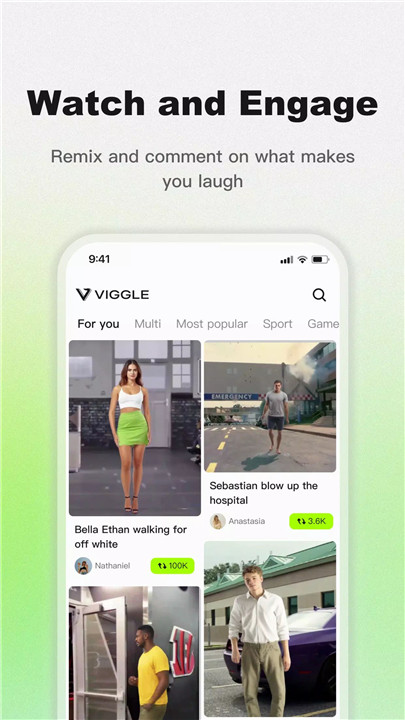
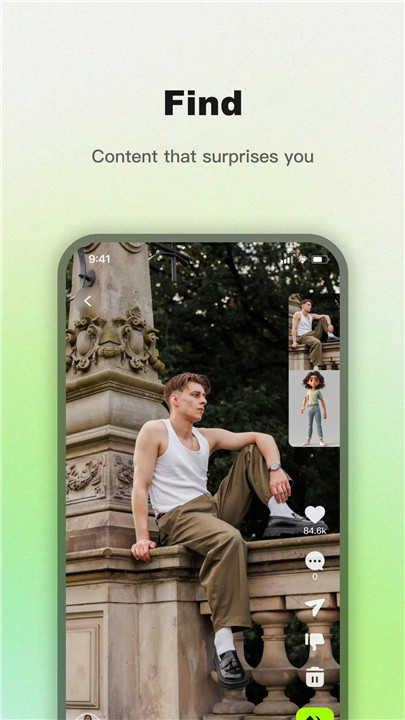
Content Feed: Engage with the Community
Get inspired by the amazing creations of the Viggle community! You can engage with videos that others have created, remix them, and add your own personal twist. It's a space for creativity and collaboration, where you can always discover something new and exciting.
How can I use Viggle?
· Meme Magic: Transform friends, family, or celebrities into hilarious, meme-worthy animations. Choose from 1000+ templates and create your own meme magic!
· Make Photos Dance: Ever wanted to see yourself or your friends dancing? Simply upload a photo, and watch the magic unfold as you or your friends groove like pros.
· Play Like a Pro: Experience your favorite sports players’ best moments by uploading your picture and stepping into their shoes. Play football, NBA, or NFL—Viggle has templates for all your sporting dreams.
· Jump into Movie Scenes: Recreate famous movie moments by inserting yourself into iconic scenes. Whether it's action, comedy, or drama, Viggle AI helps you act alongside the biggest stars.
· Animate Your Character: Want to act or create a unique storyline? Upload motion videos that suit your character and bring your vision to life in an animated form.
· Share the Fun: Once your video is ready, share it on social media and watch it go viral! Or send it to friends and spread the joy.
Pricing
· Free:
o 5 videos per day (relaxed mode)
o 2 video generations at once
o Assets stored for 60 days
o Get started for free!
· Viggle Pro ($9.99/month):
o 80 credits per month
o No watermarks, videos up to 1080p
o Fast mode video generation
o Multi-person videos
o Custom voices
o 10 relaxed mode videos per day
o Permanent assets storage
FAQs
1. Does the Viggle app pay real money?
Viggle users can earn up to 60,000 Viggle Points per month, which can be redeemed for gift cards, prizes, or cash. This equates to approximately $3 in cash each month.
2. Is Viggle free?
Yes, Viggle AI is free to use! You can create up to 5 videos per day and enjoy a wide range of templates. The Viggle Pro subscription offers additional features like faster video generation and more storage.
3. How long does Viggle take to work?
After you submit your inputs, Viggle AI processes the video in about 2 to 5 minutes, depending on the complexity. Once the video is ready, you can view and download it immediately.
4. How do I get started with Viggle?
Simply upload a photo or character image, select a motion template, and generate your video. It’s that easy! For more advanced customizations, upload both an image and video to make your character mimic real movements.
5. Can I share my Viggle videos?
Absolutely! Once your video is ready, you can easily share it on social media, or send it to friends directly from the platform. Watch your videos go viral as you create content that stands out!
Version History
v1.2.1—9 Dec, 2024
Minor bug fixes and improvements. Install or update to the newest version to check it out!
v1.2.0—4 Dec, 2024
v1.1.9—12 Nov, 2024









Ratings and reviews
There are no reviews yet. Be the first one to write one.