

K2er - Gamepad Keyboard Mapper APK
0.3.212
K2er - Gamepad Keyboard Mapper
K2er - Gamepad Keyboard Mapper APK
Download for Android
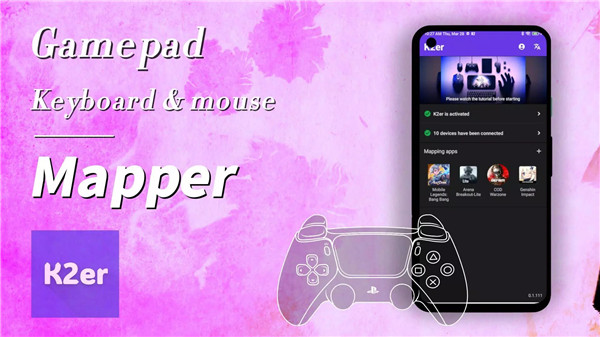
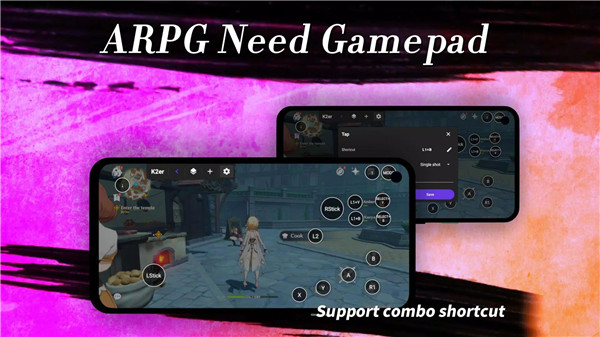
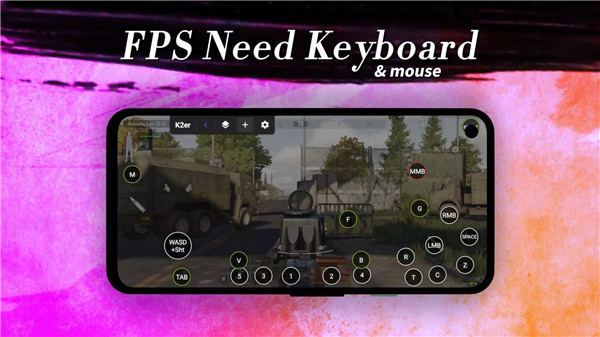
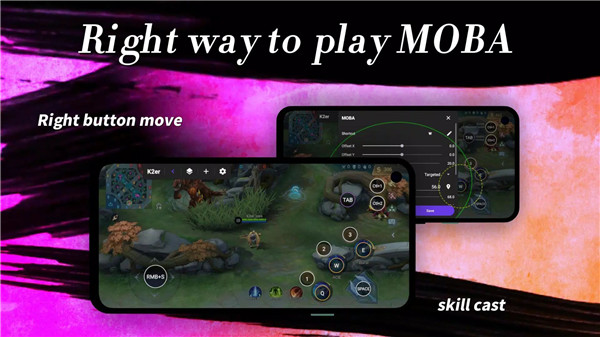
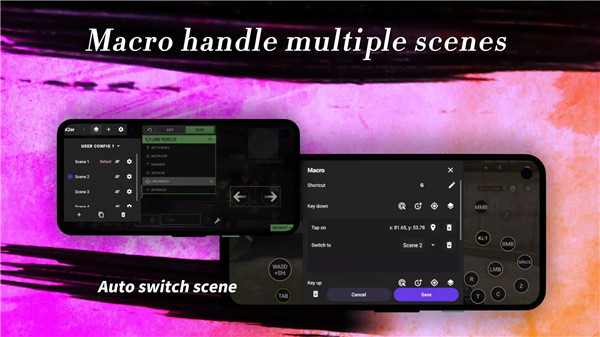
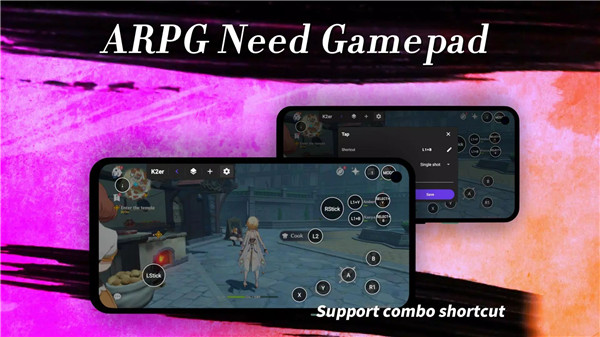
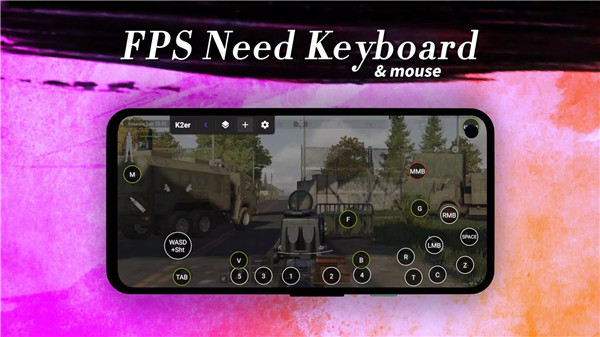
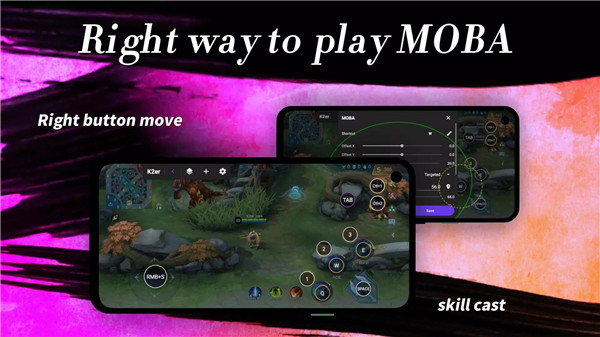
K2er is a powerful and versatile input mapping solution designed to elevate your Android gaming experience. With its advanced mapping technology, K2er allows you to use almost any gamepad, keyboard, or mouse to control your favorite Android games with unmatched precision and flexibility. No more being limited by touchscreen controls!
Gamepad Mastery
K2er takes gamepad control to the next level. Map buttons, triggers, thumbsticks, and more from your gamepad to perform in-game actions with pinpoint accuracy. Whether you're using an Xbox, PlayStation, or another major brand, K2er ensures that every button press feels intuitive and responsive, allowing you to dominate your favorite Android games with precision.
Keyboard Wizardry
For those who prefer a keyboard, K2er gives you full access to map keys for movement, abilities, macros, and more. It supports all major keyboard brands, offering a true desktop-like experience on Android. Whether you want to assign keys for quick actions or perform complex combos, K2er makes it easy to map every key to your preference.
Mouse Majesty
Take control of your games with your mouse. K2er allows you to map mouse buttons, the scroll wheel, and cursor movements to execute actions with unprecedented precision. Perfect for targeting enemies, navigating menus, or making fast, responsive movements, K2er gives you an edge over other players.
Combo Key Mastery
Level up your gameplay with combo key mapping. Easily assign complex key combinations like Ctrl+1, Shift+A, or L1+X to perform unique actions. With K2er, you can execute intricate combos across your gamepad, keyboard, or mouse, ensuring that every move is as seamless and efficient as possible.
Game Scene Mapping
Create different mapped profiles for various gameplay scenarios. Whether you're driving, shooting, or navigating menus, K2er lets you set up custom control profiles and switch between them on the fly. This level of customization ensures that you have full control no matter the game scene.
MOBA Smart Cast
For competitive players, K2er’s MOBA Smart Cast feature is a game-changer. Map complex ability combinations for a competitive edge, making it easier to execute abilities in your favorite MOBAs with speed and accuracy.
Macro Mapping
Link a series of touchscreen actions to a single input for effortless execution of complex maneuvers. Whether you're executing a combo or activating multiple abilities, K2er streamlines your gameplay with macro mapping.
No App Cloning
Unlike other solutions, K2er uses proprietary mapping technology, meaning you don’t need to worry about app cloning. This ensures a secure and ban-free experience for players who value their account safety.
Easy Activation
Getting started with K2er is quick and easy. With on-device activation on Android 11+ and root-enabled automatic activation, you can get up and running without hassle.
FAQs
1. How do I connect my gamepad to K2er?
K2er supports most gamepads. If your gamepad is Bluetooth-enabled, simply pair it with your phone via Bluetooth settings. For wired gamepads, connect using a docking station or USB adapter.
2. Can I use my keyboard and mouse with K2er?
Yes, K2er supports all major keyboard and mouse brands. Connect your devices via Bluetooth or a docking station, and you're ready to go.
3. How do I map combo keys?
K2er allows you to assign complex combinations like Ctrl+1, Shift+A, or L1+X. Simply create custom mappings for these combos, and execute them easily while playing.
4. Is K2er compatible with all Android games?
K2er is compatible with a wide range of Android games, enhancing gameplay by allowing you to use gamepads, keyboards, and mice. Check the app's supported games list for specific details.
5. Is K2er safe to use (will it get me banned)?
Absolutely! K2er uses proprietary mapping technology, which means you don’t need to clone any apps, ensuring a secure and ban-free experience for all users.
Version History
v0.3.212—22 Jan, 2025
* 【Re-centering Type】added: Stop (No Re-centering)
* Fixed the conflict between 【MOBA Skill (L-Stick)】 and 【L-Stick Movement】
* Fixed the issue where the 【Zoom In/Out】 function was unresponsive when using a gamepad
* Other optimizations.
v0.3.211—21 Jan, 2025
* 【Re-centering Type】added: Stop (No Re-centering)
* Fixed the conflict between 【MOBA Skill (L-Stick)】 and 【L-Stick Movement】
* Fixed the issue where the 【Zoom In/Out】 function was unresponsive when using a gamepad
* Other optimizations.
v0.3.200—14 Jan, 2025
* Recoil control optimization: the "Frequency" of each control level can be set independently.
* Tap Key optimization: the "Single Shot" mode now differentiates between [Trigger on Press] and [Trigger on Release]. Except for the "Sync" mode, all types have an added "Duration" option for the key press.
* Macro optimization: the [Tap Command] now includes a "Duration" option.
* Other optimizations.









Ratings and reviews
There are no reviews yet. Be the first one to write one.