

Spck Editor / Git Client APK
9.1.4.0
Spck Editor / Git Client
Spck Editor / Git Client APK
Download for Android
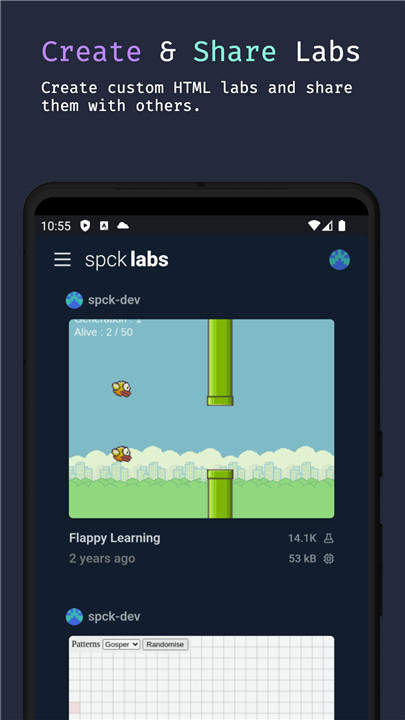
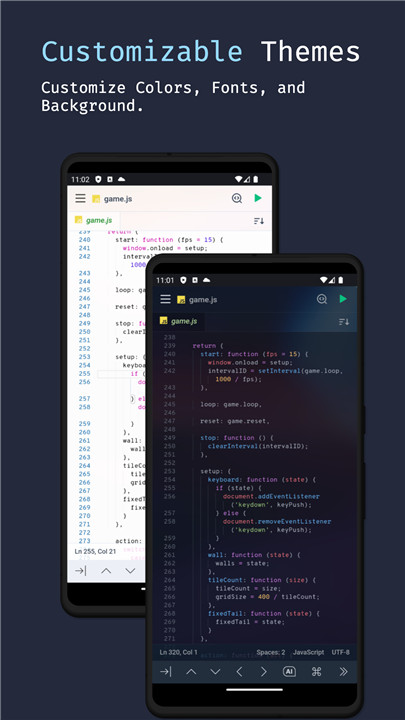
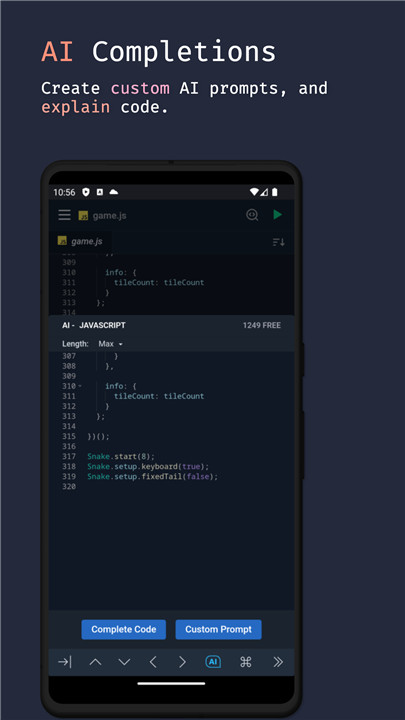
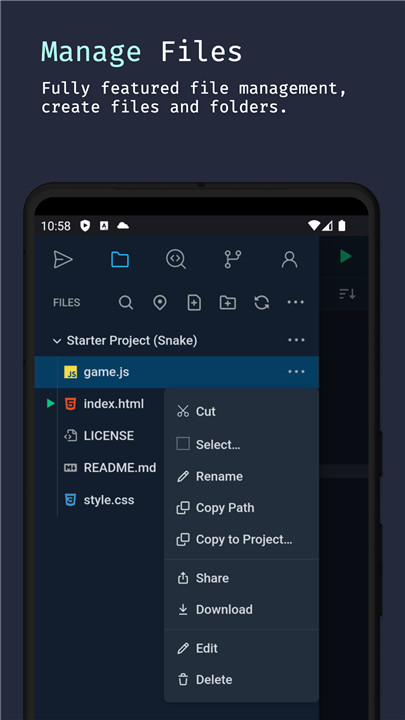
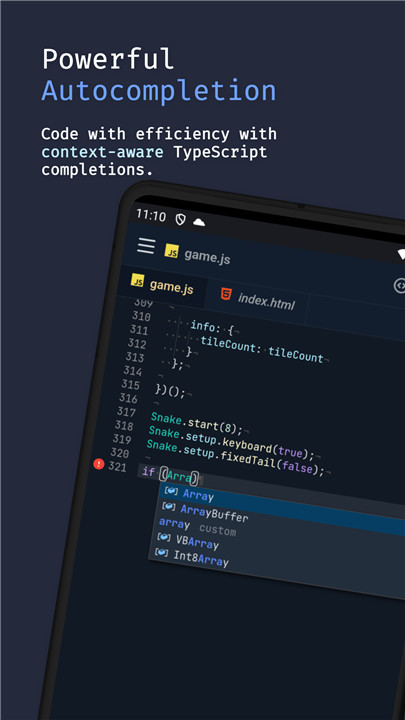
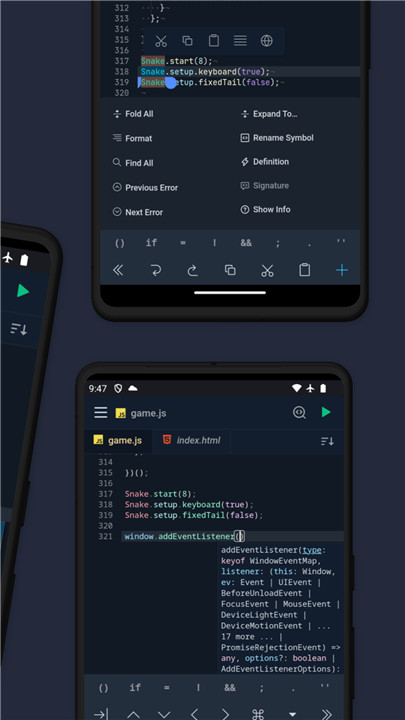
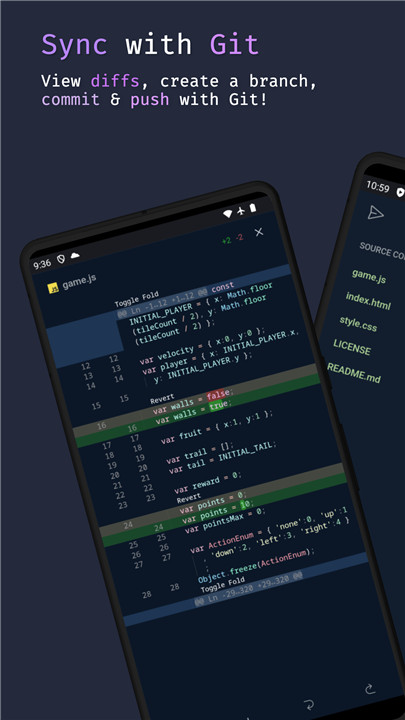
Spck Editor Lite empowers you to code directly on your Android device. Experience rapid modifications with TypeScript autocompletion, handy code snippets, and an additional on-screen keyboard. You can preview and debug HTML files seamlessly. Sync your updates with any git repository, whether it’s from GitHub, GitLab, Bitbucket, AWS CodeCommit, Azure DevOps, and more. You can clone repositories, make commits, and push changes right from your phone.
Remember to back up your projects before uninstalling the app to avoid any risk of data loss. However, if you're simply upgrading or updating, your data should remain safe.
Key features include:
- Clone both public and private repositories (app tokens required)
- Quick snippets keyboard for efficient coding
- Integrated Git client (checkout/pull/push/commit/log)
- Diff viewer for projects using Git
- Preview HTML/Markdown files directly on your device
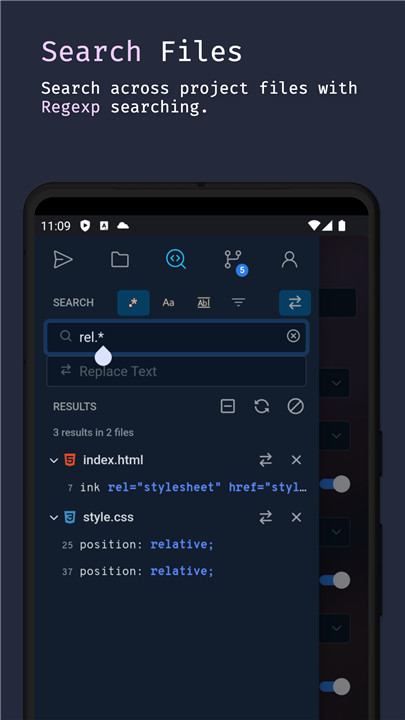
- Search through projects and files
- Code syntax analysis and intelligent autocompletion
- Context-aware code completion
- Automatic code indentation
- Light and dark themes available
- Export/import projects/files as zip
- CSS color selector
- Engaging JavaScript labs for experimentation
- New: AI-driven code completion and explanations
Supported main languages:
- JavaScript
- CSS
- HTML
- Markdown
Smart code-hinting support includes:
- TypeScript, JavaScript, TSX, JSX
- CSS, Less, SCSS
- HTML (with Emmet support)
Other popular languages (syntax highlighting only):
- Python, Ruby, R, Perl, Julia, Scala, Go
- Java, Scala, Kotlin
- Rust, C, C++, C#
- PHP
- Stylus, CoffeeScript, Pug
- Shell, Batch
- OCaml, ActionScript, ColdFusion, HaXe
+ More...
With its comprehensive features and extensive language support, Spck Editor Lite is designed for developers who want to code on the go, offering a flexible and user-friendly mobile coding experience. Dive into the world of mobile coding with Spck Editor Lite, where every line of code is just a tap away!
FAQ
Q: Which Android devices are supported by Spck Editor Lite?
A: Spck Editor Lite supports most Android devices running Android 5.0 (Lollipop) and above. Ensure your device meets the minimum system requirements for optimal performance.
Q: Can I clone private repositories using Spck Editor Lite?
A: Yes, you can clone both public and private repositories. For private repositories, you will need to provide an app token or use SSH keys for authentication.
Q: How do I sync my projects with Git repositories?
A: Spck Editor Lite has an integrated Git client. You can clone repositories, make commits, and push changes directly from the app. To sync your projects, simply connect to your Git repository and use the built-in Git commands.
Version History
v9.1.4.0——10 Mar 2025
Make changes, preview, push to git repo with this tiny code editor. Download the latest version of Spck Editor / Git Client 9.1.4.0 to enjoy new features and updates immediately!
- AI: Upgrade Sonnet model to 3.7 Sonnet
- AI: Fix bug where prompt fails upon initial load
- Git: Handle case of Unknown Error in git operations due to network failure
- Markdown: Add TypeScript, Python, Ruby, Java, Golang, C++, SQL to list of supported static highlighting blocks









Ratings and reviews
There are no reviews yet. Be the first one to write one.