

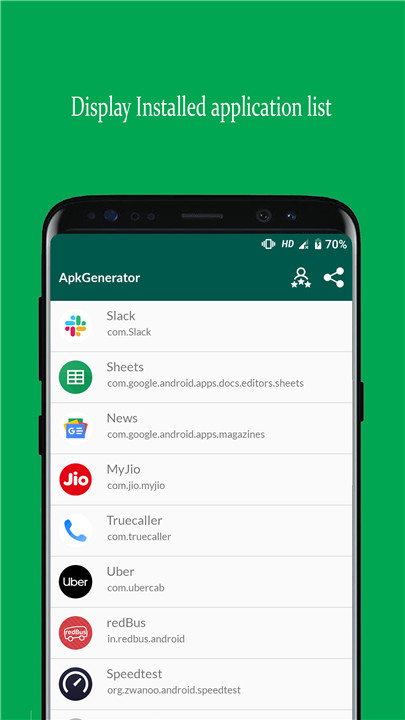
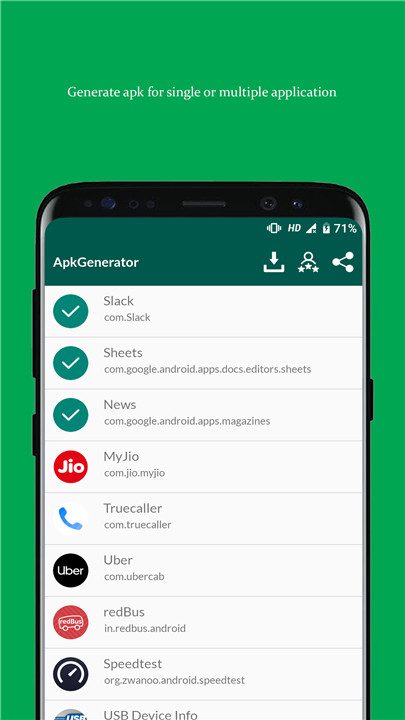
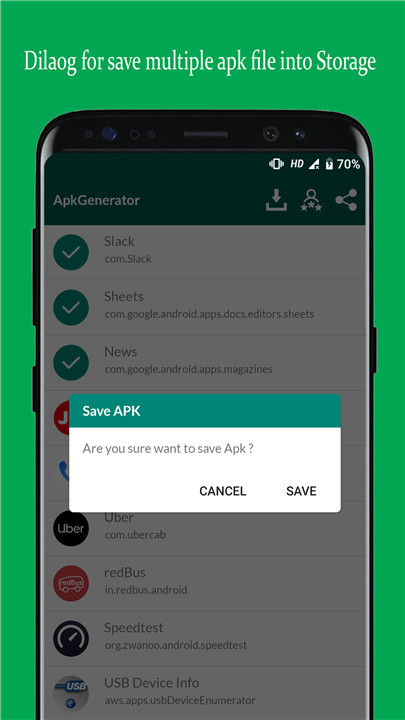
APK Extractor allows users to extract applications from their list of installed apps. Additionally, APK Creator saves the generated APK files to internal storage. Users can view all saved APK files within the APK Creator app and can also install them directly from there.
Permissions
+ Storage Permission:
To effectively carry out its operations, the APK Extractor requires storage permission. This permission is essential as it allows the application to save the extracted APK files into a designated location within the internal storage of your device. Without this permission, the app would not be able to function correctly, as it needs to write files to the storage.
Features
1. Comprehensive List of Installed Applications
- Users can access a full list of all applications on their device, making it simple to identify which ones they might want to extract.
2. Extract Single or Multiple APKs Simultaneously
- The app enables users to extract both single and multiple APK files at once, making it convenient for those looking to back up several applications in one go.
3. User-Friendly Interface
- Designed with an intuitive layout, the app is easy to navigate, catering to users of all skill levels.
4. No Root Access Required
- A key benefit of APK Extractor is that it functions without needing root access, making it accessible to a wider audience who may not wish to root their devices.
5. Save APK Files in a Designated Directory
- Users can choose a specific folder within their internal storage to save extracted APK files, helping them keep their backups organized.
6. Delete Single or Multiple Extracted APKs
- The app offers the ability to easily delete one or more extracted APK files, allowing users to manage their storage space efficiently.
7. View List of Generated APKs
- Users can see a detailed list of all APKs they have created within the app, facilitating easy tracking and retrieval.
8. Install Generated APKs Directly
- The APK Extractor and Creator app allows users to install the generated APK files straight from the application.
FAQ
Q: Can I extract multiple APKs at once?
A: Yes, you can extract multiple APKs simultaneously. Simply select the apps you want to extract, then tap the "Extract" button. The app will save all selected APKs to the designated directory.
Q: Why does APK Extractor require storage permission?
A: APK Extractor requires storage permission to save the extracted APK files into a designated location within the internal storage of your device. This permission is essential for the app to function correctly, as it needs to write files to the storage.
Q: What happens if I deny storage permission to APK Extractor?
A: If you deny storage permission, APK Extractor will not be able to save the extracted APK files to your device. This means you won't be able to use the app to back up or manage your APK files effectively.
Version History
v1.2.8——5 Mar 2025
Extract APK from Existing installed Application Download the latest version of APK Extractor 1.2.8 to enjoy new features and updates immediately!
Bug fixes and improvements









Ratings and reviews
There are no reviews yet. Be the first one to write one.