

Medeo - AI Video Generator APK
1.1.0
Medeo - AI Video Generator
Medeo - AI Video Generator APK
Download for Android
Medeo - AI Video Generator
Transform Ideas into Cinema Through Conversation
• Forget the steep learning curve of professional editing software.
• Medeo is the ultimate AI-powered studio that turns your thoughts—or even your existing files—into stunning video content.
• Whether you are a creator, marketer, or entrepreneur, Medeo translates your vision into polished reality as easily as sending a text message.
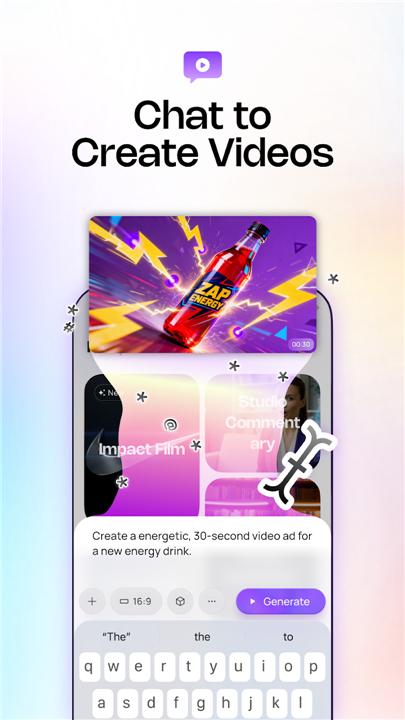
Conversational Creation
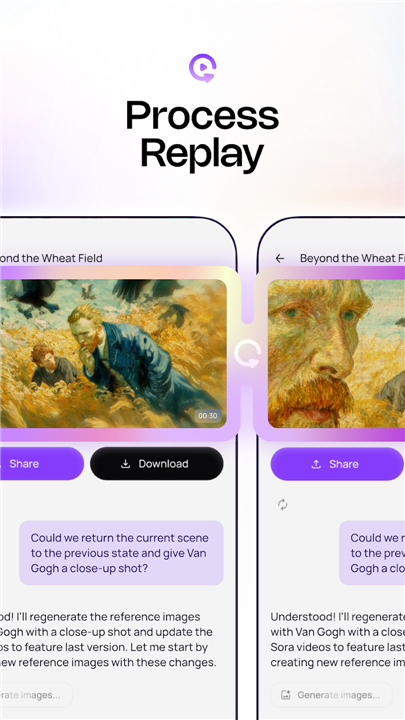
• Dialogue-Driven Workflow: Abandon complex prompt engineering. Simply speak to the app to iterate, refine, and build your scene in real time.
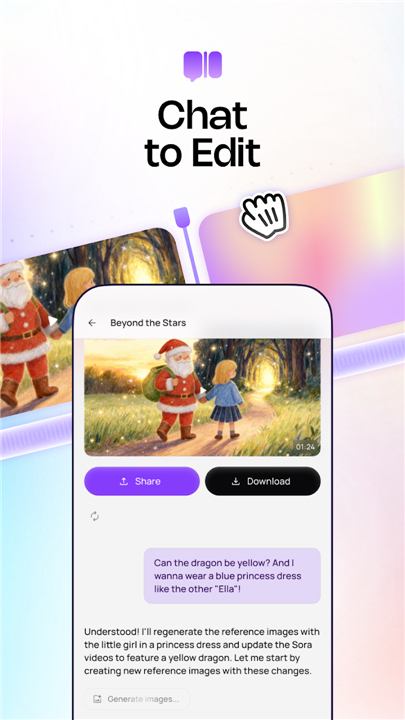
• Dual Control: Benefit from the speed of AI-driven editing alongside the granular precision of a manual timeline.
• Fully Editable Projects: Unlike static AI tools, Medeo provides complete project files, allowing you to fine-tune every frame manually.
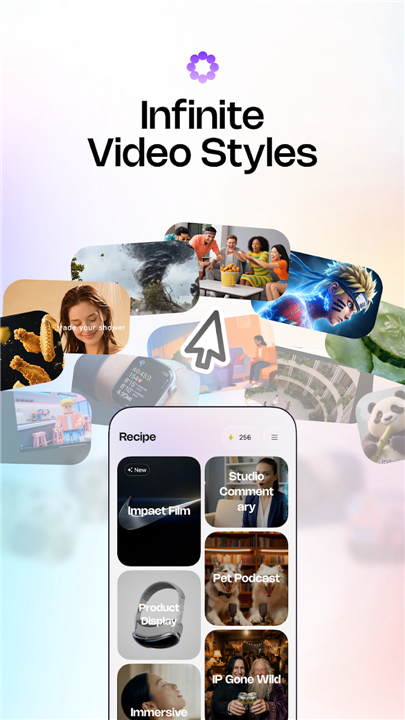
Limitless Creative Potential
• Social Media Mastery: Rapidly produce viral trends, meme parodies, and engaging short-form content for TikTok and YouTube.
• Professional Animation: Export high-quality anime, music videos, kids' content, and sketch explainers with ease.
• Business Innovation: Instantly convert PDFs, PPTs, and URLs into professional brand films, product showcases, and training modules.
• Cinematic Realism: Leverage industry-leading engines to produce Hollywood-grade sequences and immersive sensory experiences.
World-Class AI Engine Integration
We have consolidated the most powerful generation models into one seamless interface:
• Sora2 & Sora2 Pro: For unparalleled cinematic realism.
• Kling 2.6 Pro: For high-fidelity, movie-quality movement.
• Minimax Hailuo: For fluid, emotionally resonant storytelling.
• Seedance 1.5 Pro: For precise, high-definition visual generation.
Professional Features Made Simple
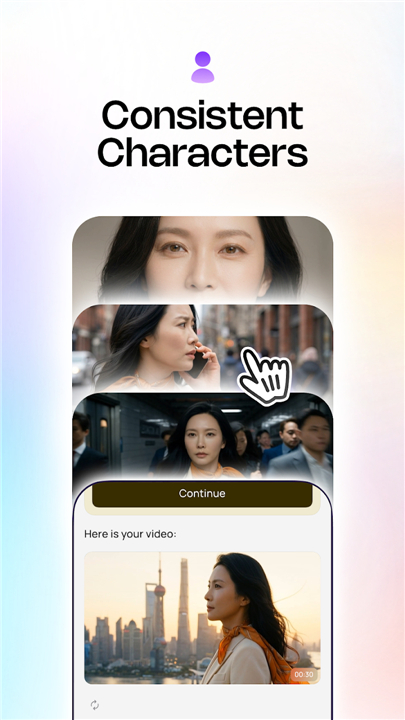
• Character Consistency: Lock in your protagonist’s look across multiple scenes to ensure a cohesive narrative.
• Content Repurposing: Turn articles, links, and documents into dynamic audiovisual content instantly.
• Comprehensive Assets: Access a massive library of premium stock footage, sound effects, and cinematic music.
• AI Voiceovers: Utilize ultra-realistic vocal models in over 50 languages or clone your own voice for a personal touch.
Download Medeo today
• Bring your ideas to life through the power of conversation.
• Stop struggling with complex timelines and start creating.
FAQ
Q: Can I manually edit the videos after the AI generates them?
A: Yes, absolutely. Unlike many AI tools that only provide static outputs, Medeo offers fully editable project files. You get the benefit of rapid AI generation combined with a manual timeline, allowing you to fine-tune every frame to match your exact standards.
Q: Is Medeo suitable for professional-grade animation projects?
A: Certainly. Medeo is designed to handle professional animation, including anime, music videos, sketch explainers, and children’s content, by leveraging high-performance engines that ensure high-quality visual output.
Q: Can I use my own documents or links to create video content?
A: Medeo features a powerful repurposing tool that allows you to instantly convert PDFs, PowerPoint presentations, and website URLs into professional brand films, product showcases, or educational training modules.
Version History
v1.1.0——30 Jun 2026
Chat with AI to Make Viral Videos Download the latest version of Medeo - AI Video Generator to enjoy new features and updates immediately!
*1.1.0
Minor bug fixes and improvements. Install or update to the newest version to check it out!
*1.0.10
Minor bug fixes and improvements. Install or update to the newest version to check it out!
*1.0.9
Minor bug fixes and improvements. Install or update to the newest version to check it out!











Ratings and reviews
There are no reviews yet. Be the first one to write one.