

Intelligent Hub
Your Office in an App (and in Your Pocket)
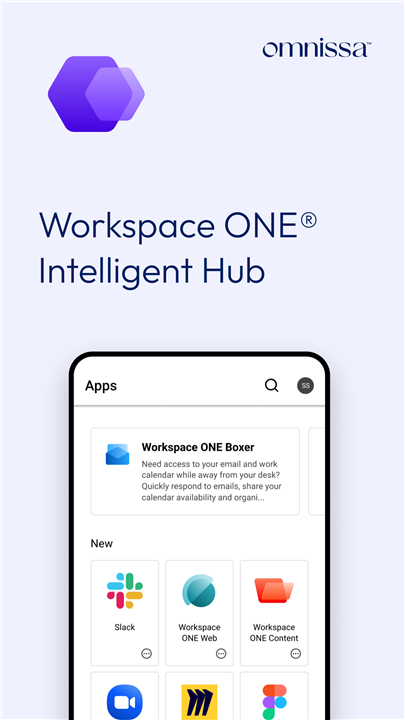
• Think of Intelligent Hub as your company’s one-stop digital concierge.
• It’s where onboarding meets app shopping, where “Who’s that coworker?” becomes “Oh, there they are,” and where security and convenience shake hands politely.
Security Without the Snooze Factor
• Intelligent Hub acts like a bodyguard for your phone.
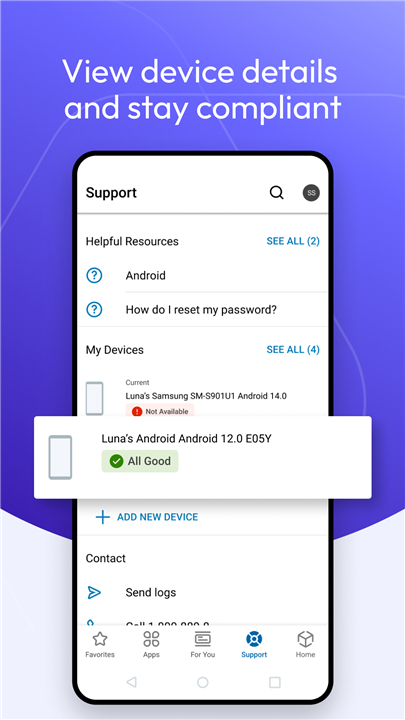
• Keeps your device secure, compliant, and connected — without making you wear a suit and tie.
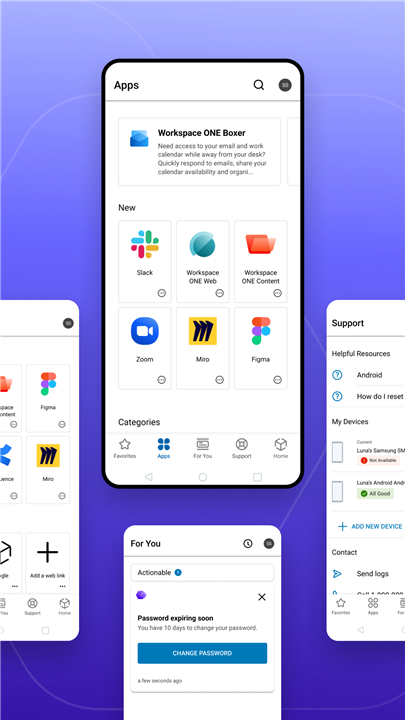
• Lets you check your device’s health, see messages from IT, confirm you’re playing by the rules, and ask for help when something’s… not working.
The App Store, But Just for Work Stuff
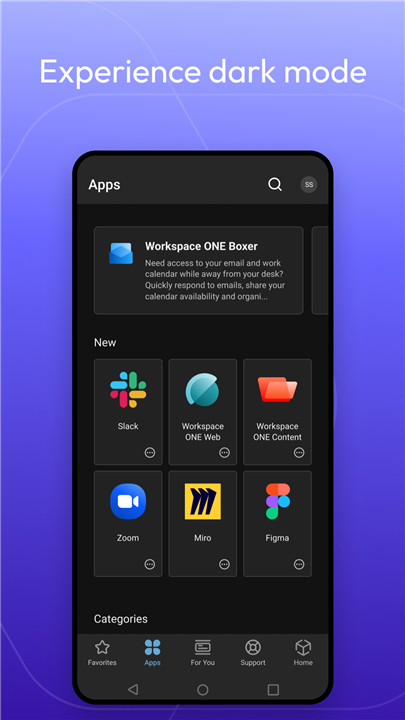
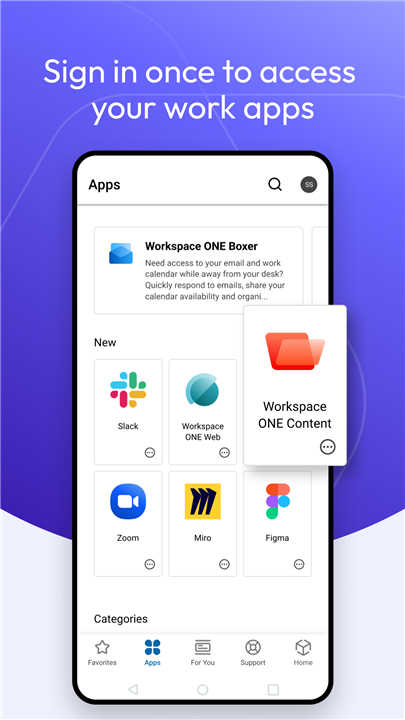
• A single, organized catalog for all your corporate apps and links.
• Optional extras like People, Notifications, and Home for a bigger buffet of features.
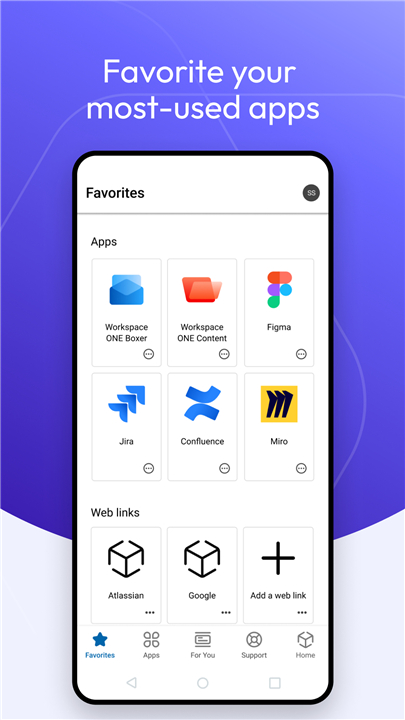
• You can “favorite” your go-to apps, rate them, search, and even discover trending tools your coworkers are using.
• Direct access to company resources and your corporate homepage — no more digging through inboxes for that one link.
Your Corporate Rolodex (Without the Dust)
• Search the staff directory by name or email.
• See photos, titles, phone numbers, emails, office locations, and reporting structures.
• Call, text, or email straight from the app, meaning no more typing out numbers from a blurry phone screenshot.
Notifications That Actually Matter
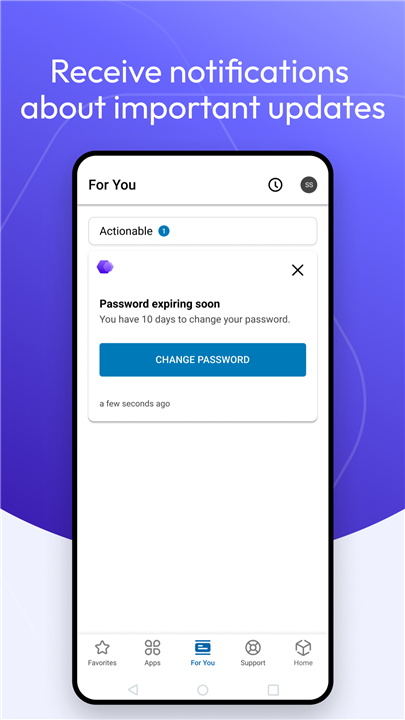
• Get alerts about important company news, downtime, surveys, or other big happenings.
• Stay on top of tasks and updates without camping out in your inbox.
What We Collect (and Why)
To keep everything safe, the Hub gathers a few device identifiers, such as:
• Phone Number
• Serial Number
• UDID (Universal Device Identifier)
• IMEI (International Mobile Equipment Identifier)
• SIM Card Identifier
• Mac Address
• Currently Connected Wi-Fi SSID
The VPN Thing (But Only Technically)
• The Hub can integrate with a third-party SDK for a secure, device-level tunnel — a James Bond–style feature for advanced mobile threat protection.
• But relax… in this case, it’s just sitting there unused, like the gym membership you swore you’d use.
Your experience will depend on what your IT overlords — err, administrators — have switched on.
Some features might be front and center for you, while others stay tucked away.
FAQ
Q: Do I need Intelligent Hub on my phone or can I just use my laptop?
A: While you can often access certain features from a computer, Intelligent Hub is designed to put your office right in your pocket. It works best on mobile because it’s meant to be with you wherever you are, making it easy to find apps, connect with coworkers, and respond quickly to company updates.
Q: How does Intelligent Hub protect my device?
A: Think of Intelligent Hub as a friendly bodyguard. It keeps your phone or tablet secure and compliant with your company’s policies, checks its “health” regularly, and makes sure your work data is safe. All of this happens in the background, so you can focus on your job without diving deep into technical settings.
Q: Will Intelligent Hub slow down my phone?
A: No, Intelligent Hub is designed to work efficiently without hogging your device’s resources. Security checks run quietly in the background, and most features are available on demand, so you won’t even notice it’s there until you need it.
Version History
v25.09.0.26——5 Nov 2025
Intelligent Hub app keeps work secure & connected with apps, contacts & alerts. Download the latest version of Intelligent Hub to enjoy new features and updates immediately!
*25.09.0.26
This release includes features and bug fixes to enhance your Hub experience.
• Improvements to Enterprise Reset in Workspace ONE UEM modern architecture environments.
• Clear Conditional Access Registration with Microsoft Entra for Shared Devices.
• New Workspace ONE Mobile Threat Defense threat classifications.
• Change the Sort Order of your Favorites
• Conditional Entitlements support
*25.08.0.17
This release includes features and bug fixes to enhance your Hub experience.
• Force Bluetooth on (Custom DPC).
• Enhancements to Microsoft Shared Device Mode registration.
*25.07.0.1331
This release includes features and bug fixes to enhance your Hub experience.
• Support for Samsung devices on Android 16
• User interaction no longer required for Enterprise
• Improved handling of multiple jobs for product provisioning.









Ratings and reviews
There are no reviews yet. Be the first one to write one.