

3D Wallpaper Clock Widget HD APK
5.29.5
3D Wallpaper Clock Widget HD
3D Wallpaper Clock Widget HD APK
Download for Android
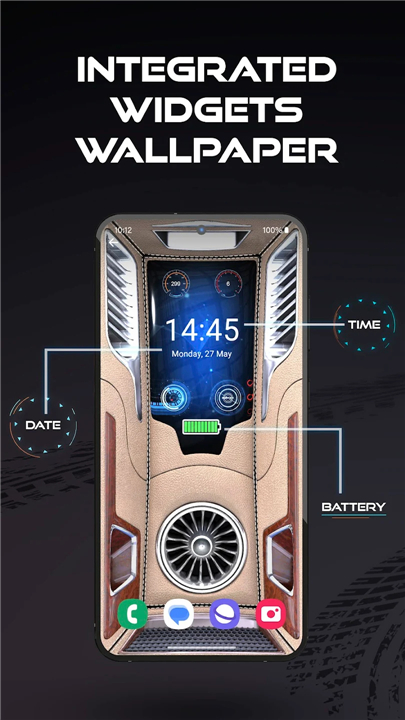
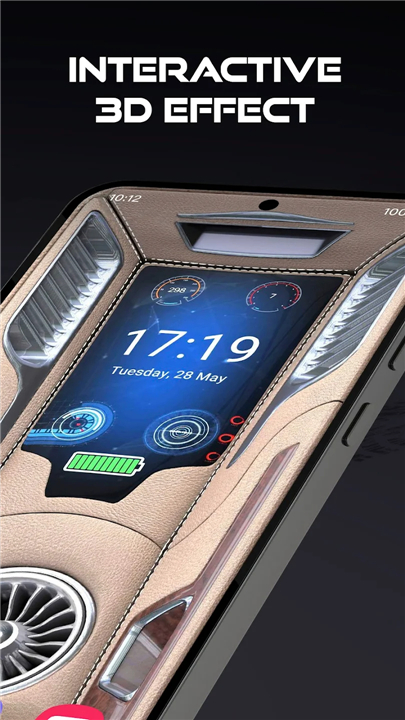
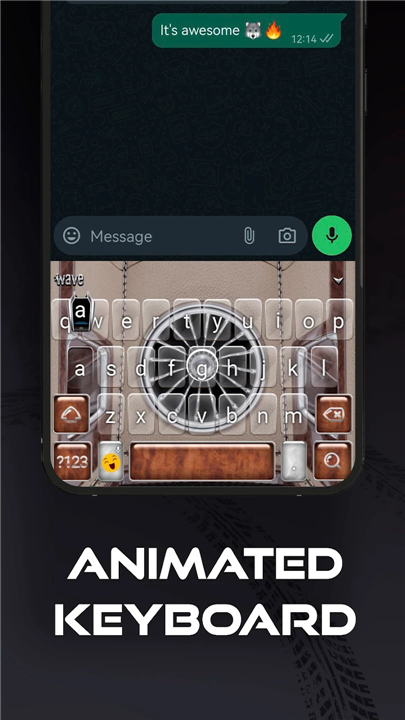
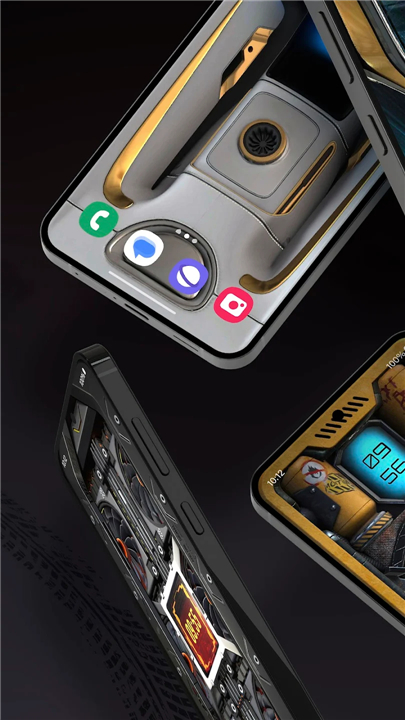
3D Wallpaper Clock Widget HD
Transform Your Android Experience
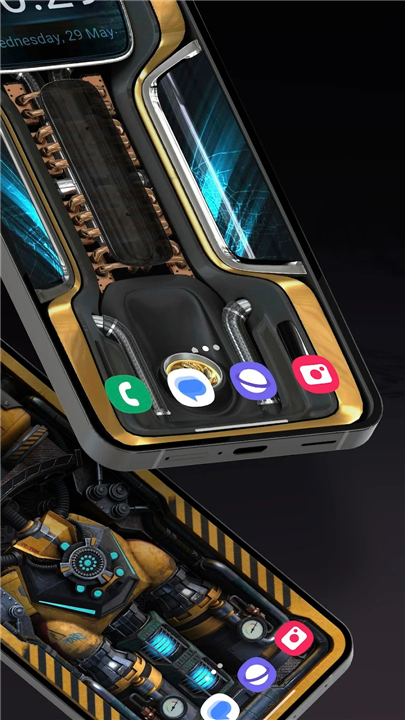
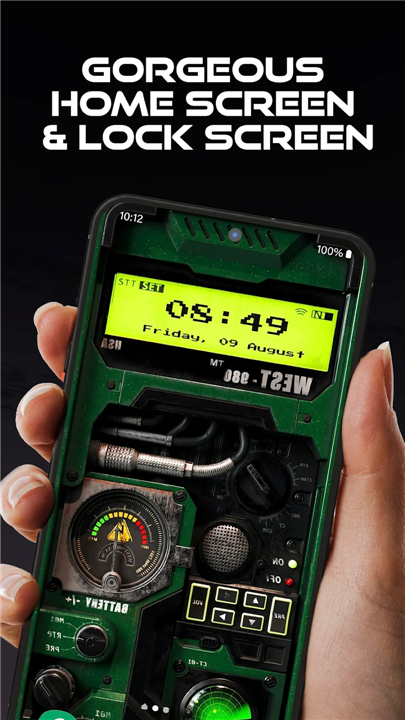
• Give your phone a complete makeover with high-quality 4K live wallpapers, animated keyboards, and a custom call screen.
• This all-in-one personalization app combines stunning visuals with smart tools that make your device both beautiful and functional.
Live Wallpapers in 3D & 4K
• Upgrade your home and lock screens with vivid, moving backgrounds designed for style and efficiency.
Features:
• Crisp HD and 4K-quality wallpapers
• Dynamic, animated background designs
• Energy-smart optimization to save battery
• Multiple styles available in the built-in gallery
How to Apply:
1. Install Live Wallpaper 3D + Widgets
2. Open the app and choose Set Wallpaper
3. Select your preferred design and apply it to home and lock screens
Animated Custom Keyboard
• Match your wallpaper with a fully customizable, animated keyboard that makes typing more enjoyable.
Features:
• Personalized backgrounds, fonts, colors, and sounds
• 800+ expressive emojis
• Built-in GIF library and instant GIF creation
• Smart auto-correct across 20+ languages
• Voice input for hands-free typing
• Privacy-friendly: no tracking or storage of typing data
How to Apply:
1. Install Live Wallpaper 3D + Widgets
2. Choose Apply Theme to set up your keyboard
3. If required, follow prompts to install Wave Keyboard
Custom Call Screen
• Add the final touch with a stylish, animated call screen design that matches your wallpaper and keyboard theme.
How to Apply:
1. Open the app and select Call Screen Animations
2. Enable the feature to activate your custom call screen
Why Choose This App?
• Complete device transformation in just a few steps
• A unified visual style across wallpaper, keyboard, and call screen
• Tools that enhance both appearance and usability
• Battery-friendly design without compromising quality
Your phone reflects your personality — make it bold, stylish, and uniquely yours.
FAQ
Q: Can I use the clock widget alongside the live wallpaper without any conflicts?
A: Absolutely. The clock widget is designed to float seamlessly over your chosen live wallpaper. Once you’ve set your wallpaper, return to the app’s main menu, select “Widgets,” pick your favorite clock style, and drag it onto your home screen. The widget’s transparent background ensures it never clashes with your dynamic backdrop.
Q: Will these high-quality animations consume a lot of battery?
A: We understand battery life is important, so we built in energy-smart optimization. The app dynamically adjusts animation frame rates when your screen is idle and pauses nonessential effects when your battery is low. As a result, you’ll enjoy vibrant motion without a noticeable hit to your charge.
Q: How do I enable and customize the animated keyboard?
A: After installing Live Wallpaper 3D + Widgets, tap “Apply Theme” within the app. Follow the prompts to install our companion Wave Keyboard if it’s not already on your device. Once active, you can personalize the keyboard background, font style, key colors, click sounds, and even keyboard layout, all from within the same interface you used to set your wallpaper.
Version History
v5.29.5——5 Jan 2026
Live Wallpaper 3D + Widgets: clock, date & battery - Android cool custom theme Download the latest version of 3D Wallpaper Clock Widget HD to enjoy new features and updates immediately!
*5.29.5
Minor bug fixes and improvements. Install or update to the newest version to check it out!
*5.29.1
Minor bug fixes and improvements. Install or update to the newest version to check it out!
*5.28.8
Minor bug fixes and improvements. Install or update to the newest version to check it out!









Ratings and reviews
There are no reviews yet. Be the first one to write one.