

Splash Draw
Overview
• Splash Draw is more than just a drawing app—it’s a creative playground designed for anyone who enjoys doodling, sketching, or simply experimenting with colors.
• Whether you are a seasoned artist looking for a quick digital canvas or someone who just wants to relax and play with shapes and lines, Splash Draw offers an inviting environment that is both simple and deeply engaging.
Getting Started
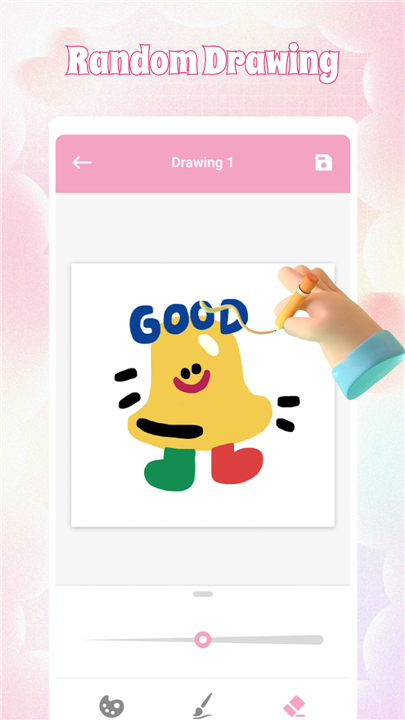
• Open a fresh, blank canvas in seconds.
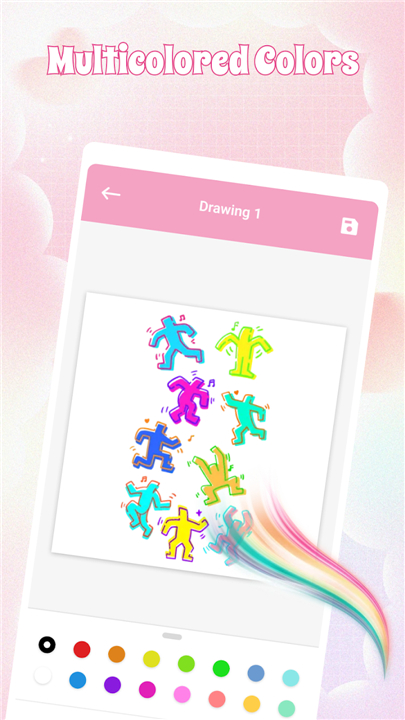
• Choose from a wide range of vibrant, eye-catching colors.
• Select brush sizes that suit your mood—fine for details, bold for expressive strokes.
From the very first tap, you are free to create without complex menus or intimidating features. The design keeps things intuitive, so the focus remains on your imagination rather than on learning complicated tools.
Creative Freedom
• No deadlines, no rules—just an open space to explore.
• Layer colors, mix shades, and experiment with patterns.
• Turn random lines into playful characters, abstract art, or imaginative landscapes.
Splash Draw encourages spontaneous creation, letting ideas flow naturally. Mistakes are simply part of the process—erase, redo, or transform them into something unexpected.
Keeping and Sharing Your Work
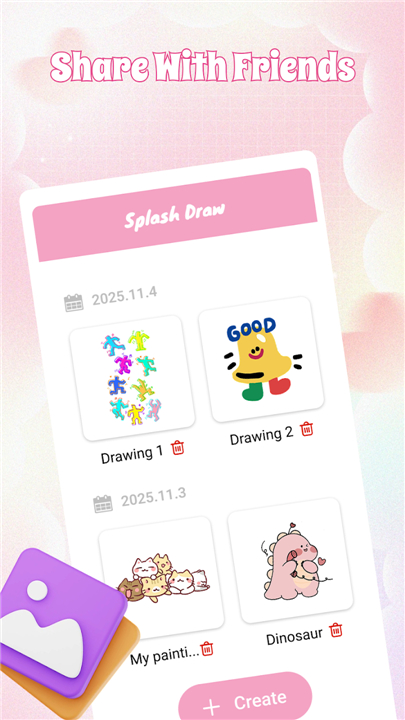
• Save your favorite doodles to enjoy later or to track your creative journey.
• Clear the canvas instantly when you’re ready for a fresh start.
• Optionally share your creations with friends or keep them as personal keepsakes.
When to Use Splash Draw
• Perfect for filling a short break with something fun and stress-free.
• A great way to spark ideas when facing creative blocks.
• Ideal for unwinding after a busy day through light, colorful play.
Every stroke and tap in Splash Draw is an opportunity to express yourself.
Whether it’s a quick five-minute sketch or a more thoughtful piece, the app transforms idle moments into bursts of creativity that are yours to enjoy.
FAQ
Q: How do I quickly start a new drawing from scratch?
A: Opening a fresh canvas in Splash Draw takes just a tap. As soon as you launch the app, you’ll see a blank space ready for your next creation. There are no complicated menus to navigate or lengthy setup processes—select “New Canvas,” pick your preferred canvas size if you wish, and you’re free to dive straight into drawing.
Q: How can I select and change colors?
A: Splash Draw offers a vibrant array of colors organized in an easy-to-browse palette. Simply tap the color swatch icon, scroll through the spectrum, and tap to choose your hue. If you’d like to fine-tune your selection, use the slider controls to adjust brightness or saturation until you land on the perfect shade.
Q: Are there different brush sizes, and how do I adjust them?
A: Yes—Splash Draw provides multiple brush-size options to suit detailed work or bold, expressive strokes. To change the brush size, tap the brush settings icon and move the size slider to make your line finer or thicker. You can switch sizes at any time while you draw, giving you full control over every stroke.
Version History
v1.1——19 Jan 2026
Splash Draw is a fun, easy digital drawing app for doodles & sketches. Relax, create & share your art anywhere. Download the latest version of Splash Draw to enjoy new features and updates immediately!
*1.1
Minor Enhancements
Bug Fixes









Ratings and reviews
There are no reviews yet. Be the first one to write one.