

TV Cast Easy: Screen Mirror APK
1.0.6
TV Cast Easy: Screen Mirror
TV Cast Easy: Screen Mirror APK
Download for Android
TV Cast Easy: Screen Mirror
Your Gateway to a Bigger, Better Viewing Experience
• Turn your small screen moments into unforgettable big-screen experiences.
• Whether you want to share memories, stream videos, or mirror your device for work or play, TV Cast Easy: Screen Mirror gives you the speed, stability, and simplicity you need—without tangled cables or complicated setups.
Why Choose TV Cast Easy: Screen Mirror?
• Instant connection to your smart TV via Wi‑Fi
• Smooth, high‑quality mirroring with minimal lag
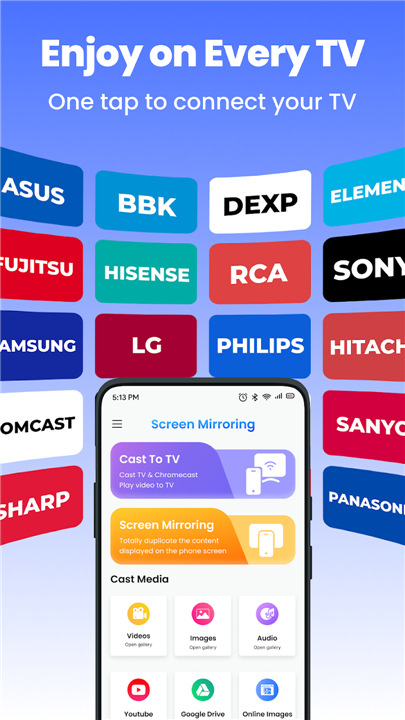
• Works with virtually all TV brands and casting devices
Key Features
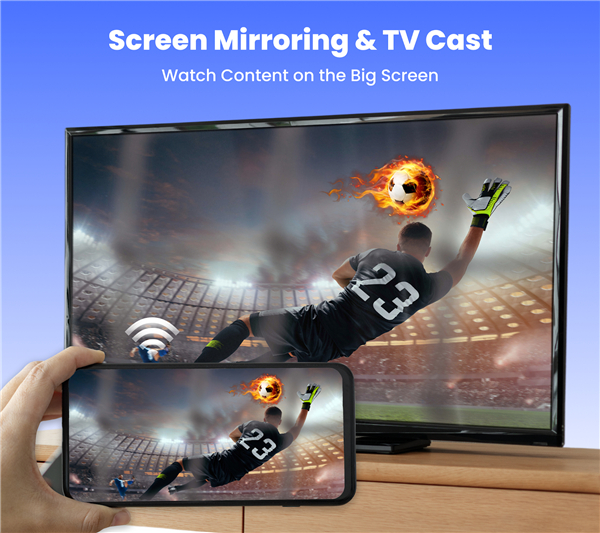
1. Screen Mirroring
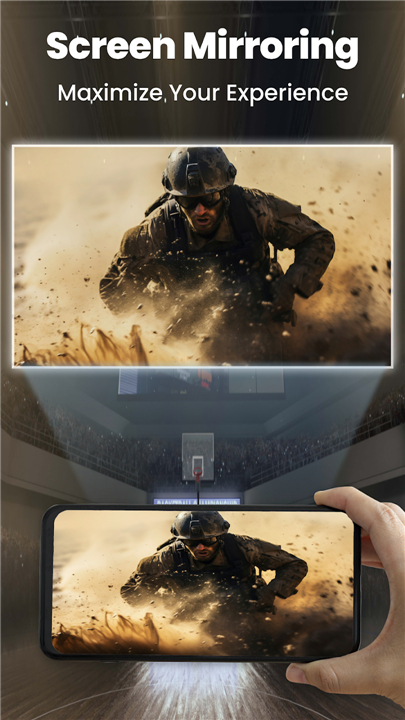
• Project your phone or tablet display directly onto your TV in real time
• Ideal for presentations, gaming, or sharing content with friends and family
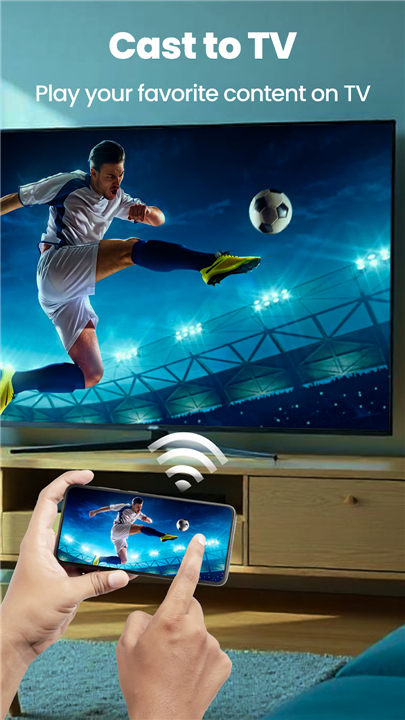
2. Cast to TV
• Stream movies, shows, and videos from your device or the web
• Share photos and slideshows effortlessly on a bigger screen
3. Universal Compatibility
• Supports most smart TVs and casting receivers
• Simple setup—connect once, enjoy anytime
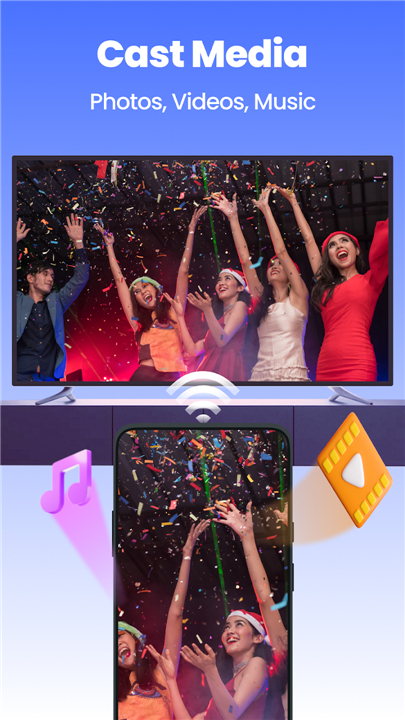
4. Media Casting Options
• Videos: Play local files or online videos with crisp playback
• Images: Display gallery photos or online pictures in stunning detail
• Audio: Enjoy music and soundtracks with clear, room‑filling audio
• Web Content: Cast browser videos, cloud files, and more
Your Feedback Matters
• We’re committed to making TV Cast Easy: Screen Mirror even better.
• Share your suggestions and help us create the ultimate casting experience for everyone.
FAQ
Q: Do I need any cables or extra hardware to use the app?
A: No extra cables or hardware are needed. TV Cast Easy: Screen Mirror operates over your existing Wi-Fi network, which means you can connect your device to your TV wirelessly. This cable-free setup ensures a clutter-free environment and a hassle-free user experience.
Q: How do I initiate a screen mirroring session?
A: After launching the app, it will scan your Wi-Fi network for available TVs and casting receivers. Select your TV’s name from the list of detected devices. Once you tap “Connect,” the app will establish a real-time link and mirror your device’s display to your TV. The entire process typically takes only a few seconds, letting you focus on sharing content rather than troubleshooting.
Q: Can I stream videos from popular apps like YouTube or Netflix?
A: Yes, you can cast videos from many streaming services, including YouTube, Netflix, Hulu, and more. The app can detect video content playing in your favorite apps or web browser and give you an option to cast it directly to your TV. Playback controls like pause, play, and volume adjustment remain on your device, so you can manage your viewing without interrupting the cast.
Version History
v1.0.6——12 Jan 2026
Elevate your viewing with TV Cast Easy: Screen Mirror. Wirelessly cast videos, photos, presentations & more to any smart TV. Download the latest version of TV Cast Easy: Screen Mirror to enjoy new features and updates immediately!
*1.0.6
Bug fixes and improvements









Ratings and reviews
There are no reviews yet. Be the first one to write one.